




Online video downloaders give you a quick way to save videos from YouTube, Facebook, TikTok, and other streaming platforms. These tools run in your browser and help you download clips without installing software. This guide highlights reliable choices, safety notes, and key limitations so you can pick the right tool.
1) Y2Mate
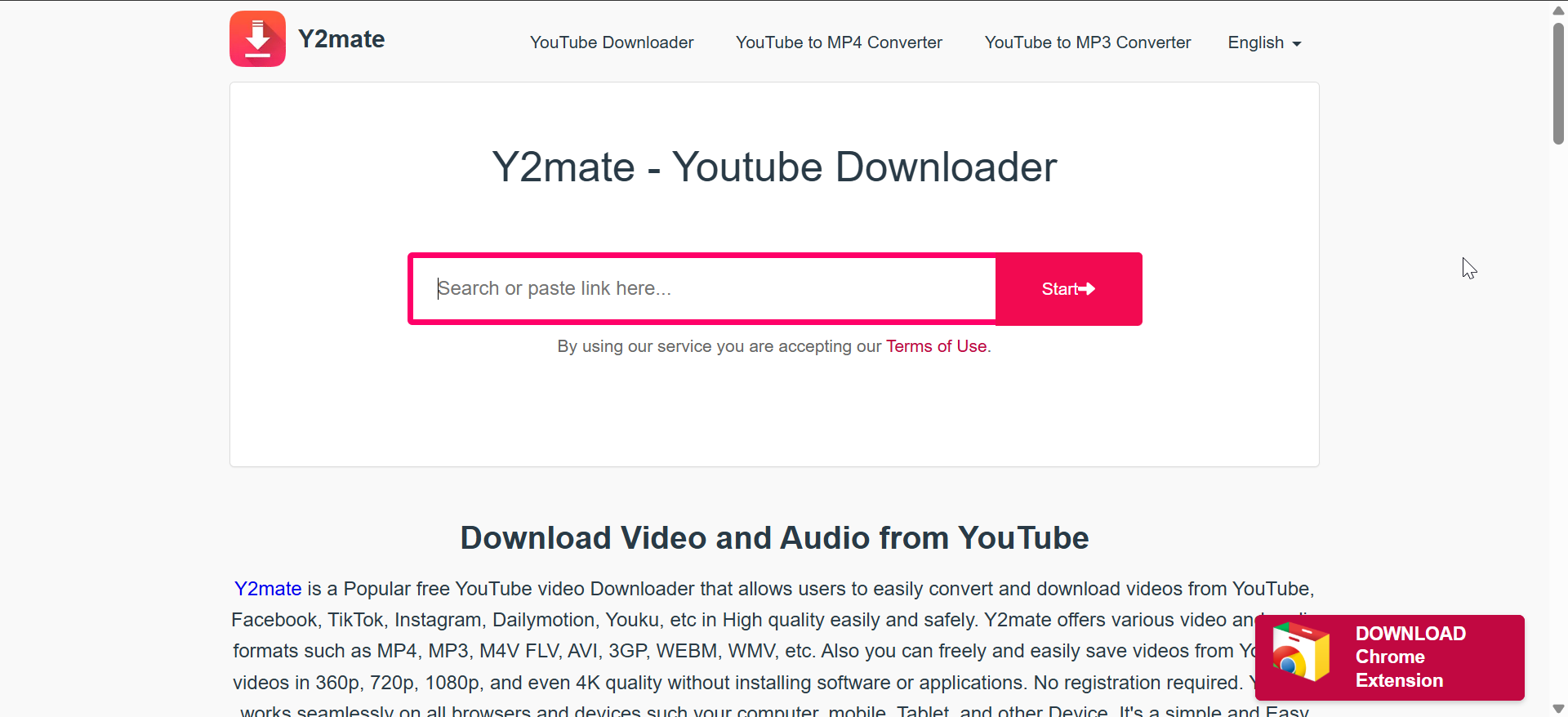
Y2Mate remains one of the most popular online downloaders because it supports videos from multiple platforms. The interface opens with a clean search box that accepts URLs instantly. The site converts videos quickly and offers simple MP4 and MP3 formats.
Y2Mate processes links without forcing extra steps, which helps new users. You also get support for HD downloads on most mainstream video platforms. The color-coded buttons guide you toward the file you want.
Y2Mate includes ads that distract some users. The site limits some high-resolution downloads depending on host restrictions. Some users may prefer a cleaner layout for repeated downloads.
2) SaveFrom
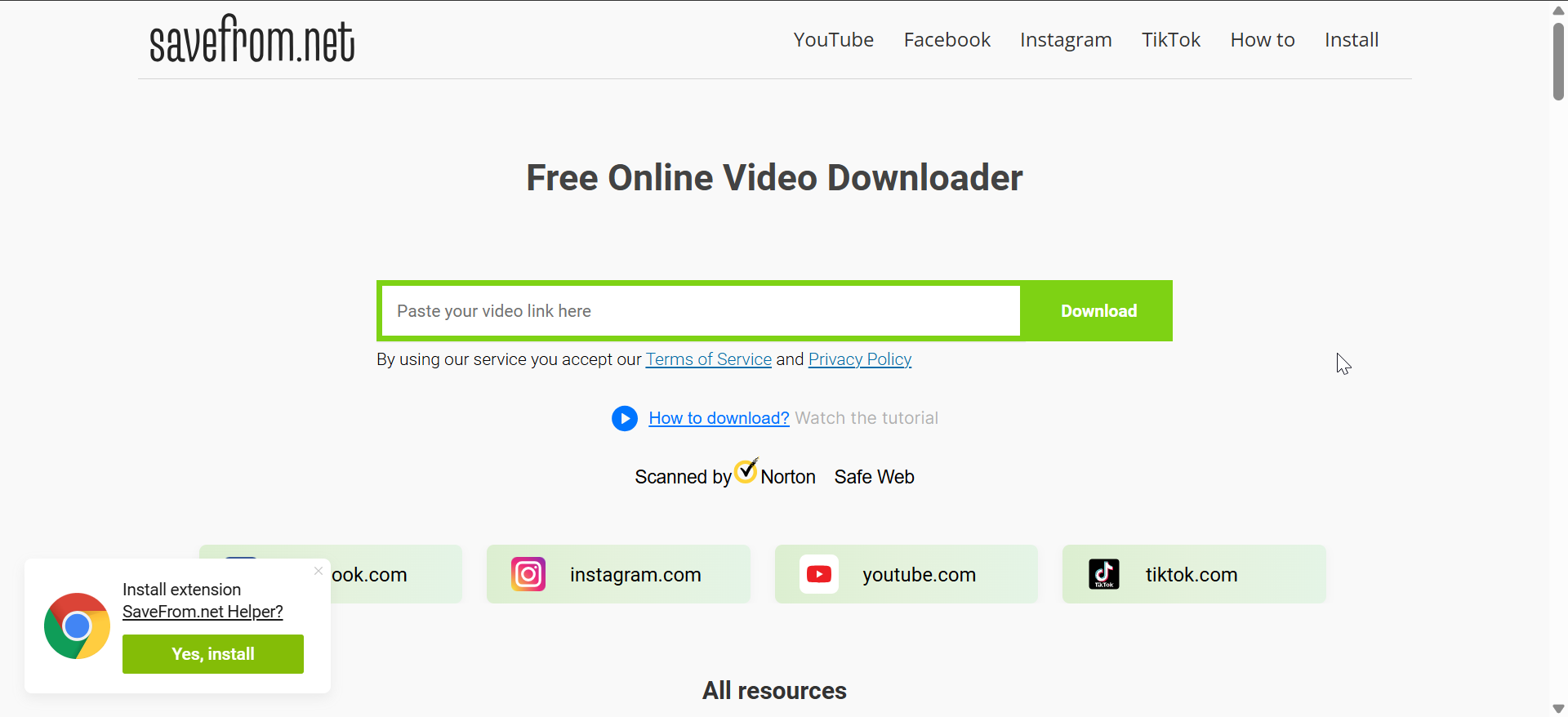
SaveFrom offers fast video extraction for YouTube, Facebook, and other platforms. The site loads quickly and detects some videos automatically. You paste a link, pick your resolution, and download your clip.
SaveFrom also works well on mobile browsers. The one-step interface helps users who want quick results without menus. The platform supports common formats that cover most use cases.
SaveFrom uses ads that interrupt the flow. Some browsers flag the domain because of past clones or impersonators. Users should focus on the main download button to avoid confusion.
3) KeepVid (online version)

KeepVid built a strong reputation as a fast and simple online converter. The online version offers a clean paste box and straightforward download buttons. It supports multiple platforms and delivers MP4 or MP3 output.
Many users choose KeepVid for its stable conversions. The site handles long videos without major speed drops. The layout works well on both phone and desktop screens.
The online version does not support 4K on every platform. You may also see limited audio extraction on some links. Some tools on the site require a desktop app for full features.
4) SSYouTube / SSVideo
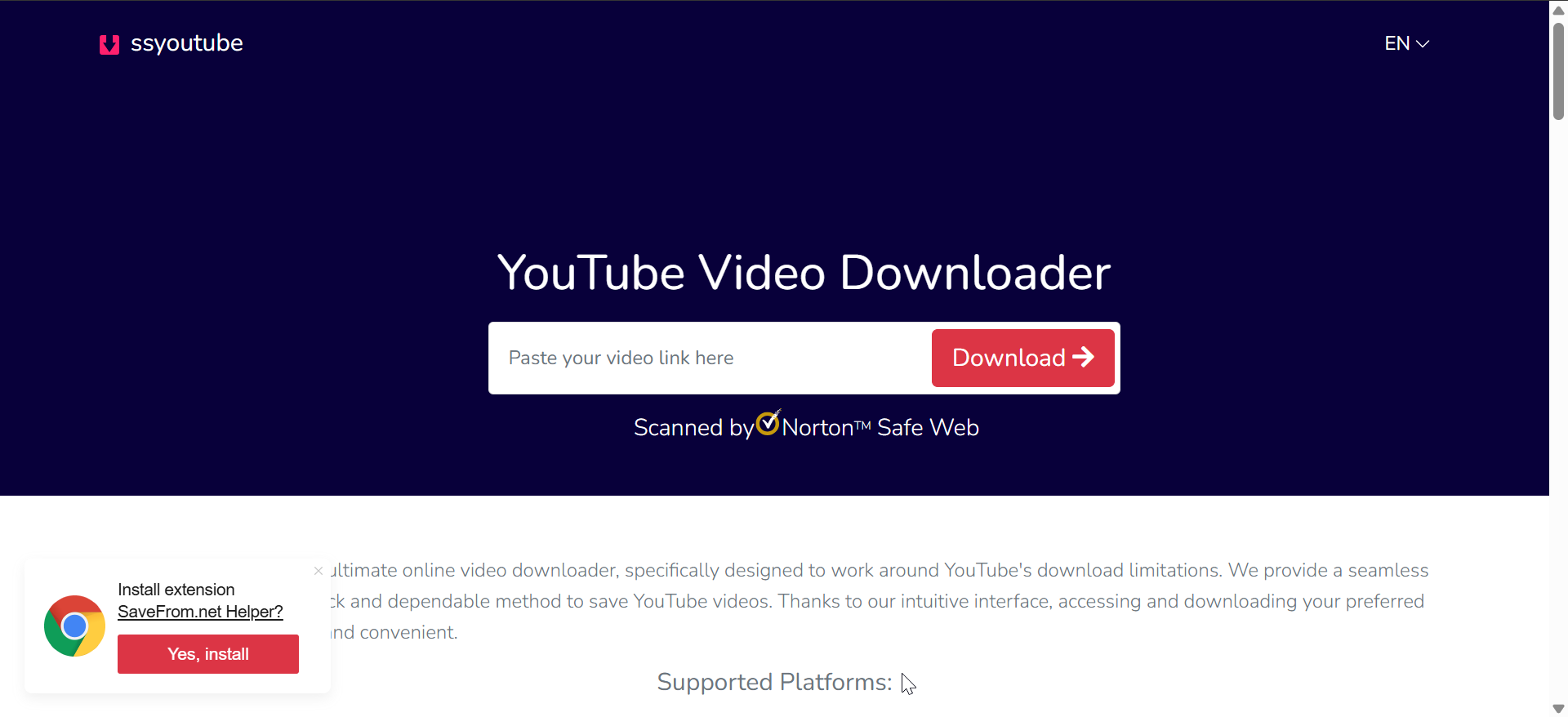
SSYouTube gives you a simple way to download YouTube videos on desktop or mobile. You add “ss” before a YouTube link or paste it into the site. The tool loads download options within seconds.
The interface keeps things lightweight. SSYouTube works on nearly every mainstream browser and supports quick MP4 and MP3 conversions. Mobile users appreciate the smaller buttons and responsive layout.
Some resolutions may not always appear, depending on the original video. The platform also relies on redirects that confuse some users. High-resolution downloads remain limited on certain clips.
5) 9Convert
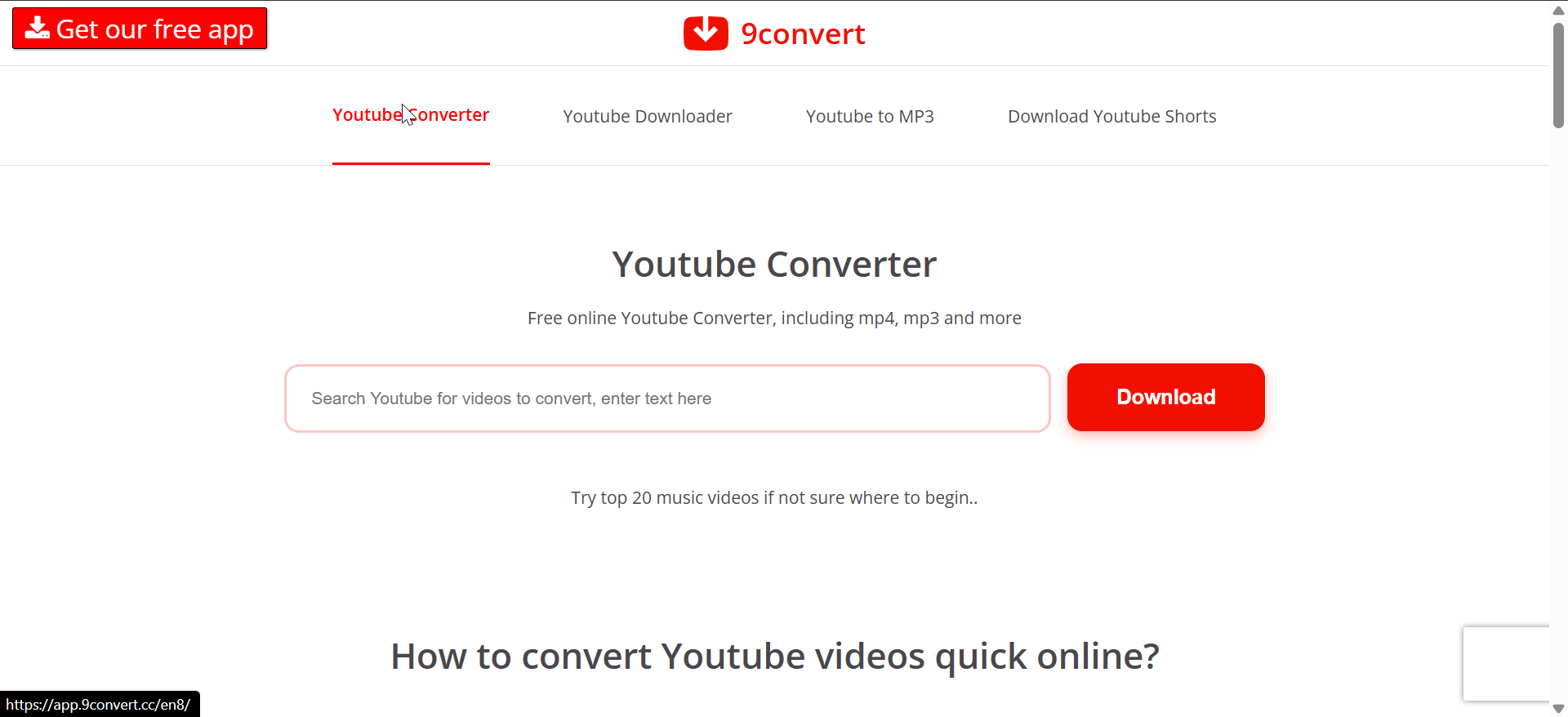
9Convert delivers fast loading speeds and a modern design. You paste your YouTube link and see resolution choices almost instantly. The site supports HD downloads for most videos.
9Convert offers consistent performance throughout the day. Many users report fewer failed conversions during busy hours. The layout suits both touchscreens and keyboards.
Some links from smaller platforms will not process. The site focuses heavily on YouTube, which limits variety. You may also see occasional pop-ups during conversion.
6) ClipConverter online

ClipConverter online acts as a hybrid downloader and converter. The site supports MP4, MP3, AVI, and other formats. You get a simple field for URLs and a list of output presets.
Users choose ClipConverter when they need mixed formats. The tool gives you a predictable experience and steady conversion speeds. The interface feels familiar to long-time users.
Some features require browser permissions. The site may not support protected content links. Output quality also varies depending on source material.
7) Toolsmart video downloader

Toolsmart offers a more modern approach to online downloading. The interface opens with a clean section where you paste your URL. The tool supports multiple platforms, including newer social apps.
Toolsmart processes clips at steady speeds. You also get clear preview thumbnails that help confirm the correct video. The workflow suits beginners who want readable buttons and low clutter.
Toolsmart works best with public links. Some private or restricted videos may not load. The platform’s resolution choices vary across platforms, so output quality depends on the source.
Safety and legality considerations
You should only download videos that you own or have right to use. Many platforms restrict downloads to protect copyrighted material. Follow safe browsing habits and stick with secure sites to avoid risky ads or clones.
Best browser extensions for video downloading
Extensions like Video DownloadHelper and similar tools detect streams in real time. These options work well on Chrome, Edge, and Firefox. They also support tricky formats that online tools struggle with.
FAQs
Are online video downloaders safe? They stay safe if you stick with secure sites and avoid deceptive ads. Check for clear buttons and predictable layouts. Avoid tools that ask for extra installations.
Why do some downloaders not support YouTube? Platform policies block certain extraction methods. Some sites update their code often and break downloader support. Tools adjust over time, but delays happen.
Why is my video downloading in low quality? Downloaders only support resolutions that the source video offers. The original upload determines the maximum output. Some converters also compress files for speed.
Can I download private or paid videos? No. Downloaders only handle public content. Private or paid streams require the platform’s official tools.
Summary
- Identify downloaders that support your favorite platforms.
- Pick tools with HD or 4K support if you need quality.
- Use mobile-friendly sites when downloading on smartphones.
- Stick with secure tools to improve safety.
- Consider desktop software for heavy workloads.
- Avoid downloading restricted or copyrighted content.
Conclusion
Online video downloaders make saving clips from major platforms quick and convenient. Tools like Y2Mate, KeepVid, and Toolsmart give you fast conversions, clean layouts, and support for common formats that work on any device.
Choose a downloader that fits your workflow, whether you favor simple one-click tools or options with more resolution choices. Stick with trusted sites, follow basic copyright rules, and switch to a desktop app when you need higher quality or playlist support.



Discussion (0)
Be the first to comment.