




Enhancing video used to be a complicated process, but with the rise of AI it can take just a few clicks. I explored more than 20 software and web-based solutions, so you can find the best AI video enhancer in 2025.
Ready to transform low quality and flawed footage into high-res, vibrant, and smooth video? Read on to find out more:
8 Best AI Video Enhancers
The following AI solutions all do a great job of enhancing video, but here’s how each stands out:
1. Aiarty Video Enhancer – Best Overall
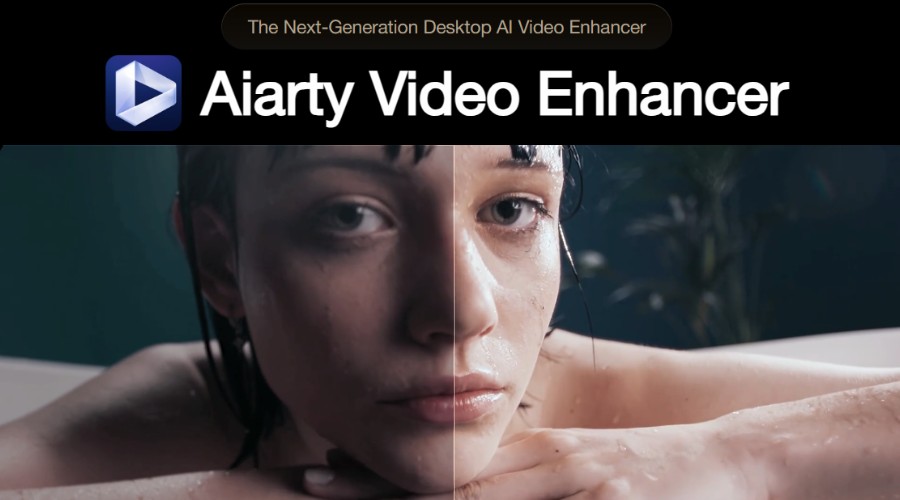
Grainy and low-quality videos are a thing of the past thanks to Aiarty Video Enhancer. The impressive desktop suite provides unrivaled levels of noise removal and deblurring, resulting in newfound sharpness and detail.
The AI denoise video feature particularly stands out when it comes to removing grain from footage shot in low-light conditions, indoors, or high ISO.
Alongside is a powerful AI upscaler, which boosts videos by up to 4x their original resolution, transforming standard def to 1080p or HD to 4K.
This combined with natural color correction and lighting fixes makes for the most comprehensive AI video enhancer we’ve tested.
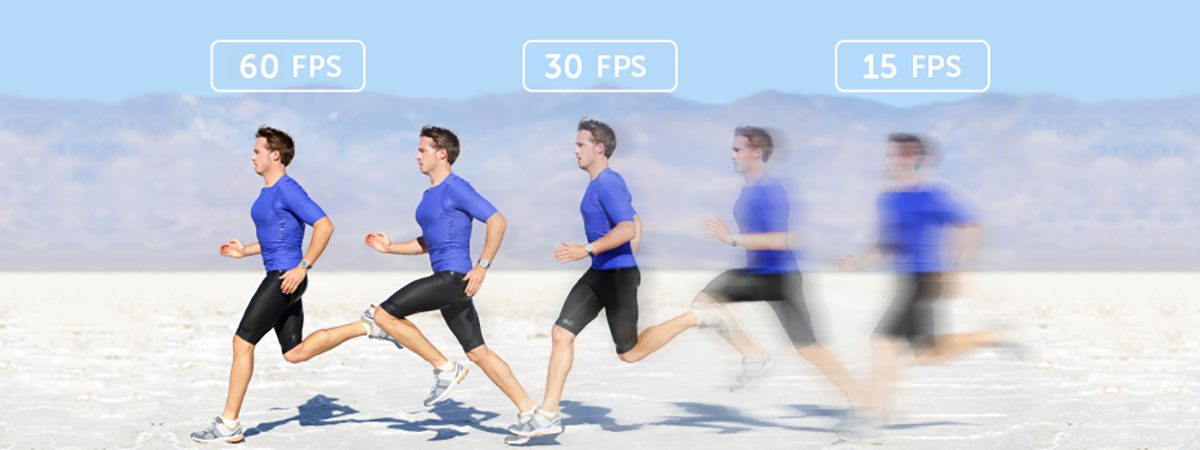
Aiarty video enhancer even tackles stuttering videos with poor fps, creating undistorted motion in 90fps, 120fps, or higher. Now scenes with lots of action or poorly captured slow-motion footage appear silky smooth and consistent.
It’s not just video either, the software removes background noise and enhances vocals in one click!
What’s more, you don’t need any editing skills to transform your videos. All it takes is a few dropdowns and check boxes, and you can preview the stunning results right away.
Other notable features:
- Fast performance with real-time 4K upscaling, optimized to your hardware.
- Choose from three different AI models to suit different enhancement tasks.
- Crop, trim, and other timeline editing tools.
- Batch processing.
Whether you’re restoring old videos, enhancing flawed footage, or polishing content, Aiarty Video Enhancer is the ultimate tool for achieving exceptional video quality.
Try it for free on Windows and Mac.
⇒ Get Aiarty Video Enhancer (33% off with coupon)
2. Topaz Labs Video AI – Best for Face Enhancement
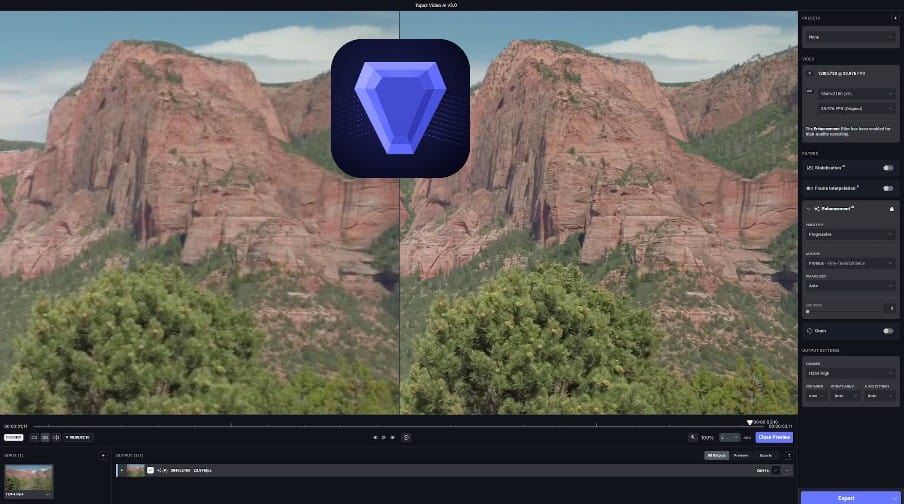
Now in its 7th generation, Video AI from Topaz Labs offers a refined experience on Windows and Mac. The standalone software boasts 25 different AI models for different video enhancement tasks, including upscaling, stabilization, unblurring, denoising, and sharpening.
Rather than taking a one-size-fits-all approach, it recognizes different subjects and enhances them accordingly. This is particularly noticeable with human faces, where skin and hair are enhanced and color corrected in a natural way.
Other notable features:
- Upscales resolution as high as 8k.
- Frame generation for smooth slow-motion footage.
- Colorize black and white video.
- Batch processing.
You can try Topaz Labs Video AI for free before upgrading to a premium license from $299.
3. HitPaw Video AI – Best Online Video Enhancer
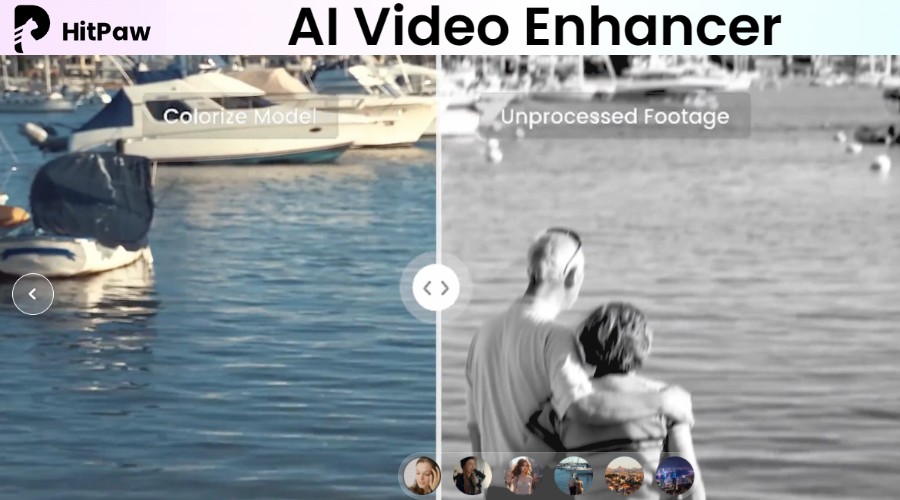
If you’re looking for a quick way to enhance videos without installing software, HitPaw’s online AI video enhancer fits the bill.
All you have to do is drag-and-drop the video to upload it, and then you can choose different enhancement models based on your needs. For example, choose colorize for black and white footage or low-light to impose natural light on poorly lit video.
Furthermore, the tool can upscale video to 4K and lets you choose the format to download. I.e., MP4, MOV, MKV, M4V, AVI, etc.
Other notable features:
- Dedicated AI models for faces, animation, color correction, and more.
- Fast preview feature before processing.
- Desktop and mobile version for batch processing.
You can try HitPaw Video AI online for free, and it offers sample videos to test each feature without using credits.
4. Unifab AI Video Enhancer – 16K Upscaling
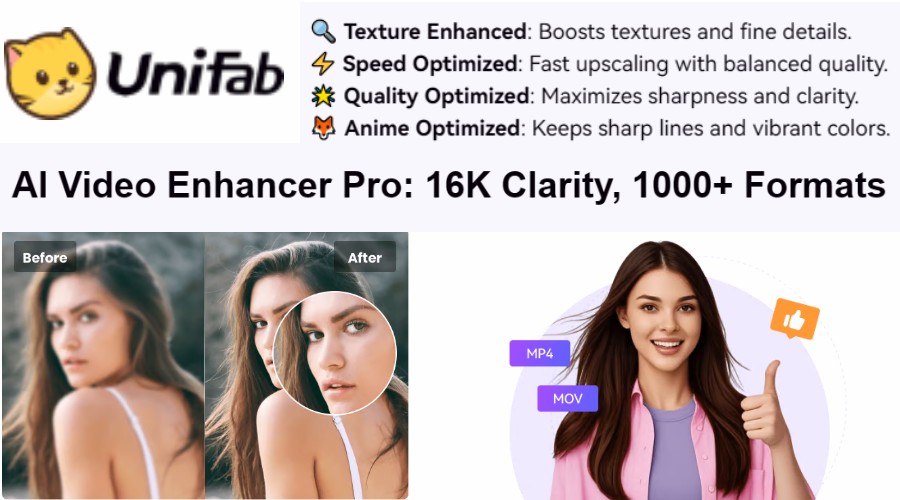
Unifab’s AI Video Enhancer is a suite of tools for Windows and Mac, combining its video converter, denoise, and upscaler tools.
The Upscaler AI is especially effective, allowing you to increase low resolution videos to an incredible 16K, all while preserving and enhancing details.
This is done in conjunction with its Denoise AI, which removes noise and grain, while sharpening and enhancing clarity.
You can easily edit and export videos in your chosen format, thanks to the built-in editor and converter. The latter supports more than 1,000 formats and offers a good level of compression without sacrificing the enhanced quality.
Other notable features:
- Optimized upscaling for anime videos.
- Full output control, including custom codec, frame rate, resolution, bit rate, and other settings.
- Batch processing.
You can try the software in a limited capacity for free, before upgrading to a lifetime license from $174.99.
⇒ Get Unifab AI Video Enhancer
5. MOVAVI Video Converter – Best AI Effects
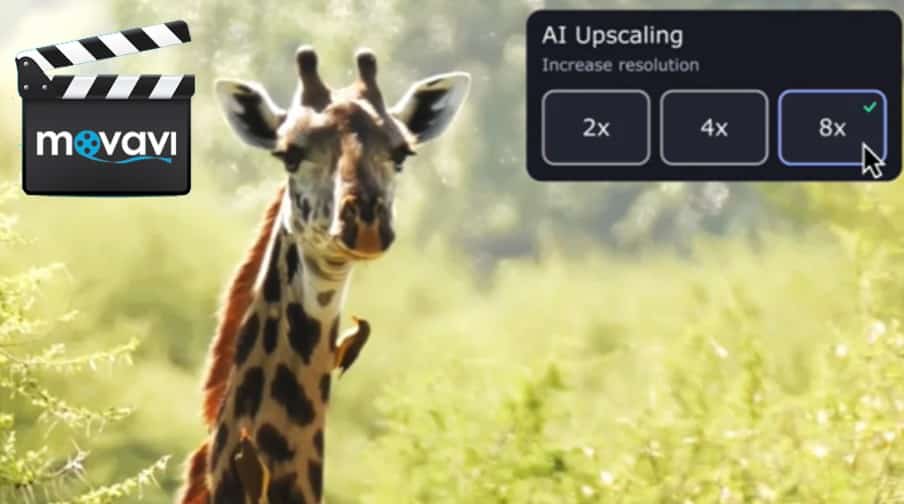
Another tool that combines video conversion with AI enhancements is MOVAVI Video Converter. This simple yet powerful program for Windows and Mac supports upscaling by up to 8 times the original and a maximum resolution of 8K.
It has a bunch of other automated AI improvements, including motion tracking to improve focus on the video’s subject, color correction, and noise removal.
Moreover, it offers an awesome library of special effects, such as vignette, fisheye, extra sharpening, and much more.
Another stand out feature is AI background removal, which quickly removes and can replace unwanted backgrounds from videos.
Other notable features:
- Trim, crop, and merge clips alongside AI enhancements.
- Compress files without losing quality.
- Convert 180 video file formats.
- Batch processing.
You can test the software for free with a watermark or it’s $79.95 for a lifetime license.
6. WinXvideo AI – Best Extra Features
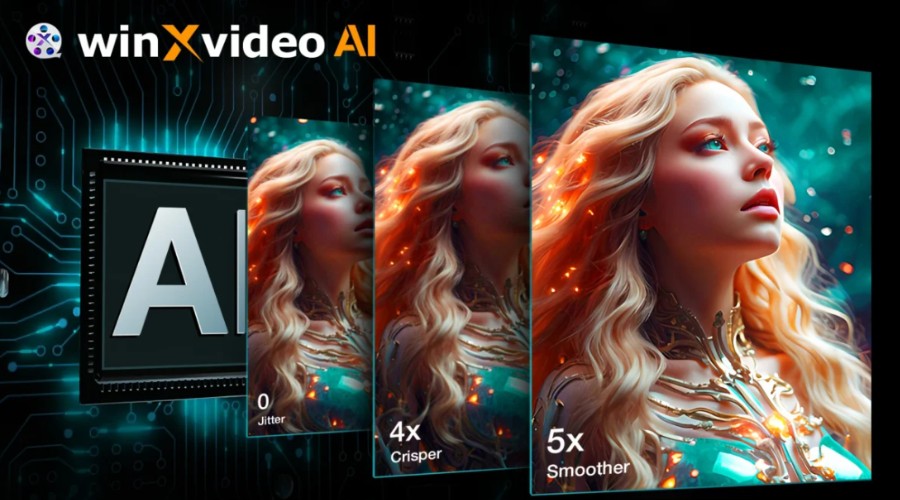
WinXvideo AI is packed with features, making it a good choice for those that want a single solution for AI enhancement, ripping, editing, and managing videos.
The Windows software uses its own powerful AI model called CineAI, which excels at upscaling, noise removal, and stabilization.
For upscaling, it supports 4x the original resolution up to 4K. This includes a denoise option that ensures sharp and clear visuals, while maintaining a natural look.
Frame interpolation allows you to turn choppy low framerate footage into smooth and fluid motion. You can enhance FPS by up to 5 times the original, with an impressive maximum of 480fps.
Shaky footage will benefit from the AI stabilization feature, which analyzes motion patterns and adjusts the camera position by cropping. This results in a smoother video that maintains focus on the subject.
WinXvideo provides lots of extra features, including deinterlacing, fisheye correction, audio resyncing, and special effects. You also get additional tools for converting videos, ripping videos from the web, and screen/web cam recording.
Other notable features:
- Intuitive preview slider.
- Timeline video editor.
- AI audio noise removal.
To unlock all it’s features, pricing starts from $25.95/yr or $45.95 for a lifetime license.
7. AirBrush AI Video Enhancer – Easiest to Use Online
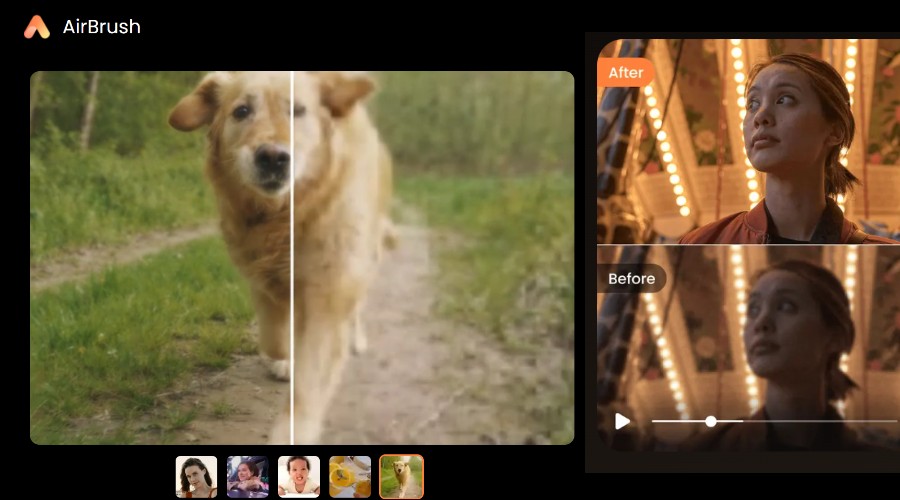
Simplicity is the name of the game when it comes to the AirBrush online AI video enhancer. Simply drag-and-drop your video from desktop or use a QR code on mobile, and the AI will automatically apply enhancements for brightness, contrast, saturation, and sharpness. The tool also upscales to 4K and ensures the framerate is at least 30fps.
Other notable features:
- Lots of other AI and editing tools for photos and videos.
- Dedicated mobile app for use on the go.
- Supports MP4, M4V, MOV, and other common video formats.
AirBrush is free to use for videos of 3 seconds. A premium plan is required for files up to 200MB with a duration no longer than 10 minutes.
⇒ Get AirBrush AI Video Enhancer
8. Pixop – Best for Broadcasters and Media Companies
For enterprise level AI solutions, especially for broadcasting and media companies, Pixop provides everything you need. The professional-grade platform specializes in AI-powered video upscaling and remastering, which allows you to upgrade standard video to ultra-high-definition 4K.
During the process, it removes film-noise and deinterlaces footage, to ensure the highest quality possible.
Pixop has the infrastructure to handle real-time livestreams, as well as enhancing VOD libraries.
Other notable features:
- Pay for a managed service or use the Pixop studio yourself.
- AI live stream conversion integrates with existing workflows.
- Supports all comment video formats and custom requests.
Pixop scales seamlessly with your needs, charging a pay-as-you-go rate per gigapixel processed and gigabyte stored.
Conclusion
Whether you want a comprehensive software solution or a simple web-based tool, there are now lots of options for AI video enhancement. Overall, Aiarty has the best range of features, but all 8 picks have their individual strong points.
What's you favorite AI video enhancer? Let us know in the comments below!
Discussion (0)
Be the first to comment.