




Downloading movies has become a popular way to enjoy your favorite films offline, and many users turn to 123Movies to do so. This platform offers a vast collection of movies and TV shows, but it’s important to understand the risks and legality before downloading from 123Movies. In this guide, we will walk you through downloading movies from 123Movies and discuss the safety concerns and alternatives.
At the time of writing, 123Movies is not a legitimate streaming service and downloading copyrighted content without permission is illegal in many countries. This guide will help you safely navigate these waters while enjoying your favorite films.
Step 1: Choose a Reliable Website to Download Movies from 123Movies
To begin downloading movies from 123Movies, the first step is to identify a reliable website. Many mirror sites and clones of 123Movies exist, and some may expose your device to malware or viruses. To ensure safety, search for trusted sources or reputable forums where users recommend verified mirror sites. Look for user reviews and consider downloading only from sites with secure connections. This is a working mirror: 21.0123movie.net.
Additionally, note that downloading from unauthorized websites could result in legal issues. Always check the copyright laws in your region and ensure that the content is free from copyright restrictions before proceeding with any downloads.
Step 2: Install a VPN for Privacy and Security
Using a VPN (Virtual Private Network) is crucial when downloading movies from 123Movies or any unofficial streaming site. A VPN encrypts your internet traffic, safeguarding your privacy and protecting you from potential cyber threats. It also helps bypass any geographical restrictions or censorship that may block access to 123Movies in your country.
To install a VPN, follow these simple steps:
- Choose a reputable VPN provider with strong encryption and a no-logs policy.
- Download the VPN software and install it on your device.
- Launch the VPN and select a server located in a region where downloading is legal.
- Connect to the server and ensure your IP address is hidden.
With a VPN enabled, your online activity remains private and your connection secure, reducing the risk of malware or identity theft while downloading movies from 123Movies.
Step 3: Access the 123Movies Website
Once you’ve installed the VPN and ensured a secure connection, you can access the official 123Movies website. Be cautious, as the 123Movies domain often changes due to frequent takedowns by copyright enforcement agencies. To ensure you’re visiting the legitimate website, perform a quick search on trusted forums or use a secure link provided by a VPN service.
Once on the site, you’ll find a wide selection of movies and TV shows. You can browse or use the search bar to find your desired content.
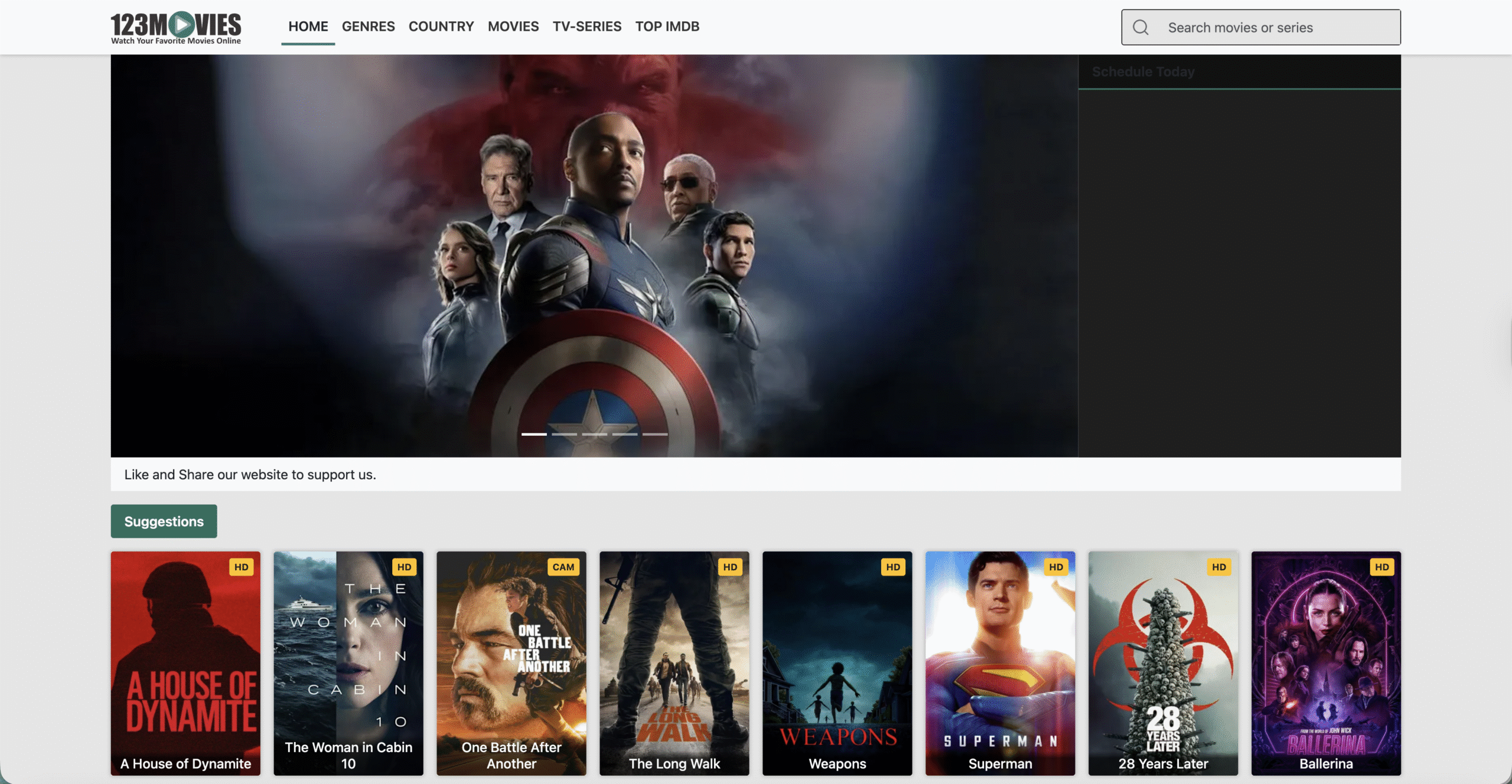
Step 4: Select and Copy the Movie Streaming Link
After finding the movie you want to download, select the streaming link. 123Movies often offers multiple links to different streaming platforms. It's essential to choose a reliable link with good video quality and no pop-ups or malware warnings. Once you’ve selected the link, copy the URL to your clipboard.
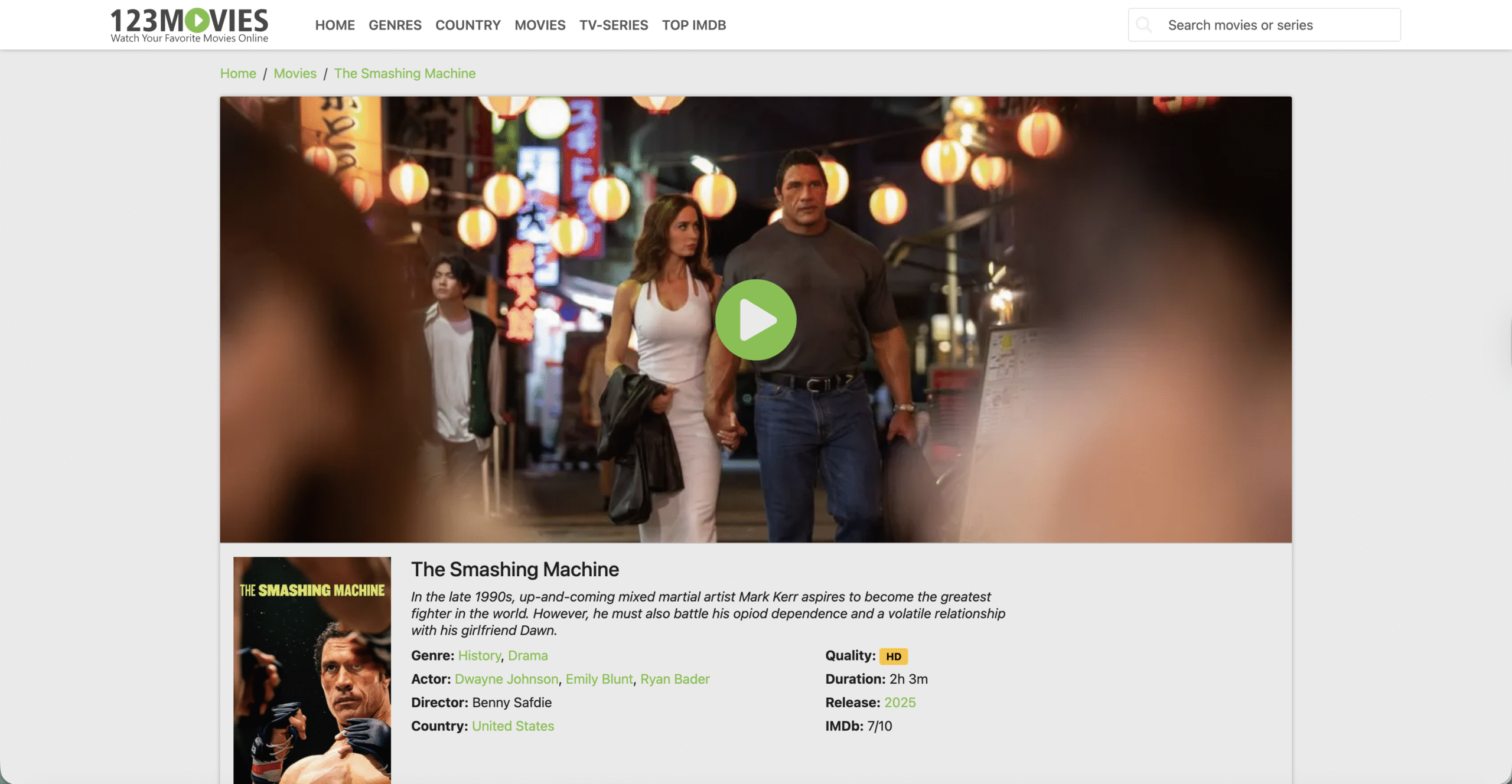
Step 5: Download the Movie Using a Video Downloader
To save the movie, you’ll need to use a video downloader tool. Several third-party tools claim to allow downloads from 123Movies, but be cautious, as many are unreliable or contain malware. Some popular but non-recommended methods include using tools like Internet Download Manager for Windows and Neat Download Manager for macOS, as well as browser extensions like Video DownloadHelper that convert video streams to downloadable formats.
If you decide to use a video downloader, follow these steps:
- Download and install a trusted video downloader tool (ensure it’s safe and reputable).
- Paste the copied streaming link into the downloader.
- Choose the video format (e.g., MP4, MKV) and resolution (e.g., HD, SD).
- Click "Download" and wait for the movie to finish downloading.
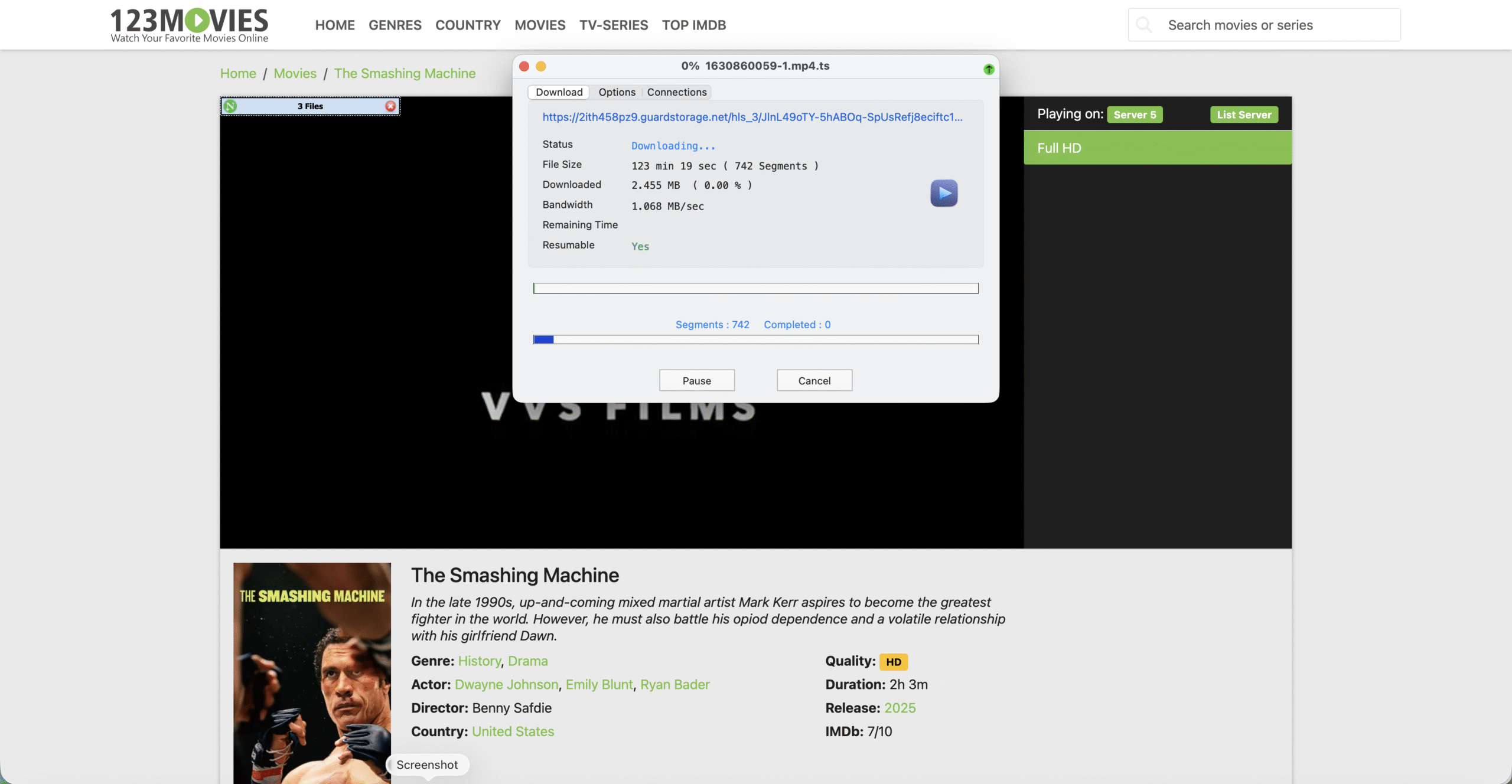
When downloading from 123Movies, always use secure, legal methods. Using third-party downloaders and tools often carries risks and may not always result in a successful download.
Step 6: Use Legal Alternatives for Movie Downloads
Rather than risking security threats and legal trouble by downloading movies from 123Movies, consider using legal and safe alternatives. Platforms like Netflix, Amazon Prime Video, Tubi, and Hulu offer offline viewing options through official apps. These services provide a legal and secure way to download and enjoy movies without violating copyright laws.
Using authorized streaming platforms not only protects your device from malware but also ensures that you’re not engaging in illegal activities. Always prioritize these services when seeking a secure, legal way to enjoy movies offline.
Conclusion
While downloading movies from 123Movies may seem convenient, it’s crucial to understand the risks and legality involved. By following the steps outlined in this guide and using a VPN for added security, you can protect yourself from potential threats. However, we strongly recommend using legal streaming services for a safer and more reliable movie-watching experience. Always ensure that the content you download is authorized and that you're not violating copyright laws.
By opting for legal and reputable platforms, you can enjoy your favorite movies offline without compromising your security or legal standing. Stay safe, and enjoy your movie-watching experience!


Discussion (0)
Be the first to comment.