



![5 Best 123Movies Alternatives [Unblocked]](https://www.digitalcitizen.life/wp-content/uploads/2025/10/best-123movies-alternatives-unblocked.png)
If you searched for unblocked 123Movies alternatives, you probably want free movies that open right now without shady mirrors. This guide puts safe, legal options first and explains quick steps for each device.

Access content across the globe at the highest speed rate.
🔥 Save 81% + 2 bonus months! 🔥
70% of our readers choose Private Internet Access
70% of our readers choose Private Internet Access
2
Browse the web from multiple devices with industry-standard security protocols.
🔥 Save 73%! 🔥

Faster dedicated servers for specific actions (currently discounted)
🔥 Save 69%! 🔥
Quick Picks: Free & Legal Alternatives
- Tubi - Big free catalog with ads and simple apps on most devices.
- Pluto TV - Live “channel” experience plus on-demand movies.
- Plex Free - Free movies and shows inside Plex, alongside your library.
- The Roku Channel - Free movies, shows, and live channels. Great on Roku.
- Xumo Play - Simple, free live channels and on-demand picks.
Are these 123movies alternatives really unblocked?
For U.S. home internet, legal AVOD apps are usually accessible without special steps. School and workplace networks may block video categories by policy. That’s not geo-blocking, it’s local filtering.
Legality & Safety Snapshot
| Service | Legal status | U.S. availability | Sign-in needed | Ads | Notes |
|---|---|---|---|---|---|
| Tubi | Legal AVOD | Yes | Optional | Yes | Large free library, captions supported |
| Pluto TV | Legal AVOD | Yes | Optional | Yes | Live channels plus on-demand |
| Plex Free | Legal AVOD | Yes | Optional | Yes | Inside the Plex app you may already use |
| The Roku Channel | Legal AVOD | Yes | Optional | Yes | Best on Roku devices, also via apps |
| Xumo Play | Legal AVOD | Yes | Optional | Yes | Simple interface, quick start |
1) Tubi
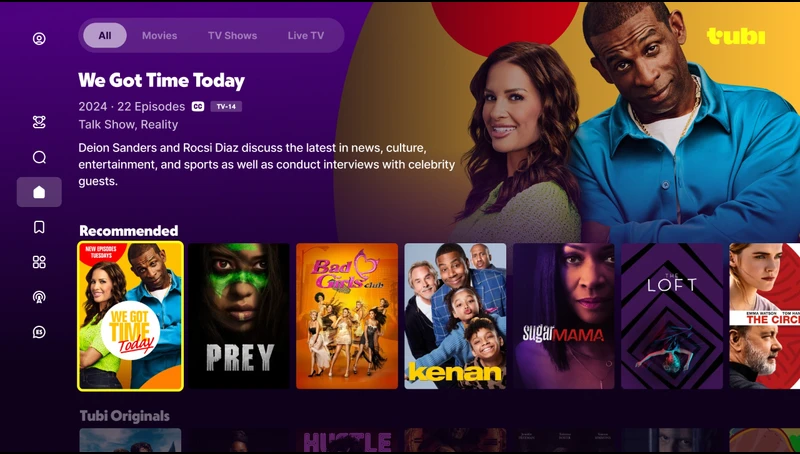
Tubi is a free, legal streaming service with thousands of ad-supported movies and shows, so it fits the unblocked goal without risky mirrors.
You can watch on Windows in a browser, or install the app on Android TV, Roku, Fire TV, iOS, and smart TVs. You don’t need an account to start, but signing in lets you resume across devices, build a queue, and set parental controls.
To use it, open the app or site, go to Trending or Genres, choose a title, and enable CC from the playback menu. Expect periodic ad breaks that fund the free content, but playback is generally smooth on home networks.
A helpful tip is to browse New Releases and Recently Added first because free catalogs rotate often, and you can add items to your list before they leave.
2) Pluto TV
Pluto TV shines if you want the feel of cable without the bill, thanks to hundreds of live “FAST” channels plus a solid on-demand library. There’s no payment required and no sign-in needed, which makes it quick to open on school or work devices that allow general video sites.
To use it, install the Pluto TV app on your streaming box or open it in a browser, then start with Live TV > Movies for a channel-surfing experience. When you want something specific, switch to On Demand, pick a title, and toggle captions from the playback bar.
The advantage is zero setup time, a familiar grid guide, and lots of niche channels for background watching. Keep in mind that ads appear at set intervals, and live channels can be bandwidth-friendly for older hardware compared to some on-demand streams.
3) Plex Free
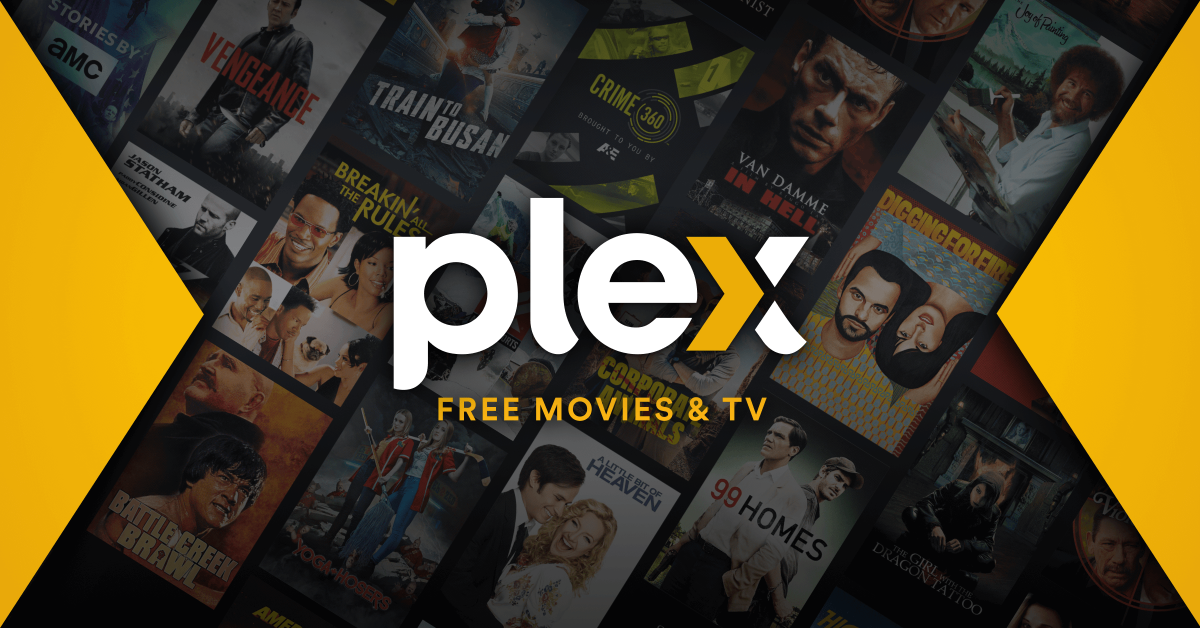
Plex Free combines a traditional on-demand catalog with the powerful Plex app that many people already use to organize personal media. It’s a legal, ad-supported section that sits alongside your own library, so you get a single interface for both.
To use it, install Plex on your device, sign in or create a free account, and open Movies & Shows, then filter by Free. From there, browse categories, sort by Recently Added, and start playback, turning on CC from the player if you need captions.
An advantage is Plex’s fast navigation and features like Skip Intro on some titles, which are rare in other free apps. Another perk is that Plex works well on a wide range of devices, so even older sticks and TVs can browse the free catalog without much hassle.
4) The Roku Channel
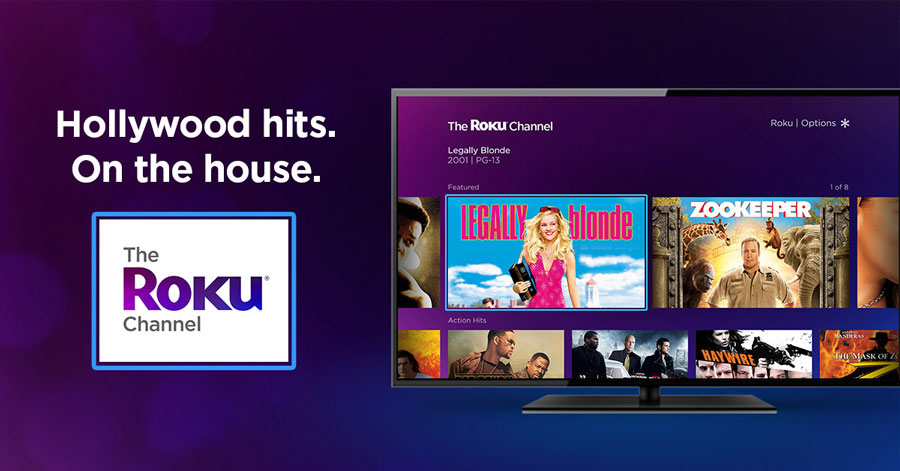
The Roku Channel is a strong unblocked alternative to 123movies for households with Roku TVs or players, offering free movies, shows, and live channels in one place.
While it really excels on Roku hardware, you can also watch on the web and supported non-Roku devices, which makes it flexible for mixed setups.
To use it, add The Roku Channel from the Streaming Store, open it, and check Featured Free or Popular movies, then press the star button for subtitle options during playback. The service is ad-supported, and sign-in is optional for most viewing, keeping friction low for casual use.
A key advantage is the integrated Live TV guide on Roku TVs, which blends over-the-air channels (if you have an antenna) with free streaming channels. If you have kids, look for family-friendly rows and use Roku’s device-level PIN and content settings for extra control.
5) Xumo Play
Xumo Play focuses on simplicity and speed, with free live channels and a growing on-demand section that loads quickly on many devices. It’s ideal when you want “lean-back” viewing without creating accounts or learning a new interface.
To use it, install Xumo Play on your Android TV, Fire TV, Roku, or smart TV, or open it in a browser, then jump into the Live guide and browse categories like Movies or TV.
Playback starts fast, captions are available on many channels and titles, and ads are presented at predictable breaks. The advantage is how lightweight the app feels, which helps older hardware and slower Wi-Fi.
If you’re unsure what to watch, let the curated live channels run in the background, then pivot to on-demand when you spot something you like.
Why We Do Not List 123Movies Mirrors
Unofficial mirrors and “unblocked” proxies often host malware, fake buttons, and heavy trackers. They also vanish without notice. Legal AVOD apps avoid those risks and are easier to open on school or work devices, subject to policy.
FAQs
Is 123Movies legal in the U.S.? No. The brand and its mirrors distribute copyrighted content without permission. Legal AVOD apps listed here are the safer route.
Do I need a VPN for Tubi, Pluto, or The Roku Channel? No for typical U.S. viewing. Some titles are region-specific, but the apps themselves are designed for U.S. access without extra tools.
Can I watch on a school Chromebook or locked-down device? It depends on admin policies. If streaming is blocked, use your personal device and network during personal time.
Are there free options with parental controls? Yes. Tubi, Pluto, Roku Channel, and Plex offer content categories or parental controls. Set a PIN to limit mature titles.
Conclusion
If you want unblocked 123movies alternatives for streaming without headaches, stick to legal AVOD apps. Tubi, Pluto TV, Plex Free, The Roku Channel, and Xumo Play open fast, work on nearly every device, and cost nothing beyond short ad breaks.
Pick the service that matches how you watch. Prefer live channels and background viewing? Start with Pluto TV or The Roku Channel. Want a bigger on-demand catalog with quick browsing? Try Tubi or Plex Free. Need something lightweight for older hardware? Xumo Play is a solid bet.
Discussion (0)
Be the first to comment.