




A dependable video downloader gives you full control over online videos when you want offline access. Windows users rely on these tools when streaming limits, buffering, or restricted content make browsing difficult. The key is choosing software that stays fast, safe, and stable on both Windows 10 and 11.
The list below covers the best video downloader for PC options available right now. Each tool is widely known, supports major video platforms, and installs cleanly without extra system changes.
1) 4K Video Downloader

4K Video Downloader remains one of the most reliable choices for Windows users. It supports HD, 4K, and 8K downloads with stable performance across long sessions. You can download entire playlists or channels without quality loss.
The interface stays easy to learn. You paste your link, choose a resolution, and confirm the download. Smart Mode lets you apply your preferred settings automatically.
The tool works with YouTube, TikTok, Vimeo, and other major platforms. CPU usage stays moderate even during large sessions. It runs smoothly on Windows 10 and 11.
2) JDownloader 2

JDownloader 2 excels at batch downloading and automated parsing. It handles dozens of URLs at once and pulls media links directly from supported pages. Windows users choose it for its scheduling tools and queue management.
The downloader pauses and resumes reliably. It controls bandwidth, manages login sessions, and works well with unstable connections. It reduces errors when saving multiple videos in a row.
Performance stays steady across different system types. HD and 4K support depends on each video source. Active development keeps it compatible with new site updates.
3) VideoProc Converter

VideoProc Converter uses hardware acceleration to speed up downloads and conversions. It handles 4K and 8K content smoothly on modern Intel or AMD CPUs. Windows users appreciate its quick processing and clean interface.
The tool includes trimming, conversion, and compression features. These options help when you want a specific file type for offline playback. It supports MP4, MKV, MOV, and many audio formats.
VideoProc stays stable on Windows 10 and Windows 11. It maintains good speed with high-bitrate videos. Format presets simplify export for mobile and smart TV playback.
4) Freemake Video Downloader

Freemake Video Downloader remains a popular pick for simple, quick downloading. It supports many video platforms and keeps the workflow clean. Windows users enjoy the clear interface and predictable output quality.
HD and 4K downloads are supported, depending on the site. You choose the resolution and format, then save the video with a single confirmation step. It is ideal for users who want fast results.
Performance stays smooth even on older Windows devices. Frequent updates maintain support for major video platforms. It installs cleanly without heavy background processes.
5) YTD Video Downloader

YTD Video Downloader suits users who want a fast copy-paste workflow. It supports HD and 4K video and includes a built-in media player. The dashboard stays simple and shows all active downloads at once.
Conversion tools support MP4, AVI, WMV, and more. This helps if you want a format that plays well on Windows apps. Download speeds stay consistent across most broadband connections.
YTD supports major video sites, including YouTube and Vimeo. It performs well on Windows 10 and Windows 11 with low CPU usage. Batch management keeps large queues organized.
6) ClipGrab

ClipGrab delivers a lightweight experience with a direct download flow. Windows users like it for its simplicity and low resource usage. HD and 4K downloads depend on each site, but stability remains high.
The tool offers MP4, WMV, and MP3 formats. Conversion happens quickly because the engine uses minimal CPU time. New users learn it in minutes.
ClipGrab runs well on older hardware. It installs quickly and behaves predictably on Windows 10 and Windows 11. It suits casual users who want a fast, straightforward downloader.
7) aTube Catcher
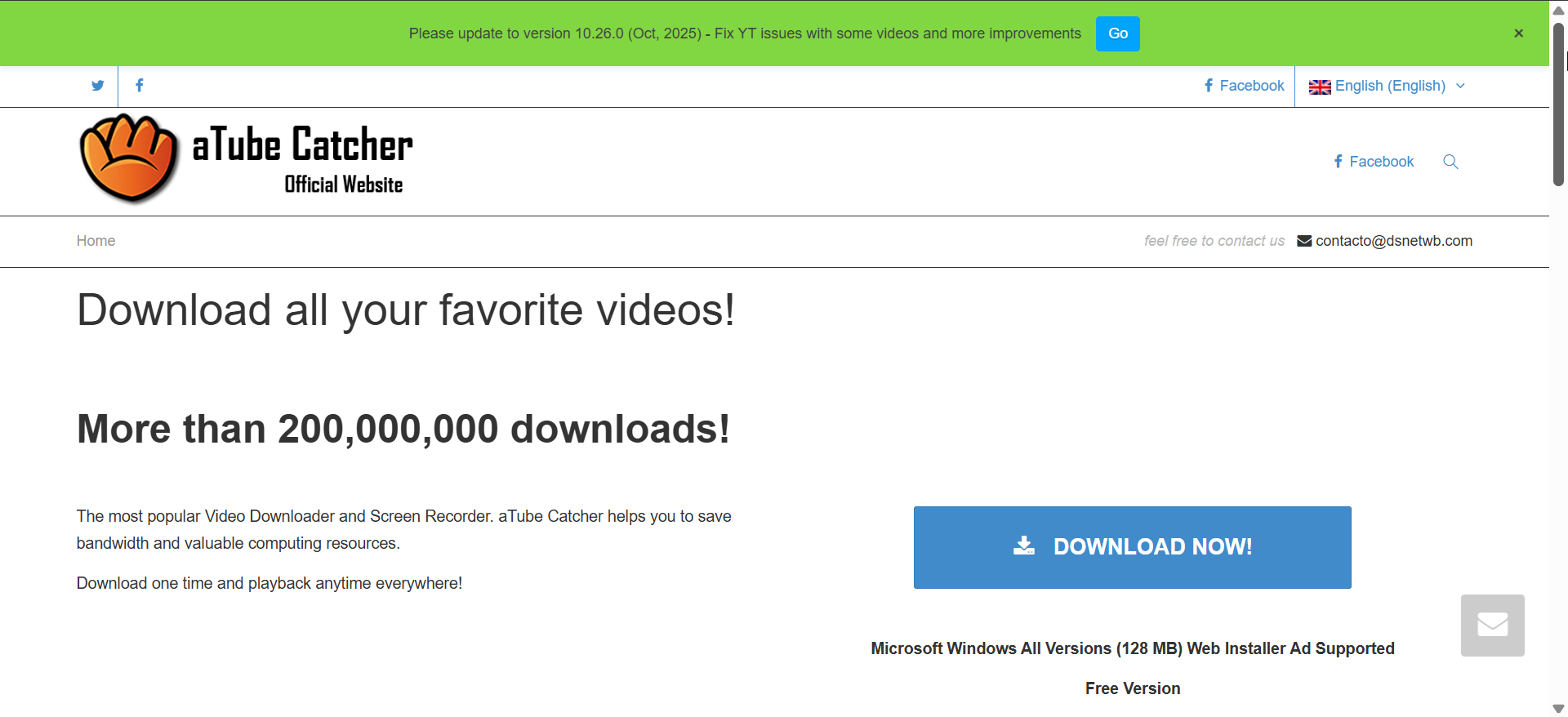
aTube Catcher provides a multipurpose toolkit that includes screen recording and DVD creation. It handles large downloads with good stability. Windows users appreciate its broad feature set and classic utility-style interface.
You select your resolution, choose a format, and start saving videos immediately. The tool supports HD and 4K content for most platforms. It also integrates basic editing tools.
aTube Catcher runs well on most Windows builds. It handles long videos without crashing and keeps CPU usage moderate. It remains a dependable option for all-in-one workflows.
Feature comparison chart
| Downloader | Resolution | Batch support | Conversion | Platform support | Windows performance |
|---|---|---|---|---|---|
| 4K Video Downloader | Up to 8K | Yes | Limited | Wide | Excellent |
| JDownloader 2 | HD / 4K | Strong | Limited | Very wide | Very good |
| VideoProc Converter | Up to 8K | Yes | Full | Wide | Excellent |
| Freemake Video Downloader | HD / 4K | Limited | Yes | Wide | Good |
| YTD Video Downloader | HD / 4K | Yes | Yes | Wide | Very good |
| ClipGrab | HD / 4K | Limited | Yes | Moderate | Excellent |
| aTube Catcher | HD / 4K | Yes | Yes | Wide | Good |
How to choose the right downloader
Choose a high-resolution downloader if you regularly save 4K or 8K content. These engines handle high-bitrate streams more reliably. They also preserve more detail in long-form videos.
Pick a batch downloader if you save playlists or large collections. Queue management keeps everything organized during long sessions. It also reduces duplicate downloads.
Select a lightweight tool when working on older hardware. These apps use fewer resources and maintain consistent speed. They suit beginners and casual users.
Troubleshooting common issues
- Downloads are slow: Check your network speed or switch to a multi-threaded downloader. Restart your network adapter to refresh your connection. Try lowering the resolution for faster results.
- Videos fail to download: Platforms often update their video layouts. Update the downloader or switch to a tool with frequent parser improvements. Test the same link in another app to confirm the issue.
- App crashes during long sessions: Check for missing runtime packages like VC++. Try running the app in compatibility mode on Windows 11. Restarting your PC clears temporary conflicts.
FAQs
Is it safe to use video downloaders on Windows? Yes, as long as you install from trusted sources. Choose tools with clean installers and no bundled extras.
Which downloader is best for 4K and 8K content? 4K Video Downloader and VideoProc Converter handle high-resolution files reliably. They manage high-bitrate streams better than lightweight tools.
Can I use these tools to download playlists? Yes, many support playlist and batch downloads. JDownloader 2 and 4K Video Downloader work especially well for long queues.
Summary
- 4K Video Downloader offers the best balance for most Windows users.
- JDownloader 2 provides excellent batch capabilities.
- VideoProc Converter gives strong 4K and 8K performance with conversion tools.
- Freemake Video Downloader and ClipGrab suit beginners who want simplicity.
- YTD Video Downloader, aTube Catcher, and AnyVid offer flexible formats and strong site support.
Conclusion
The best video downloader for PC depends on your workflow and the type of videos you save. Windows users benefit most from tools that combine speed, stability, clean installs, and broad platform support. Some of the apps on this list double as online video downloaders. So, choose the app that matches your resolution needs, hardware capabilities, and download habits.


Discussion (0)
Be the first to comment.