




A lot of users search for ways to download an APK on an iPhone when they want to run an Android-only app. The problem comes from the way iOS manages app security and file formats. This makes it impossible to actually install an APK after downloading it on an iPhone.
This guide explains your real options, the safe alternatives, and the methods that actually work today.
Method 1: Install the equivalent IPA version instead of the APK
Search for the app in the App Store. If it’s not available, check whether the developer offers an official IPA version on their official website, and ignore APK to IPA converters because they don’t work.

If the app is not available on the developer's website, go to Altstore or similar tools to download the IPA. Now, open your installer and sign in with your Apple ID. After that, go to Settings and trust the developer profile to allow launching the app.
Method 2: Run the APK through an Android emulator on an iPhone
Download UTM, install the Android virtual machine image, and open the virtual environment. Next, move the APK file into the emulator using its file-transfer tool. Open it inside Android and install it like you would on a real device.

Method 3: Mirror an Android device to your iPhone
This method involves streaming the Android device’s screen to your iPhone over Wi-Fi. You interact with the app through the mirrored window.
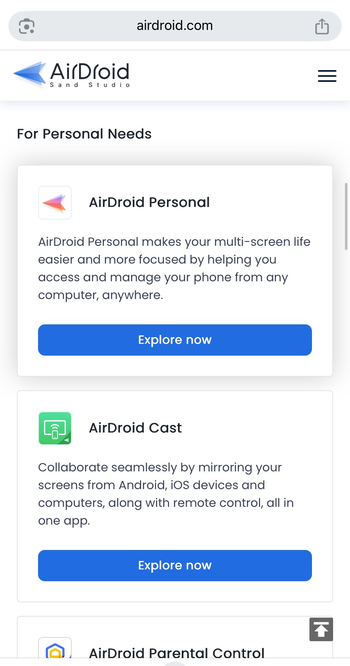
First, download a screen mirroring app like AirDroid on both devices and ensure they are on the same WiFi. Now, open your mirroring tool and select the Android device. Launch the Android app and control it from your iPhone.
Risks and safety considerations
Why APK conversion sites are risky
Sites that claim to convert APKs to IPAs often push malware or broken files that never run correctly. You can only install APKs on Android because of how the files are configured. So, don't fall for the conversion scam.
Security limits in iOS sideloading
Unsigned apps fail when certificates expire or get revoked, which breaks installations without warning.
Legal and warranty notes
Jailbreaking voids Apple’s warranty and may violate regional rules depending on how you use specific apps.
Troubleshooting common issues
- The IPA won’t install: Check your signing certificate, trust profile, or expiration date. Re-sign the file if needed and retry the installation.
- Emulator crashes or won’t load the APK: Verify that the virtual machine image matches your device’s resources because some APKs require hardware features that emulation can’t provide.
- Mirroring feels laggy: Use a 5 GHz Wi-Fi network or reduce video quality in your mirroring tool to improve performance.
Tips for downloading APK on iPhone
- Check the App Store first because many developers publish iOS versions.
- Use an emulator only when the app truly doesn’t exist on iOS.
- Avoid APK-to-IPA conversion websites because they inject malware or provide unusable files.
- Run network-heavy Android apps through mirroring for smoother performance.
FAQs
Can you install an APK on an iPhone? You can’t install an APK on an iPhone because iOS uses IPA files with strict signing rules. You need an emulator or the app’s iOS version instead.
Can you convert an APK to IPA? Conversion doesn’t work because the two systems use different architectures and security models. You need a native IPA file from the developer.
Is it safe to sideload apps on an iPhone? It stays safe when you use trusted tools like AltStore and verified IPA files. Unknown sources or APK converters often carry malware or broken files.
Summary
- APK files don’t install on iPhones because of the format and security restrictions.
- The safest fix is using the iOS version or an IPA build when possible.
- Android emulators let you run APKs inside a virtual system on your iPhone.
- Mirroring provides access to Android apps without installing anything on iOS.
Conclusion
An iPhone doesn’t install APK files natively, and no conversion method makes them fully compatible with iOS. You can still run Android apps through emulation, mirroring, or by using an IPA version when one exists.
These methods avoid risky conversion sites and give you the most stable experience. If the app supports a web version or offers an iOS build, those options deliver the most reliable results for everyday use.
Discussion (0)
Be the first to comment.