




For many regular users, logo creation feels difficult for predictable reasons. Choosing a visual direction often feels abstract, editing introduces the fear of breaking the design, and turning a logo into something usable across different formats can quickly become overwhelming. Design.com positions itself as a platform that simplifies each of these stages.
Design.com works like a guided assistant that helps you move forward step by step. Instead of expecting you to think like a designer, it breaks branding into simple choices you can make with confidence, even if you have never designed anything before.
This review looks closely at how Design.com supports regular users throughout the entire process, from first idea to full brand rollout.
1. Entry point and first impressions
Design.com starts with a minimal setup that asks only for a brand name. This early simplicity matters because many users do not yet know how to describe their visual preferences. By removing style questions at the start, the platform allows the design itself to lead the conversation.
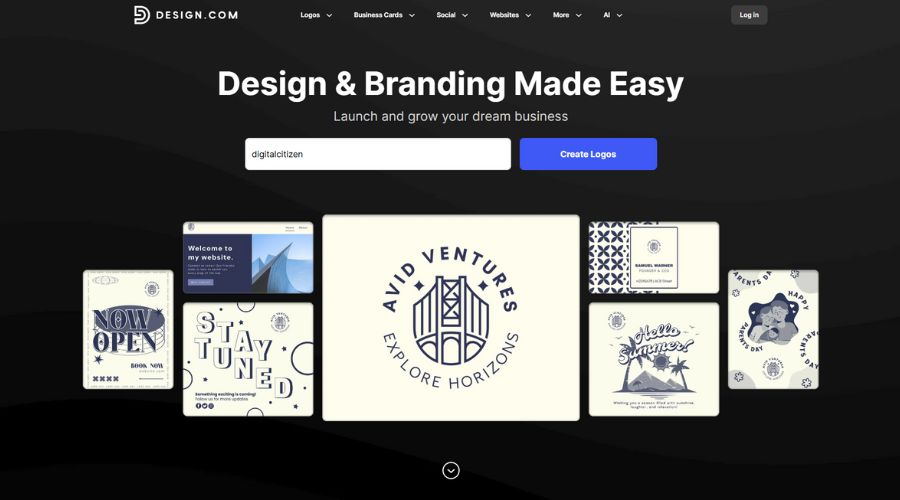
Almost immediately, logo concepts appear on screen. These concepts are drawn from a massive creative pool of more than 360,000 logo templates, supported by over 1 million total design templates. As a result, users begin evaluating real options within seconds rather than imagining outcomes.
From the outset, the experience feels fast, direct, and reassuring.

2. Logo generation quality and variety
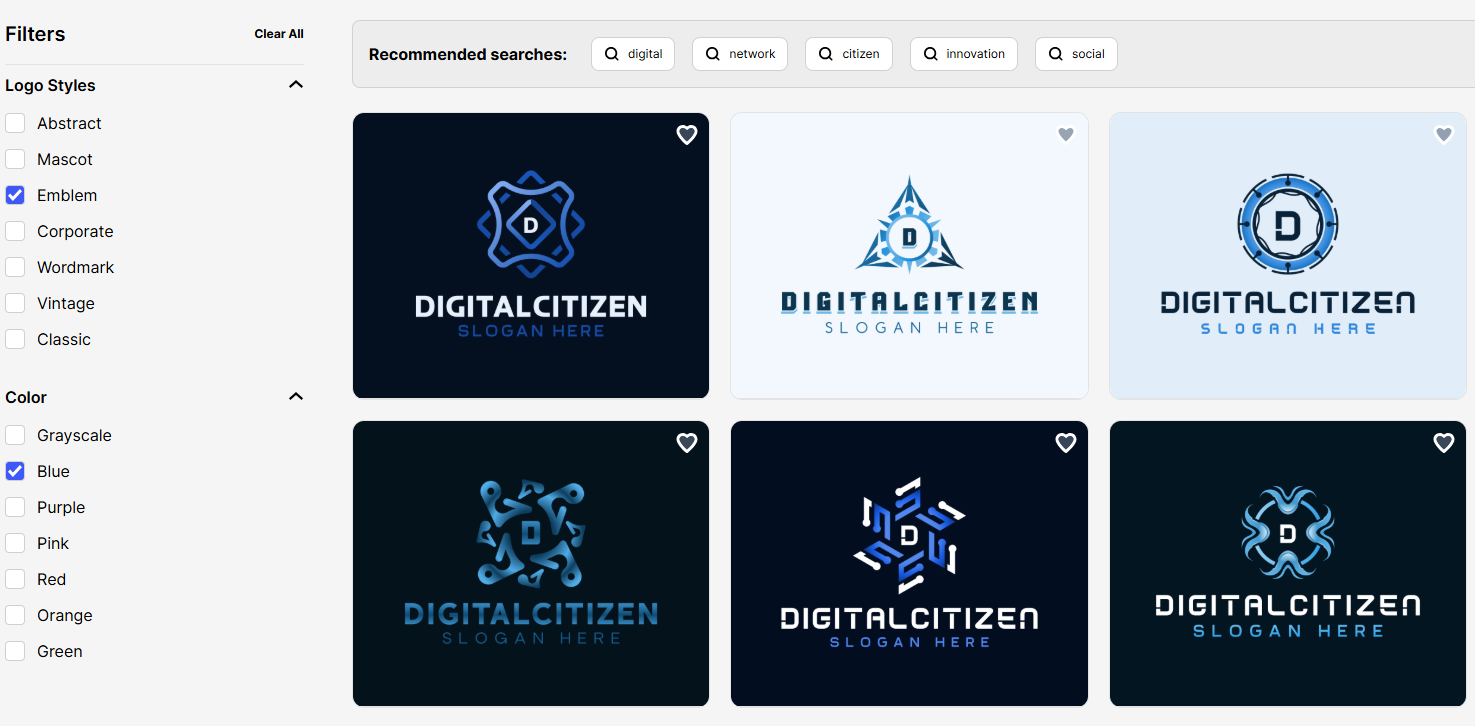
Once the initial results load, the strength of Design.com’s logo generation becomes clear. The AI produces designs across a wide range of styles, including abstract symbols, wordmarks, emblems, corporate layouts, and classic formats. These designs differ in structure and typography, not just surface details.
An important aspect for non-designers is that the wide range of pre-made logos you have to choose from is taken care of when it comes to spacing, alignment, and proportion.
Because the templates they’re based on are created by professional designers and checked for originality, the AI output feels reliable rather than experimental.
At this stage, filters play an important role. Users can narrow results by logo type and color themes, which quickly removes options that do not fit. This combination of variety and structure helps users reach a short list without frustration.
3. Customization options
After selecting a logo, Design.com moves you into customization without changing the workflow or adding complexity. This stage usually causes hesitation for regular users, but here each edit behaves in a predictable way.
You can switch between more than 750 fonts, including 525 exclusive options, apply color changes across the entire logo, edit text or slogans, and test different layout orientations. Each adjustment keeps spacing and alignment intact, so the logo stays visually balanced as you experiment.

If you want finer control, the advanced editor adds spacing and proportion adjustments. These tools allow small refinements without forcing full redesigns. You can make incremental changes and stop at any point, confident that the logo still looks finished.
Because edits never feel destructive, customization stays focused and intentional rather than stressful.

4. Why template variety affects the final result
Most users worry that AI-generated logos will look similar, especially when many people use the same tool. Design.com addresses this by providing users with multiple structurally distinct starting points, not just variations in color or font of a single design.
When you generate logos, the platform presents layouts that differ in composition, typography hierarchy, and icon placement. This allows users to compare directions rather than endlessly refining a single option. In practice, this makes it easier to decide what works and discard what does not.
Because each logo starts from a professionally designed structure and uses exclusive fonts and vector shapes, customization changes the identity of the logo, not just its surface appearance. As a result, the final design feels deliberate and specific instead of generic.

5. Export options and real-world usability
Once a logo is finalized, Design.com offers export options that align with real usage scenarios. Logos can be downloaded in SVG, EPS, and PDF formats for print and scaling, as well as PNG and JPG for everyday digital use. Animated versions in GIF and MP4 expand flexibility for online content.
Transparent backgrounds and icon-only versions support placement across different layouts. Importantly, all designs are commercially safe and checked for originality. For users who want exclusivity, extended licenses allow logo templates to be removed from the public library.
This flexibility ensures the logo remains usable across platforms without future rework.
6. Brand expansion through connected tools
Beyond logo creation, Design.com shifts into brand building. Once a logo is set, its colors and fonts automatically carry across more than 50 branding tools.
These tools include business cards, digital business cards, social media posts and stories, presentations, flyers, posters, menus, letterheads, QR codes, and websites. Because templates inherit branding automatically, users avoid repetitive setup work.
This automation turns the logo into a functional system rather than a standalone asset, which is especially helpful for users managing multiple touchpoints.
Below are concrete examples of how a logo can be extended into real-world assets.
Business cards
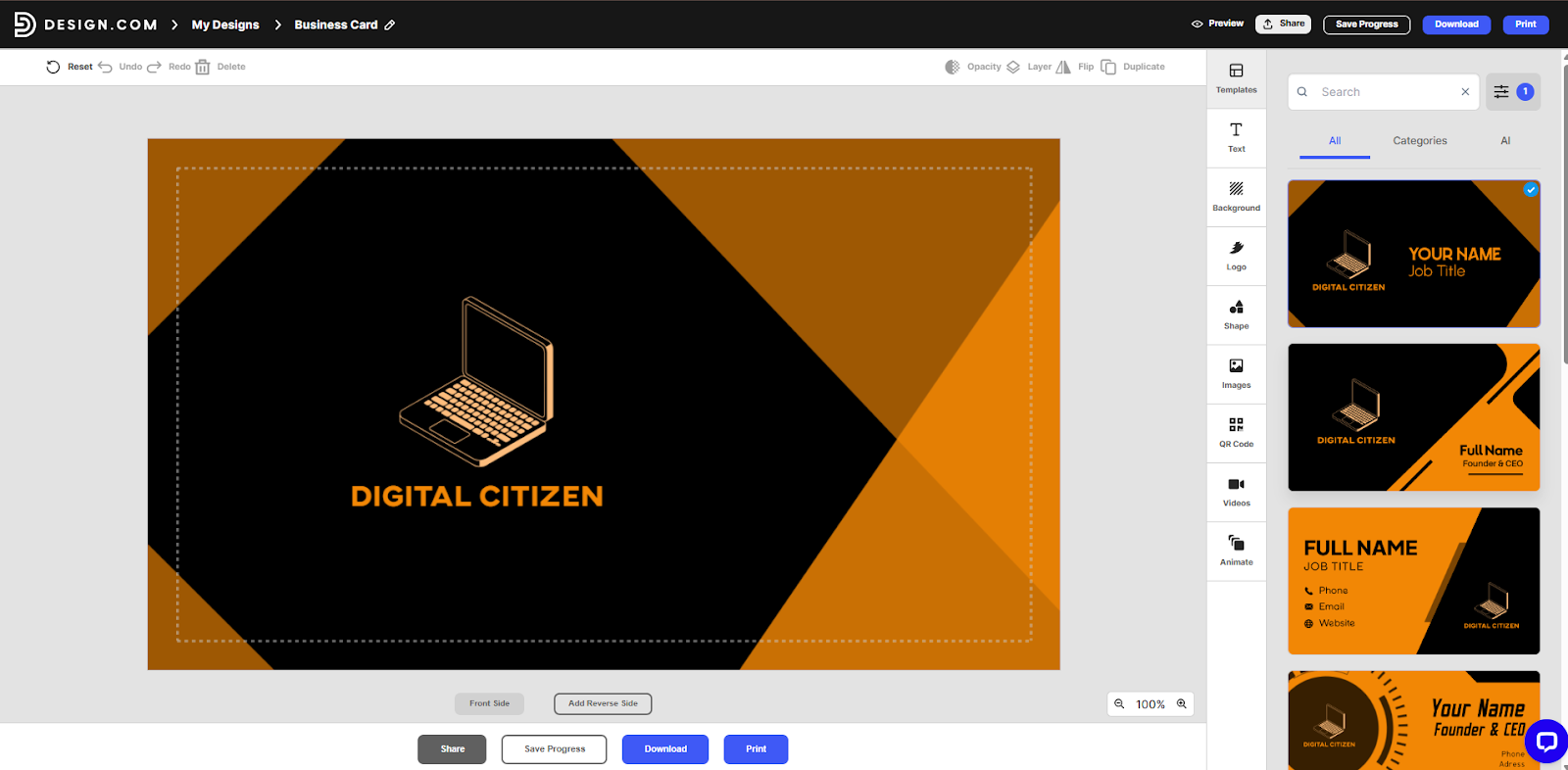
Design.com includes business card templates that automatically apply the logo and its visual style. The logo placement, colors, and typography follow the same branding used during logo creation.
This allows users to move from logo to print-ready business card without recreating brand elements.
Instagram post
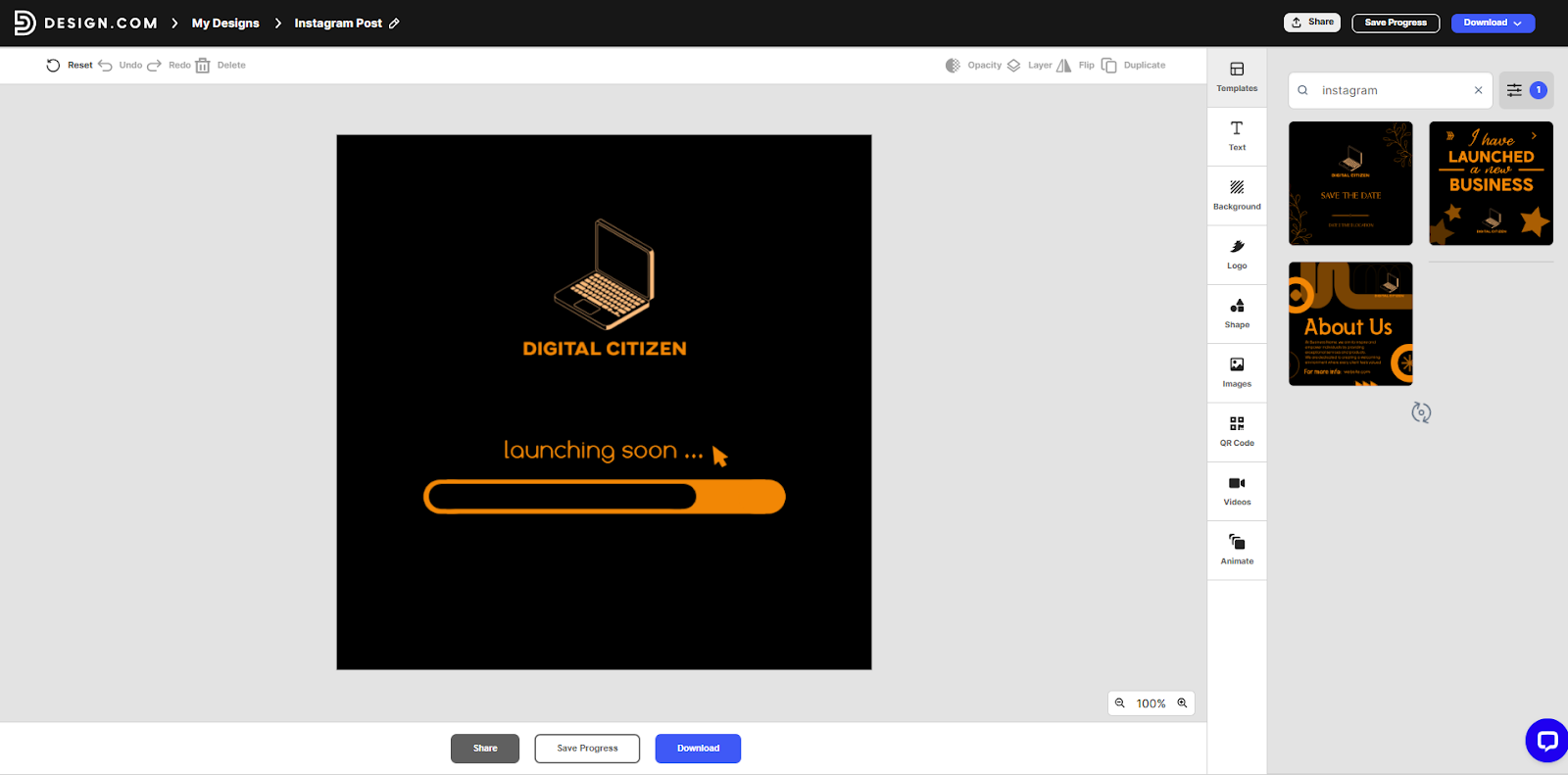
The platform provides social media templates, including Instagram posts, that inherit the logo’s colors and fonts. This makes it possible to create branded social content without redefining visual settings.
The logo remains consistent even as text or imagery changes.
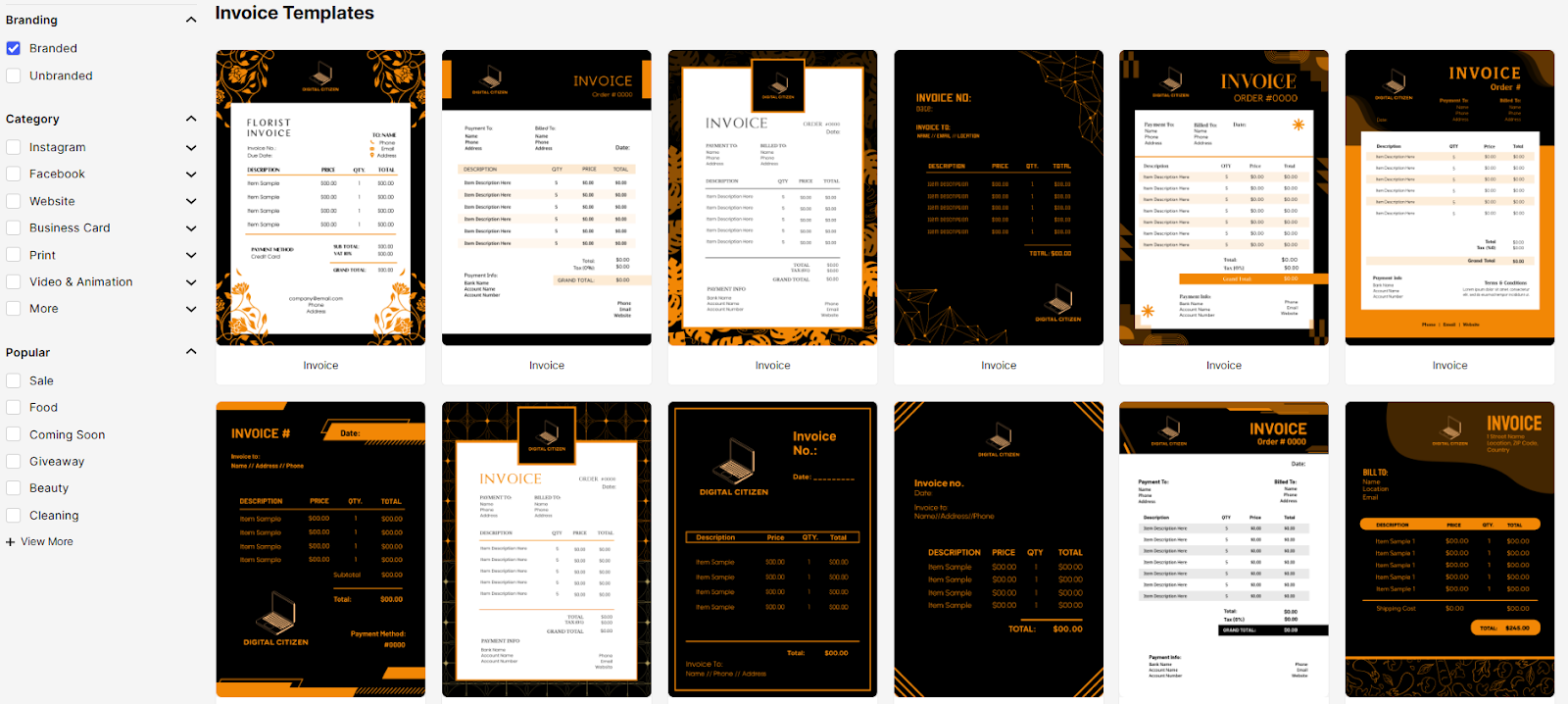
Invoices generated through Design.com use the same branding elements as the logo. This keeps transactional documents visually aligned with the rest of the brand.
For regular users, this ensures that even operational documents look consistent and intentional.
Gift certificate
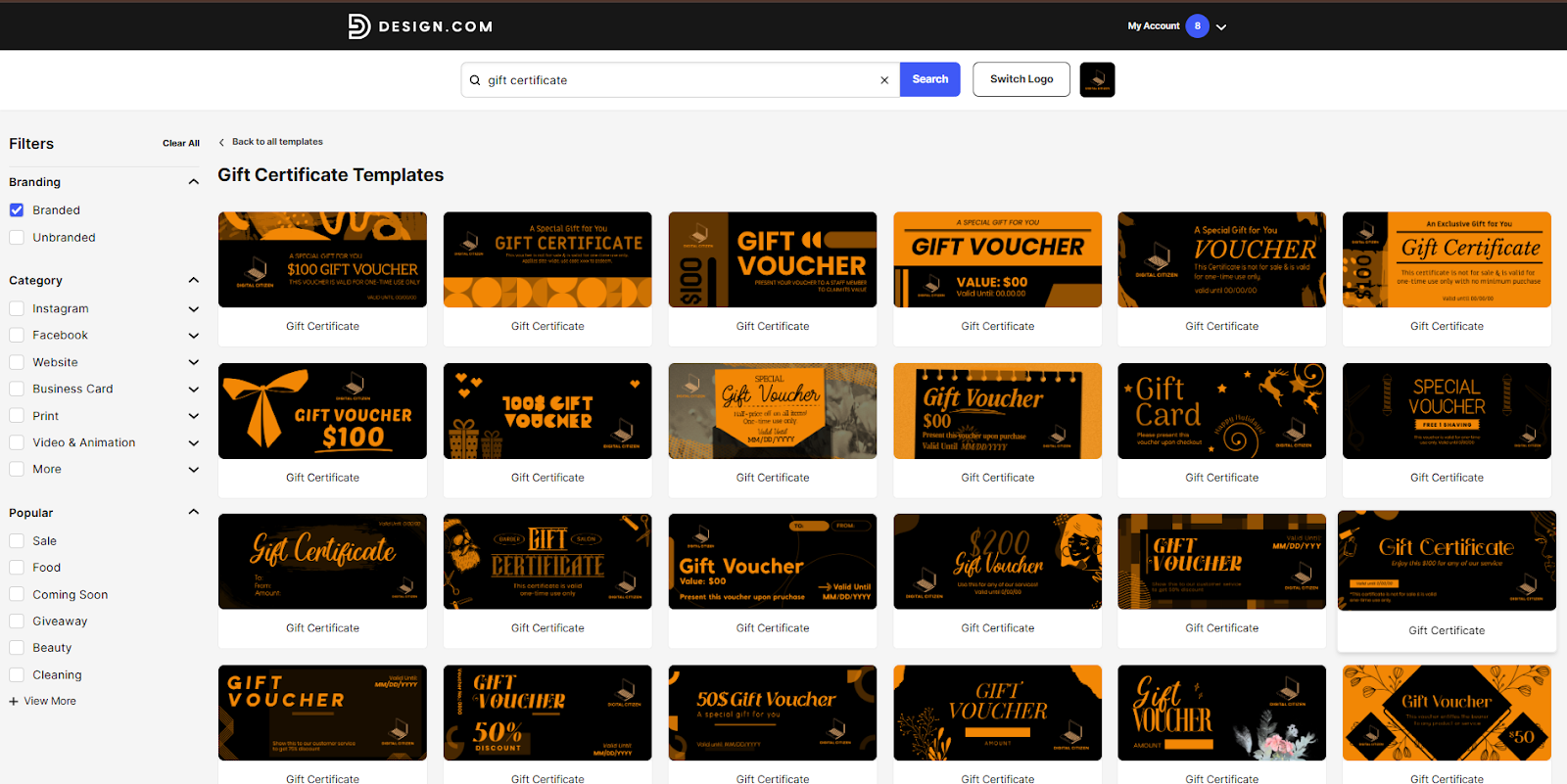
Design.com also includes templates for gift certificates that apply the logo and brand colors automatically. These templates allow users to create branded certificates without manual layout work.
This is useful for small businesses offering promotions or vouchers.
7. Website and digital presence creation
Design.com includes tools for building a website, link in bio page, and digital business card across all plans. These tools allow users to move from design to publication quickly.

Freemium versions include Design.com branding in the footer and some feature limitations, but they still provide a functional starting point. Domain registration integrates directly into this process, which keeps identity management centralized.
For regular users, this continuity removes the friction of switching platforms mid-project.
8. Pricing structure and progression
Design.com lets users start creating logos for free and upgrade only when they need production-ready assets.
The free plan supports logo creation and early brand setup. You can use the logo maker, fully edit your logo, and download all the same high-resolution raster and vector logo files available on premium plans. The free plan also includes access to the website builder, link in bio creator, and digital business card maker.
You can create and save unlimited additional designs, such as Instagram posts, flyers, posters, and letterheads. However, downloading those additional design files requires a premium plan.
Design.com offers three paid plans, each billed annually, with pricing that scales based on how widely you want to use your logo.
- Starter – Logo Pack: $5 per month
Includes high-resolution and vector logo files (SVG, EPS, PDF), unlimited logo edits, and access to branding tools such as business cards, social media posts, email signatures, letterheads, and hundreds of thousands of templates. - Value – Logo Pack + Website: $6 per month
Includes everything in the Starter plan, plus access to the website builder, allowing your logo to anchor a full branded website. - Premium – Logo Pack + Website + More: $7 per month
Includes everything in the Value plan, plus a link in bio page and a digital business card for extended online presence and contact sharing.
All paid plans are available with monthly or annual billing, with significant savings when you choose an annual subscription.
Final assessment
Design.com succeeds because it anticipates where regular users hesitate and addresses those points directly. Strong starting logos reduce early uncertainty. Controlled customization protects visual quality. Automated brand expansion removes repetitive work.
For regular users who want a logo and brand that feel ready for real-world use without learning design software, Design.com offers a structured, confidence-building experience that prioritizes outcomes over complexity.


Discussion (0)
Be the first to comment.