



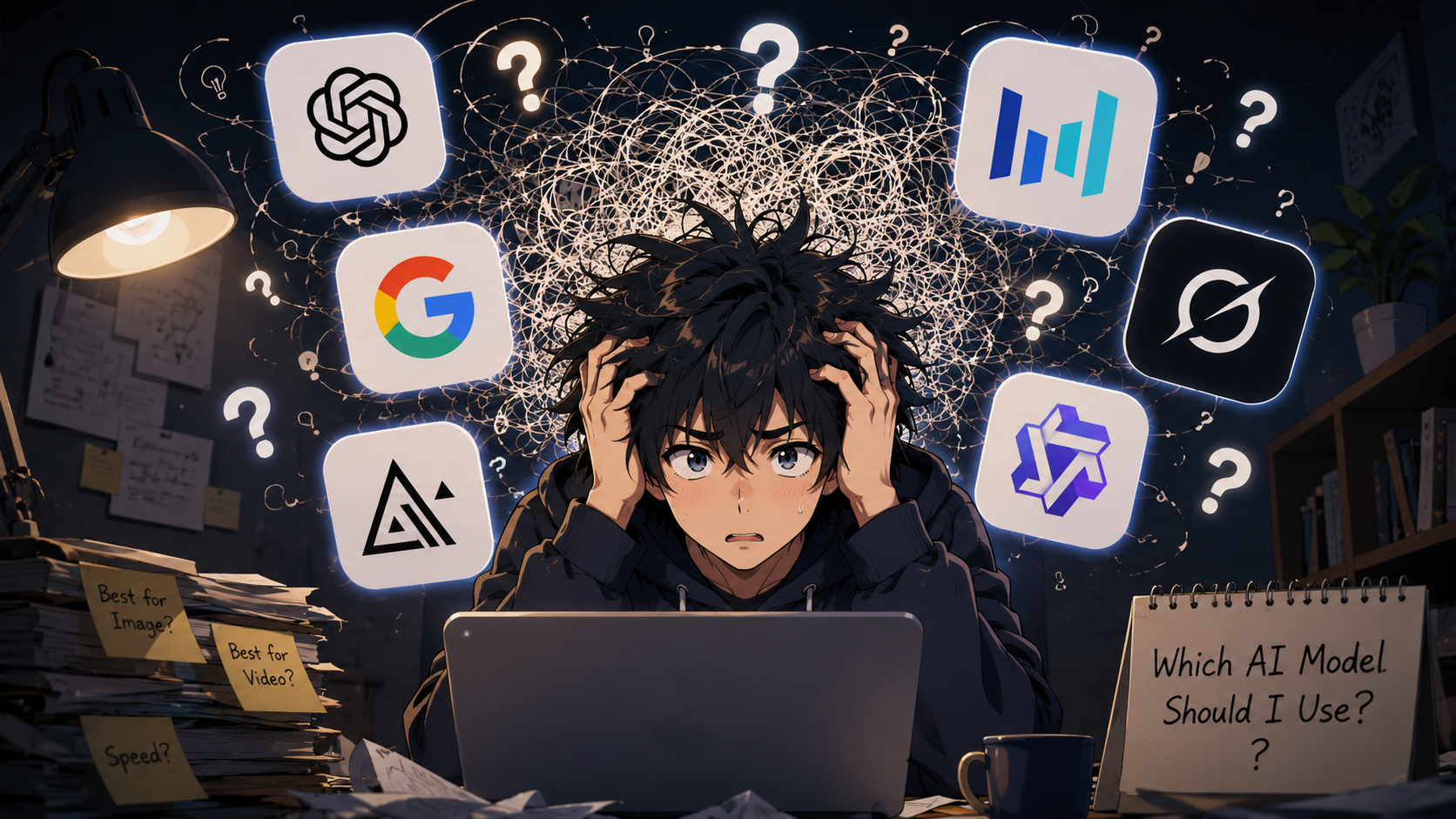
Creating an AI image or short video is easier than ever. The harder part is choosing the right model.
New models promise better text, editing, motion, and control, but impressive demos do not always reflect everyday needs. A model that works well for posters may be less effective at editing photos.
The newest or most expensive model is not always the best choice. As AI creation becomes simpler, choosing the right model becomes the real challenge.
More Models Can Make a Simple Task Feel Complicated
A few years ago, the main question was whether AI could create a usable image. Today, there are many capable options.
One model is praised for realism. Another is known for accurate text. A third focuses on editing. Several video models promise natural movement or better camera control.
Those labels are broad. Real work is more specific.
A restaurant owner may need a poster with readable prices. An online seller may want to change a product background. A creator may want to animate a portrait without changing the face. A marketing team may need a short ad with controlled motion and sound.
Choose the Model Based on the Task
There is no single model that is ideal for every creative job. A task-first approach is usually more useful.
For an advertising poster: GPT Image 2
Advertising posters need more than an attractive picture. They often need a clear layout, a strong focal point, and readable text.
GPT Image 2 is a strong option for this work. It supports high-quality image generation and editing. It also improves text rendering, layout control, and instruction following. These strengths are useful for posters, menu graphics, promotional banners, and social ads.
Small text, brand colors, and product details should still be checked.
For editing an existing image: Nano Banana Pro
Editing an existing image is different from creating a new one.
You may only want to replace a background, adjust an object, or change the lighting. Rebuilding the full image can introduce new errors.
Nano Banana Pro is well suited to controlled editing. Google describes it as an image generation and editing model with advanced creative controls and strong visual fidelity. It is designed for complex tasks where control and accuracy matter.
This makes it a practical choice when the original subject needs to remain recognizable.
For a portrait video: Grok Imagine Video 1.5
Portrait videos need stable faces and natural movement. The clip should feel like a video, not a still image with a moving camera.
Grok Imagine Video 1.5 is useful for image-to-video work. xAI highlights stronger motion, physics, audio, and generation speed. These qualities can help with character introductions, profile videos, and short social clips built around one person.
A clear source portrait with good lighting gives the model a better starting point.
For a dynamic advertisement: Seedance 2.0
A dynamic ad may combine a product image, a movement reference, sound, and a planned camera path.
Seedance 2.0 supports text, image, audio, and video inputs. It can use references for movement, lighting, performance, and camera control. This makes it useful for product clips, campaign teasers, and short ads that need more direction than a basic image-to-video prompt.
More references become useful when movement or brand style must be precise.
For exploring ideas: faster and lower-cost models
Early ideas do not always need premium generation.
You may only want to compare backgrounds, camera angles, or visual styles. At this stage, speed and cost can matter more than final detail.
Faster and lower-cost models are often enough for rough concepts. Once a direction works, a stronger model can produce the final asset.
The difficulty is that these options often sit on separate websites. Trying each one may require a new account, another balance, and a different interface. SeeAPI places models such as GPT Image 2, Nano Banana Pro, Grok Imagine Video 1.5, and Seedance 2.0 in one online workspace. Users can choose according to the task instead of setting up a new workflow for every provider.
From One Product Photo to a Complete Promotion
Consider a small brand with one product photo and no finished campaign assets.
Nano Banana 2 Lite can quickly test several visual directions, from a bright studio to a darker luxury style. Once the concept is clear, GPT Image 2 can create a polished advertising poster with the desired layout, lighting, and product position.
Nano Banana Pro can then refine specific details without rebuilding the approved image. Finally, Seedance 2.0 can turn the product photo into a dynamic ad with controlled movement, camera style, and audio.
The online creation workspace keeps image generation, editing, and video creation in one interface, so creators can switch models without restarting the project.
Start with the Task, Not the Model
A growing number of AI models does not have to make creative work confusing. Start with the task, then choose the model.
Use an affordable model to explore ideas, a stronger image model for layout and detail, an editing model to refine existing work, and a video model when motion matters.
The best workflow does not always rely on the newest model. It simply makes the right model easier to choose.


Discussion (0)
Be the first to comment.