




AI logo generators have made professional branding accessible to small businesses that lack design experience or agency budgets. Instead of starting from a blank canvas, business owners can now generate usable logo concepts in minutes and refine them with guided tools.
This list compares the best AI logo generators for small businesses, focusing on logo quality, customization, pricing, ownership, and how well each platform supports brand growth beyond the logo itself.
1. Design.com – Best overall AI logo generator for small businesses
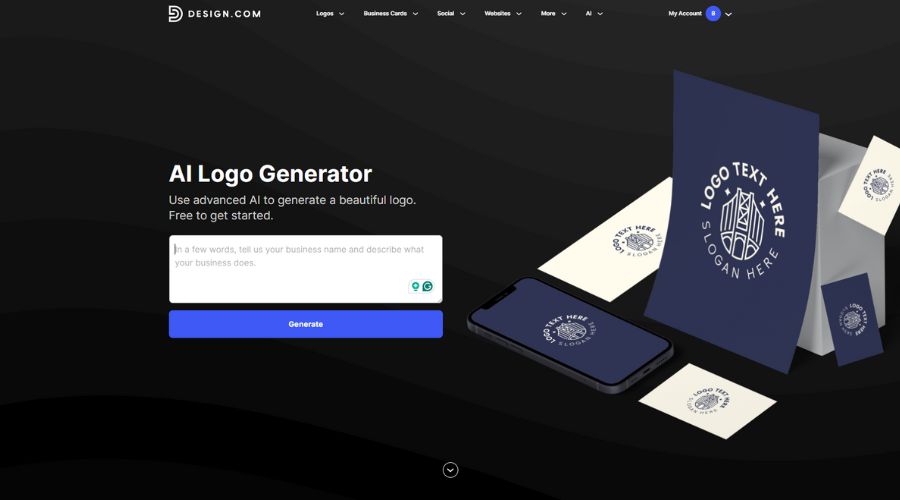
Design.com is built for small businesses that want more than just a logo. It combines AI-driven logo generation with professionally designed templates and connected branding tools, allowing users to move from a single idea to a complete brand system. The platform’s AI logo generator emphasizes reliability, consistency, and scalability, making it suitable for businesses planning to grow without redesigning later.
Key features
- AI-powered logo generation inferred directly from the business’s name
- 360,000+ professionally designed logo templates
- Advanced logo editor with non-destructive adjustments
- Full vector and high-resolution logo downloads on the free plan
- 50+ connected brand tools for extending branding beyond logos
- Website builder, link-in-bio page, and digital business card included
- Optional extended licensing for logo exclusivity
Real-world logo generation examples
To evaluate real-world output, we tested Design.com using the same inputs across industries.
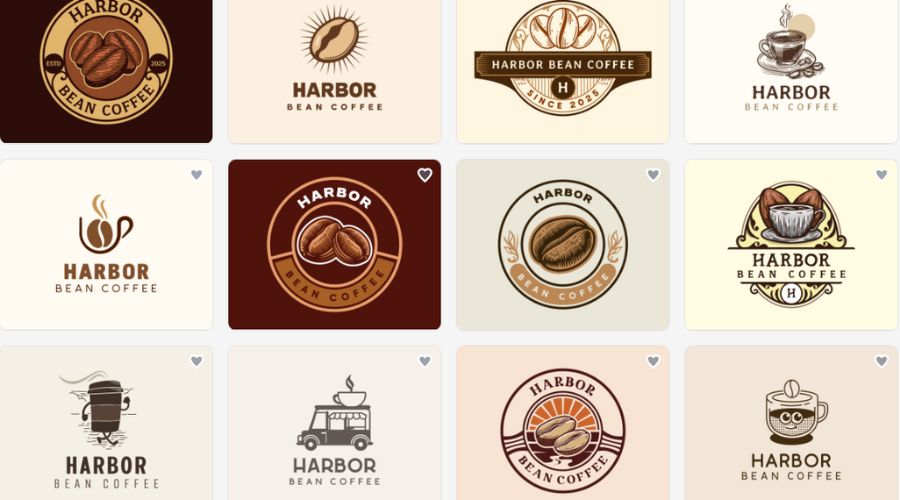
- Harbor Bean Coffee (Café): The generator produced a wide range of structurally different logos, including emblem-style marks, modern wordmarks, and icon-based layouts. The results explored multiple brand directions rather than minor visual variations.
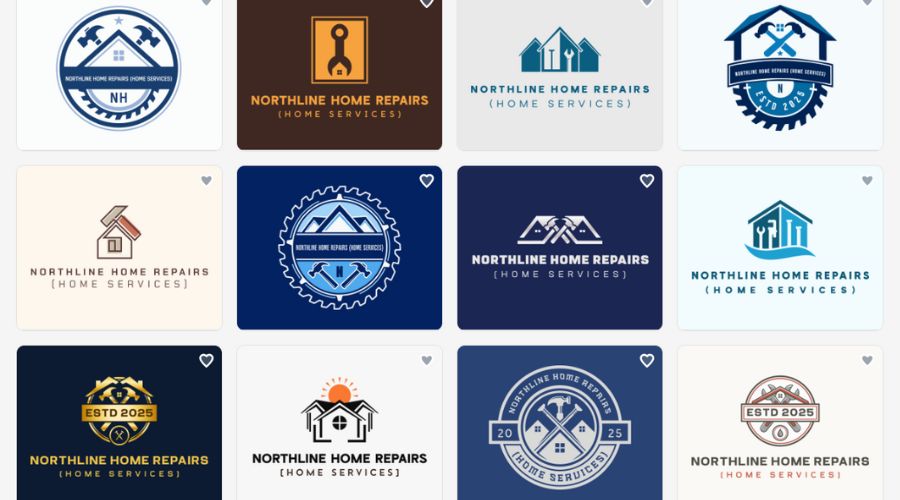
- Northline Home Repairs (Home services): Logo options emphasized clarity and trust, with bold typography, strong iconography, and layouts suited for vehicles, invoices, and signage.
AI logo generation approach
Design.com uses AI to infer industry and related keywords directly from the business name, generating logo options that already align with the intended field. This removes the need for users to define visual preferences upfront and results in a broad range of structurally different logos rather than minor variations.
Logo quality and variety
The platform produces logos across multiple styles, including wordmarks, emblems, abstract symbols, and icon-based layouts. Because templates are professionally designed and checked for originality, spacing, alignment, and proportions feel reliable from the start.
Customization and editing
Users can refine logos using fonts, colors, layout adjustments, and advanced spacing tools without breaking visual balance. Edits remain non-destructive, which helps non-designers experiment confidently.
Brand expansion beyond the logo
Once a logo is finalized, its colors and fonts carry across more than 50 branding tools, including business cards, invoices, social posts, websites, and gift certificates. This turns the logo into a reusable brand system rather than a single asset.
File formats and ownership
Design.com supports high-resolution raster files and full vector formats (SVG, EPS, PDF), making logos suitable for both digital and print use. Extended licensing options are available for businesses that need exclusivity.
Pricing and upgrade path
Design.com allows all plans to be billed monthly or annually, with a substantial discount on annual billing.
The free plan includes full logo creation and downloading of high-resolution and vector logo files, plus access to the website builder, link-in-bio creator, and digital business card maker.
Premium plans focus on brand expansion rather than logo access:
- Starter (Logo Pack): $15/month or $5/month billed annually
- Value (Logo Pack + Website): $24/month or $6/month billed annually
- Premium (Logo Pack + Website + More): $29/month or $7/month billed annually
2. Canva Logo Maker – Best AI logo generator for flexibility and ease of use
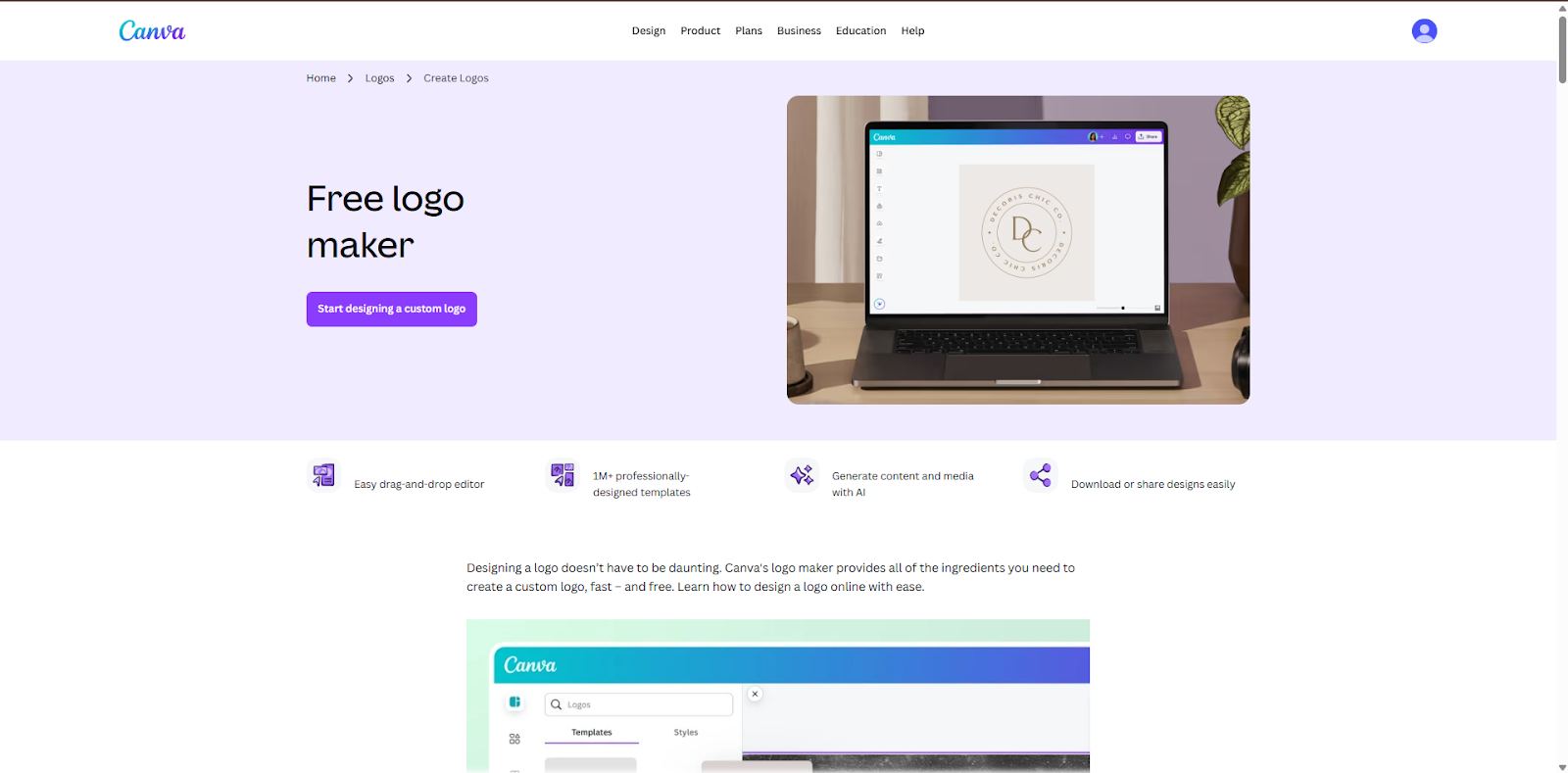
Canva approaches logo creation as part of a broader design ecosystem. Its AI logo tools are designed to help users generate quick starting points, then refine them using a familiar drag-and-drop editor. This makes Canva appealing to small businesses that value ease of use and want to reuse their logo across marketing content, social media, and presentations.
Key features
- AI-assisted logo generation with template-based starting points
- Drag-and-drop logo editor
- Large library of fonts, icons, and visual elements
- Brand Kit for storing logos, colors, and fonts
- SVG export available on paid plans
- Strong support for social and marketing content creation
Real-world logo generation examples
We ran the same business names through Canva’s AI-assisted logo tools.
- Harbor Bean Coffee (Café): Canva generated clean, friendly logos that relied heavily on typography and familiar café icons. The designs were approachable and visually engaging, but you have to edit them out to fit your brand.
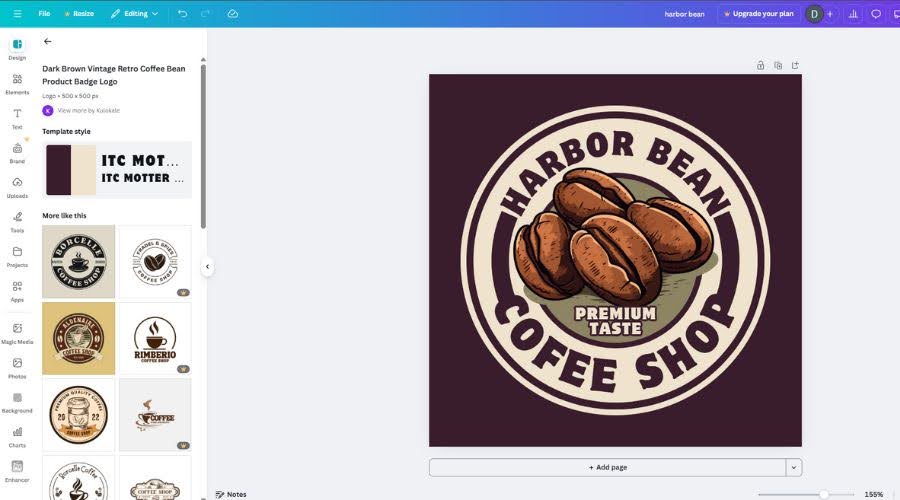
- Northline Home Repairs (Home services): The output focused on readability and simple symbols, producing usable templates that you have to edit yourself with brand name and slogan.
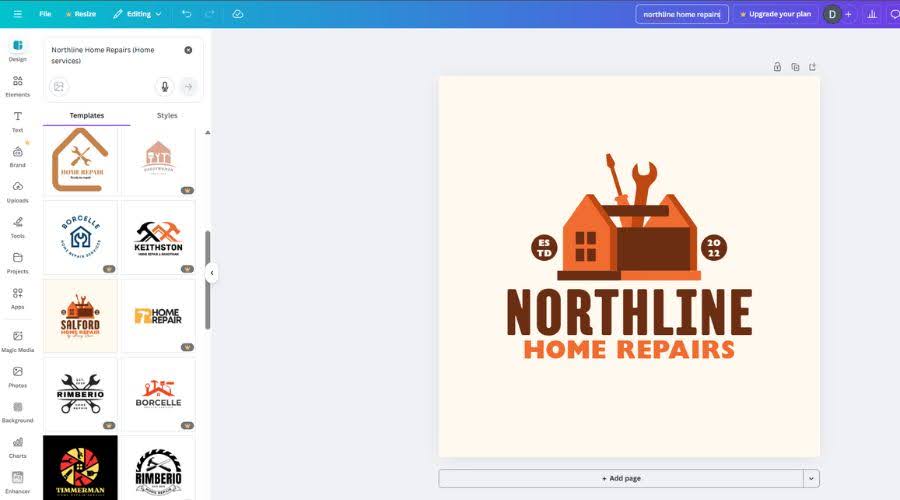
AI logo generation approach
Canva’s logo tool pulls from its library initial logo ideas based on business name and keywords, then relies heavily on templates for refinement. The AI assists with starting points rather than driving the entire design process.
Logo quality and variety
Logos are clean and readable, but many designs follow familiar patterns. Variety exists, though structural differences between logos tend to be limited.
Customization and editing
The drag-and-drop editor allows extensive visual freedom. While this makes editing easy, it also means users must manually maintain alignment and consistency.
Brand expansion beyond the logo
Canva excels at content creation, allowing logos to be reused across social posts, presentations, and marketing visuals. Brand consistency depends largely on user discipline rather than automation.
File formats and ownership
Vector exports are available on paid plans. Commercial use is generally allowed, depending on assets and plan level.
Pricing and upgrade path
Canva offers free logo creation with limited export options.
The Canva Pro plan costs $14.99 per month or $119.99 per year, unlocking SVG exports, Brand Kits, and broader commercial asset usage.
3. Tailor Brands – Best for fast, automated logo creation
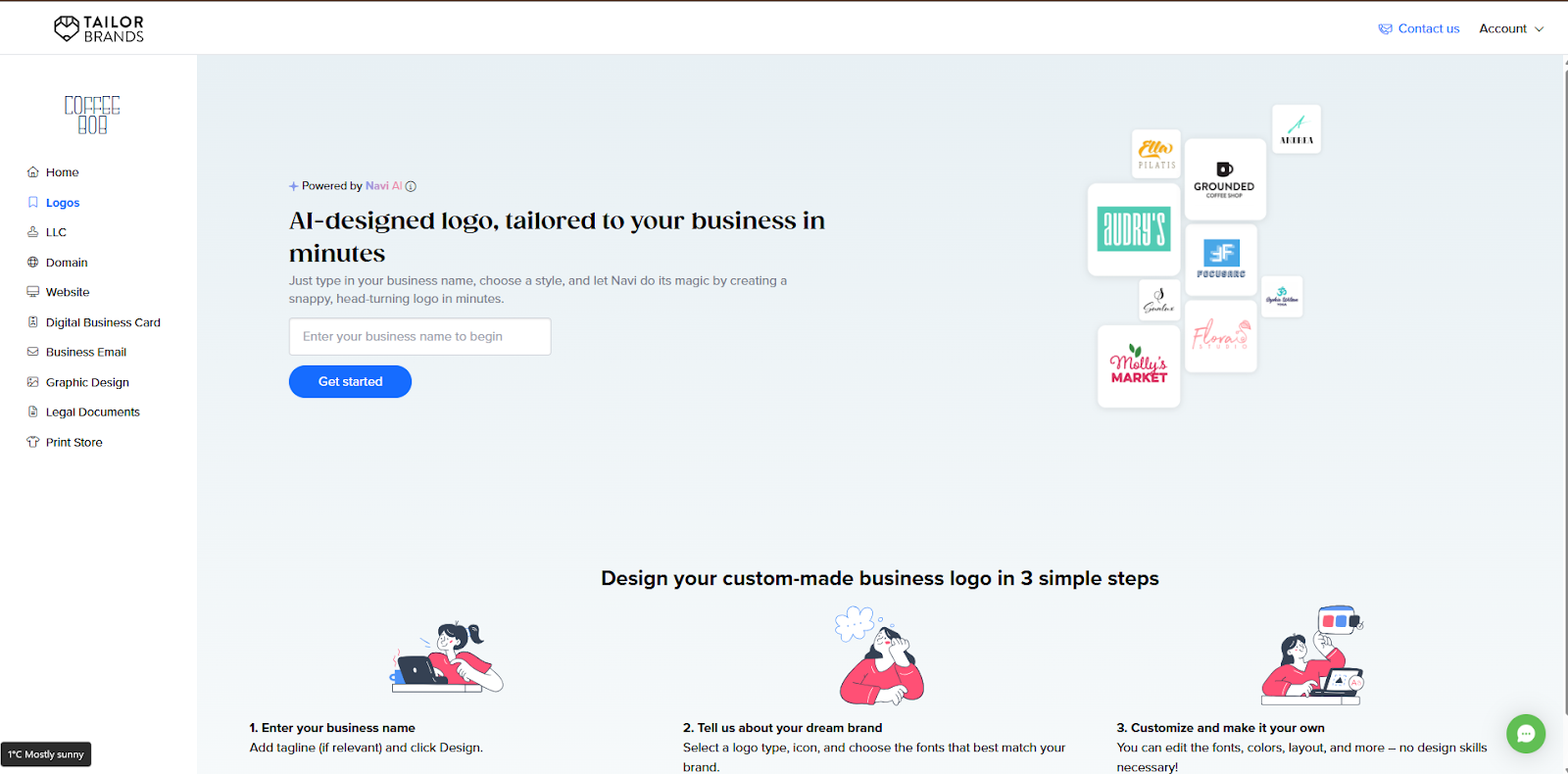
Tailor Brands focuses on speed and automation, aiming to remove as many decisions as possible from the logo creation process. Its AI guides users through a short questionnaire and generates logo options automatically.
Key features
- Questionnaire-driven AI logo generator
- Automated brand style suggestions
- Simplified logo editor focused on speed
- Logo-based brand asset extensions
- Commercial usage rights on paid plans
- Minimal setup and decision-making
Real-world logo generation examples
Using identical inputs highlighted Tailor Brands’ automation-first approach.
- Harbor Bean Coffee (Café): The AI favored text-forward logos with subtle decorative elements.
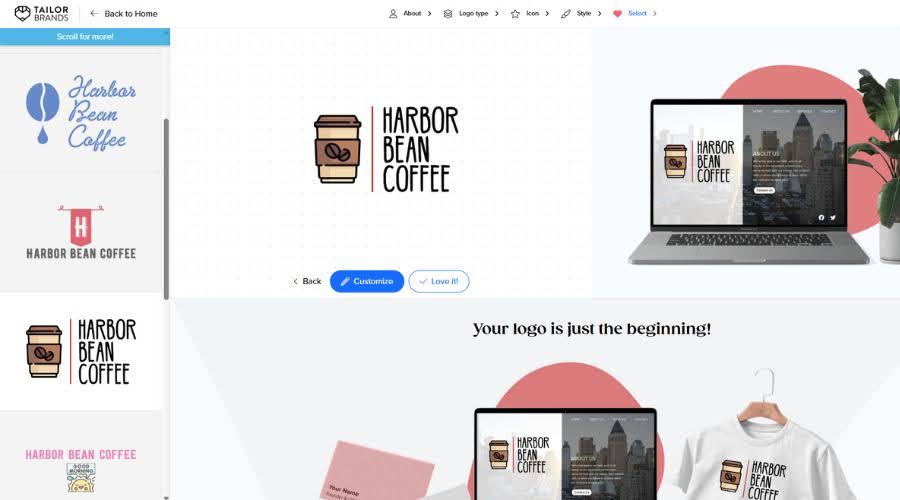
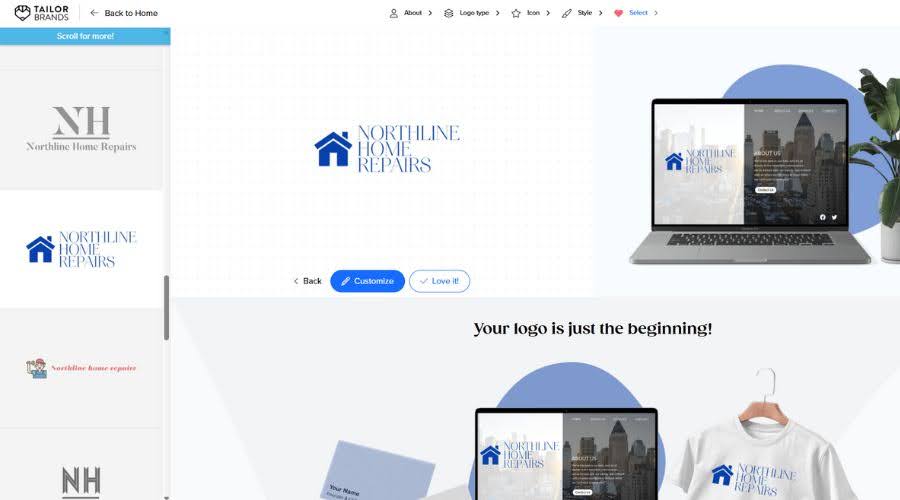
- Northline Home Repairs (Home services): Results leaned toward straightforward wordmarks and minimal icons.
AI logo generation approach
Tailor Brands relies on a guided questionnaire to infer brand personality and generate logo concepts. The AI limits variation intentionally, aiming to reduce choice overload and deliver fast, usable results.
Logo quality and variety
Logos are clean and professional, but structural variety is limited. Most differences come from font changes, icon swaps, or color variations rather than distinct layout directions.
Customization and editing
Editing tools allow changes to fonts, colors, icons, and layout alignment, but deeper structural edits are not supported. This keeps the process fast, though it limits creative flexibility.
Brand expansion beyond the logo
Tailor Brands offers basic brand assets connected to the logo, such as business card designs and simple marketing materials. These extensions support early-stage branding but do not form a full brand ecosystem.
File formats and ownership
Professional logo files are available after purchase, typically including high-resolution raster files and vector formats suitable for standard business use. Commercial usage rights are included with paid plans.
Pricing and upgrade path
Logos can be previewed for free, but downloading usable logo files requires a paid plan or package. Pricing varies depending on selected branding tools and subscription options, with upgrades often needed to maintain access to assets over time.
4. Wix Logo Maker – Best for Wix-based small businesses

Wix Logo Maker targets small businesses that plan to build their website with Wix and want a logo that integrates smoothly into that ecosystem. It focuses on producing clean, web-ready logos that fit naturally into site headers, navigation bars, and marketing pages, prioritizing usability and consistency over experimentation.
Key features
- AI-assisted logo generation connected to the Wix ecosystem
- Simple logo editor focused on web-friendly layouts
- High-resolution and vector logo files are available after purchase
- Direct integration with Wix websites and branding tools
- Conservative, readable logo styles
- One-time logo purchase option
Real-world logo generation examples
We tested Wix Logo Maker using the same business names and industries.
- Harbor Bean Coffee (Café): Wix generated clean, modern logos designed to sit comfortably in website headers. Most concepts focused on legibility and balance rather than decorative elements.
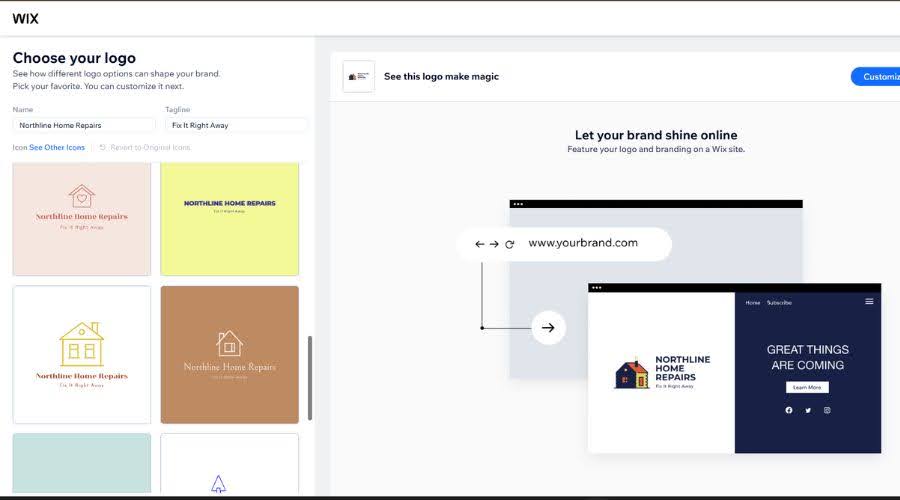
- Northline Home Repairs (Home services): The output emphasized clarity and professionalism, with straightforward icons and strong text contrast suitable for service-based websites.
AI logo generation approach
Wix uses guided AI prompts that ask for basic business details and preferences. The system prioritizes layouts that work well in web environments, especially within Wix site templates.
Logo quality and variety
Logos are polished and functional, but stylistically conservative. Most variations differ in color, icon choice, or font rather than overall structure.
Customization and editing
The editor allows safe adjustments to fonts, colors, spacing, and icons. Editing remains intentionally limited to prevent layouts from breaking inside website designs.
Brand expansion beyond the logo
Wix Logo Maker connects directly to Wix websites, enabling users to apply logos instantly to pages, headers, and marketing sections. Expansion outside the Wix ecosystem is more limited.
File formats and ownership
After purchase, users can download high-resolution raster files and vector formats suitable for print and digital use. Commercial usage rights are included.
Pricing and upgrade path
Logo previews are free. Downloading logo files requires a one-time payment, typically ranging between $20 and $50, depending on file formats and usage needs. Pricing aligns best for users already committed to Wix.
5. Looka – Best for quick AI logo concepts and inspiration
Looka is designed for speed and volume, generating large batches of logo concepts based on minimal input. It works well for small businesses that want to explore many ideas quickly and narrow down a visual direction without spending much time on setup or configuration.
Key features
- AI-generated logo concepts in large batches
- Clean, focused logo editor
- Typography- and color-driven customization
- Brand kit bundles with supporting assets
- Commercial usage rights included with paid logos
- One-time logo purchase options available
Real-world logo generation examples
We tested Looka using the same inputs across industries.
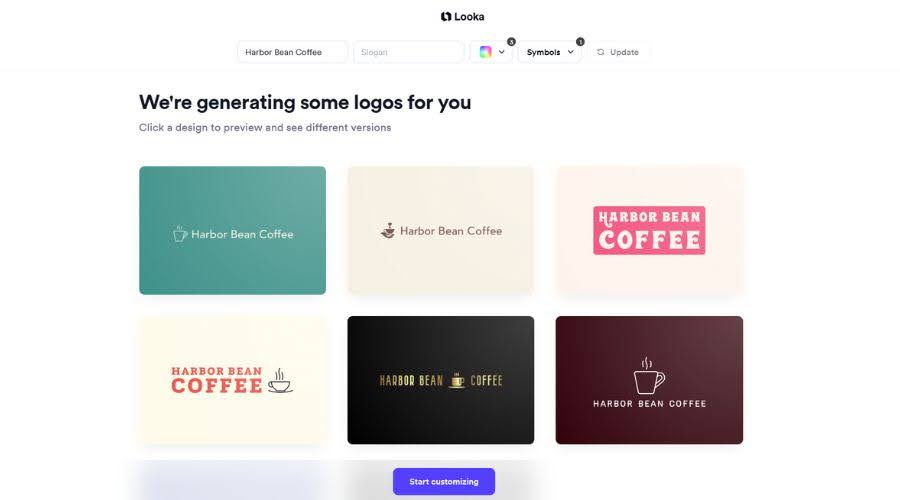
- Harbor Bean Coffee (Café): Looka produced many logo variations quickly, often changing icons, colors, and fonts while keeping similar layout structures.
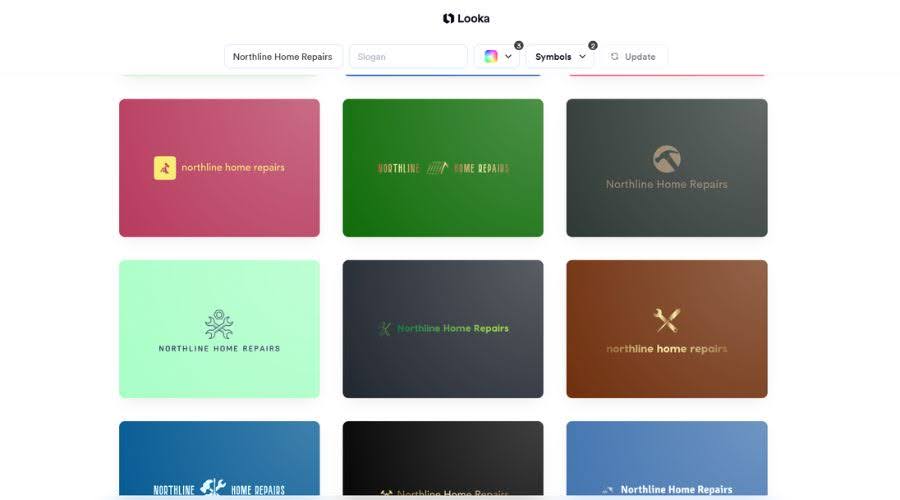
- Northline Home Repairs (Home services): Results looked professional and consistent, though many concepts shared similar proportions and composition.
AI logo generation approach
Looka generates logos by combining AI-selected icons, fonts, and color palettes based on user input. The emphasis is on producing many options fast rather than deeply distinct structures.
Logo quality and variety
Logos appear polished and business-ready, but structural diversity is limited. Many designs feel like variations of the same underlying layout.
Customization and editing
Editing tools focus on typography, color palettes, spacing, and icon swaps. The editor is easy to use but does not support advanced layout restructuring.
Brand expansion beyond the logo
Looka offers brand kits that bundle logos with items such as social media assets and business card designs. Expansion exists, but tools remain more limited compared to full branding platforms.
File formats and ownership
Paid logo packages include high-resolution files and vector formats suitable for standard business use. Commercial rights are included.
Pricing and upgrade path
Logos can be previewed for free.
- Basic logo packages typically start around $20
- Brand kits can range from $60 to $90, depending on included assets
Pricing favors one-time purchases rather than subscriptions.
Conclusion
AI logo generators give small businesses multiple paths to professional branding, but the experience varies widely between tools. Some prioritize speed and simplicity, while others focus on long-term brand consistency.
Design.com stands out for businesses that want to create a logo once and extend it into a complete brand system. Other tools may suit faster or narrower needs, but often require earlier upgrades or additional tools as the business grows.


Discussion (0)
Be the first to comment.