UP

Smartphone

How do I use mobile platforms like Android and iOS? Learn how to use your smartphone, iPhone, or tablet. See which mobile apps are worth using, and how they work.

article What are 5G and its benefits? What 5G smartphones are available?

What are 5G and its benefits? What 5G smartphones are available?

All the smartphone manufacturers and mobile operators are talking about 5G and its many benefits. We see more and more advertisements about how great 5G is and why you should have it. But why is that? Even anti-vaxxers are obsessing about 5G, not just governments or smartphone manufacturers. In this article, we explain what 5G is, what 5G means, and which its benefits are:
review realme C21 review: the ultra-low-budget smartphone!

realme C21 review: the ultra-low-budget smartphone!

One big plus of the fierce competition in the smartphone market is the range of models available at every price point. It doesn’t matter if your budget is a very modest one. You can still get yourself a smartphone at about 120 USD. We haven’t reviewed such an affordable smartphone for a very long time, but now it is time to take a look
review realme 8 5G review: Affordable 5G connectivity!

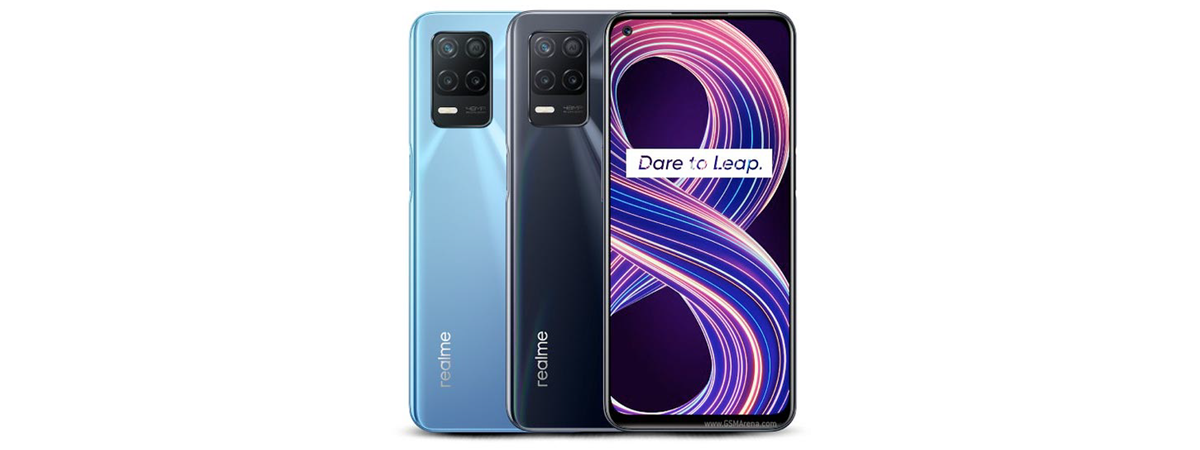
realme 8 5G review: Affordable 5G connectivity!

Each month, the market of affordable 5G smartphones is getting more and more competitive. Last month, we tested the Samsung Galaxy A32 5G and now it’s time for a direct competitor: realme 8 5G. For a similar price point, realme 8 5G wants to offer a better screen, slightly faster charging, and an exciting camera system. Does this phone manage to outmatch its competition?
tutorial How to block or unblock someone on WhatsApp

How to block or unblock someone on WhatsApp

Are you a WhatsApp user and someone is bothering you with messages or calls you don’t want? Did you know you can block anyone on WhatsApp and stop them from sending you messages or calling you? When you block someone on WhatsApp, do they know that you did that? What do they see? What happens when you call someone who blocked you on WhatsApp?
article What is WiFi Direct? How do you use WiFi Direct?

What is WiFi Direct? How do you use WiFi Direct?

WiFi? You know that and use it every day. Bluetooth? You know that too and also use it quite often. What if you could combine all the best features of the two? Well, it turns out you can, and that’s WiFi Direct. Do you want to know more about what WiFi Direct is, and what’s the difference between WiFi and WiFi Direct? Are you
review OnePlus 9 review: Power reloaded!

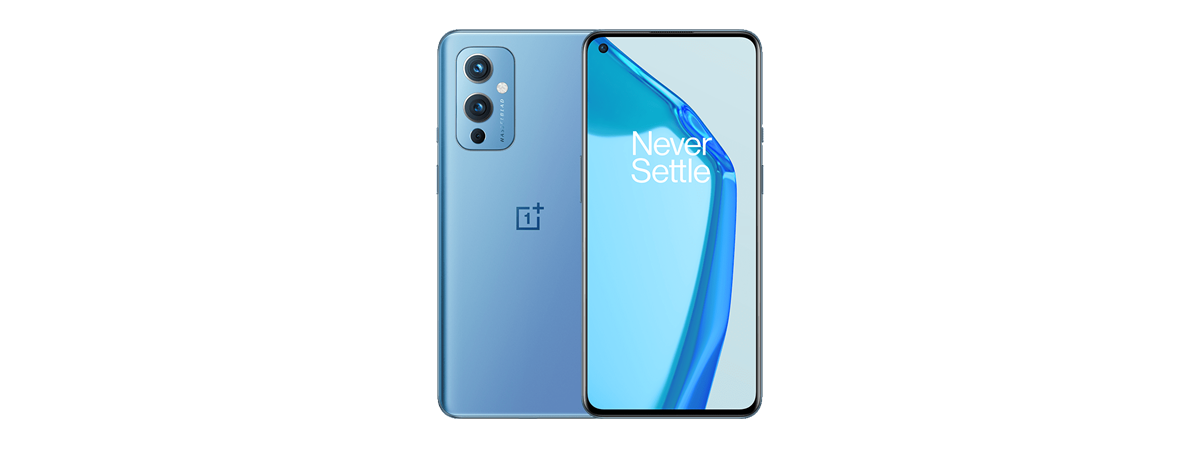
OnePlus 9 review: Power reloaded!

OnePlus 9 features a high-end processor, a lot of memory, an excellent display, and very fast charging times. As you can imagine, performance is the name of the game for this smartphone. Even more so, this is one of the first devices made by OnePlus in collaboration with Hasselblad, one of the most renowned camera manufacturers of the world, coming from the nordic lands
review Samsung Galaxy A32 5G review

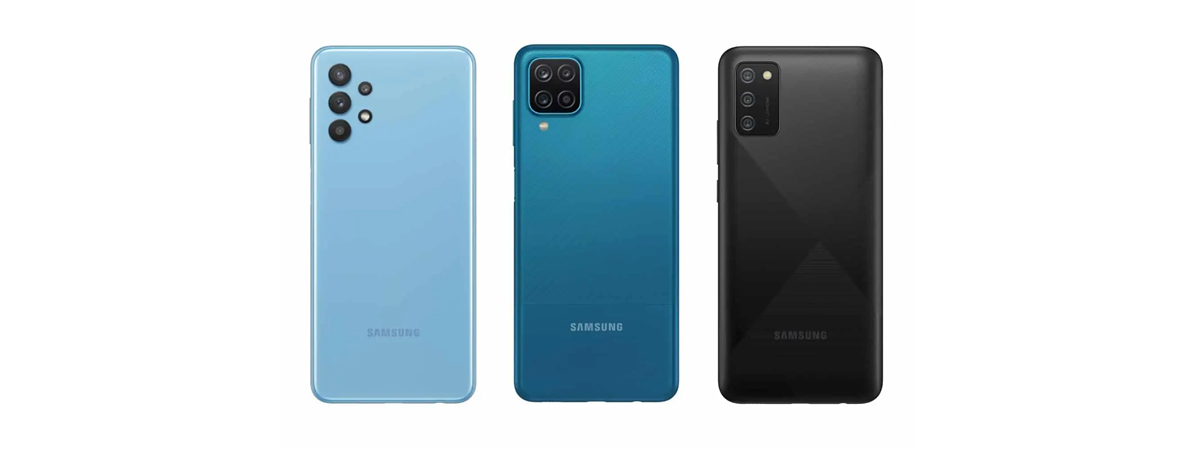
Samsung Galaxy A32 5G review

Galaxy A32 5G is part of Samsung’s latest lineup of affordable smartphones that cater to the needs of people who can’t afford flagship products. The device looks good, has a generous battery, an impressive number of cameras, and 5G connectivity. Plus, the Samsung brand that millions of people love. Are these characteristics enough to make the Samsung Galaxy A32 5G a great product that
tutorial How to connect an Android phone to a Wi-Fi network: 3 ways

How to connect an Android phone to a Wi-Fi network: 3 ways

Connecting your Android smartphone or tablet to a Wi-Fi network is an easy two-step process. You must first enable Wi-Fi on your Android device, and then you can connect to the available wireless network you want. Furthermore, using Wi-Fi is free, and you probably get a faster internet connection than you would on your mobile data plan. This guide illustrates how to connect your
tutorial Microsoft Authenticator on Android: Sign into an MS account

Microsoft Authenticator on Android: Sign into an MS account

Did you know you can get into your Microsoft account without inserting a password? The Microsoft Authenticator app lets you enable two-step verification for your Microsoft account. You can then use your Android smartphone or tablet to approve or deny sign-in requests. Read our guide to find out how to get the Microsoft Authenticator and how to use it to sign in faster from
article What is a QR code? What are QR codes used for?

What is a QR code? What are QR codes used for?

QR codes are everywhere: you can find them printed on the packaging of your latest gadgets, on business cards, included on presentations at conferences, and you can even see them painted on buildings. People and companies use them to store and distribute all kinds of information in a manner that is quickly accessible to anyone with a smartphone. What does a QR code look
tutorial How to turn off Chrome notifications on Android: The complete guide

How to turn off Chrome notifications on Android: The complete guide

If you’re sick of the constant Google Chrome notifications spam, there are several ways to get rid of it. One option is to completely turn off Chrome notifications on Android and continue to use your smartphone or tablet without further interruptions. However, if you’d still like to see some of the Google Chrome push notifications, you can just disable the alerts you find annoying
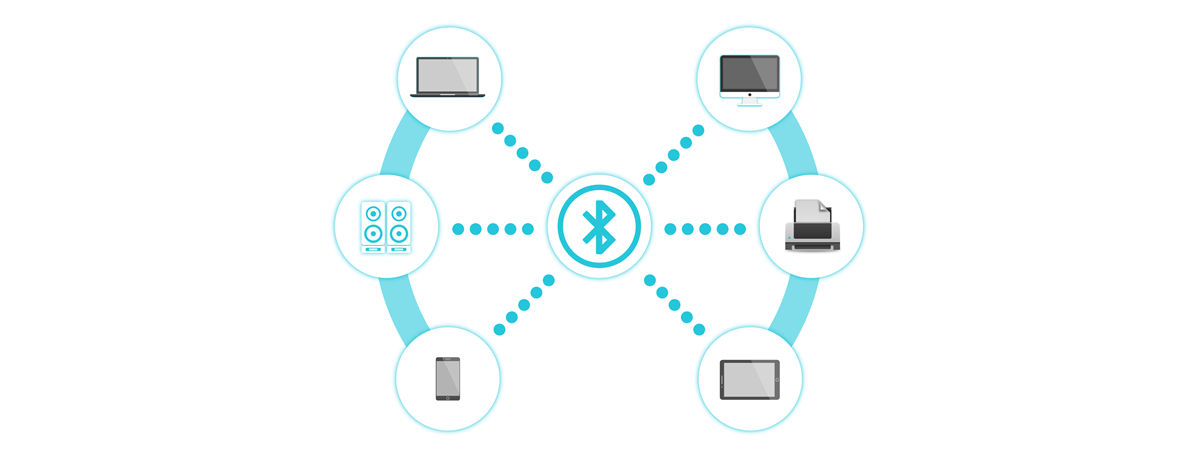
tutorial How to connect Bluetooth devices on Android: All you need to know

How to connect Bluetooth devices on Android: All you need to know

Nowadays, you can connect more Bluetooth devices than ever to your Android. The Android Bluetooth option is present on every smartphone or tablet and lets you pair any Bluetooth device to your Android. And there are many different types of Bluetooth devices: headphones, portable speakers, keyboards, smartwatches, fitness trackers, medical devices, and more. This tutorial shows you how to connect Bluetooth headphones to an
review Samsung Galaxy S20 FE 5G review: 2020’s best Samsung smartphone?

Samsung Galaxy S20 FE 5G review: 2020’s best Samsung smartphone?

Samsung did a great job with its S20 lineup of Android smartphones, all of them featuring top-notch hardware, beautiful design, excellent cameras, and good software. However, most of the S20 devices have premium prices, including the Galaxy S20, S20+, and Note20. To get the price down but keep what users want, Samsung created the Galaxy S20 FE (Fan Edition) 5G. For a more affordable
review Samsung Galaxy Tab S7+ review: The best Android tablet of 2020?

Samsung Galaxy Tab S7+ review: The best Android tablet of 2020?

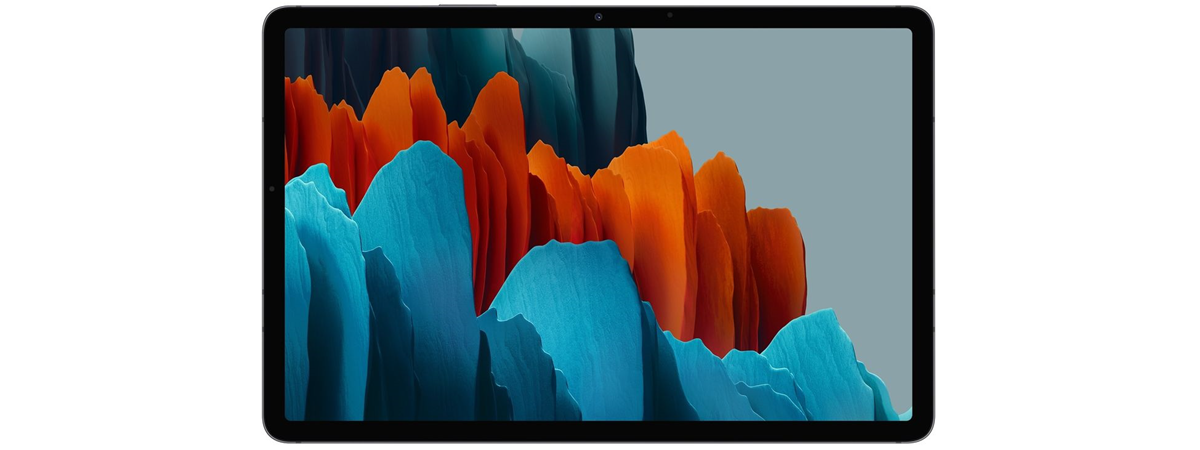
Samsung is one of the few big consumer-tech companies that are still making good Android tablets, and the best they have on shelves right now is the Samsung Galaxy Tab S7+. It's a tablet that aims to compete with the best, including Apple's famous iPads. Among others, the Galaxy Tab S7+ features one very fast chipset, a 120Hz Super AMOLED display, and support for
tutorial 3 ways to turn on Bluetooth on Android (including Samsung devices)

3 ways to turn on Bluetooth on Android (including Samsung devices)

To connect your smartphone to another device without the use of cables, you must first learn how to turn on Bluetooth on Android. While active, the Android Bluetooth chip available on phones and tablets lets you connect to all kinds of gadgets and accessories, like headsets, speakers, keyboards, other mobile devices, and even PCs. This tutorial illustrates three ways to enable and turn off

How to turn your Android into a Wi-Fi hotspot

If there's no wireless network nearby or if your main internet connection goes down, you can rely on your trusty Android smartphone or tablet. You don't even need a cable, just an affordable data plan. With just a few taps, you can set up a mobile Wi-Fi hotspot on your Android, and other devices can be tethered to it and share its internet connection. This tutorial illustrates how to turn

How to customize the Android Quick Settings menu

As implied by their name, the Android Quick Settings provide fast access to different features on your smartphone or tablet. Instead of wasting time digging through settings and menus, you can use the switches in the Quick Settings menu to toggle features like Bluetooth, Wi-Fi, or the Flashlight on your Android device. And there are so many Android Quick Settings available that you rarely have to open the Settings app