




If you rely on reminders to stay organized, iOS offers far more than the default option. Third-party reminder apps bring better notifications, smarter scheduling, and workflows that adapt to how you actually use your iPhone.
This guide focuses on reminder apps that work reliably, integrate well with iOS features, and make it easy to create and manage alerts without friction.
Table of contents
1) Apple Reminders
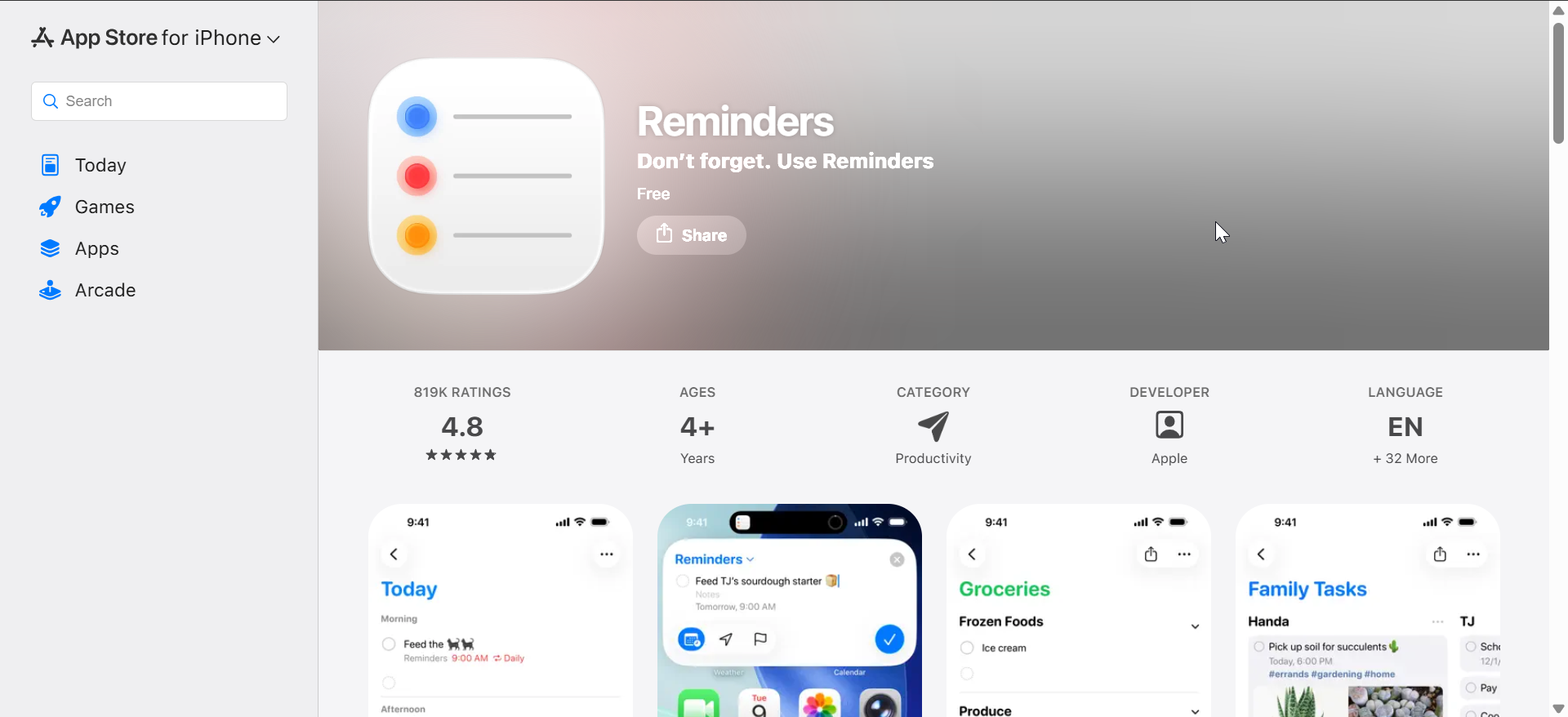
Apple Reminders comes preinstalled on every iPhone and integrates deeply with iOS, Siri, and Apple Watch. It supports time-based, location-based, and recurring reminders without any setup.
The app works best for users who want simplicity and reliability across Apple devices. While it lacks advanced workflows, it delivers consistent notifications and strong Siri support.
2) Todoist

Todoist combines reminders with task management, making it ideal for users who track both quick alerts and long-term projects. Natural language input lets you type reminders like “Pay rent every first Monday” without extra steps.
The app syncs across platforms and works well with Siri shortcuts. Some advanced reminders require a paid plan, but the free version remains usable for basic needs.
3) Things 3
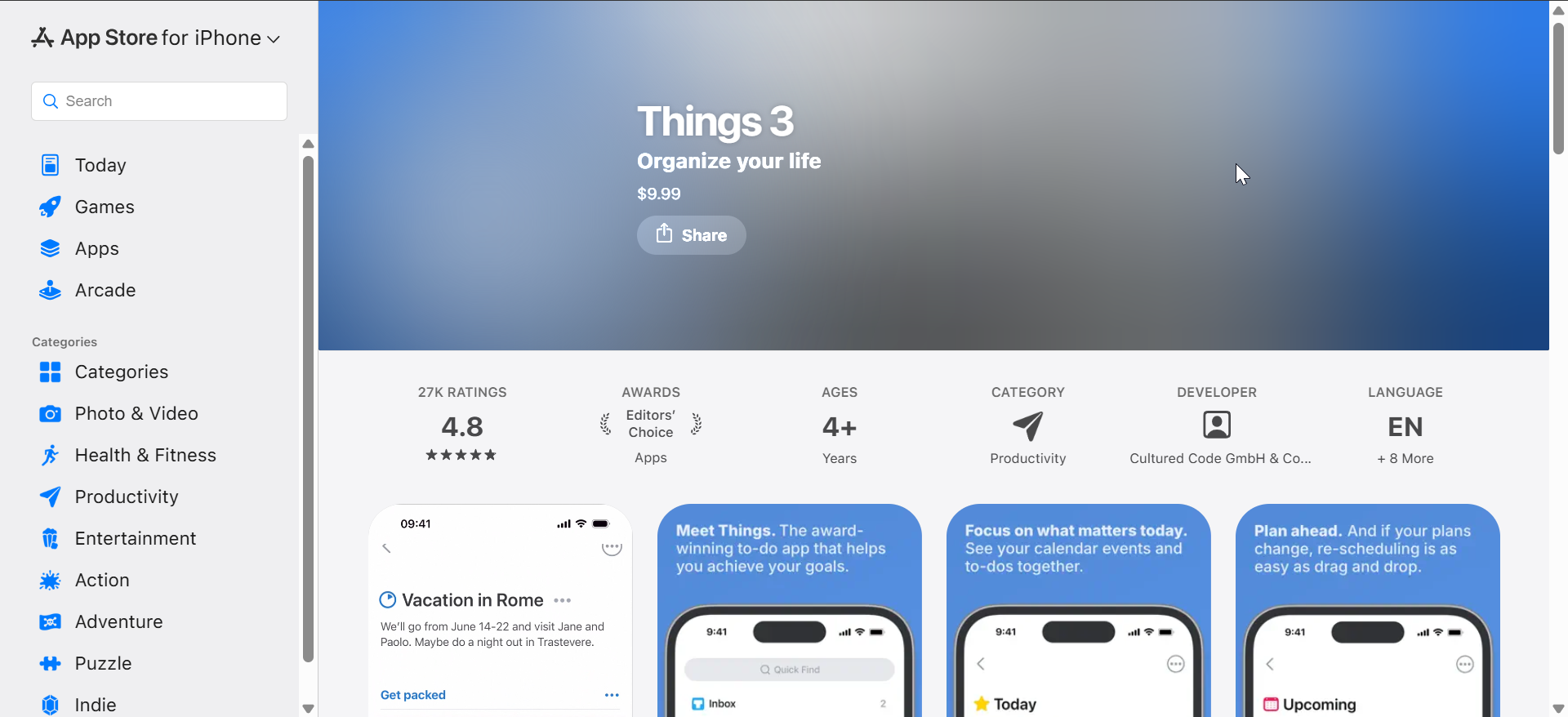
Things 3 focuses on clean design and structured task organization, appealing to users who prefer clarity over complexity. Reminders tie directly into tasks and projects, keeping everything in one place.
The app offers excellent Apple Watch support and offline reliability. It uses a one-time purchase model, which many users prefer over subscriptions.
4) TickTick
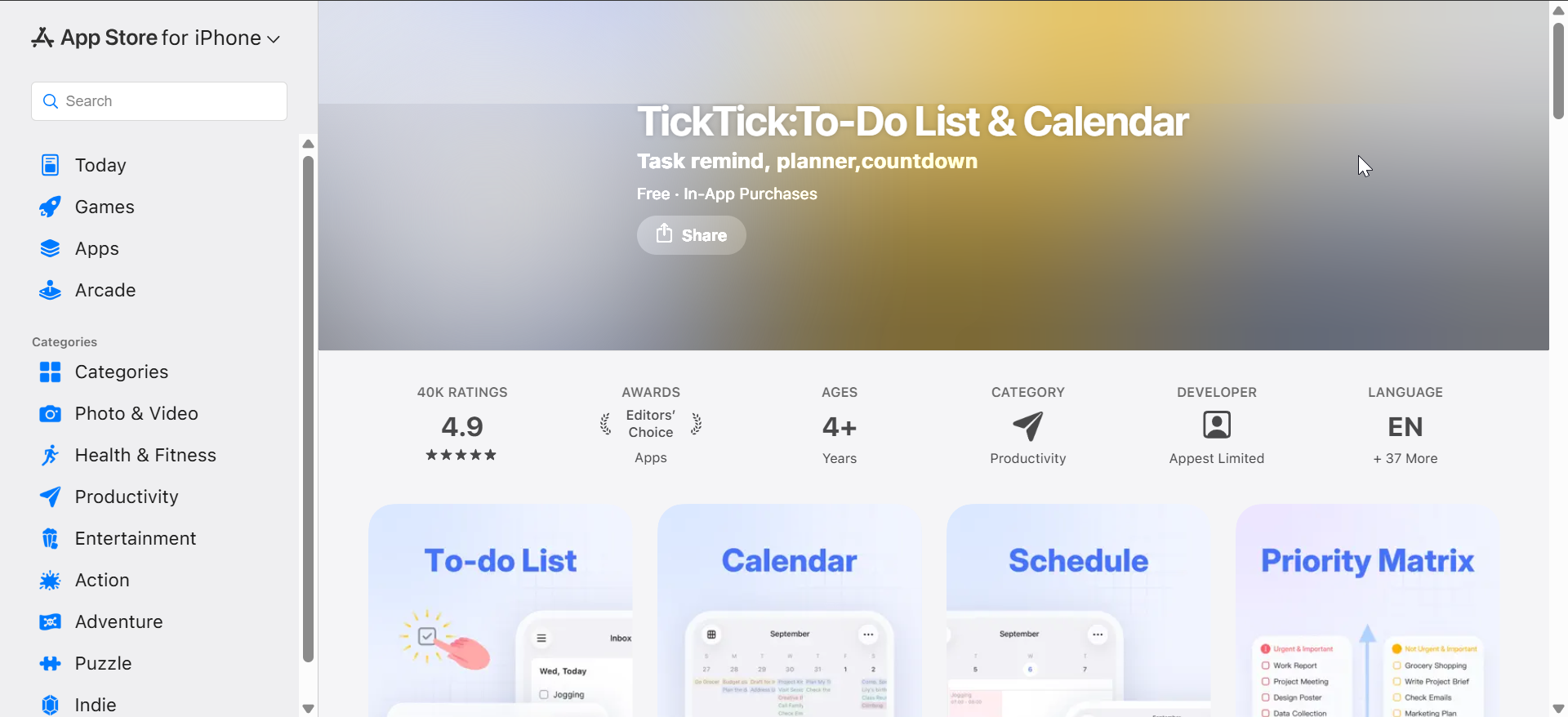
TickTick blends reminders, tasks, habits, and calendars into a single app. It supports smart recurring reminders and multiple alert times per task.
The app suits users who want flexibility without heavy configuration. While the interface feels busier than minimalist apps, its reminder system remains dependable.
5) Due
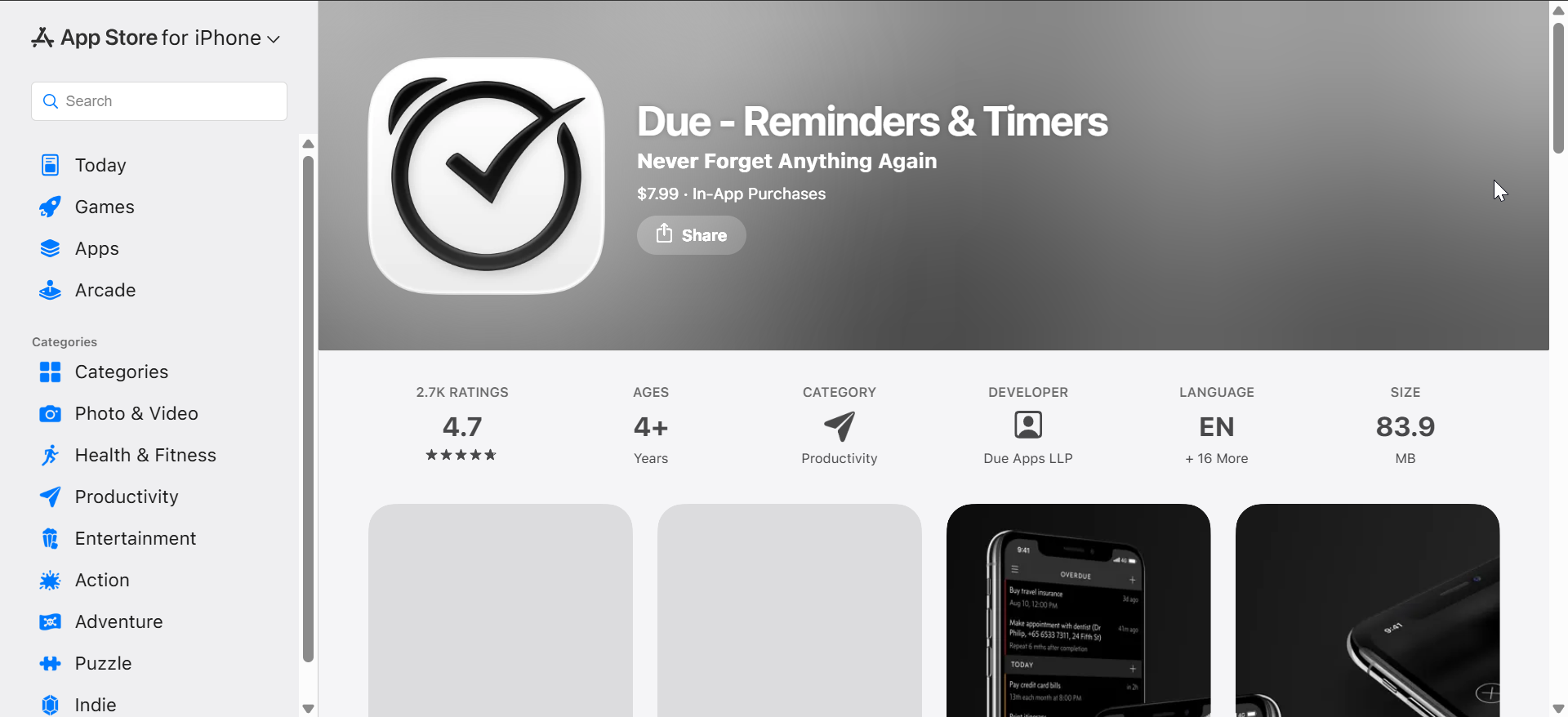
Due specializes in persistent reminders that keep alerting you until you acknowledge them. This approach works well for critical tasks like medication or urgent follow-ups.
The app focuses almost entirely on reminders rather than task planning. Users who miss alerts easily often prefer Due for its aggressive notification style.
6) Any.do
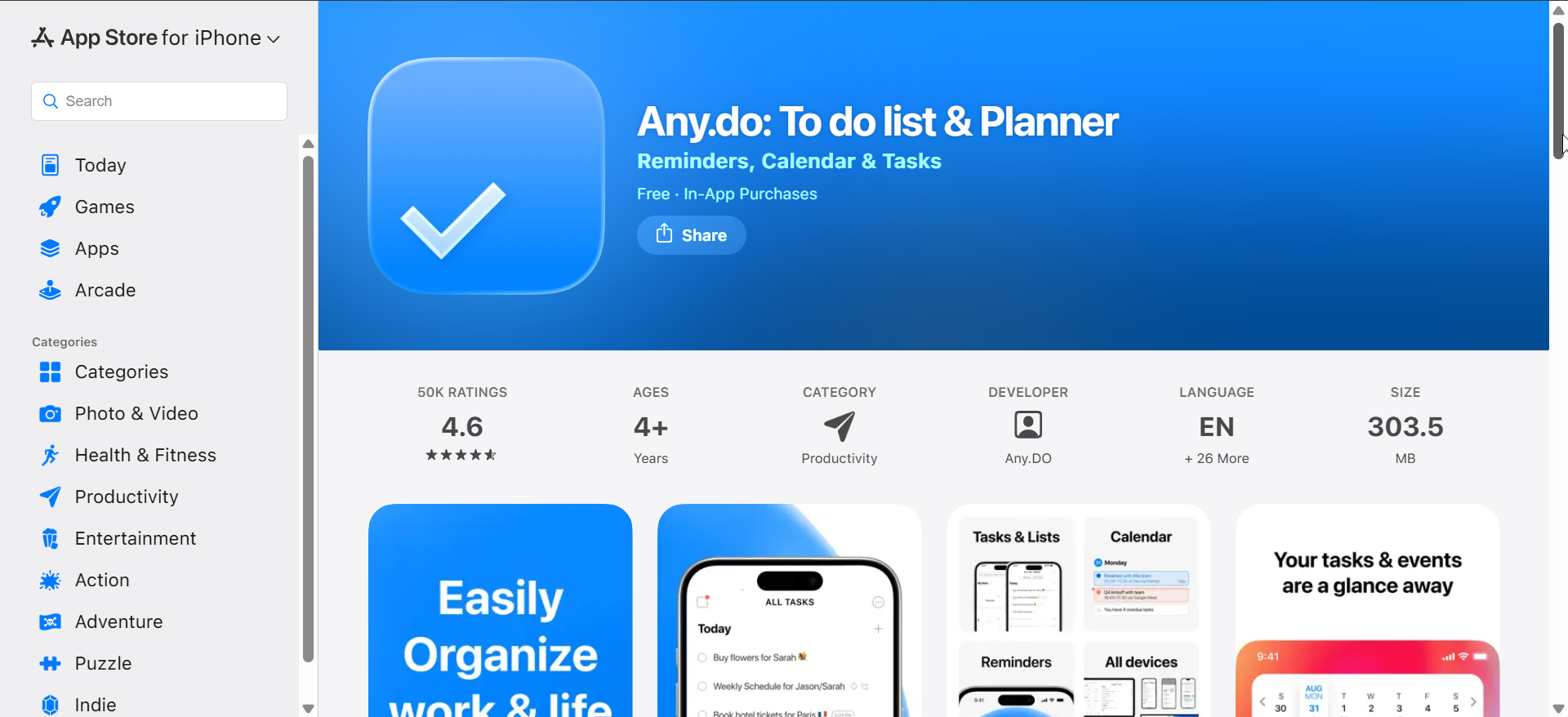
Any.do combines reminders with daily planning and calendar views. It emphasizes quick input and daily review prompts to keep tasks visible.
The app fits users who like guided productivity rather than raw lists. Some reminder features sit behind a subscription, but basic alerts remain accessible.
7) Microsoft To Do
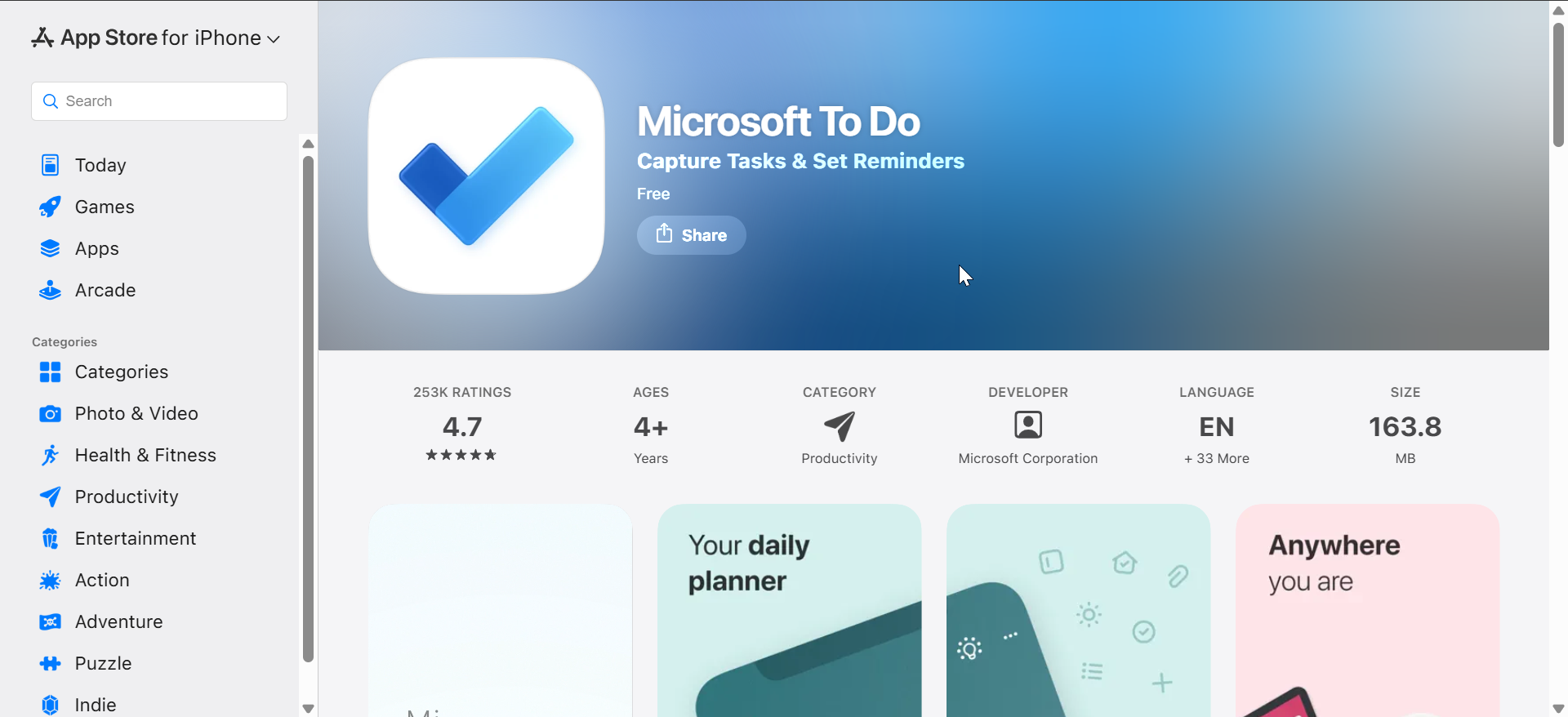
Microsoft To Do offers simple reminders with strong cross-platform syncing, especially for Windows users. It supports due dates, recurring reminders, and shared lists.
The app keeps things straightforward and free. While it lacks advanced automation, it handles standard reminder use cases reliably.
8) Fantastical

Fantastical integrates reminders directly into a powerful calendar interface. Natural language input lets you add reminders and events in one step.
The app suits users who think in schedules rather than lists. Advanced features require a subscription, but reminder reliability remains strong.
9) Google Tasks
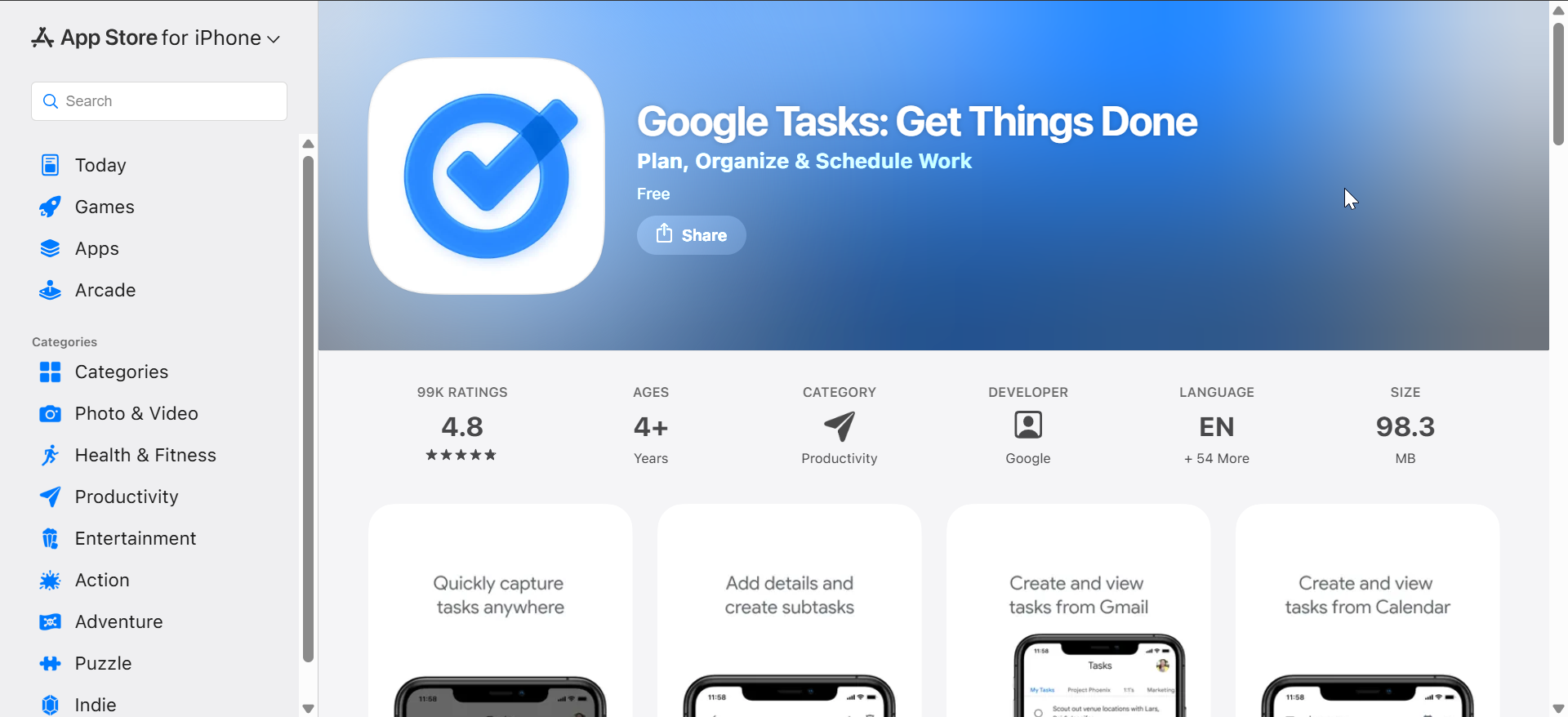
Google Tasks works best for users already invested in Google services. It supports basic reminders and syncs seamlessly with Gmail and Google Calendar.
The app stays minimal and easy to use. While it lacks Apple Watch depth, it performs well for simple reminder needs.
10) Structured

Structured focuses on time-blocking with built-in reminders for scheduled tasks. It presents your day as a timeline instead of a list.
The app helps users who struggle with prioritization and timing. Reminder alerts tie closely to your daily schedule for better context.
What makes a great reminder app on iPhone
A strong reminder app delivers alerts on time, works smoothly with iOS restrictions, and stays simple enough for daily use. Reliability matters more than visual polish when reminders involve medication, meetings, or deadlines.
The best apps also support Siri, Apple Watch, and location-based triggers without forcing a subscription for basic features.
How we tested reminder apps on iPhone
We tested each app on an iPhone with Focus modes enabled, background refresh active, and Apple Watch paired. Testing covered reminder creation, notification delivery, Siri input, and reliability over several days.
We prioritized apps that delivered alerts consistently and remained usable without heavy configuration.
Tips for getting reminders to work reliably on iPhone
- Enable Background App Refresh for your reminder apps
- Allow Time Sensitive notifications when available
- Review Focus mode filters to avoid silenced alerts
- Keep Low Power Mode off for critical reminders
FAQs
Which reminder app works best with Siri?
Apple Reminders and Todoist handle natural language commands most consistently.
Do reminder apps work offline on iPhone?
Most apps store reminders locally and sync later, but notifications still require system access.
Are free reminder apps good enough?
Yes, many apps offer reliable reminders without subscriptions, especially for basic use.
Summary
- Apple Reminders offers the most seamless iOS experience for free
- Todoist and TickTick suit users who mix reminders with tasks
- Due works best for critical, cannot-miss alerts
- Things 3 appeals to users who prefer one-time purchases
Choosing the best reminder app depends on how complex your reminders are and how much structure you want. For most users, starting simple and upgrading only when needed leads to better long-term reliability.
If you found the apps in this guide useful, you can check our guide for the best countdown apps on iPhone to take tracking events on your phone to a whole new level.


Discussion (0)
Be the first to comment.