



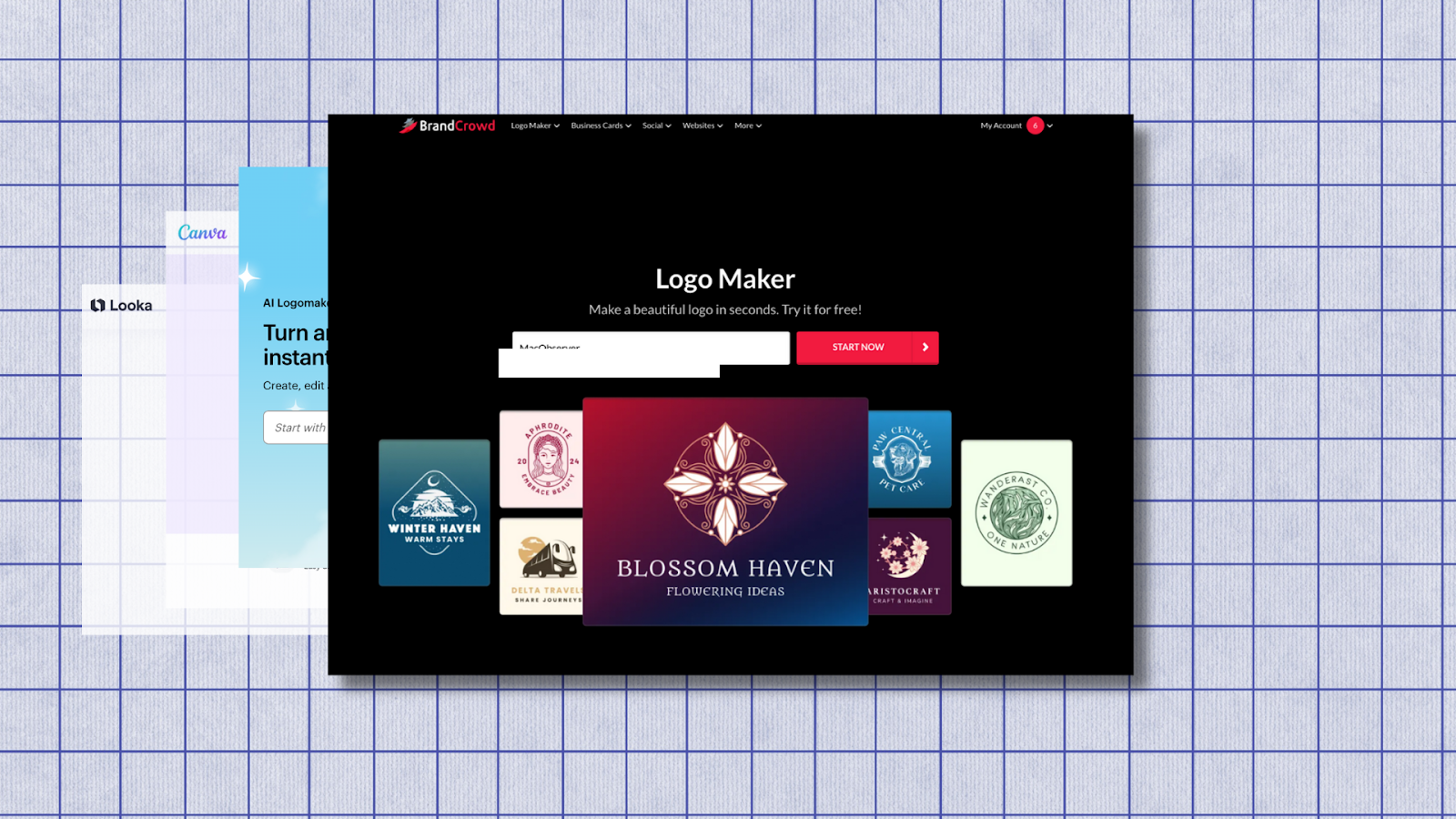
Creating a logo used to mean hiring a designer or learning professional tools like Adobe Illustrator. In 2026, that barrier is much lower. Online logo makers now combine templates, customization, and AI-assisted suggestions to help non-designers create usable, professional branding without prior experience.
The tools below are chosen specifically for people who are not designers but still want results that look intentional, consistent, and ready for real-world use.
1. BrandCrowd Logo Maker
Why we recommend it
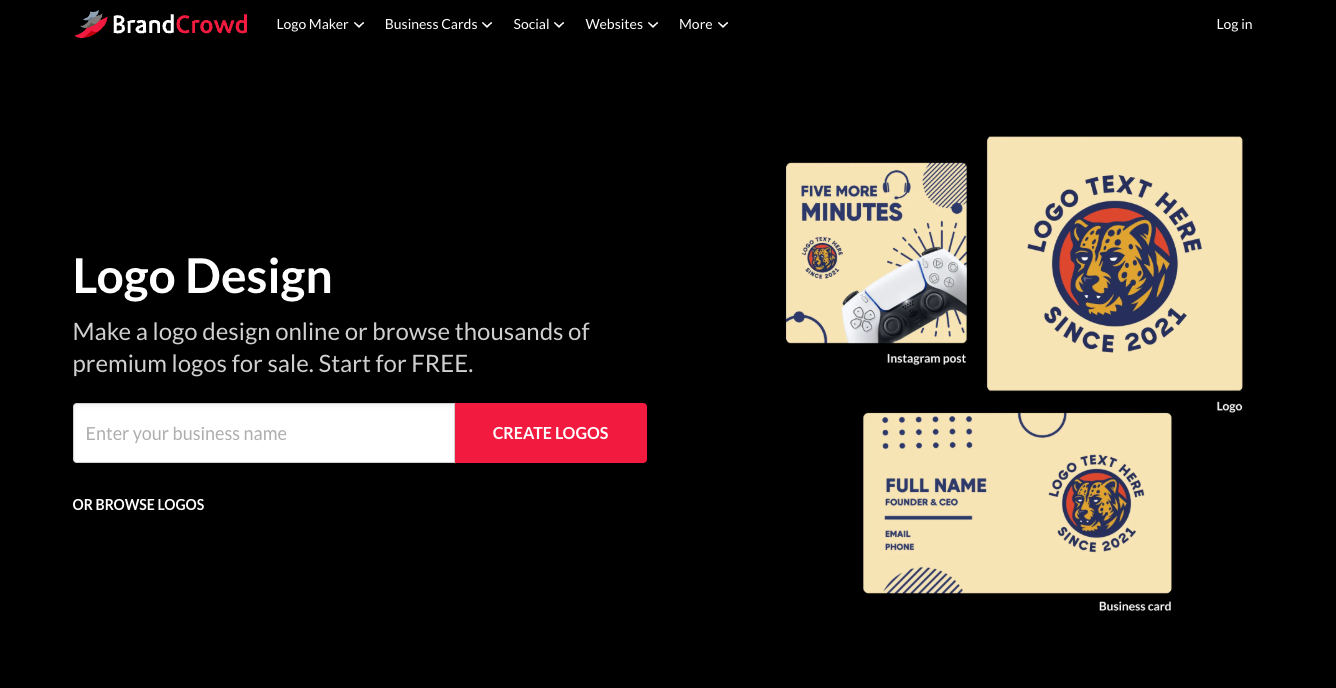
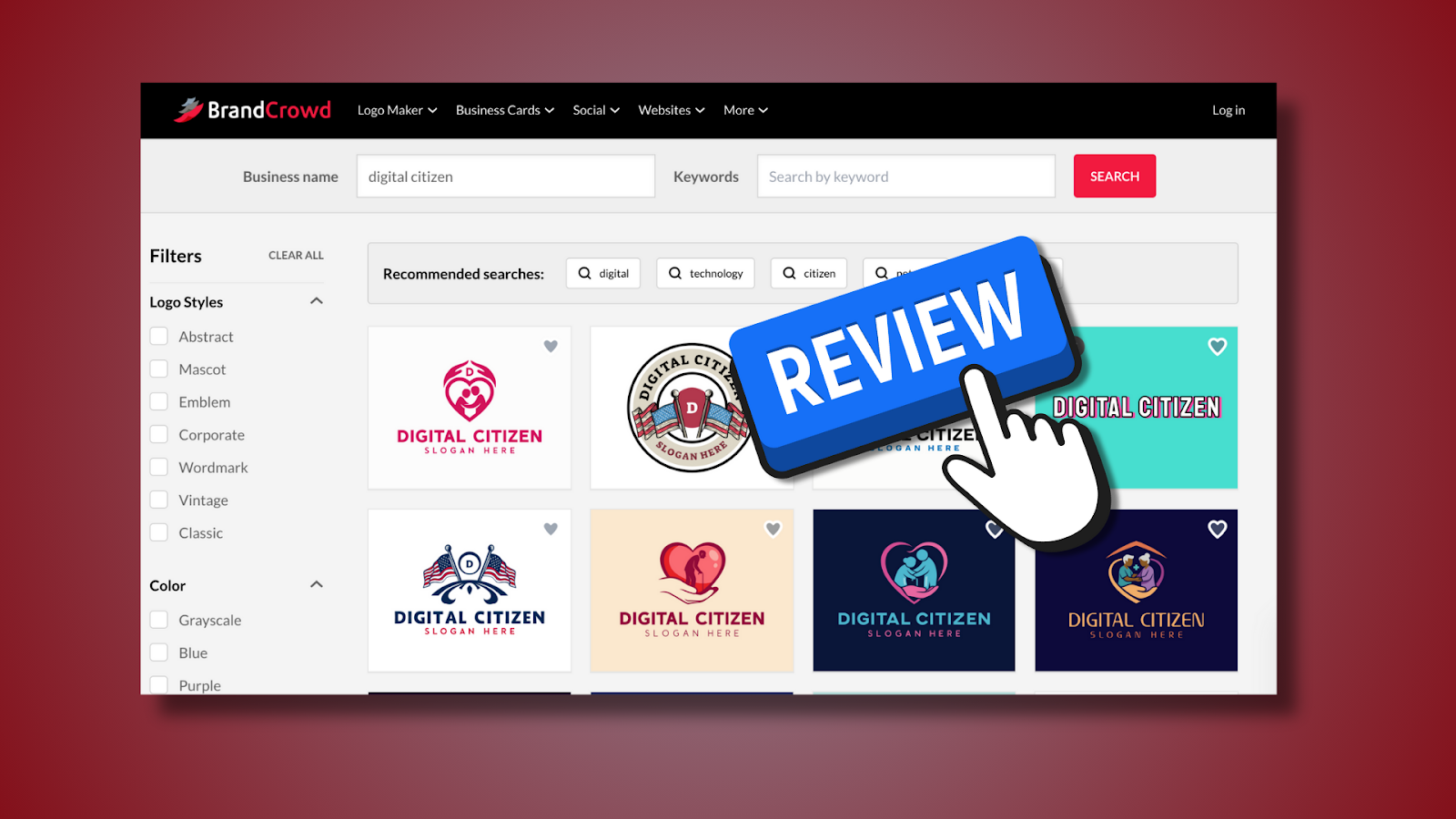
BrandCrowd stands out for its balance between creative freedom and structure. Instead of generating abstract symbols, it focuses on professionally designed logos created by real designers, then enhances the process with AI-assisted customization. This makes it easier for non-designers to start with something solid rather than a random concept.
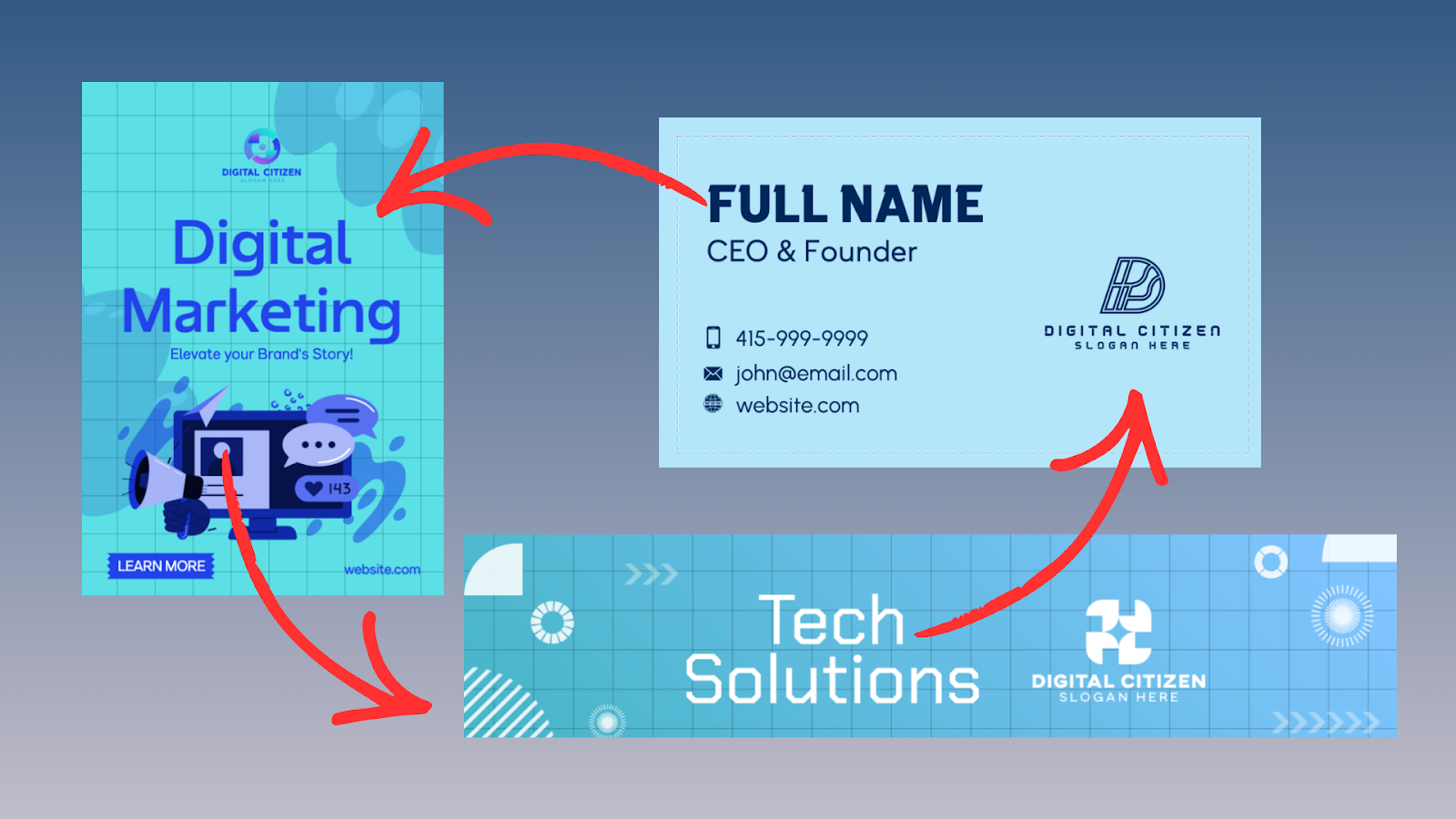
BrandCrowd is also well suited for users who want more than just a logo. The platform connects logo creation with brand colors, fonts, and marketing assets, reducing the chance of inconsistent visuals later.
Key features
- AI logo generator that suggests layouts based on industry and keywords
- Thousands of designer-made logo templates
- Built-in brand kit with colors and typography
- Tools for social media graphics, business cards, and marketing materials
Browser-based editor with simple controls
Price
BrandCrowd pricing starts at around $5 per month when billed annually, depending on region and plan. Higher tiers unlock full brand kits and expanded asset downloads.
Verdict
BrandCrowd is one of the best options for non-designers who want a logo that feels professionally grounded but still easy to customize. It works especially well if you plan to build a full brand identity, not just download a single logo file.
2. Design.com Logo Maker
Why we recommend it
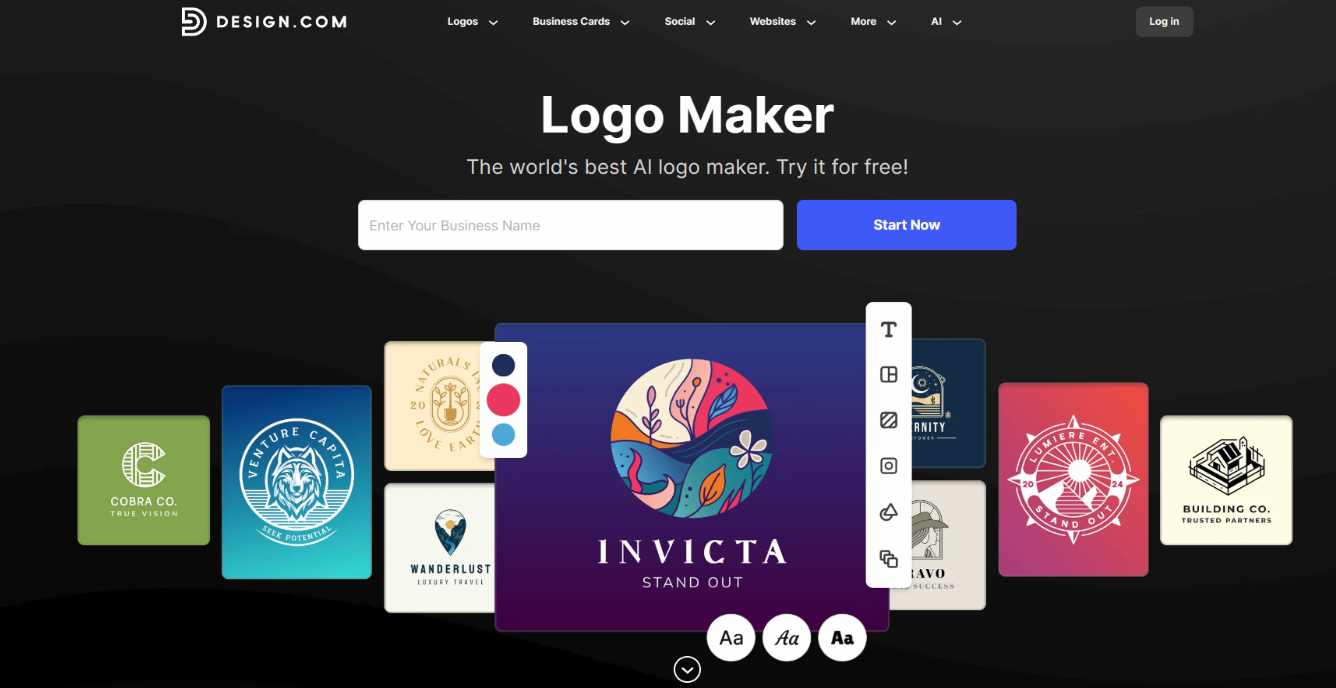
Design.com stands out as one of the easiest online logo makers for non-designers. It combines a huge logo and template library with AI-powered branding tools. This lets you generate and try different concepts immediately. Beyond choosing colors, fonts, icons, and other simple elements, the platform does all the hard work for you.
One of Design.com’s biggest strengths is how it goes beyond just logo creation. You can instantly apply your design across its full branding suite. This includes social media graphics, QR codes, business cards, presentations, posters, flyers, and other marketing materials. The AI workflow can also help generate business name ideas and alternate branding styles if you’re still refining your identity.
Key features
- Over 500,000 logo templates, the largest on the web.
- More than 50 additional design and branding tools.
- AI, copyright safe prompt-based editing
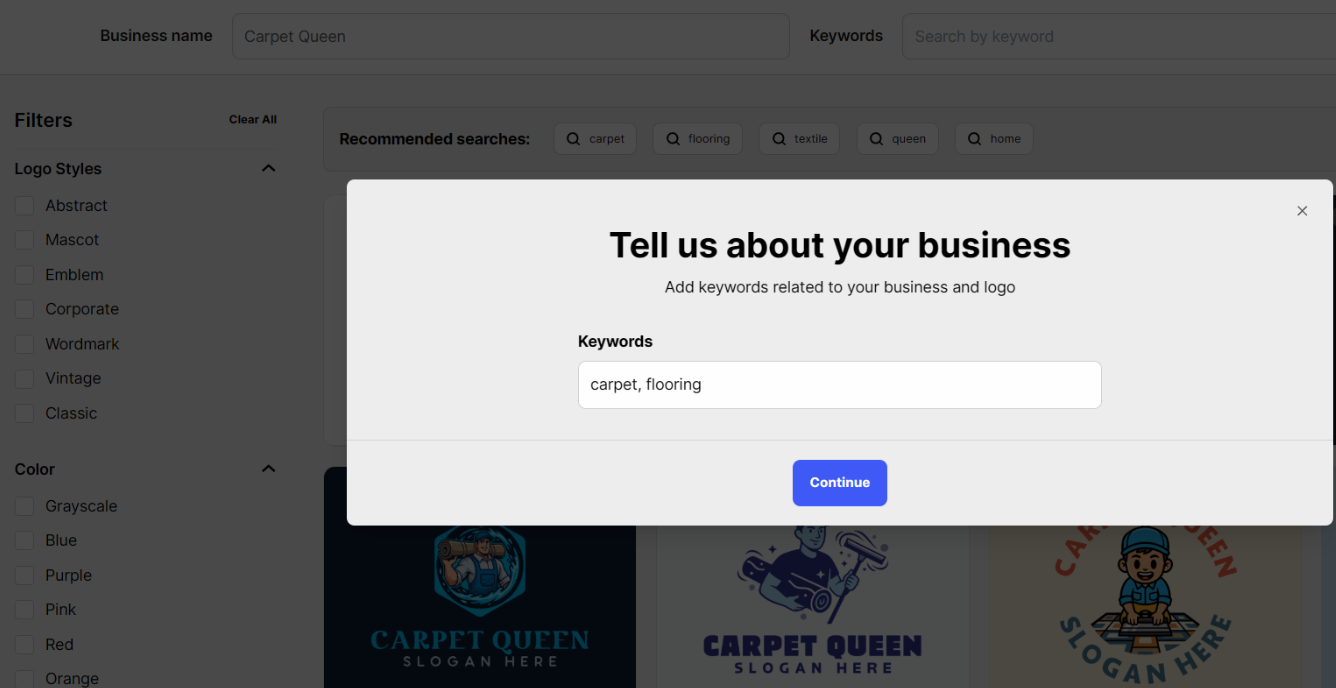
- Easy AI-powered workflow; start by entering a business name.
- Access a selection of FREE logos, business cards, websites and other designs.
Price
You can experiment with designs for free before committing to a paid download, and finished logos are available in high-resolution PNG, JPG, SVG, EPS, and PDF formats. Transparent backgrounds and commercial usage rights are also included, making the designs suitable for professional use.
A range of logos and brand designs are also available completely free.
Its premium plan with all features works out to $5/mo when billed annually.
Verdict
Whether you’re launching a small business, YouTube channel, online store, or startup, Design.com makes creating a polished logo surprisingly straightforward. For those who want an all-in-one branding solution rather than just a standalone logo generator, Design.com covers everything!
3. LogoMaker by VistaPrint
Why we recommend it
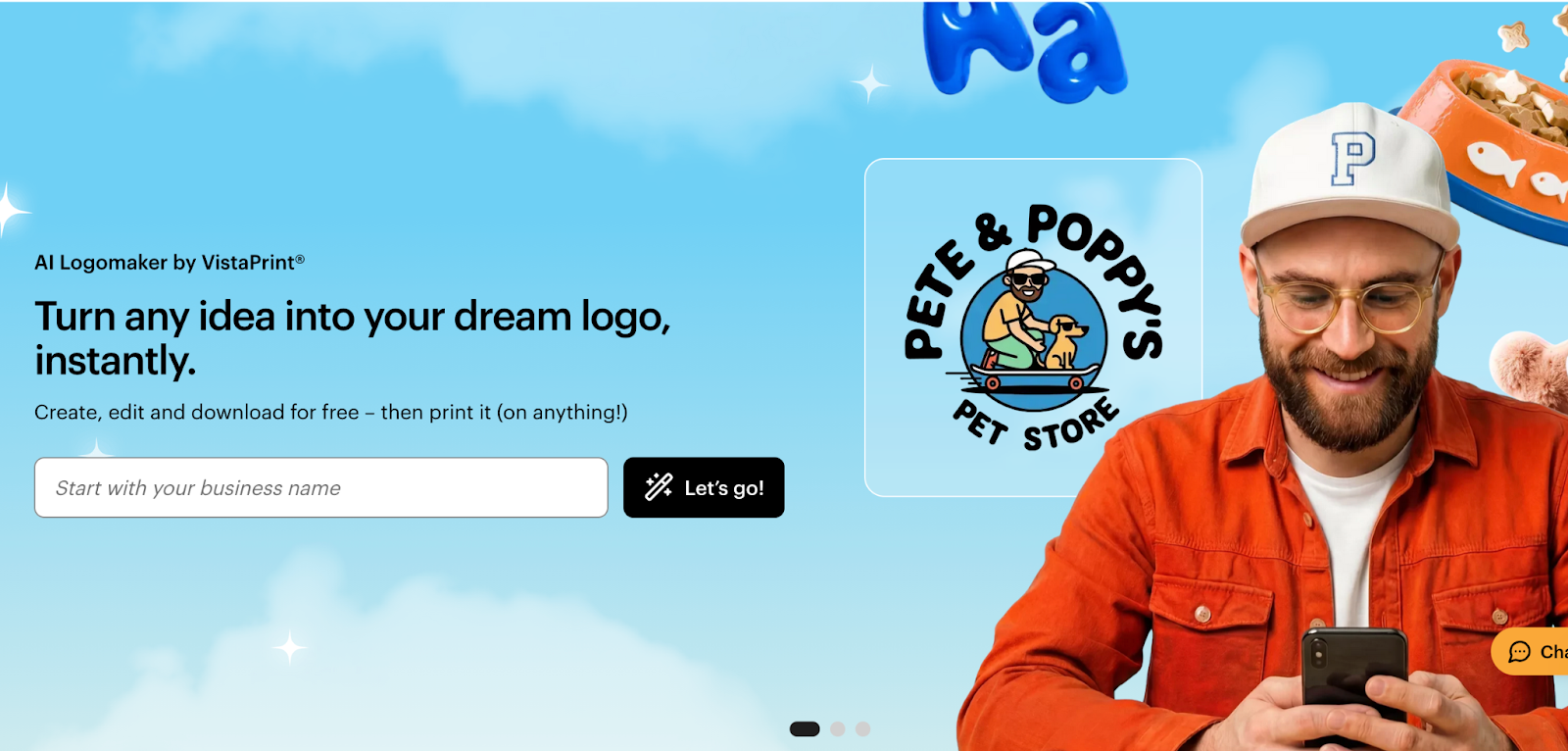
LogoMaker by VistaPrint is designed for people who want a logo that transitions smoothly into real-world use, especially print. The tool focuses on clarity and practicality rather than heavy visual experimentation, which makes it approachable for non-designers.
Its biggest strength is how naturally the logo connects to physical products like business cards, signage, packaging, and apparel. For small businesses that plan to print materials early, this removes a lot of guesswork.
Key features
- AI-assisted logo creation
- Simple, guided customization flow
- Automatic formatting for print-ready assets
- Direct integration with VistaPrint products
- Web-based editor with minimal learning curve
Price
LogoMaker by VistaPrint allows you to design a logo for free. High-resolution downloads typically start at around $20 as a one-time purchase, with optional paid upgrades when ordering printed materials.
Verdict
This option works best for non-designers who want a usable logo and plan to turn it into printed assets quickly. It is less flexible than BrandCrowd, but very practical for small businesses that value simplicity and production-ready results.
4. Looka
Why we recommend it
Looka focuses heavily on AI-driven branding. Instead of starting with templates, users answer a short questionnaire about style preferences, then receive logo concepts tailored to those inputs.
This approach works well for people who struggle to visualize design choices but still want something personalized.
Key features
- AI logo generator based on user preferences
- Automatic color palette and font pairing
- Brand kit with social and marketing assets
- Simple editing tools
Price
Logo packages are typically a one-time purchase, starting at around $20 to $65, with brand kits available as subscriptions.
Verdict
Looka is best for non-designers who want fast inspiration and minimal tweaking. It is less flexible than BrandCrowd or Design.com, but very approachable.
5. Canva Logo Maker
Why we recommend it
Canva is widely known and easy to use, which makes it appealing to beginners. Its logo maker is part of a much larger design ecosystem that includes presentations, social posts, and print materials.
While it offers less logo-specific guidance, many non-designers appreciate its familiarity and drag-and-drop simplicity.
Key features
- Large template library
- Beginner-friendly editor
- Integration with broader Canva design tools
- Free and paid plans
Price
Canva offers a free plan. Canva Pro starts at around $12 per month, unlocking premium assets and exports.
Verdict
Canva works well if you already use the platform and want everything in one place. For logo-first branding, it is better as a general design tool than a dedicated logo system.
6. Tailor Brands
Why we recommend it
Tailor Brands is designed for entrepreneurs who want branding bundled with business services. It combines logo creation with tools like LLC formation, websites, and domain services.
This can be useful for first-time founders who want guidance beyond visuals.
Key features
- AI logo generator
- Automated brand assets
- Business setup tools
- Subscription-based access
Price
Plans usually start at around $10 to $15 per month, depending on features and region.
Verdict
Tailor Brands is best for users who want an all-in-one business starter platform. The logos are functional, though less customizable than some competitors.
Final thoughts
For non-designers in 2026, online logo makers are no longer just shortcuts. The best tools now guide users through branding decisions and help maintain consistency across platforms.
If you want creative control with professional foundations, BrandCrowd is the strongest starting point. The right choice depends on whether you want inspiration, structure, or speed, but all of these tools remove the need for traditional design software.

Discussion (0)
Be the first to comment.