



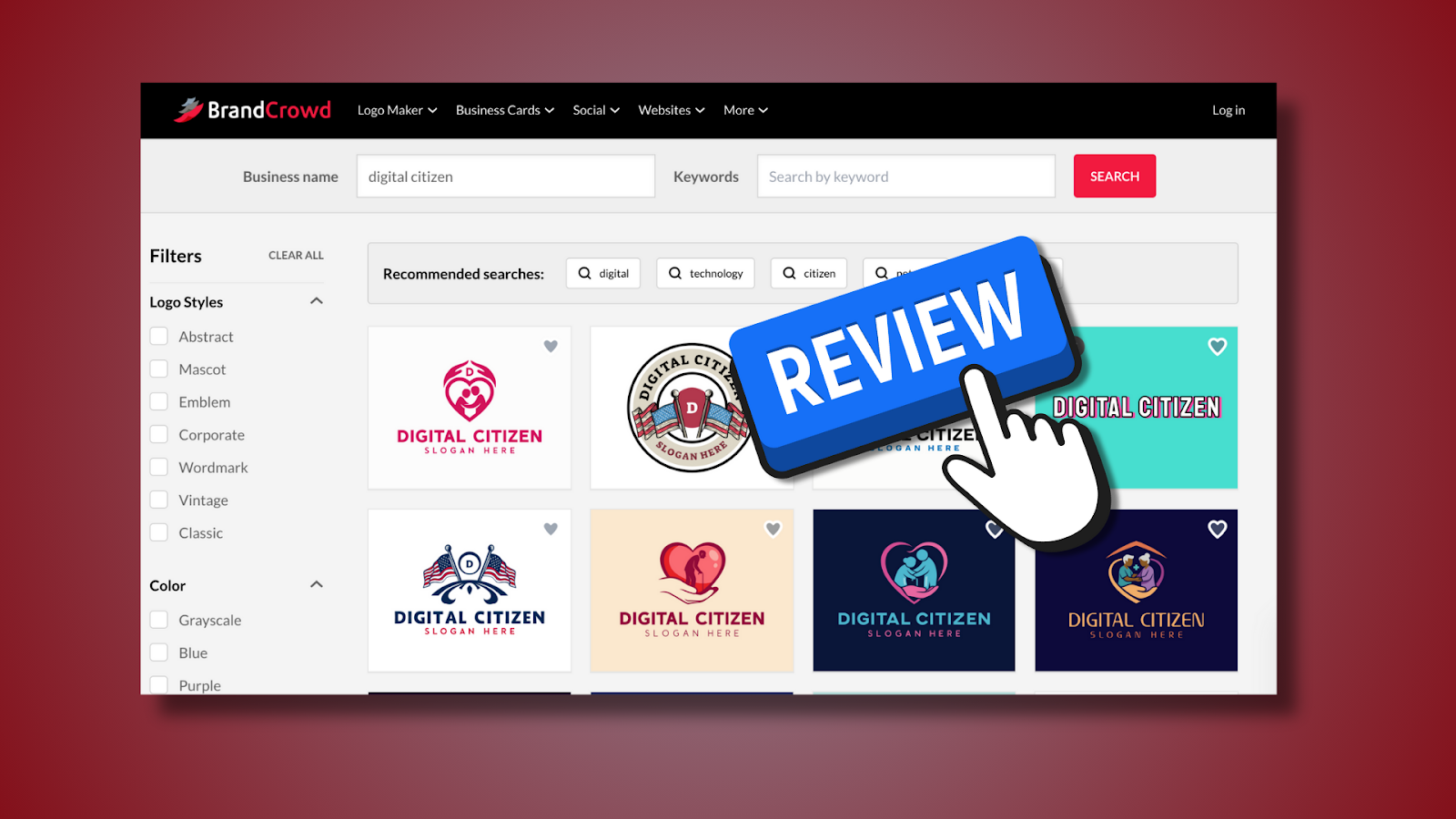
Creating a logo can feel like trying to paint a masterpiece without knowing how to mix the colors: exciting in theory, overwhelming in practice. BrandCrowd positions itself as a practical bridge between “I have a business idea” and “I have a professional brand identity.” In this review, we explore how its logo generator tools perform for regular users, newcomers, solopreneurs, and small business owners who aren’t design pros.
Getting Started With BrandCrowd
When you land on BrandCrowd, the first thing you’ll notice is how simple it is to start generating logos. You don’t need to fill out a long questionnaire or pick design jargon, you enter your brand name, optionally describe your business, and instantly see options.
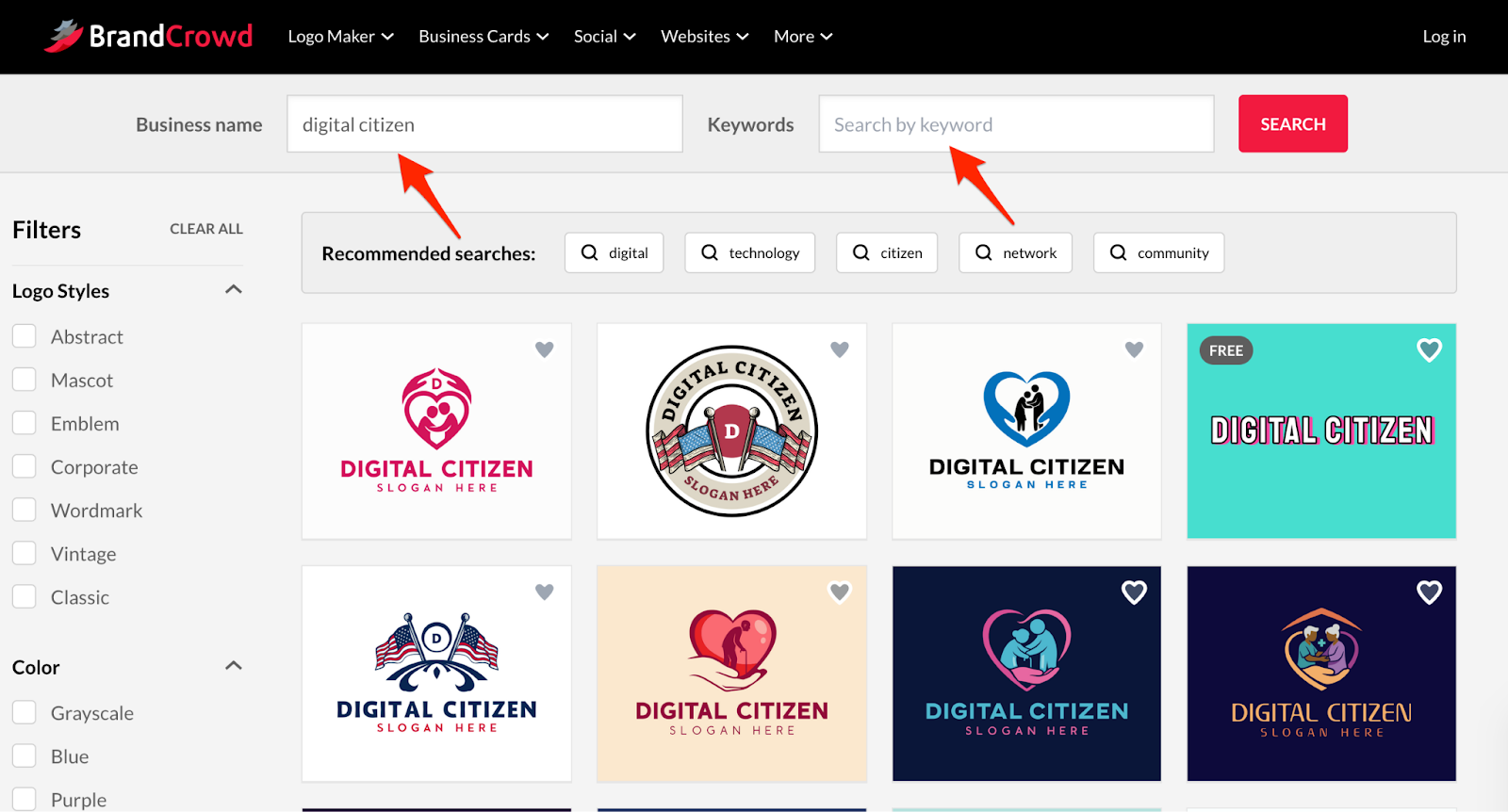
From there, the platform serves up templates you can refine without ever touching advanced design tools or understanding canvas layouts.
Logo Generation Quality & Template Variety
Unlike pure AI logo generator systems that attempt to invent brand marks from scratch, BrandCrowd uses a massive, professionally curated library of templates, around 350,000+ logo designs covering virtually every industry.
This deep library means you’re not looking at the same dozen generic designs over and over; instead, you get clean, professionally structured concepts tailored to your search terms.
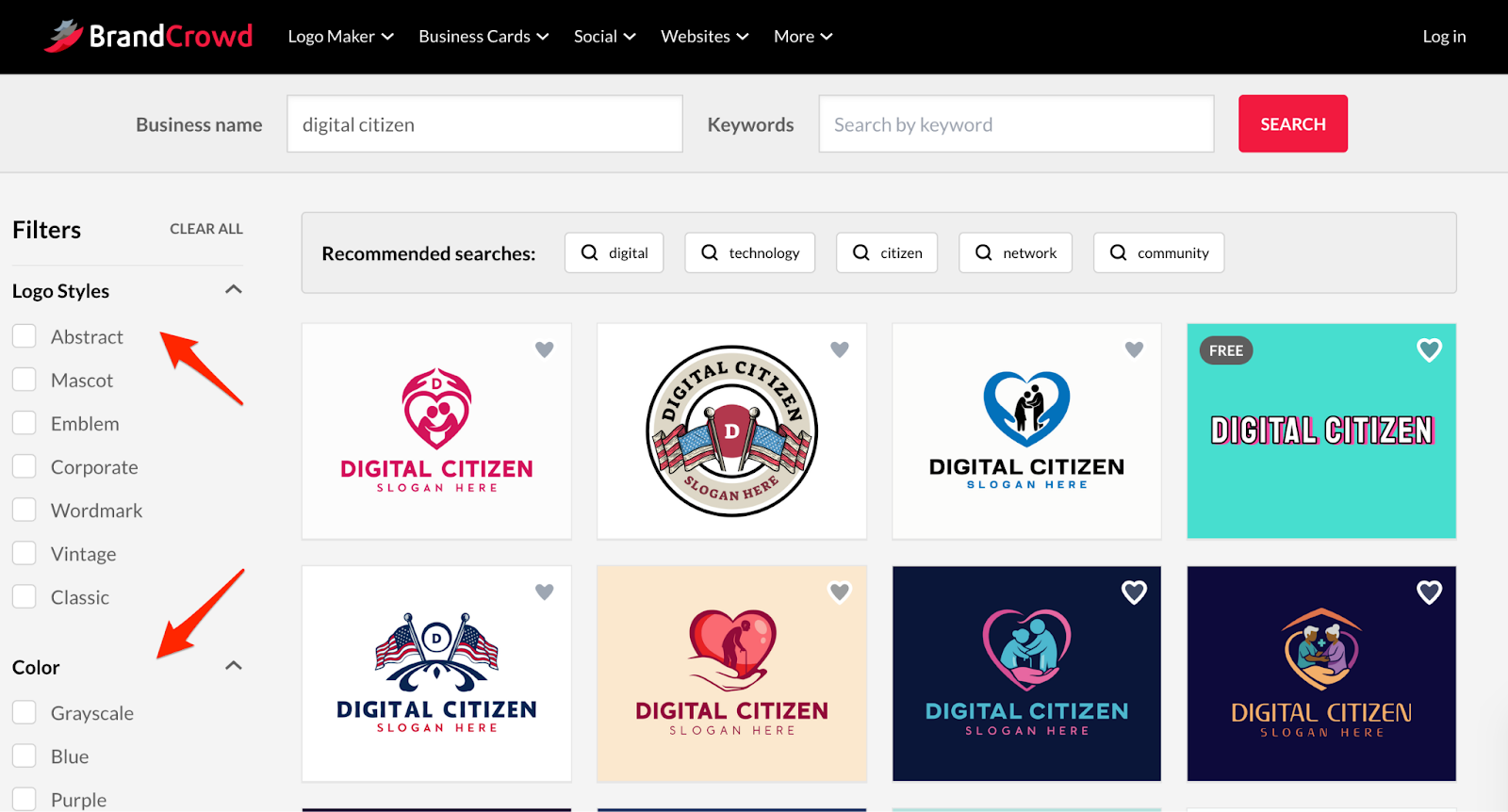
While it isn’t “AI generation” in the sense of free‑form neural design, the generator suggests templates based on your inputs and trending styles, so the results feel both modern and intentional, and you can filter them based on logo style and colors.
Customization: Making the Logo Your Own
Once you pick a template, BrandCrowd’s logo maker editor lets you refine the design in ways that matter most to everyday users.
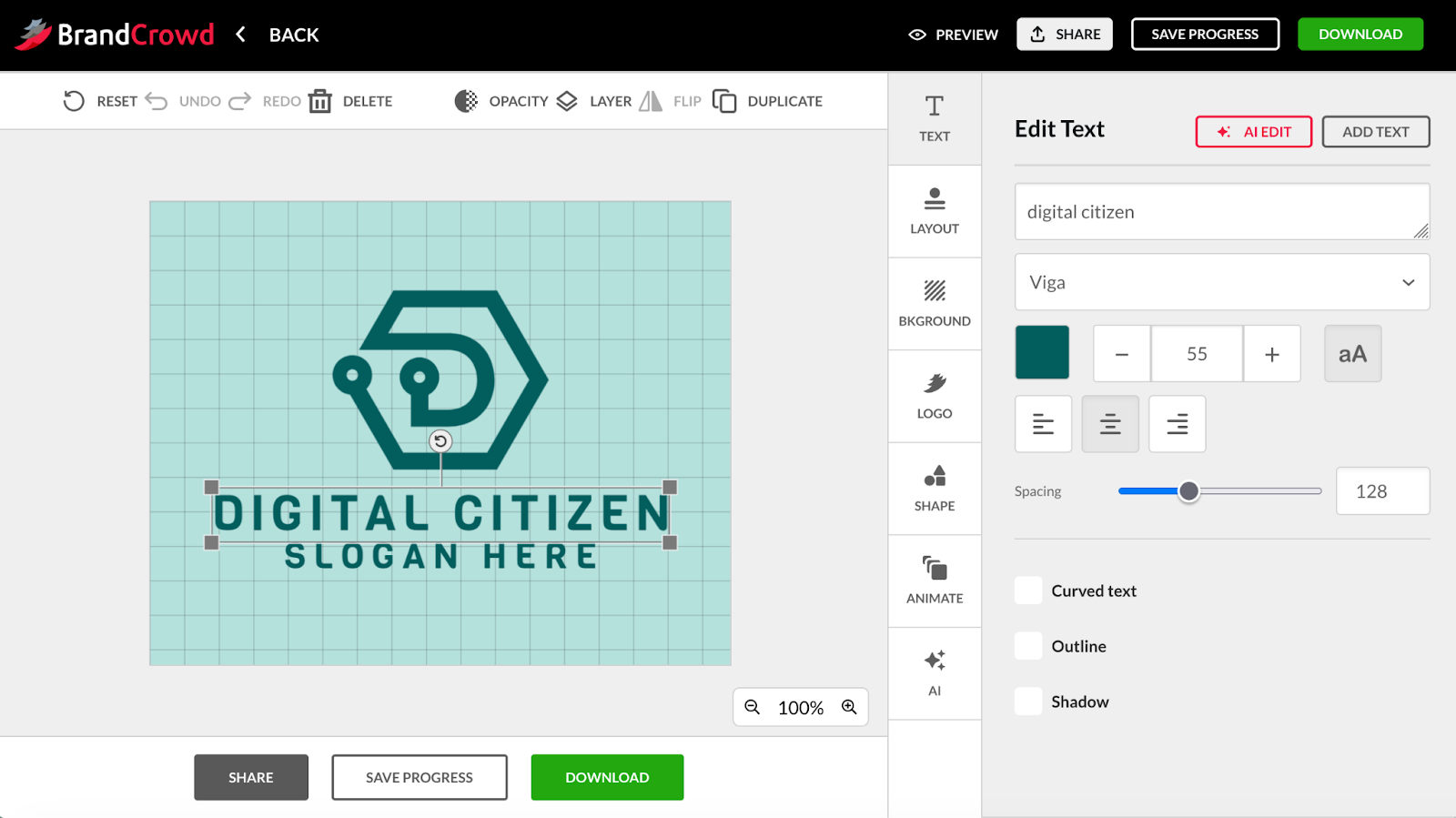
You can:
- Change text and fonts.
- Adjust colors.
- Reposition elements within the structural limits of the design.
The interface keeps everything predictable. Edits behave logically, and spacing/scale stays visually balanced even if you aren’t familiar with design principles. That predictability removes a big psychological hurdle for non‑designers: fear of breaking the logo while tweaking it.
Export Options & Real‑World Use
Once you’re happy with a design, BrandCrowd delivers output that’s actually usable in real projects. Export options include:
- SVG / EPS: scalable vectors for print, signage, merchandise.
- PNG /JPG: web and social media use.
- Multiple logo variants (icon‑only, text‑only, horizontal/vertical layouts).
This range is especially useful for everyday users because it covers common needs such as website headers, business cards, social avatars, without forcing you to learn separate export settings.
BrandCrowd also lets you use the logo on various branded assets through templates: flyers, invoices, posters, and more, further reducing repetitive setup work.
Pricing: What It Costs (and What You Get)
BrandCrowd offers both free and paid paths:
- Free tier: Try designs and customize without paying; you can preview logos and templates before unlocking files.
Paid plans: Pricing typically starts around $5/month when billed annually for basic logo downloads, with higher tiers bundling website or broader branding tools.
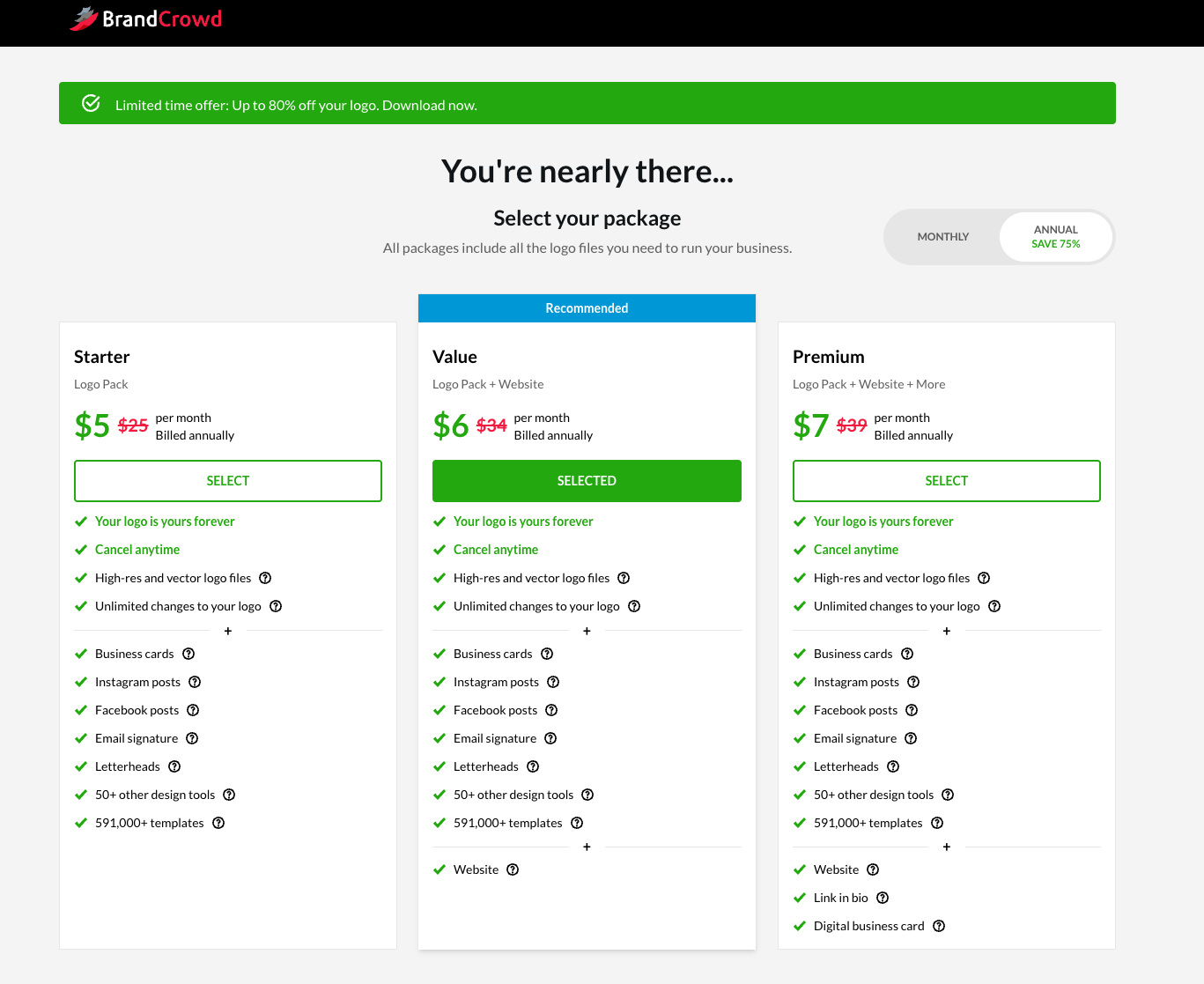
Paid plans include:
- Unlimited edits.
- High‑resolution files and vector exports.
- Brand kit templates (business cards, social templates, flyers).
Verdict: Is BrandCrowd Worth It?
BrandCrowd shines as a practical choice for everyday entrepreneurs and small business owners who want a fast, intuitive branding workflow. It isn’t the flashiest AI‑driven experiment, instead, it combines a massive curated template space with a sensible editor and real‑world export options. That makes it ideal when you need branding that works rather than branding that wows designers. If your goal is to launch a business or refresh your visual identity quickly and confidently, this platform deserves a spot on your shortlist in 2026.


Discussion (0)
Be the first to comment.