



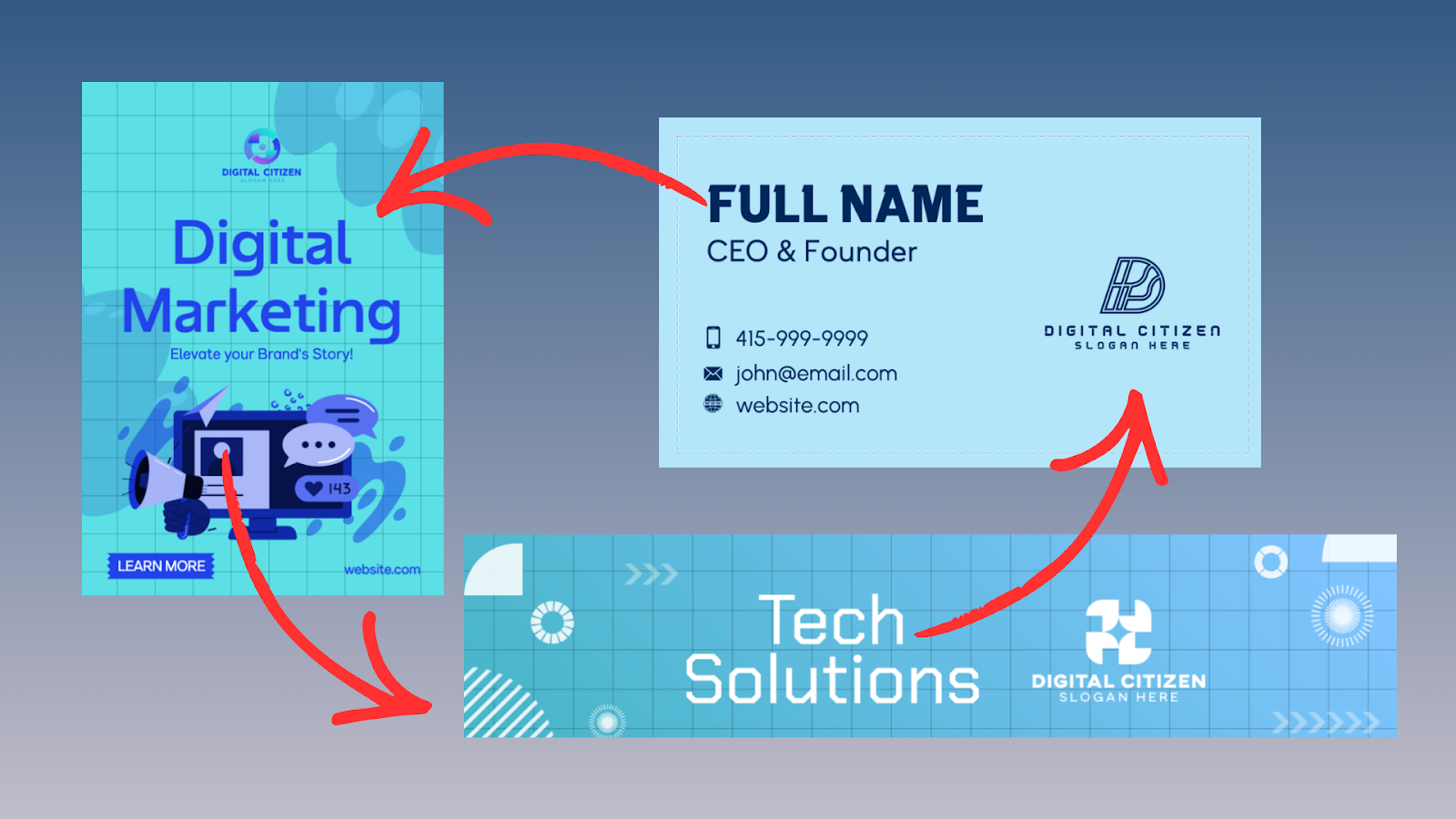
A strong brand identity is more than a logo. It is a system of colors, typography, layouts, and visual rules that stay consistent everywhere your brand shows up. BrandCrowd approaches branding as a connected workflow, starting with a logo and extending naturally into real-world assets you actually need.
In this guide, we will walk you through how to use BrandCrowd to build a complete brand identity step by step, without design software or agency support.
Step 1: Create a Logo That Sets the Direction
Start With the Brand Name, Not the Design
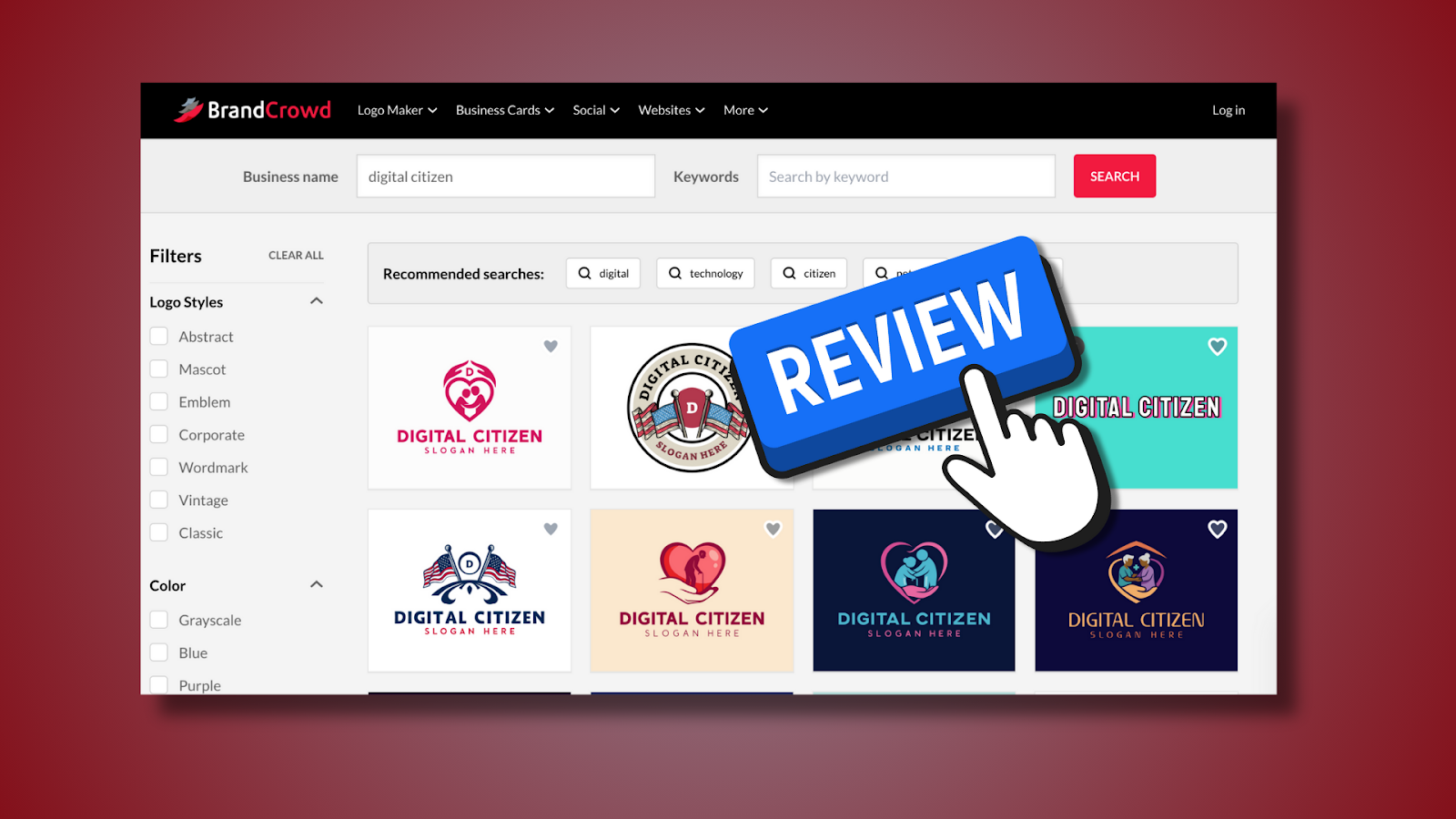
Begin by entering your business or project name into BrandCrowd. This first step matters more than it seems. The platform’s logo generator uses your brand name and category context to surface logo structures that already follow professional spacing and hierarchy.
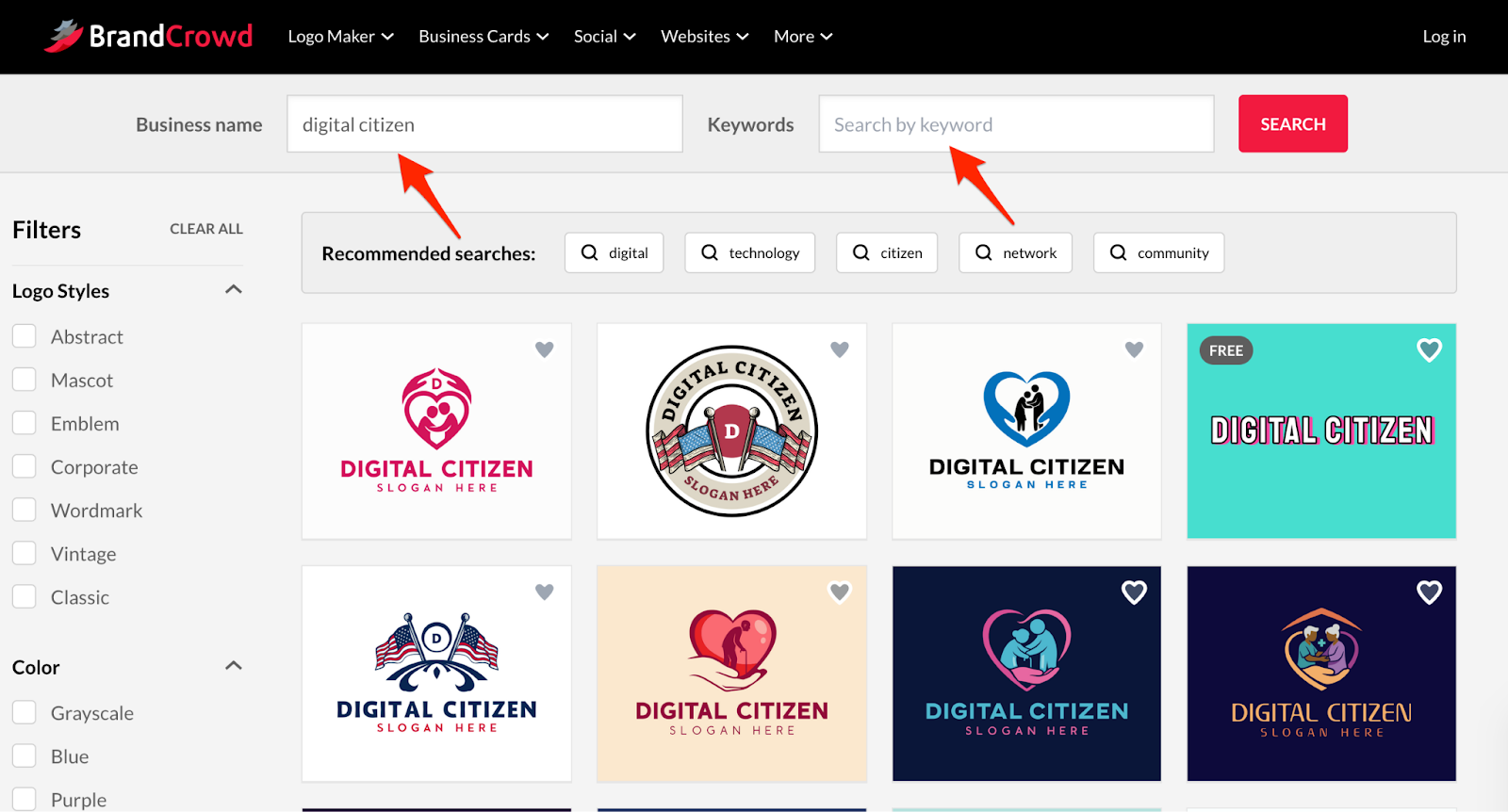
At this stage, focus on structure and clarity. Look for logos with:
- Readable typography
- Simple icon shapes
- Layouts that still work at small sizes
A logo that works at 40 pixels will usually work everywhere else. This foundation determines how easily your brand scales later.
Step 2: Use AI to Explore Viable Directions
Let the AI Do the Heavy Lifting First
BrandCrowd’s AI logo generator helps you explore multiple visual directions quickly. Instead of tweaking one idea endlessly, you can compare different compositions, font styles, and icon approaches side by side. Plus, you can filter the results based on style and colors.
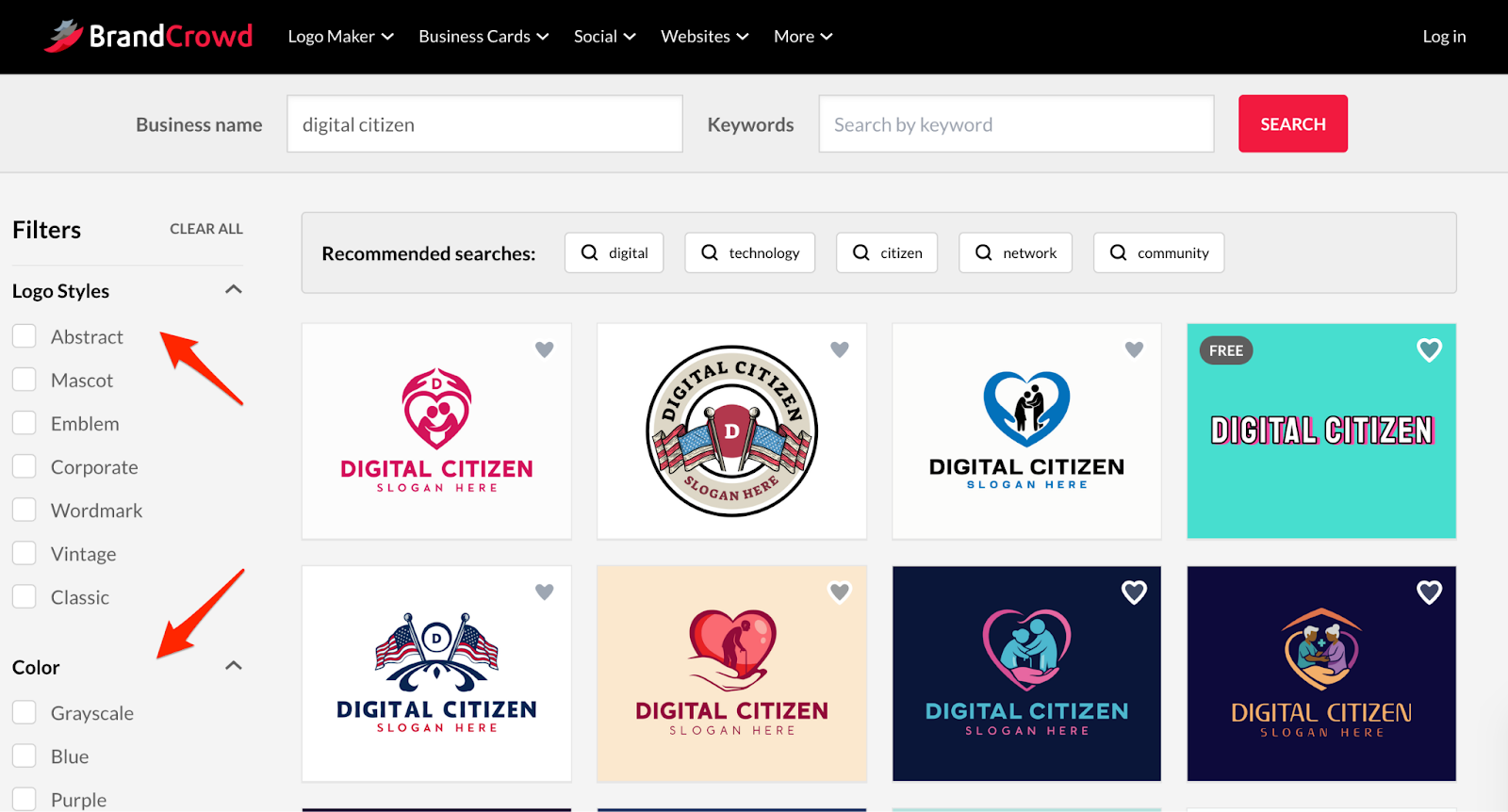
This is especially useful for early-stage brands. According to small business surveys, most founders abandon their first logo concept within weeks because it does not translate well across platforms. Reviewing multiple AI-generated structures early reduces that risk.
The goal here is not perfection. It is identifying a direction that behaves well across use cases.
Step 3: Lock In Brand Colors and Typography
Turn a Logo Into a Visual System
Once you select a logo, BrandCrowd moves you into customization. This is where your brand identity begins to take shape.
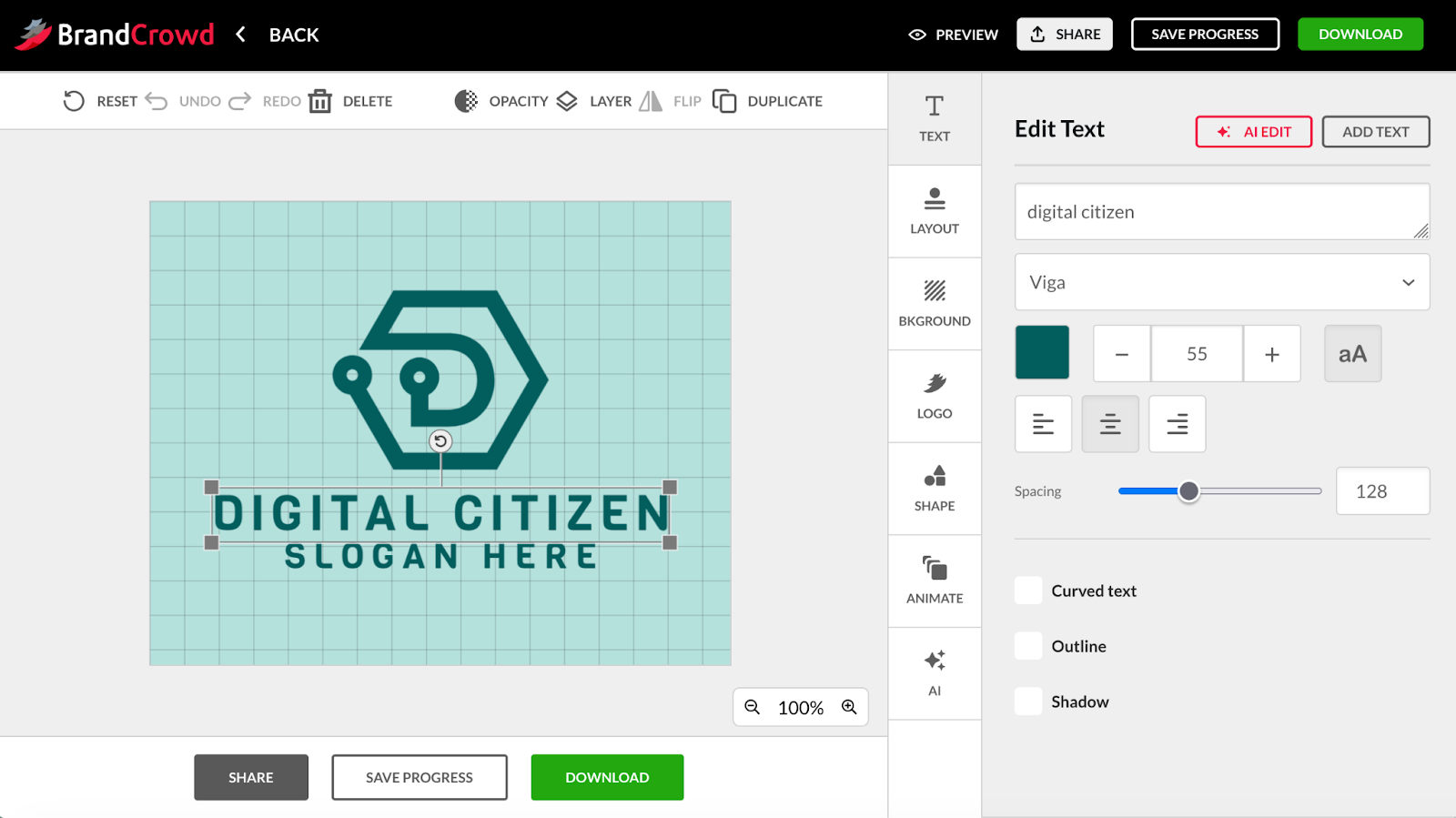
You can define:
- Primary and secondary brand colors
- Typography choices for your logo text
- Optional slogan usage
BrandCrowd applies these choices globally and maintains alignment automatically. This matters because inconsistent typography and spacing are among the most common branding mistakes made by non-designers.
Treat these decisions as long-term. Your colors and fonts will carry through every asset you create next.
Step 4: Refine Safely in the Logo Maker
Improve Without Breaking the Design
The logo maker allows you to adjust layout, icon placement, and proportions while keeping the design balanced. If you want more control, the advanced editor lets you fine-tune spacing and scale in small increments.
This approach removes a major pain point of traditional design tools. You can experiment freely without accidentally creating misaligned or unprofessional results.
If heavy edits feel necessary, that usually signals the original template was not ideal. Switching to a different base design often produces better outcomes than over-editing.
Step 5: Extend the Logo Into Brand Assets
From Logo to Real-World Materials
After finalizing the logo, BrandCrowd automatically carries your brand colors and fonts into other tools. This is where a logo becomes a brand identity.
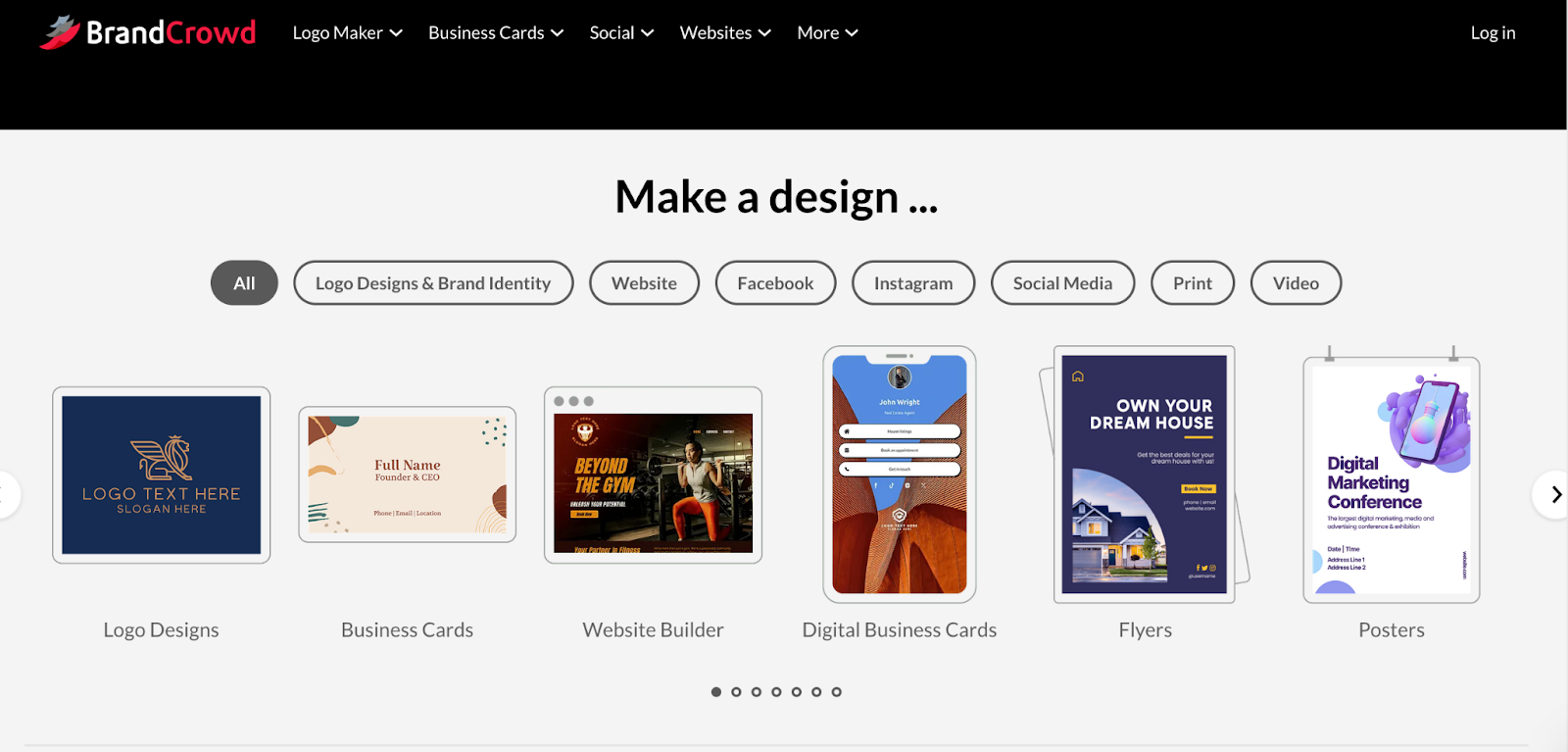
You can create:
- Business cards and digital business cards
- Social media posts and ads
- Email signatures and letterheads
- Flyers, posters, and menus
- Websites and link-in-bio pages
Each template inherits your brand styling, so you do not rebuild designs from scratch. This consistency is critical. Studies show consistent branding can increase brand recognition by over 70 percent across channels.
Step 6: Build a Simple Website Around the Brand
Keep Everything Visually Aligned
BrandCrowd includes a website builder that automatically applies your logo, colors, and fonts. This helps maintain alignment between your logo and online presence without manual setup.
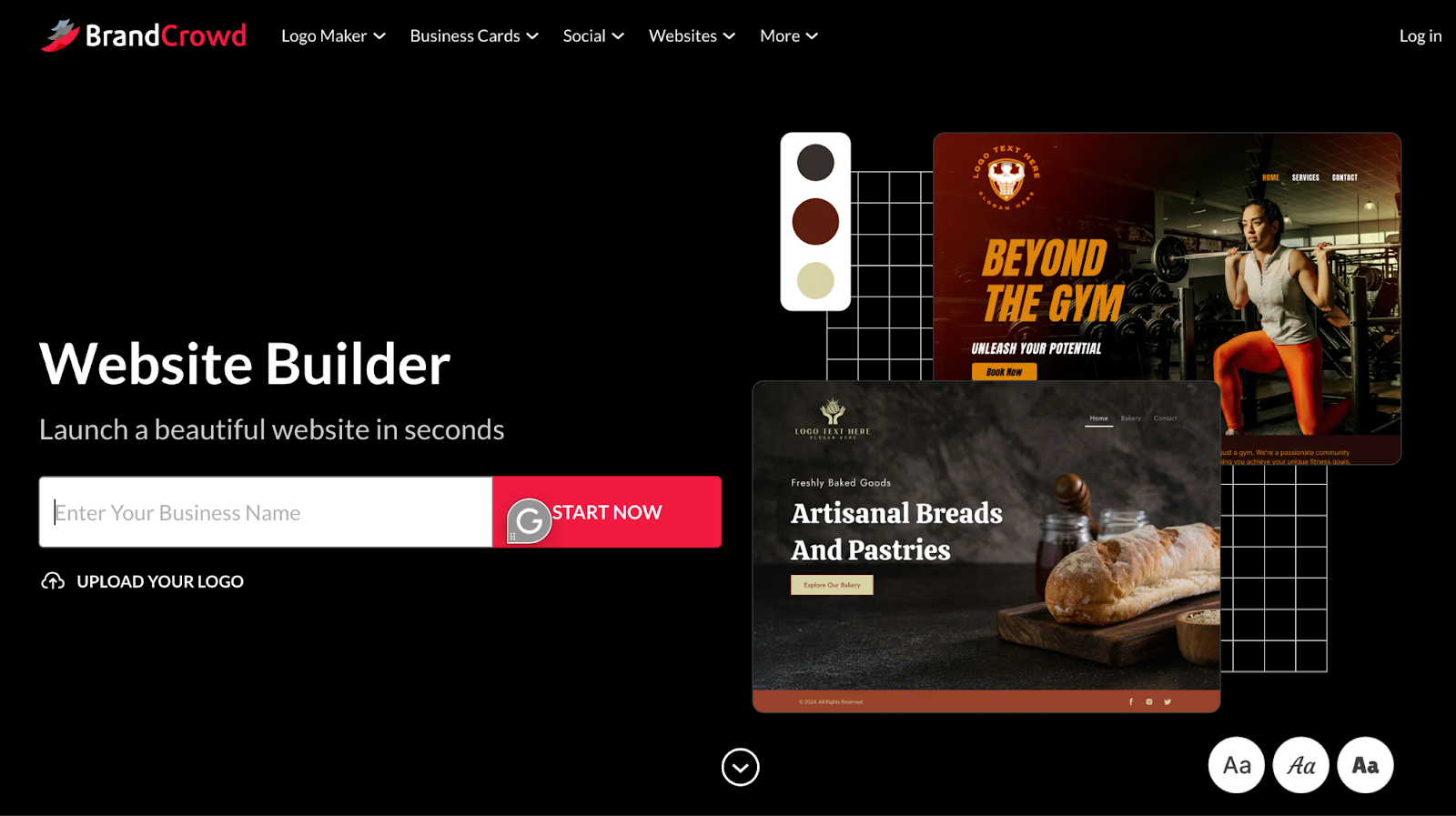
You can adjust content and layout while the system preserves visual rules. Even if you later migrate to another platform, this step clarifies how your brand should appear online.
For many small businesses, this is enough to establish credibility quickly.
Step 7: Export the Right Files for Long-Term Use
Prepare for Digital and Print From Day One
BrandCrowd supports multiple export formats, including:
- SVG, EPS, and PDF for scalable and print use
- PNG and JPG for web and social media
- Transparent and icon-only variations
Vector files are especially important. Even if you only need a website today, vectors protect you when your logo appears on signage, packaging, or print later.
Pricing and Access
BrandCrowd allows you to explore and customize logos for free. To download production-ready files and unlock full branding tools, paid plans are available:
- Starter: $5 per month billed annually
- Value: $6 per month billed annually
- Premium: $7 per month billed annually
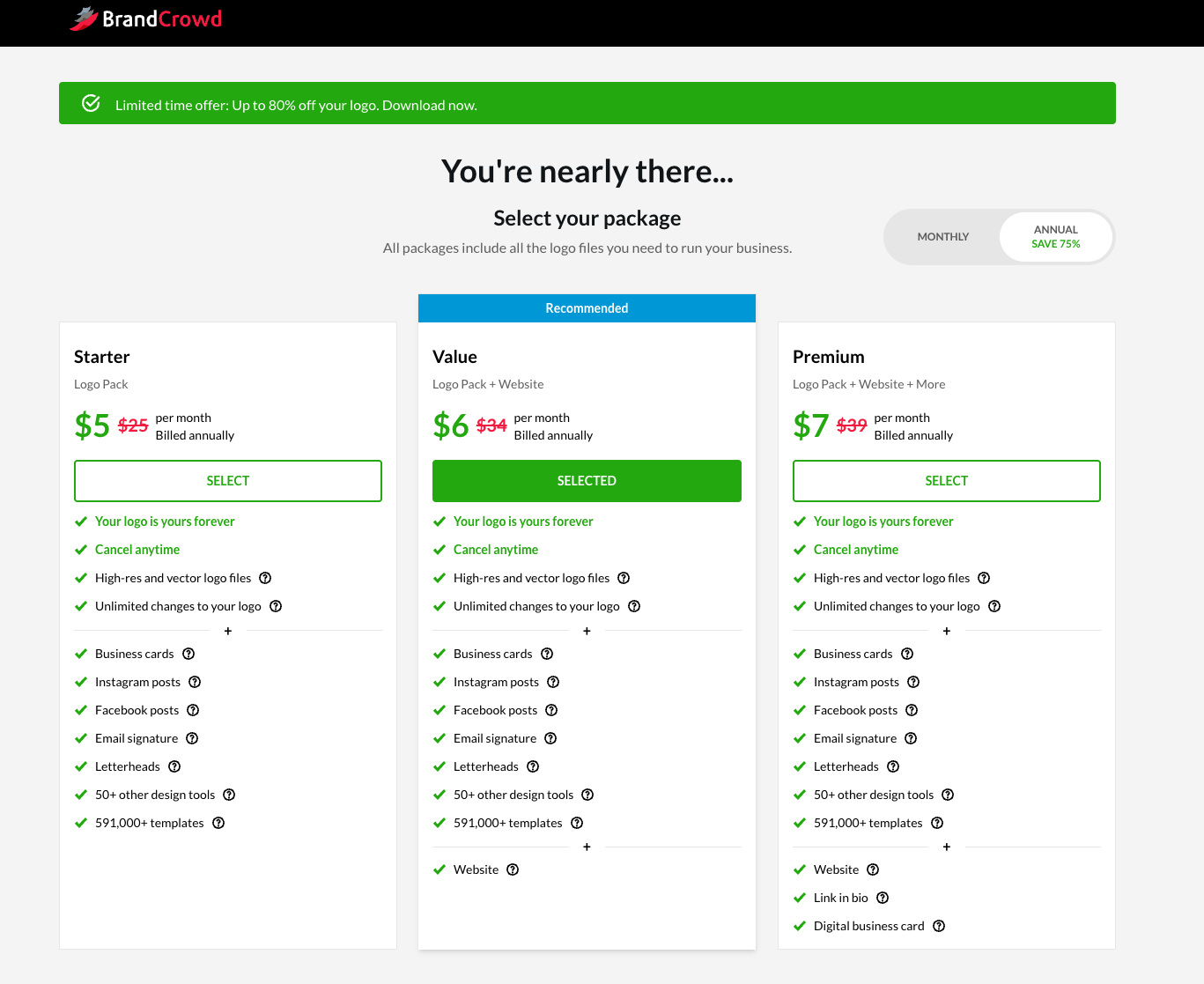
These plans include high-resolution and vector exports, unlimited logo edits, and access to branding templates. Monthly billing is also available at a higher rate.
Your logo remains yours permanently, even if you cancel later.
Final Thoughts
Building a brand identity becomes easier when your logo, colors, and assets live in one place. BrandCrowd’s combination of AI-assisted discovery, a structured logo maker, and connected branding tools removes much of the friction beginners face.
For anyone looking to move from idea to recognizable brand without traditional design tools, BrandCrowd offers a clear and efficient path from logo creation to full brand identity.


Discussion (0)
Be the first to comment.