




In today’s mobile-first world you often need to share your phone’s internet connection with other devices, whether you’re working from a café, travelling, or simply want a backup connection. Using a free mobile hotspot app can make your Android device act as a reliable Wi-Fi hub. Below we review the top free mobile hotspot apps, compare their features, and help you choose the best one for your needs.
Why Choose A Mobile Hotspot App?
Built-in tethering features exist on many phones, but a dedicated mobile hotspot app can offer extra flexibility. You might get advanced controls such as scheduling the hotspot, tracking connected devices, customizing SSIDs and passwords, or enabling USB/Bluetooth tethering even if your carrier limits the standard feature. These extras mean the right free mobile hotspot app can make a real difference.
What We Evaluate In Our Comparison
- Ease of setup and user interface: how quickly you can turn your phone into a hotspot.
- Supported tethering methods: Wi-Fi, USB, Bluetooth.
- Security options: custom SSID/password, encryption settings.
- Advanced controls: data/battery limits, connected device list, scheduling.
- Compatibility and reliability: does the app work across many Android devices and OS versions?
Top Free Mobile Hotspot Apps For Android
Mobile Hotspot (by Kirici)
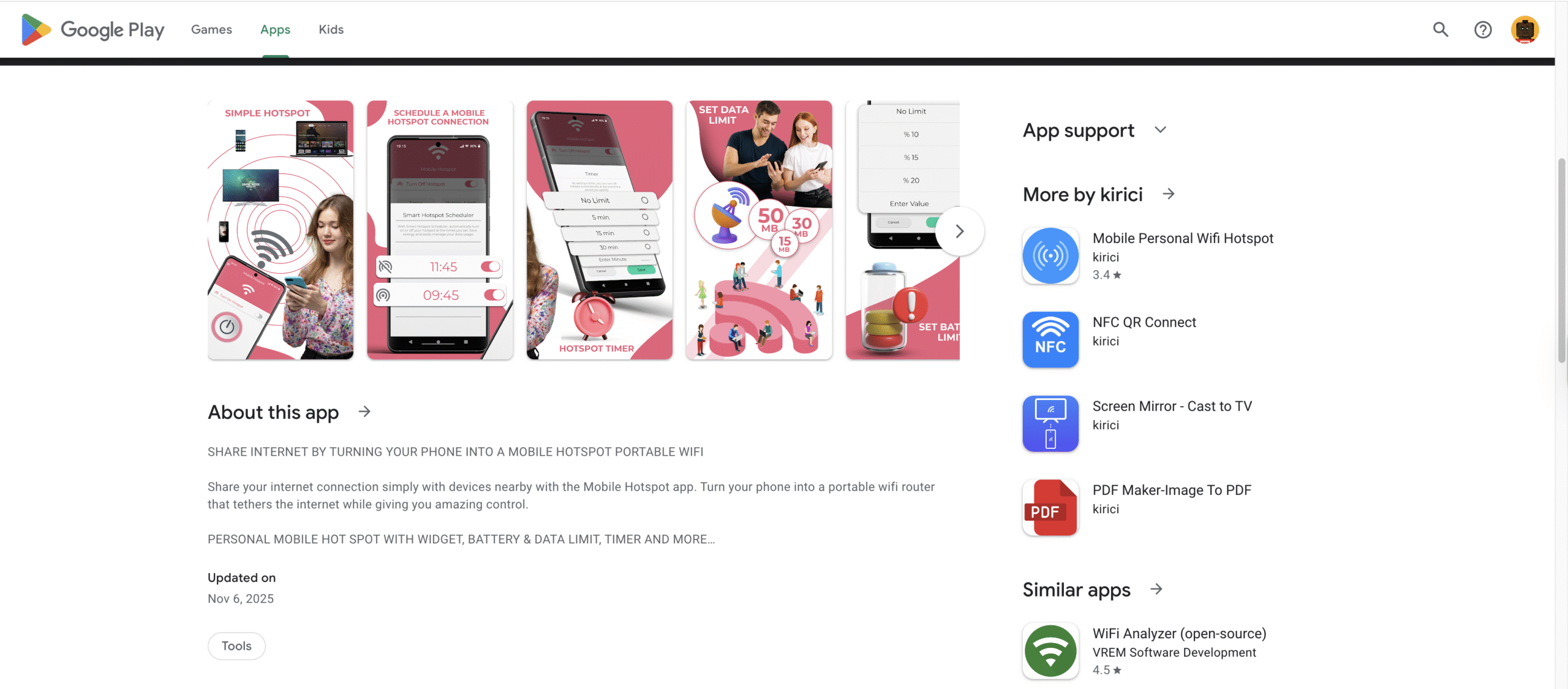
This app offers a broad set of features: you can schedule when the hotspot turns on/off, share via USB or Bluetooth, and even generate a QR code for others to connect. It supports monitoring of connected devices and is designed for a wide range of Android versions. Because of its strong control features, it’s a top pick when you need more than basic tethering.
Portable WiFi – Mobile Hotspot
With a one-tap setup and no root required, this app lets you share mobile data via Wi-Fi, USB or Bluetooth. You can customise your SSID and password, set data-use or battery limits, and rely on a modern interface. If you want a free mobile hotspot app that works fast and clean, this is a solid option.
PdaNet+
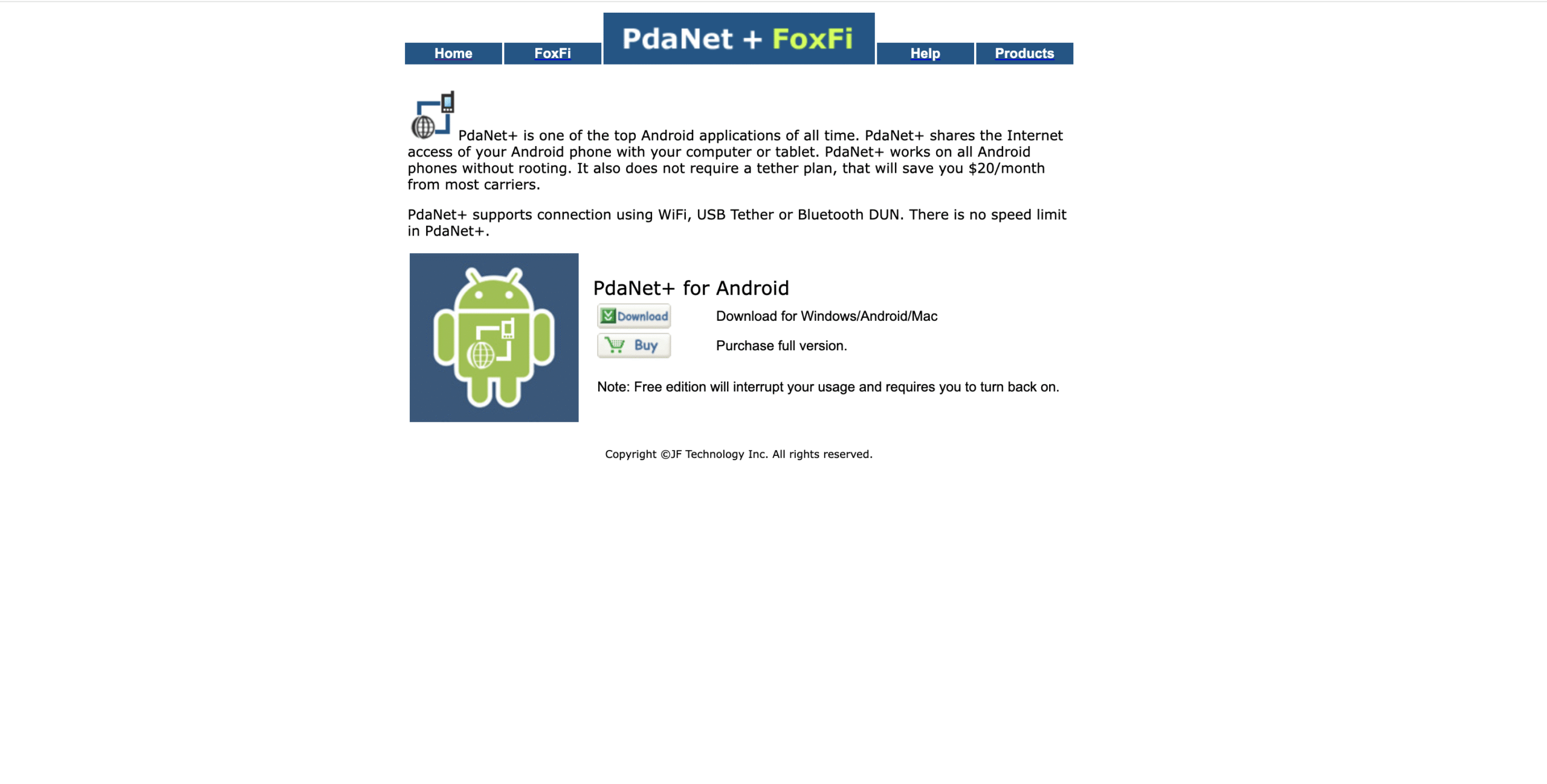
PdaNet+ stands out for its versatility: it supports USB and Bluetooth tethering and features a “Wi-Fi Direct Hotspot” mode that avoids routers. It emphasises security with WPA2 encryption and is ideal for users who may want wired or wireless tethering when Wi-Fi is not optimal.
Free WiFi Hotspot
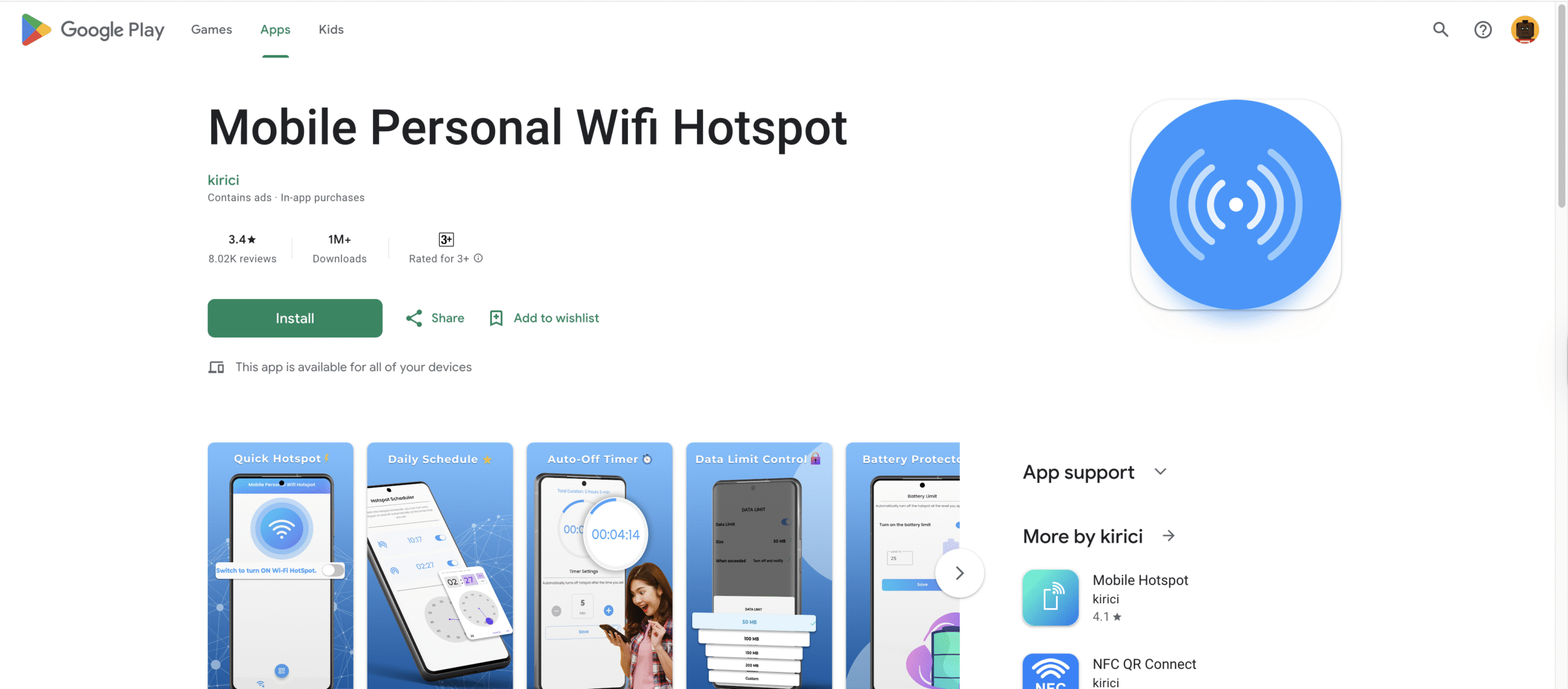
This app focuses on simplicity and reliability: you’ll find an intuitive setup, the ability to customise the hotspot name and password, and support for USB tethering. If you want a clean and straightforward free mobile hotspot app without extra complexity, Free WiFi Hotspot is a good fit.
Feature Comparison At A Glance
Here’s how the apps compare on key features:
- Tethering methods: All four support Wi-Fi tethering; PdaNet+ and Mobile Hotspot provide USB/Bluetooth.
- Customization: Portable WiFi and Free WiFi Hotspot let you easily set SSID, password and limits.
- Scheduling / Controls: Mobile Hotspot offers scheduling of start/stop and device monitoring.
- Security: PdaNet+ emphasises encryption; others offer password protection and SSID naming.
- Ease & compatibility: Portable WiFi and Free WiFi Hotspot lean toward beginners; Mobile Hotspot and PdaNet+ offer more power-user controls.
How To Choose The Right One
- If you need full control over connected devices, scheduling and advanced monitoring, pick Mobile Hotspot.
- If you want one-tap setup and minimal fuss, go for Portable WiFi – Mobile Hotspot.
- If you frequently tether via USB or Bluetooth (or face hotspot restrictions), PdaNet+ gives you more flexible options.
- If you just want a reliable, no-frills free mobile hotspot app to share Wi-Fi quickly, Free WiFi Hotspot fits the bill.
Safety And Carrier Considerations
Keep in mind your carrier’s data plan and tethering policy. Some carriers require a hotspot plan or may throttle tethering speeds. Also review app permissions and ensure you trust the developer before installing a free mobile hotspot app. Managing security (strong password, WPA2 encryption) helps protect your connection from unwanted use.
Summary
- Using a mobile hotspot app gives you a portable Wi-Fi hub on your Android device.
- We compared top free mobile hotspot apps based on ease of use, tethering methods, customization, and security.
- Choose an app that matches your workflow—whether you want advanced control or just quick setup.
- Always check your mobile data plan and keep security in mind when sharing internet.
With the right free mobile hotspot app, your phone becomes a reliable internet source for laptops, tablets or other devices—no router required.


Discussion (0)
Be the first to comment.