




AirPlay 2 TVs let you mirror your iPhone screen, stream Apple Music, and send audio or video directly from Apple devices. Choosing the right model depends on picture quality, refresh rate, smart OS, and how well it integrates with Apple features.
Most modern smart TVs now support AirPlay 2, but performance can vary depending on the panel type, processor, and software support.
Best AirPlay 2 TVs You Can Buy
The TVs below support AirPlay 2 natively and work well with iPhone, iPad, and Mac for screen mirroring and wireless streaming.
Premium AirPlay 2 TVs
Premium AirPlay 2 compatible TVs focus on OLED or Mini-LED panels, high refresh rates, and advanced image processing. These models suit home theaters and Apple users who want top-tier visuals.
- LG OLED Evo Series with AirPlay 2 support
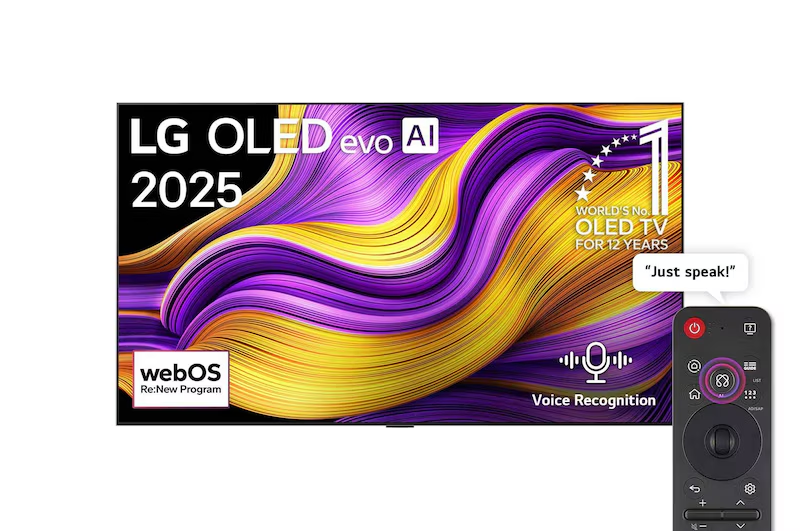
- Samsung QD-OLED Smart TVs with built-in AirPlay 2
- Sony BRAVIA Mini-LED TVs with Apple AirPlay compatibility
Mid-Range AirPlay 2 TVs
Mid-range AirPlay 2 smart TVs balance price and performance. They typically offer QLED or Mini-LED panels, fast refresh rates, and reliable Apple screen mirroring.
- Hisense ULED Mini-LED TVs with AirPlay 2
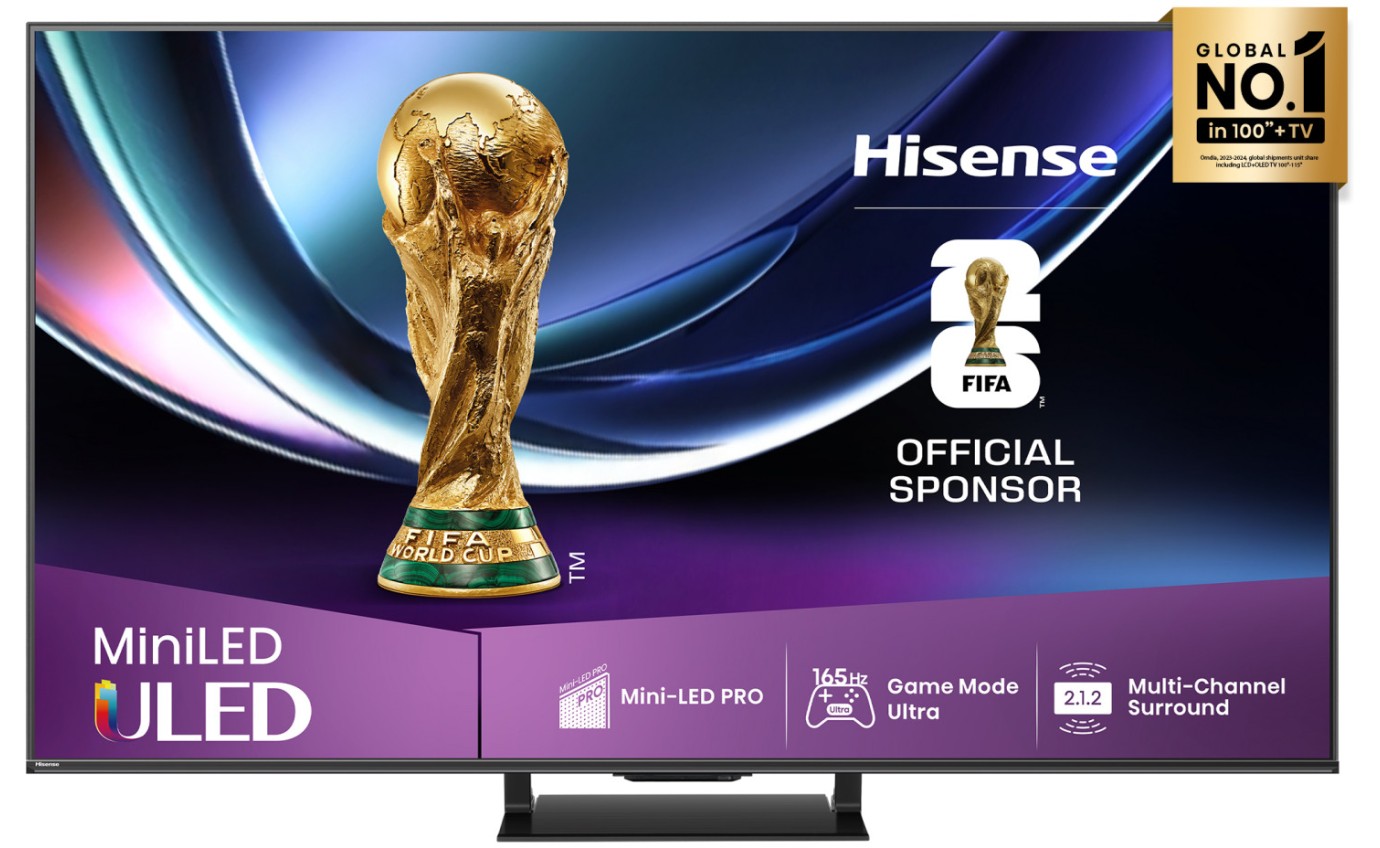
- TCL QD-Mini LED Google TV models
- Samsung OLED S-Series with AirPlay 2 integration
Budget AirPlay 2 TVs
Budget AirPlay 2 TVs still provide solid 4K resolution and Apple compatibility, making them ideal for bedrooms or secondary rooms.
- Hisense U-Series AirPlay 2 TVs
- TCL QLED Roku TVs with AirPlay 2

- INSIGNIA Fire TV models supporting AirPlay 2
How To Check If Your TV Supports AirPlay 2
You can verify AirPlay 2 compatibility directly from your TV or its product listing.
- Open the TV settings and look for AirPlay or HomeKit options
- Check the manufacturer’s specifications page
- Look for the “Works With Apple AirPlay” badge on the box
- Install firmware updates if AirPlay is missing
Troubleshooting Common Problems
If AirPlay 2 does not work as expected, network or software issues usually cause the problem.
- Restart the TV and the Apple device
- Confirm both devices use the same Wi-Fi network
- Update the TV firmware and iOS version
- Disable VPNs or network firewalls temporarily
Tips
- Use a strong Wi-Fi connection for stable AirPlay streaming
- Keep the TV OS updated for better Apple compatibility
- Center important content when mirroring from iPhone
- Enable automatic firmware updates when possible
FAQ
Does AirPlay 2 work without Apple TV? Yes, AirPlay 2 works directly on compatible smart TVs.
Can AirPlay 2 stream both video and audio? Yes, it supports video mirroring and multi-room audio.
Is AirPlay 2 better than screen casting? For Apple users, AirPlay 2 offers smoother integration and better reliability.
Do older TVs support AirPlay 2? Some models gained support through firmware updates, but older TVs may not qualify.
Summary
- AirPlay 2 TVs allow seamless streaming from Apple devices
- OLED and Mini-LED models deliver the best experience
- Mid-range TVs offer strong value for most users
- Budget options still support core AirPlay features
Conclusion
AirPlay 2 compatible TVs make wireless streaming simple for Apple users. Choosing the right model depends on display quality, smart platform, and long-term software support. A well-matched AirPlay 2 TV can significantly improve everyday viewing and audio sharing.


Discussion (0)
Be the first to comment.