


Ask an AI chatbot for a budget and the answer usually ends up as a table you copy into Excel, where the chatbot can no longer see what you change. On November 10, Anthropic started rolling out Claude Sheets and Claude Whiteboards to keep that work inside Claude. It also upgraded interactive connectors, so apps like Canva, Dropbox and Notion now open as full tools beside your chat.

The catch is in the plan split. The full-app view is coming to every Claude plan, Free included, while Sheets and Whiteboards are betas that start at the $20-a-month Pro tier. So the real question is how much of your spreadsheet and planning work can now stay inside Claude.
The company frames the launch as bringing to office work what Claude Code did for programmers, who went from typing code line by line to describing an idea and reviewing what Claude built.
What Claude Sheets can do, and where it stops short of Excel
Claude Sheets is a spreadsheet built into Claude. Ask for a budget or a campaign tracker, and Claude builds a working sheet with tabs, formulas, formatting, dropdowns, checkboxes and charts. Every edit Claude makes is outlined as it lands, and the formulas stay in the cells, so you can check how each number was worked out.
You can also type in cells yourself, select a range and ask why a total looks wrong, leave comments, and roll back to an earlier version. Sheets start private, and a Share button lets other people work in the same cells alongside you and Claude.
The limits are just as clear. According to Anthropic's Sheets help page, a sheet holds up to 100,000 cells and supports 144 functions. Pivot tables, find and replace, filter views and PDF export are missing at launch, and macros, VBA and Power Query are not supported. Sheets cannot pull live data from your connected apps, and on mobile they are read-only.
The escape hatch is the file format. You can import a CSV or a file from Excel or Google Sheets, then export back to .xlsx or CSV when you need the full program.
How Claude Whiteboards turns a messy plan into a shared board
Whiteboards is aimed at the moment before a spreadsheet exists. You talk through a plan, and Claude lays it out as a board with a timeline, owners and dates that a group can edit in real time. Drag a box around part of the board and you can ask Claude about just that section.
When the brainstorm is over, Claude can turn the board into a document or a slide deck, or send it to Miro, Lucid or Vani by Zoho. A third launch, Claude Data, is the renamed Claude Dashboards, now out of beta. It needs a company data source such as a warehouse or CRM, so it is mainly a business tool.
How to open Canva, Dropbox and Notion inside Claude
Interactive connectors used to show a small live view of a tool inside the conversation. Now, where a connector supports it, the whole app opens beside your chat or full screen, signed into your own account. Claude can then edit the open page, row or file, and you approve each action the same way you approve any connector action.
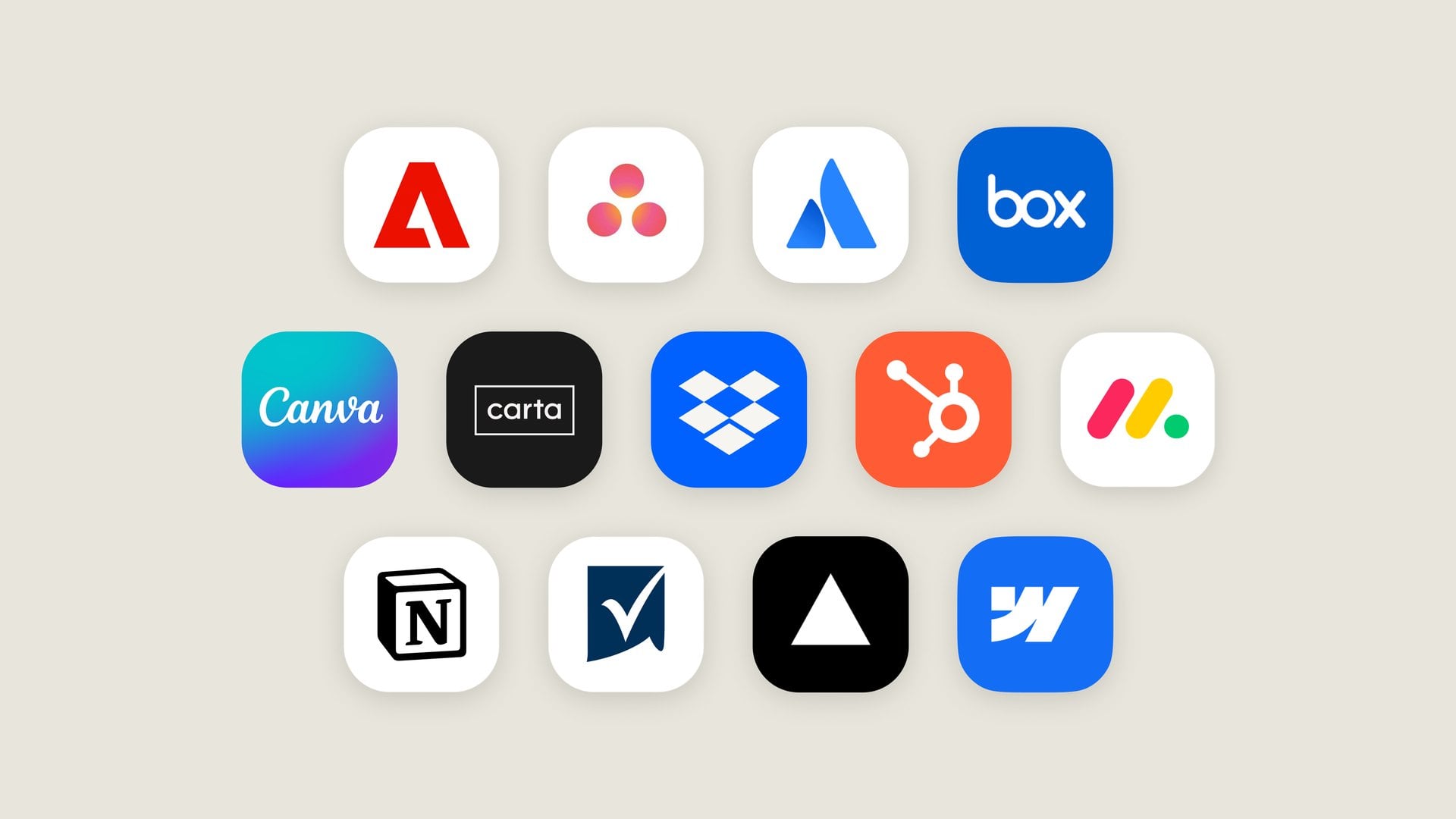
The first wave covers Asana, Canva, Carta, Dropbox, monday.com, Smartsheet, Vercel and Webflow. Adobe tools can retouch photos and redact PDFs, and Notion opens its full editor rather than a preview. Figma and Shopify are building their own versions.
It is the opposite approach to Gemini on Mac, which reaches out to work across the apps already on your desktop. Claude pulls the apps into its own window instead, built on MCP Apps, an open extension that lets the same app run in other AI assistants that support it.
Which Claude plans get Sheets, Whiteboards and the full app view
The app view works on the web and in the Claude desktop app on all plans, but only once your account has moved to the new Claude experience that merged chat with Cowork. That switch reached Pro, Max and Ultra first, with Free and Team plans promised to follow, so a Free account may not see it yet.
Sheets, Whiteboards and Claude Data are listed on Claude's pricing page for Pro, Max and Ultra but not Free. Pro costs $20 billed monthly or $17 a month on an annual plan, Max $100 a month and Ultra $200. Work in Sheets counts toward the same usage limits as your chats. Team plans get all three switched on by default. Enterprise admins must turn Sheets and Whiteboards on themselves, and Claude Data switches on for Enterprise by default on November 19.
Next on the list is Claude Meetings, which Anthropic says will join calls to take notes and update shared documents, with no date yet. For a simple budget or tracker, Sheets may already be enough to skip the copy and paste. Anything that needs pivot tables or macros still ends its life in Excel.


Discussion (0)
Be the first to comment.