




Congratulations on getting your new T-Mobile SIM card! Activating your SIM card is the first step to unlocking all the features of your mobile device on T-Mobile’s network. Whether you're upgrading your device or switching to T-Mobile, this guide will provide clear, step-by-step instructions to ensure a smooth activation process.
Step 1: Gather Your Materials
Before starting the activation process, it’s important to have everything ready:
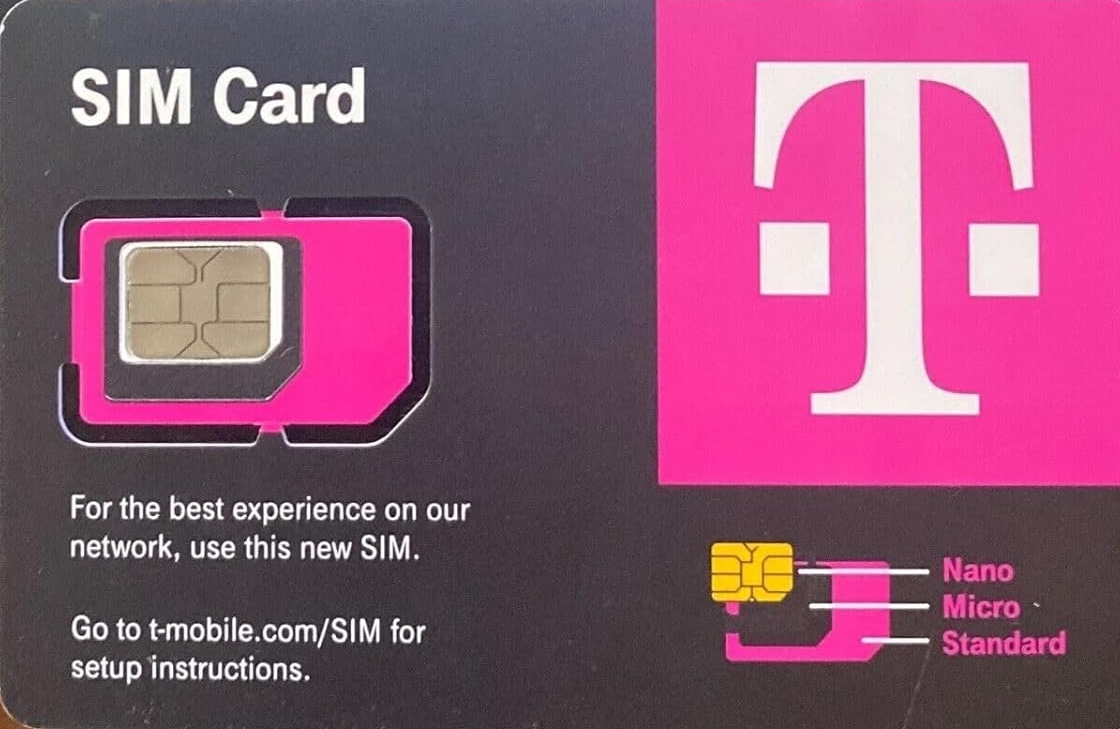
- T-Mobile SIM Card: This is essential for connecting your device to T-Mobile's network.
- Mobile Device: Ensure that your mobile device is fully charged and ready to go.
- Access to the Internet: A stable internet connection is necessary for completing the activation process.
- Personal Information: You may need personal information for verification, such as your address and social security number.
- Activation Code: If applicable, have your activation code ready for use.
Step 2: Locate the SIM Card Slot
The next step is inserting your T-Mobile SIM card into your mobile device. The location of the SIM card slot depends on your device model. Here’s how to find it:
- iPhones: The SIM card tray is located on the side of the device, and you’ll need a SIM ejector tool or a paperclip to open it.
- Android Devices: The SIM slot can be found on the side or back of your Android phone. Check your user manual for specific instructions.
- Other Devices: For tablets or hotspots, the SIM card slot is often located under the back cover or on the side of the device.
Step 3: Insert the SIM Card
To insert your T-Mobile SIM card, follow these steps:
- Power off your device: Turn off your mobile device to avoid potential interference during SIM card insertion.
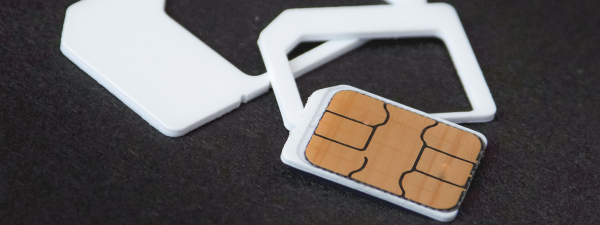
- Insert the SIM card: Align the T-Mobile SIM card with the SIM tray, ensuring the gold contacts are facing down and the card fits securely in place.

- Reinsert the tray: Slide the tray back into the device carefully and make sure it’s securely in place.
Step 4: Power on Your Device
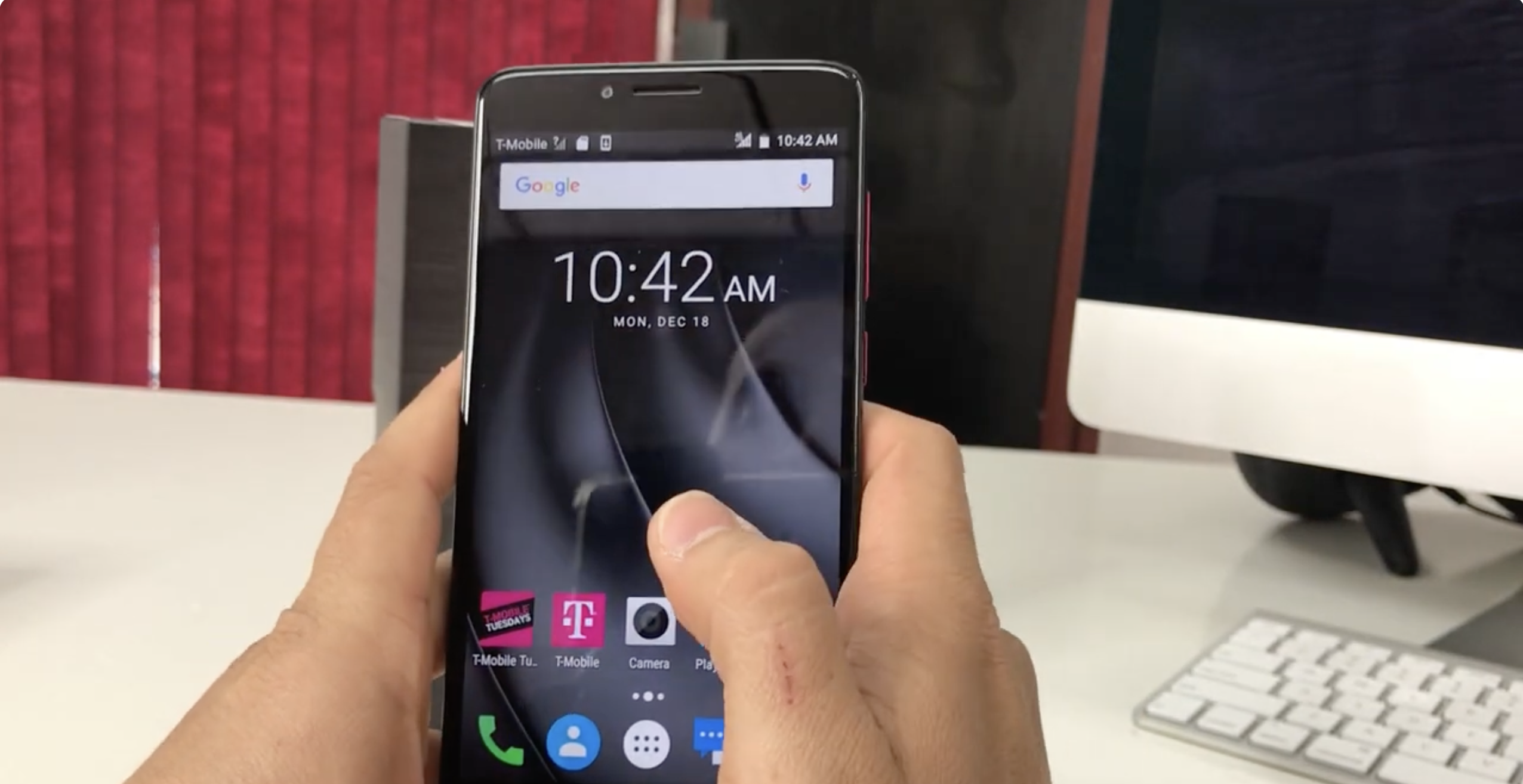
Once the SIM card is inserted, power on your device. The device will begin detecting the SIM card and should start the activation process automatically. If your device requests an activation code, follow the on-screen prompts and enter it carefully.
Step 5: Complete the Activation Process
Follow these steps to complete the activation:
- Log in to your T-Mobile account: Visit the T-Mobile activation page or use the My T-Mobile app. You may need to enter personal details to verify your identity.
- Enter your SIM details: Provide the ICCID (SIM card number), which is located on the back of your SIM card.
- Confirm activation: Once your details are entered, you’ll receive a confirmation that your SIM card is activated and your device is connected to the T-Mobile network.
Step 6: Test Your Connection
After activation, test your device to ensure that it’s properly connected to T-Mobile’s network. Try making a test call, sending a text message, and browsing the internet. Check the signal strength indicator on your device to ensure you have a stable connection.
Troubleshooting Common Issues
If you encounter any issues during the activation process, try the following troubleshooting steps:
- Check the SIM card: Ensure that the SIM card is inserted correctly and that there’s no debris or damage.
- Restart your device: Restart your device to help it reattempt the activation process.
- Verify your account: Make sure the information entered during activation matches the details on your T-Mobile account.
- Contact T-Mobile support: If problems persist, reach out to T-Mobile customer support for further assistance.
Conclusion
Activating your new T-Mobile SIM card is an essential step in connecting to T-Mobile’s network. By following these simple steps, you can quickly get your device up and running, enabling you to enjoy all the services and benefits that T-Mobile offers. Whether you’re a first-time user or upgrading your device, activation is a seamless process designed to get you connected effortlessly.


Discussion (0)
Be the first to comment.