




In today’s mobile-driven world, the Nano SIM card is a critical component of modern smartphones, tablets, wearables, and other connected devices. Though small in size, it plays a vital role in providing connectivity, security, and communication across various mobile networks. Understanding the functions of a Nano SIM card is essential for anyone looking to enhance their knowledge of mobile technology and its underlying components.
What is a Nano SIM Card?
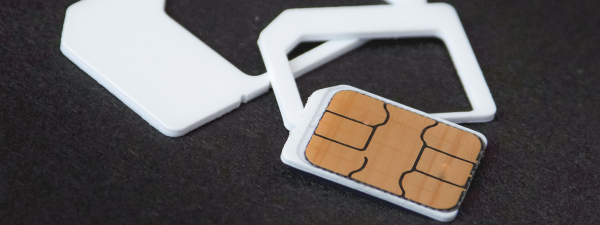
A Nano SIM card is the smallest SIM card format used in modern mobile devices, measuring just 12.3mm by 8.8mm. Despite its compact size, it carries essential components that enable mobile devices to connect to cellular networks, make calls, send messages, and access data. The Nano SIM is smaller than its predecessors, such as the Mini and Micro SIM cards, which allows manufacturers to design sleeker and more efficient devices.
The Key Functions of a Nano SIM Card
The Nano SIM card serves multiple crucial functions that are essential for the seamless operation of modern mobile devices:
- Network Authentication: The Nano SIM card authenticates your device’s identity with the mobile network by using encryption keys and your IMSI (International Mobile Subscriber Identity), ensuring secure access to the network.
- Connectivity: It enables voice calls, text messaging, and mobile data access, including high-speed connections like 4G and 5G, facilitating a responsive mobile experience.
- Secure Data Storage: The Nano SIM stores subscriber information securely, including the phone number, network details, and other critical data, preventing unauthorized access.
- Roaming: Nano SIMs make it easy to roam across various regions, as they store network authentication data, allowing users to access mobile networks outside their home country seamlessly.
- Contact Management: The SIM card also stores contacts, providing a convenient backup of essential phone numbers and enabling smooth transitions when switching devices.
The Evolution of SIM Cards
The evolution of SIM cards has mirrored advancements in mobile technology. The transition from the larger Mini and Micro SIM cards to the Nano SIM was driven by the need for more compact designs in smartphones and tablets. Each new iteration has reduced the size of the SIM card while maintaining or enhancing its functionality:
- Standard SIM: The original SIM card, the size of a credit card, revolutionized mobile communication.
- Micro SIM: Introduced as a smaller alternative to the standard SIM, it became common in mid-generation smartphones.
- Nano SIM: The smallest SIM card to date, it allows device manufacturers to maximize internal space for other advanced technologies.
- eSIM: A digital-only version of the SIM, eliminating the need for physical SIM cards and offering even more flexibility.

Advantages of Nano SIM Cards
The Nano SIM card offers several key advantages that make it the preferred choice in modern mobile devices:
- Compact Size: Its small form factor allows for slimmer, more lightweight devices without compromising on functionality.
- Enhanced Device Capabilities: The space saved by the Nano SIM card allows manufacturers to include larger batteries, better cameras, and additional storage in smartphones and tablets.
- Global Compatibility: Nano SIMs are widely supported across various devices, enabling users to easily switch devices without changing SIM cards.
- Advanced Connectivity: Nano SIMs are designed to support the latest mobile technologies, including 4G LTE and 5G networks, for fast and reliable data access.
- Improved Security: The chip embedded in the Nano SIM provides secure storage for sensitive data, protecting users from unauthorized access.
How to Use a Nano SIM Card
Using a Nano SIM card is straightforward. Here’s a step-by-step guide to installing and activating a Nano SIM card:
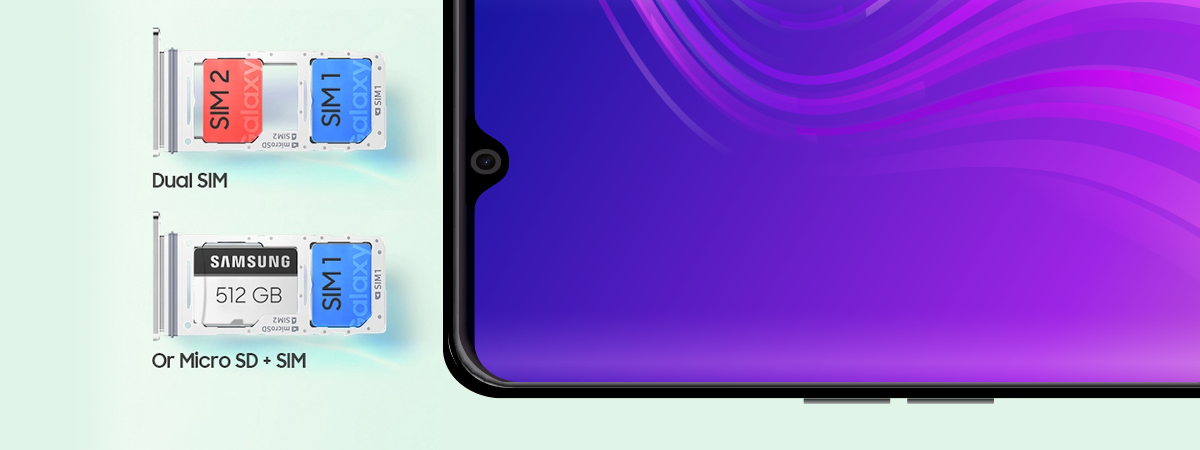
- Insert the Nano SIM: Locate the Nano SIM slot on your device, typically on the side or top. Use a SIM ejector tool to open the slot, and carefully insert the Nano SIM.

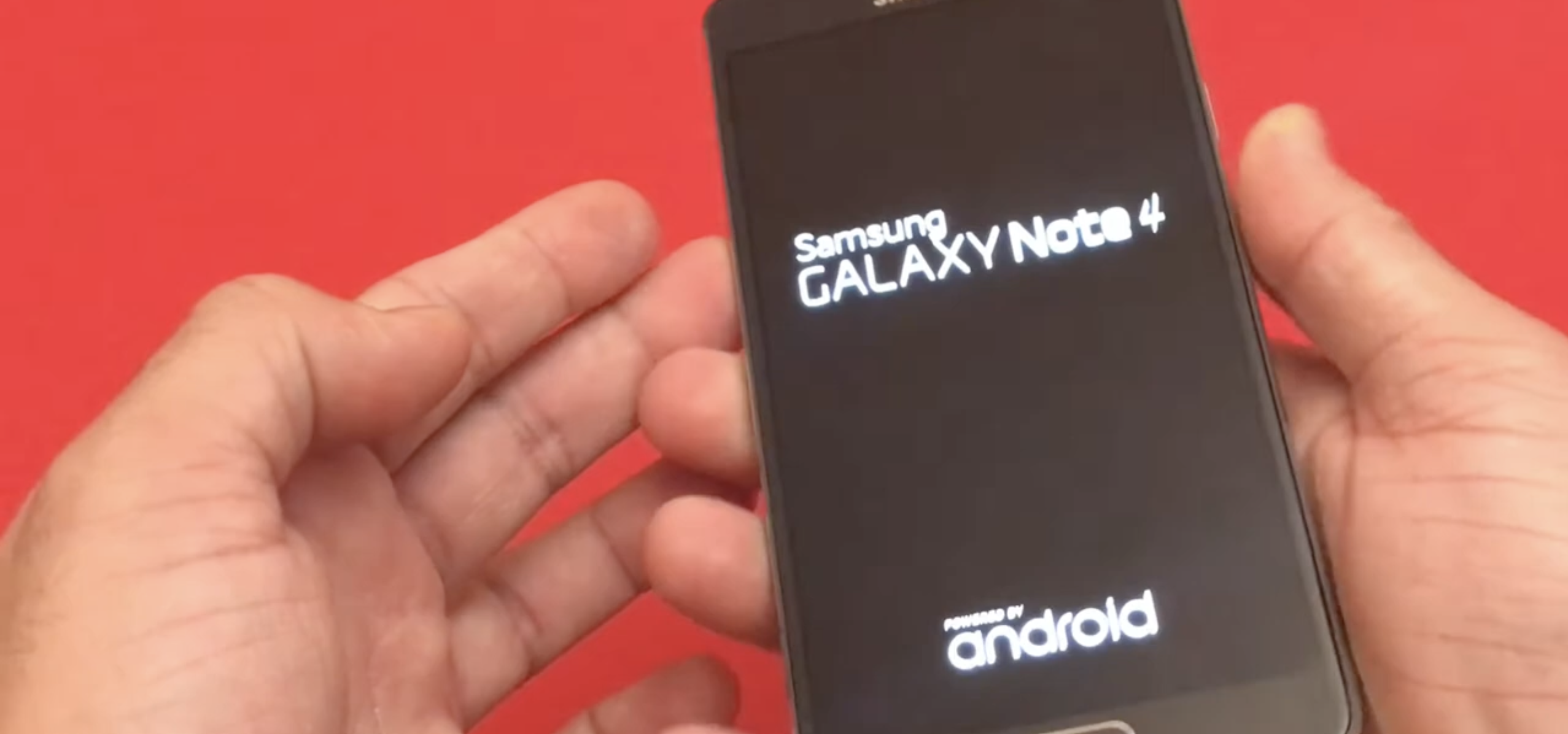
- Power on the Device: After inserting the Nano SIM, power on the device. It will automatically detect the SIM and start the activation process.
- Activate Services: Follow the on-screen instructions to activate mobile services, such as voice calls, texts, and data.
- Confirm Network Connectivity: Check for signal bars or network indicators on your device to ensure successful network connection.
Conclusion
The Nano SIM card has significantly impacted mobile technology, enabling faster, more secure, and efficient communication. Its compact design has allowed device manufacturers to create slimmer and more powerful devices, while its functionality continues to support high-speed data access and global roaming. Understanding the functions of a Nano SIM card not only enhances your knowledge of mobile devices but also allows you to optimize your experience in an increasingly connected world.

Discussion (0)
Be the first to comment.