




Activating your Straight Talk SIM card kit step by step is an easy process when you know what to do. Whether you're using a new phone or unlocking a device for use with Straight Talk services, this guide will walk you through everything you need to get connected. By the end, your phone will be ready for calls, texting, and internet access on the Straight Talk network.
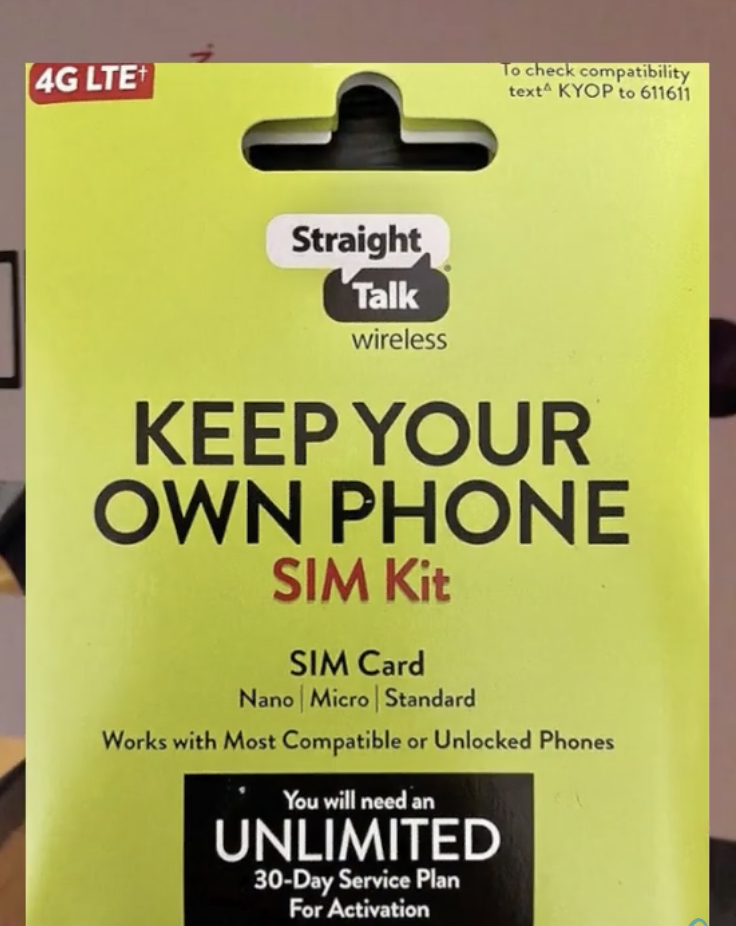
Checking the Contents of Your Straight Talk SIM Card Kit
Before diving into the activation process, it's essential to check that all the necessary components are included in your Straight Talk SIM card kit. This ensures that you're prepared for a smooth activation experience. Here's what you should look for:
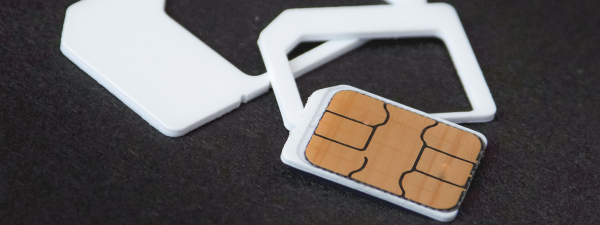
- SIM Card: The kit typically includes a selection of SIM cards, each designed for a different carrier network (AT&T, Verizon, T-Mobile). You must use the correct SIM for your specific phone. The card itself, with its metallic chip, should be undamaged.
- SIM Card Holder: Some kits include a holder for safekeeping when the SIM card is not in use.
- Instruction Manual: Look for a user manual that details the activation process, tailored to your SIM kit.
- Activation Code: A PIN or code might be included for activation purposes.
- Additional Accessories: Some kits may include tools like a SIM ejector tool. You will use the SIM card's unique serial number (ICCID) for activation, not a separate code.
Before proceeding, ensure you have selected the correct SIM card for your phone's network compatibility. If the SIM is damaged or the kit has issues, contact Straight Talk customer support for assistance.
Inserting the SIM Card into Your Device
Now that you've checked your kit, the next step is to insert the SIM card into your phone. Here's how to do it:
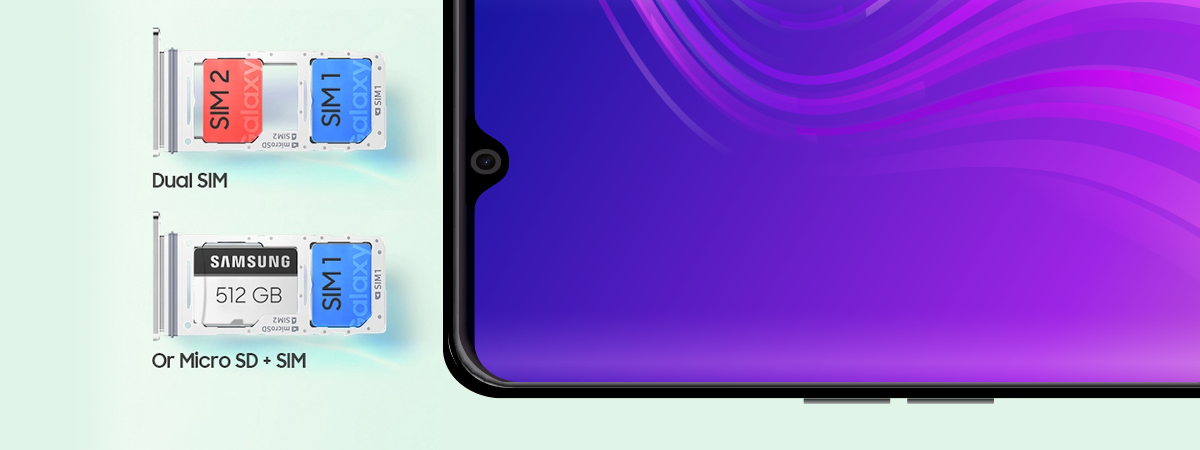
- Locate the SIM Card Slot: Find the SIM card tray on your device, typically on the side or back.
- Power Off Your Device: Always turn off your phone before inserting the SIM card to avoid any potential damage.
- Eject the SIM Card Tray: Use the ejector tool or a small paperclip to remove the tray.
- Insert the SIM Card: Carefully place the SIM card into the tray, aligning it correctly without forcing it into place.
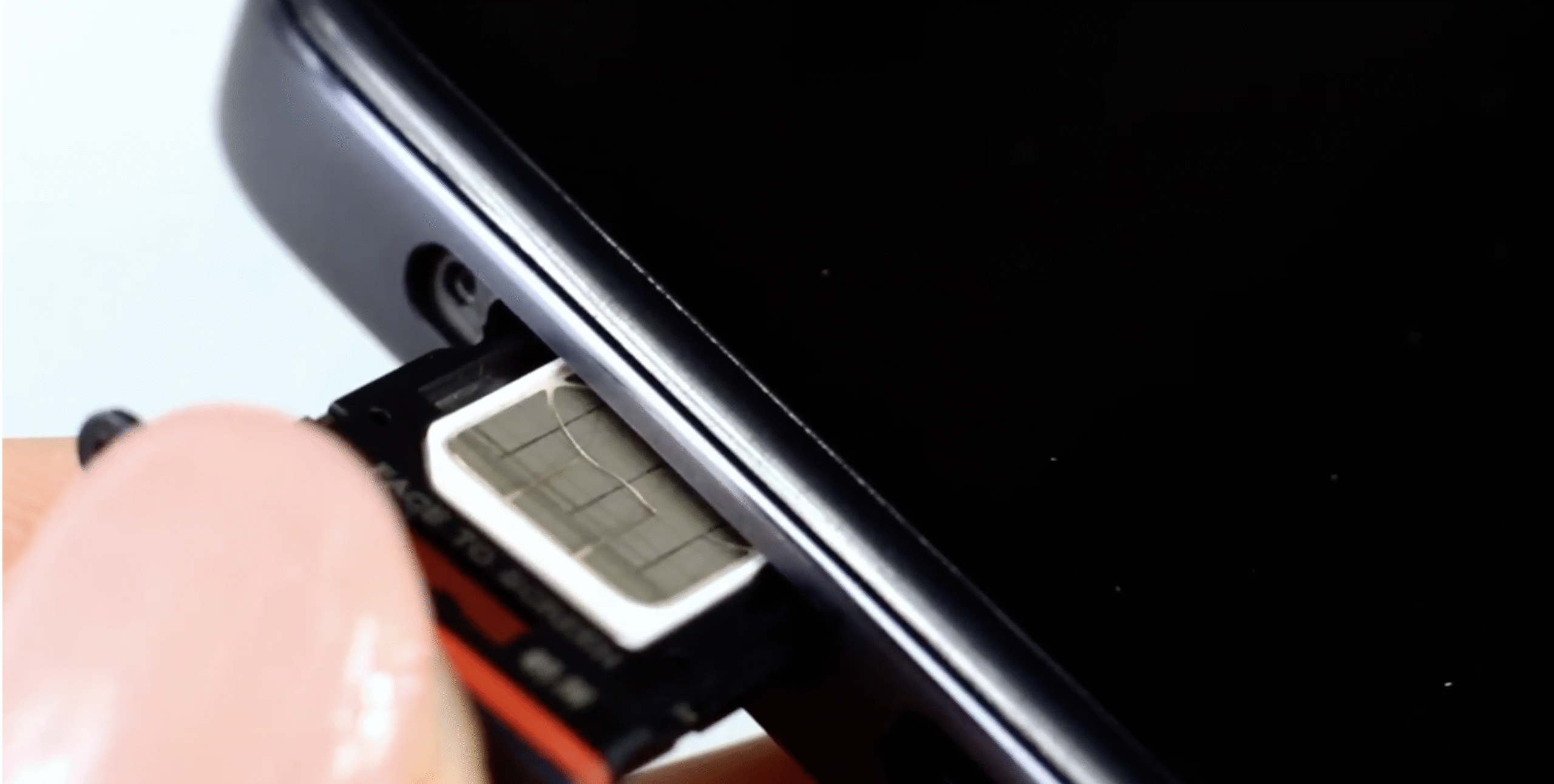
- Reinsert the Tray: Gently push the tray back into the device, ensuring it sits flush.
- Power On Your Device: Turn your device back on and wait for it to detect the new SIM card.
Once your SIM card is inserted, you'll be ready for activation.
Activating Your Straight Talk SIM Card Online
Activating your Straight Talk SIM card online is the most straightforward method. Here’s how:
- Access the Activation Portal: Visit the official Straight Talk activation website or the portal provided in your SIM card kit.
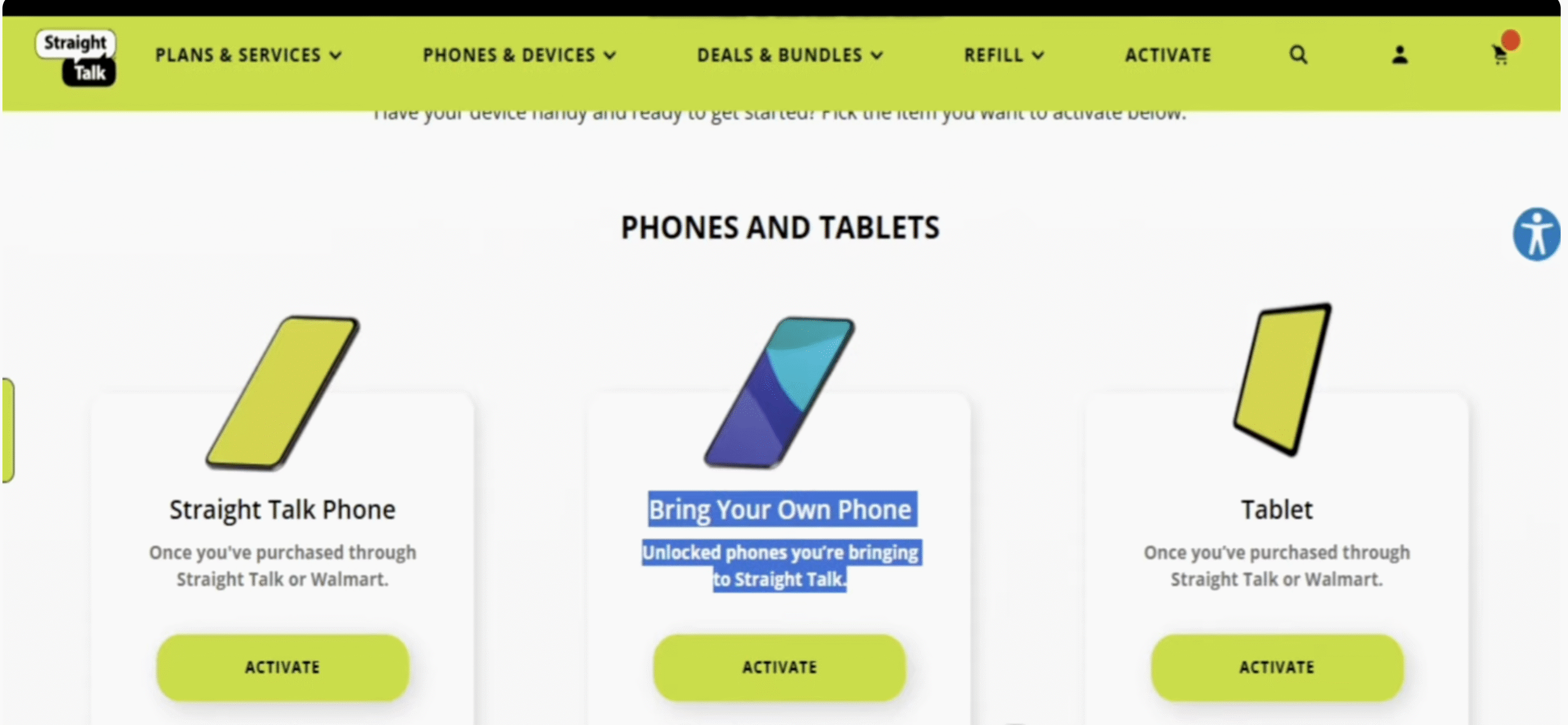
- Click Activate under the Straight Talk Phone option.
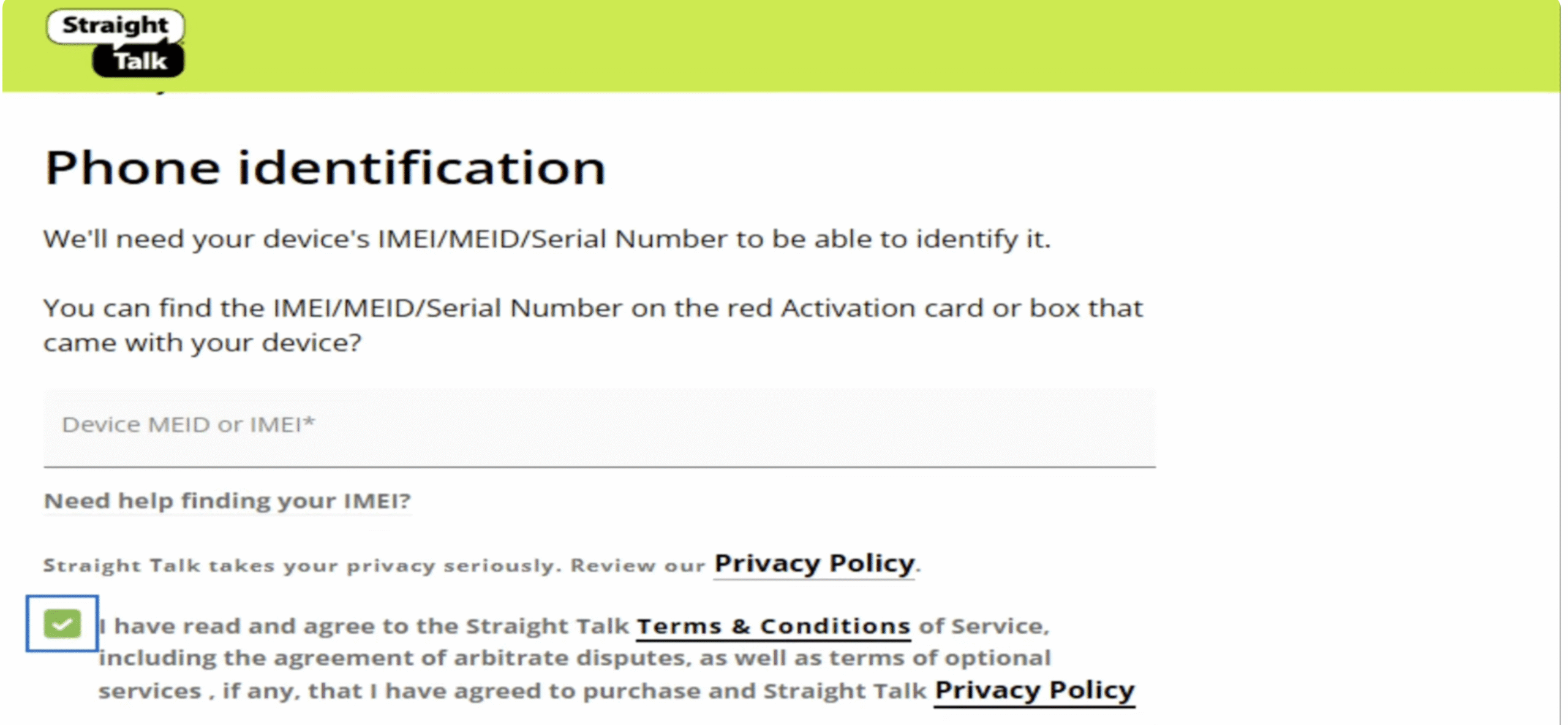
- Enter the Required Information: Input the SIM card’s unique serial number (ICCID), your phone's IMEI/MEID, and your personal details. If you are transferring a number from another carrier, you will also need to provide that information during this step.
- Select a Plan: Choose a suitable service plan, whether data, voice, or text, based on your needs.
- Review and Confirm: Ensure the details are correct before proceeding.

- Submit and Wait: After submitting, you’ll receive an email or on-screen confirmation that the activation process has started. Number transfers can take anywhere from a few minutes to a few hours to complete.
- Insert the Activated SIM and Restart Your Phone: After submitting your information, insert the correct SIM card into your phone. Once you receive confirmation that the process is complete, power your phone off and then back on. This will help your device connect to the Straight Talk network.
Your device should now be connected to the Straight Talk network, ready for use. You’ll be able to use your phone for calls, text messages, and internet browsing.
Completing the Activation Process
Once your Straight Talk SIM card is activated, it's time to complete the process and ensure everything is working smoothly. Here's how:
- Verification of Connectivity: After powering on your device, check the signal indicator to confirm that it’s connected to the Straight Talk network.
- Functional Testing: Test the device by making calls, sending texts, and using the internet to confirm full functionality.
- Configuration and Settings: Most newer phones will automatically configure the correct settings for internet (APN), MMS, and voicemail. If your internet or picture messaging is not working after activation, you may need to update these settings manually. You can do this by texting the word APN to 611611 for an automatic update, or by following the manual instructions on Straight Talk's website.
- Customer Support: If any issues arise, contact Straight Talk’s customer support for further assistance.
These final steps will ensure that your device is fully functional and you are ready to use your Straight Talk services with no issues.

Discussion (0)
Be the first to comment.