




If you want to drop cable and still watch local ABC, a regular TV antenna can deliver the channel for free in HD. The exact ABC channel number depends on where you live, so you need to let your TV scan for local over-the-air stations. At the time of writing, most modern TVs and antennas can pick up ABC, NBC, CBS, FOX, and more with a single channel scan.
This guide explains where to find the ABC channel using a regular TV antenna, how to connect everything, and how to use your TV’s built-in tuner. After a quick overview, you go straight into the steps to scan, add, and test your local ABC channel.
How To Find The ABC Channel With A Regular TV Antenna
The fastest way to find ABC on antenna is to connect your coax cable, set the TV source to antenna or air, then run a full channel scan. Your TV will detect the local ABC affiliate automatically and add it to your channel list.
- Connect your antenna’s coax cable firmly to the ANT IN or RF port on the back of your TV.

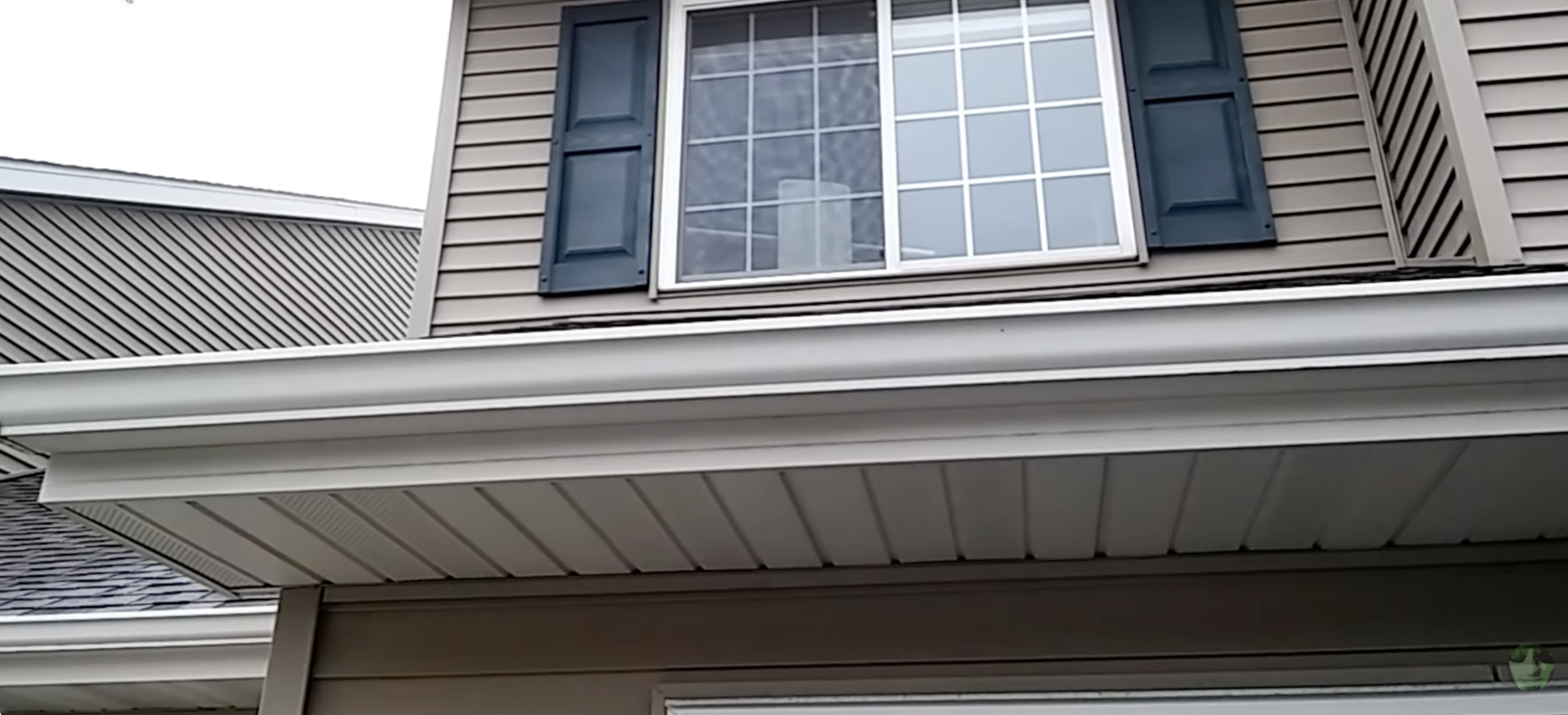
- Place the antenna as high as possible, near a window, and away from thick walls or large metal objects.
- Turn on the TV and use the remote to select TV, Antenna, or Air as the input or source.
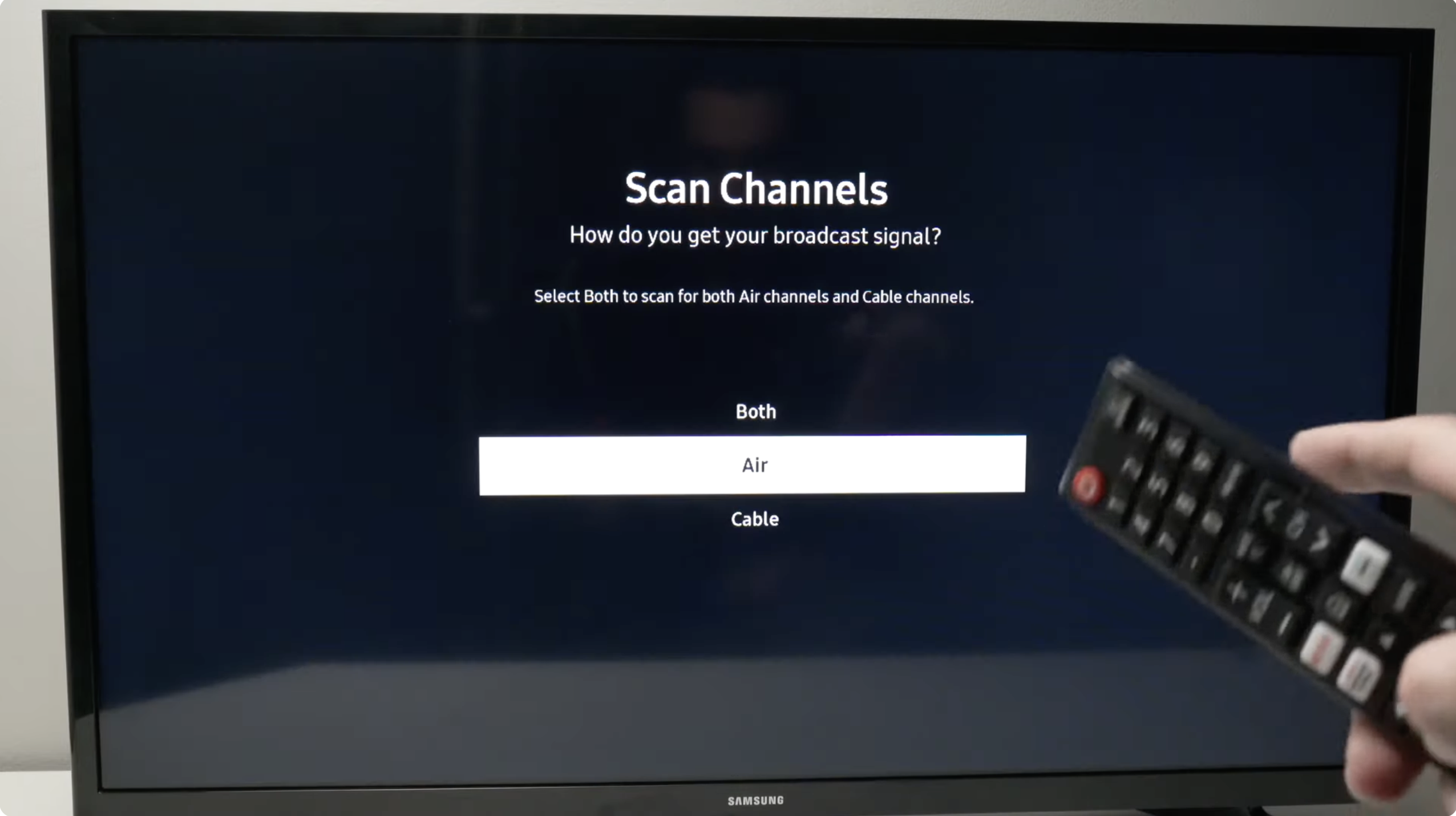
- Open the Menu or Settings on your TV and go to the Channels, Broadcast, Live TV, or Antenna section.
- Select Auto Program, Channel Scan, Auto Scan, or Rescan to start searching for local channels.
- Wait while the TV scans all available over-the-air channels in your area. This can take a few minutes.
- When the scan finishes, save the new channel list if your TV asks you to confirm.
- Use the channel up or down buttons to scroll through the list and locate your local ABC channel.
Your ABC station may appear as a virtual channel like 7.1 or 13.1 even if the real broadcast frequency is different. As long as the picture and sound look clear, you found the right ABC channel using your regular TV antenna.
Troubleshooting Common Problems
- ABC does not show up after a scan: Move the antenna higher, closer to a window, and run another channel scan from the TV settings.
- ABC appears but breaks up or pixelates: Point the antenna toward the city center or nearest broadcast towers and keep it away from other electronics.
- Some channels disappeared: Run a full Rescan or Auto Program again instead of adding channels manually.
- Different TVs in the house see different channels: Make sure each TV runs its own channel scan and has a solid coax connection.
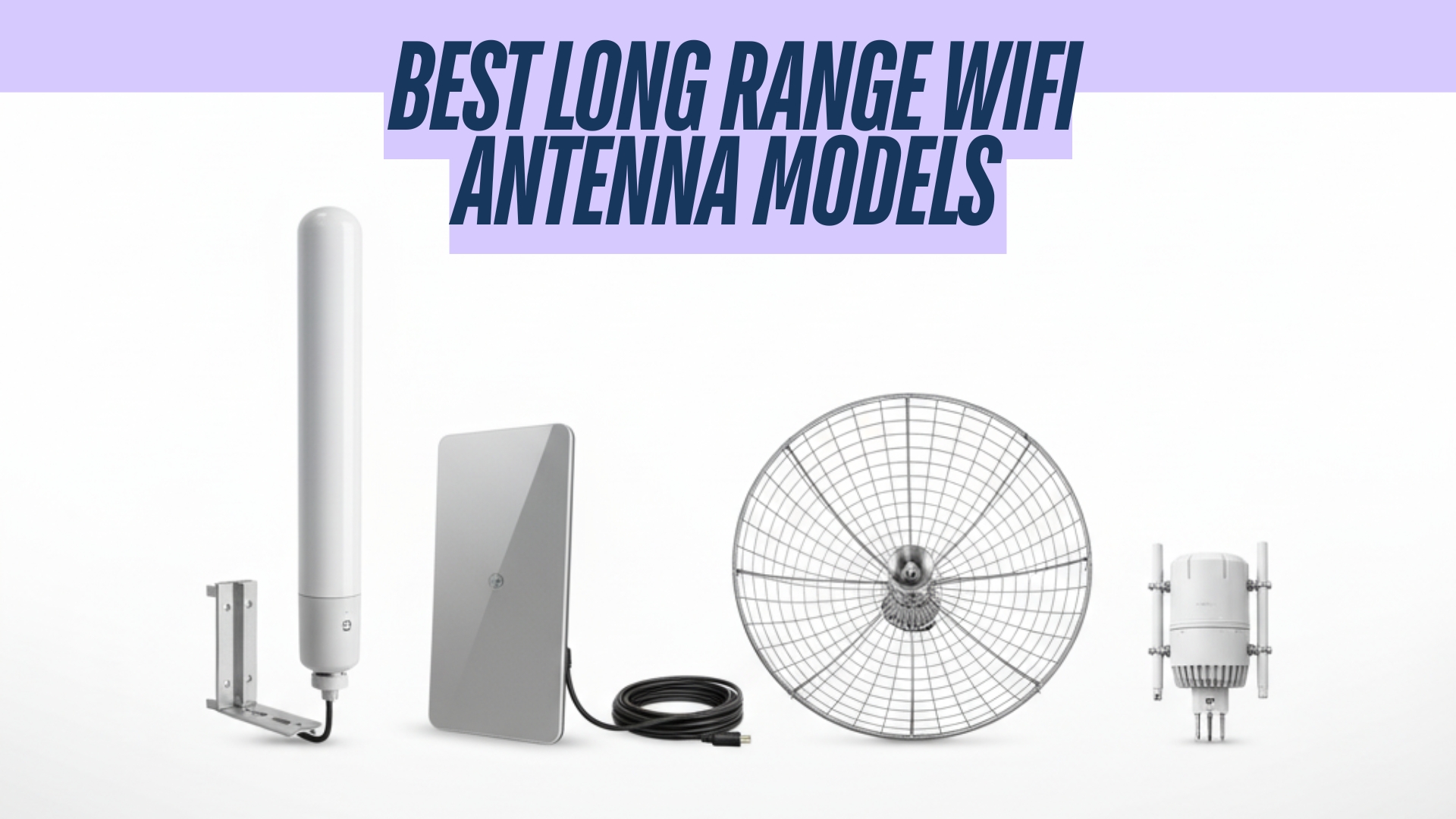
- Indoor antenna struggles to pull in ABC: Consider upgrading to a stronger amplified indoor antenna or an outdoor antenna with better range.
- The TV shows cable channels only: Change the tuner setting from Cable to Antenna or Air before scanning again.
Tips
- Place the antenna on an exterior-facing wall or on an upstairs floor to improve ABC reception.
- Keep the antenna away from Wi-Fi routers, microwaves, and large metal surfaces.
- Run a new channel scan a few times per year in case stations change frequency or add subchannels.
- Try small angle changes to the antenna direction, then test the ABC channel again.
- Use a quality coax cable and avoid unnecessary splitters, which can weaken the ABC signal.
FAQ
What channel is ABC on with a regular TV antenna? The ABC channel number varies by city. You need to run a channel scan on your TV so it can detect your local ABC affiliate and assign the correct virtual channel.
Do I need a special digital antenna to get ABC? Most modern antennas can receive digital ABC broadcasts. Any antenna labeled HDTV, digital, or UHF/VHF capable should work with today’s over-the-air ABC signals.
Why does ABC show as 7.1 or 13.1 on my TV? Digital broadcasts use virtual channels, so your ABC station might use a point number like 7.1 even if the physical frequency is different.
Will an indoor antenna get ABC? Many viewers receive ABC with a small indoor antenna, especially in or near a city. If you live farther from the towers, an amplified or outdoor antenna usually works better.
How often should I rescan for ABC and other channels? Rescan whenever you move the antenna, move the TV, or notice missing channels. A periodic rescan helps your TV pick up new or updated local stations.
Summary
- Connect your regular TV antenna to the TV’s ANT IN or RF port with a coax cable.
- Set the TV input to TV, Antenna, or Air instead of cable.
- Use the TV menu to run an Auto Program, Channel Scan, or Rescan.
- Scroll through the updated channel list to find your local ABC channel.
- Improve antenna placement or upgrade your antenna if ABC appears weak or is not present.
Conclusion
Finding the ABC channel with a regular TV antenna mostly comes down to a good coax connection, proper antenna placement, and a complete channel scan on your TV. Once you set everything up and add ABC to your lineup, you can watch news, primetime shows, and sports in clear over-the-air HD without a monthly bill.


Discussion (0)
Be the first to comment.