




Assurance Wireless gives eligible customers free or low-cost cell service, but many people still ask one big question: What Phones Work With Assurance Wireless? If you already own a phone you like, you probably want to know if you can keep it instead of switching to a new device.
This guide explains how Assurance Wireless phone compatibility works, which phones usually qualify (like specific Samsung models), how to check your own device, and what to do if your phone does not work. You also learn how to bring your own phone to Assurance Wireless without headaches.
Assurance Wireless runs on a partner carrier network, so your phone must support that network’s bands and technology. On top of that, the device must be unlocked and cleared for use on the network, or it will fail the compatibility check.
When you look for phones that work with Assurance Wireless, focus on three main points: unlock status, supported bands, and IMEI eligibility. If all three line up, your phone usually qualifies for the bring your own phone program.
Can You Use Your Own Phone With Assurance Wireless
In many cases, you can bring your own phone to Assurance Wireless as long as it passes their compatibility check. The company supports a wide range of Android phones and iPhone models, but not every device will qualify.
If you want to know what phones work with Assurance Wireless before you apply, treat these as general rules, not a guaranteed list:
- The phone should be factory unlocked or unlocked by your previous carrier.
- The device should support LTE and the bands used by Assurance Wireless’ network partner.
- The IMEI must not be reported lost, stolen, or blocked.
- The phone should come from a major US brand or a reputable manufacturer.
Assurance Wireless also sells compatible phones directly. Those models always work with the service because they are built and configured for that network.
Examples Of Phones That Often Work With Assurance Wireless
Assurance Wireless does not publish a full public list of every compatible phone, and that list can change at any time. Still, customers often use phones in these popular families when they check compatibility and bring their own device successfully:
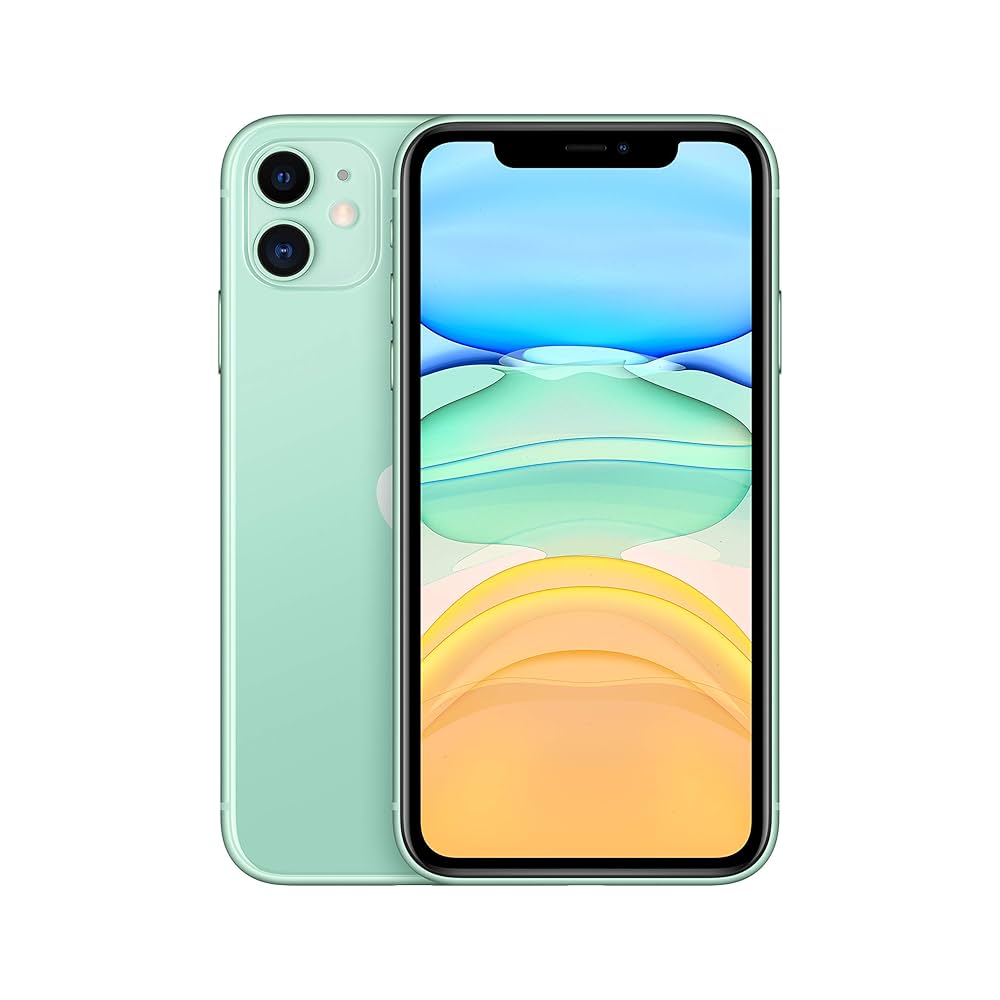
- Apple iPhone models such as iPhone SE (2nd Generation) and newer iPhone 11 or later devices.
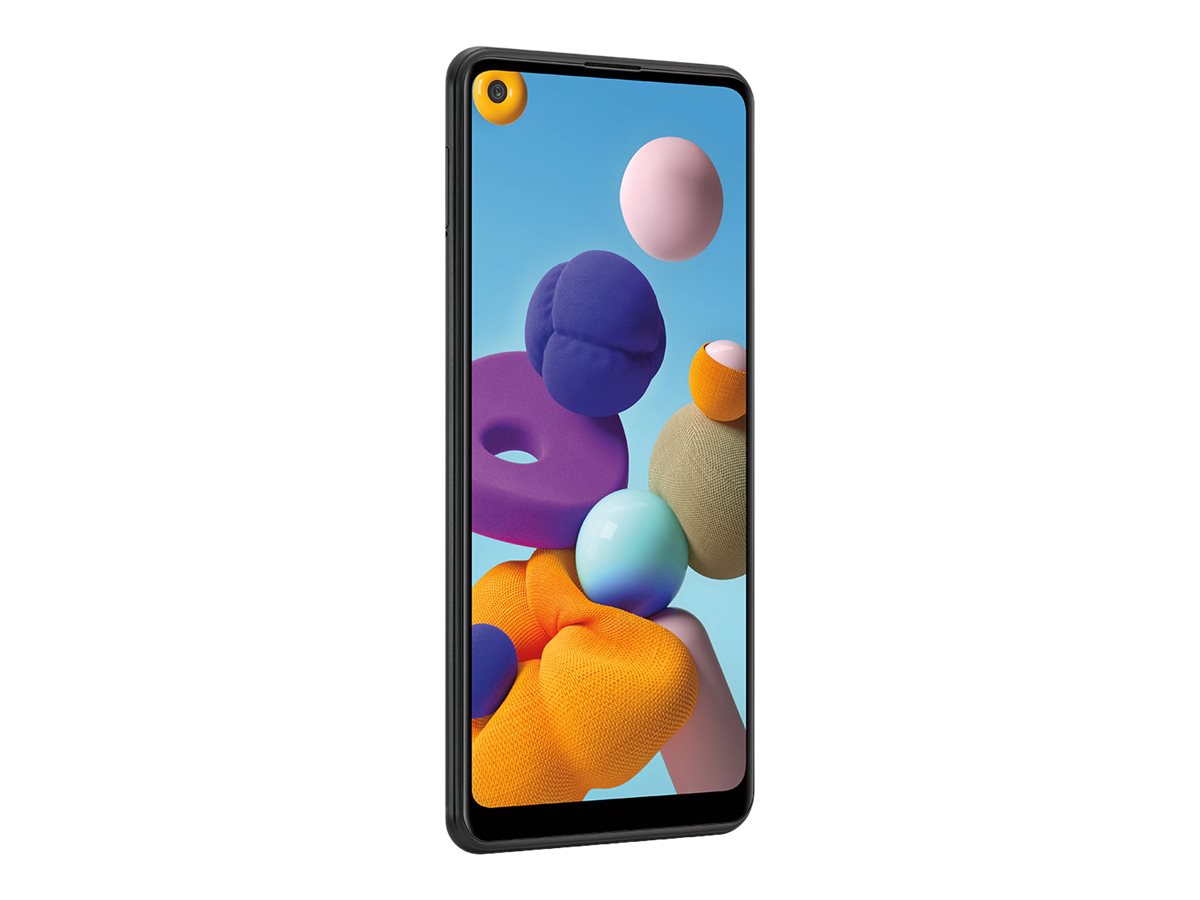
- Samsung Galaxy A series models like Galaxy A11, Galaxy A12, or Galaxy A21.
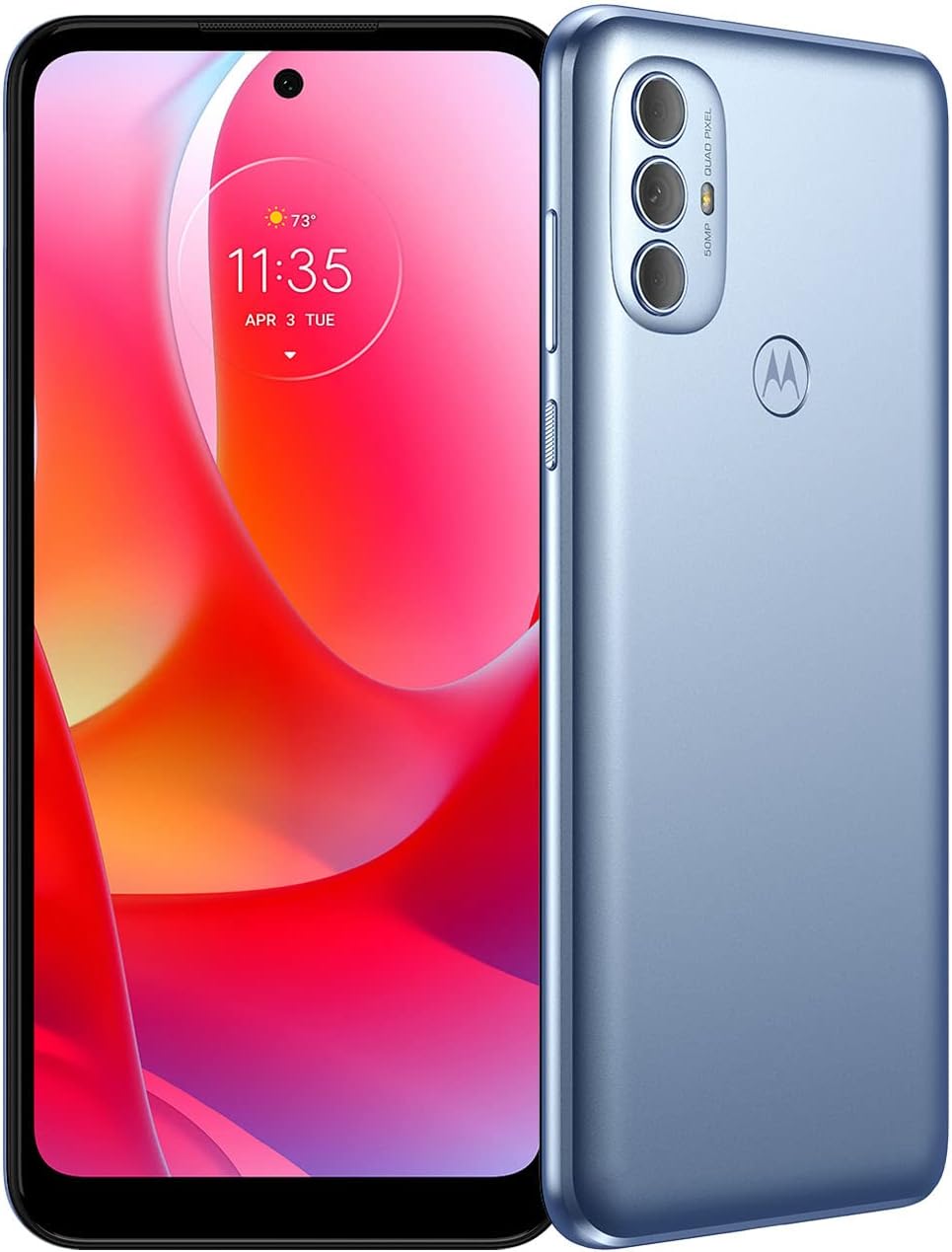
- Motorola Moto G series, including Moto G Play and Moto G Power models.
- Google Pixel phones such as Pixel 4a and newer unlocked Pixel devices.
- Other unlocked Android phones that support the correct US LTE bands.
These examples show the types of phones that can work with Assurance Wireless, but only the IMEI checker can confirm a specific device. Always verify your exact model instead of assuming that every phone in a series will qualify.
How To Check If Your Phone Works With Assurance Wireless
If you want a clear answer to “What Phones Work With Assurance Wireless,” you need to check your device’s IMEI on the official website. The IMEI tells the system whether your phone can join the network.
Follow these steps before you order a SIM or try to switch your service:
- Open your phone’s Settings and go to the About Phone section, or dial *#06# on the keypad to view the IMEI number.
- Write down or copy the full IMEI so you do not lose any digits.
- Go to the official Assurance Wireless website and look for the Bring Your Own Phone or compatibility check page.
- Enter the IMEI in the form exactly as it appears on your screen and submit the request.
- Wait for the result that tells you if your phone is compatible, not compatible, or needs more review.
If your phone passes the Assurance Wireless phone compatibility check, you can move ahead and activate it with their SIM card. If it fails, you know the device will not work and you should look at other options.
How To Bring Your Own Phone To Assurance Wireless
Once you confirm that your phone works with Assurance Wireless, you can join the bring your own device program and start service. The process stays simple when you gather everything before you start.
Use these steps as a general guide for bringing your own compatible phone:
- Ask your previous carrier to unlock the phone if it is still carrier locked.
- Apply for Assurance Wireless service and confirm you qualify for the program.
- Request a Assurance Wireless SIM Card for the bring your own phone option.
- When the SIM arrives, power off your phone and insert the new SIM into the SIM tray.
- Turn the phone back on and wait a few minutes while it connects to the Assurance Wireless network.
- Follow any on-screen prompts or activation text messages that appear.
- Test calls, texts, and mobile data to confirm everything works correctly.
The exact steps can vary slightly depending on your phone brand, Android version, or iOS version. If you run into issues, contact Assurance Wireless support from another phone to troubleshoot the activation.
What To Do If Your Phone Is Not Compatible
Sometimes the IMEI checker says a phone cannot work with Assurance Wireless. That result usually means the device does not support the right bands, has a blocked IMEI, or uses technology the network no longer supports.
If that happens, you still have a few options:
- Contact your old carrier to confirm the phone is unlocked and not reported lost or stolen.
- Double-check the IMEI you entered and rerun the compatibility check.
- Look at other unlocked devices that support the carrier’s LTE bands and try their IMEI numbers.
- Order a phone directly from Assurance Wireless that comes pre-approved for the service.
- Consider using your current phone on a different carrier if you do not want to switch hardware.
Phones that work with Assurance Wireless must meet strict compatibility rules, so not every device will qualify. In many cases, the fastest solution is to use a certified Assurance Wireless phone when your own device does not pass the test.
Tips For Choosing Phones That Work With Assurance Wireless
If you plan to buy a new phone specifically for Assurance Wireless, keep a few practical tips in mind. A little planning makes it easier to avoid phones that fail the compatibility tool.
- Choose well-known brands like Apple, Samsung, Motorola, or Google that support US carrier bands.
- Buy phones sold as Unlocked for the United States rather than international-only models.
- Check that the phone supports LTE and, when possible, 5G bands used by the carrier behind Assurance Wireless.
- Ask the seller for the IMEI number and run the Assurance Wireless compatibility check before you pay.
- Avoid very old phones that only support outdated network technology, since they may not activate.
When you follow these tips, you improve your chances of picking a phone that works with Assurance Wireless on the first try. That saves you time, money, and frustration later.
Frequently Asked Questions About Assurance Wireless Compatible Phones
Here are quick answers to common questions about Assurance Wireless phone compatibility and the bring your own device program.
Can Any Unlocked Phone Work With Assurance Wireless
No. An unlocked phone is a good start, but it still needs to support the right network bands and pass the IMEI checker. Some unlocked international phones do not support the correct frequencies for Assurance Wireless.
Can I Keep My Current Phone Number When I Switch
In many cases, you can keep your phone number when you move to Assurance Wireless. You usually provide your current account number, PIN, and other details during activation so they can transfer the number.
Do I Have To Pay For A Phone That Works With Assurance Wireless
Many eligible customers receive a phone at no cost as part of the program, but options vary by state and offer. If you want a specific model or a higher-end device, you may decide to buy a compatible phone on your own.
What If My Assurance Wireless Phone Stops Working
If a phone you received from Assurance Wireless stops working, contact their customer support for help. They can troubleshoot, explain replacement options, or help you move your service to another compatible phone.
Summary
Here is a quick recap to help you remember what phones work with Assurance Wireless and how to get set up.
- Phones that work with Assurance Wireless must be unlocked, support the right bands, and pass the IMEI check.
- Many iPhone, Samsung Galaxy A series, Motorola Moto G, and Google Pixel models qualify when unlocked.
- You should always run your phone’s IMEI through the Assurance Wireless compatibility tool before switching.
- When your phone is compatible, you can bring your own device by inserting an Assurance Wireless SIM and activating it.
- If your phone fails the check, you can buy a compatible device or request one directly from Assurance Wireless.
- Choosing a modern, unlocked US model gives you the best chance of easy activation and smooth service.
Final Thoughts
When you understand what phones work with Assurance Wireless, you can pick the right device and avoid surprises during activation. The IMEI checker gives you a clear yes or no, so always start there before you buy or switch phones.
If your current phone passes the test, the bring your own phone option lets you keep your familiar device and still enjoy the benefits of Assurance Wireless. If it does not, a certified compatible phone keeps you connected with fewer problems in the long run.


Discussion (0)
Be the first to comment.