



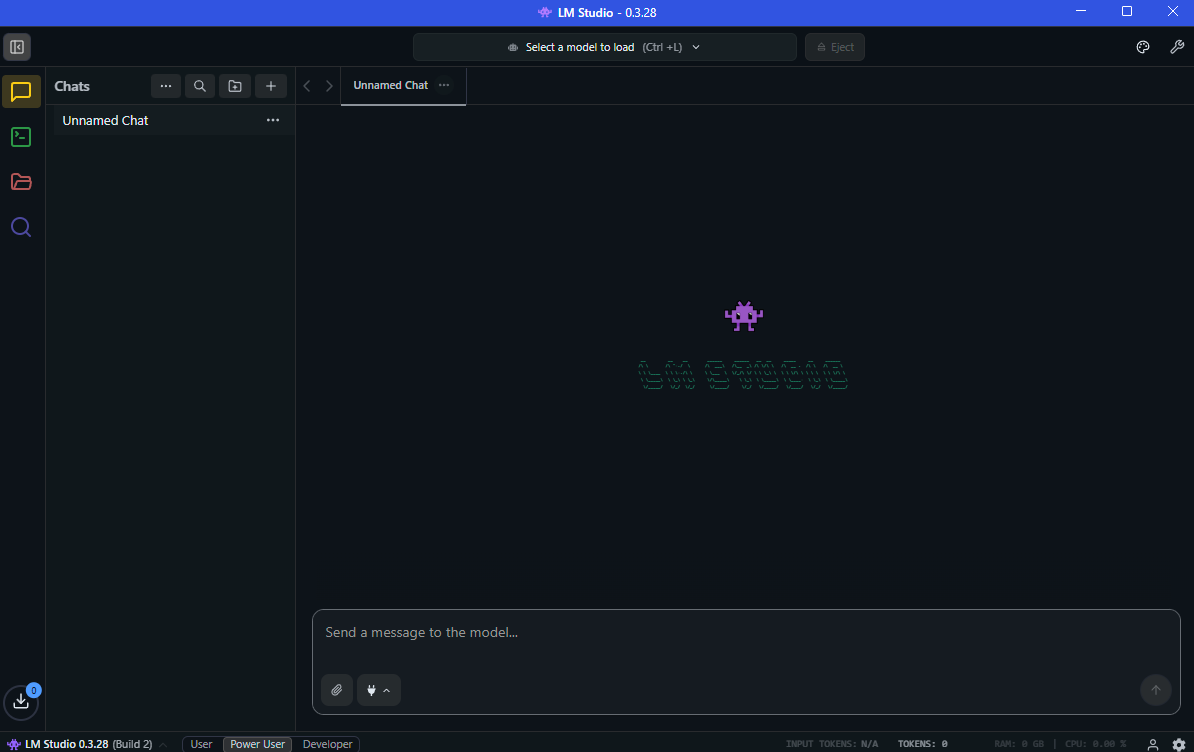
If you are interested in running AI models locally, you may want to know what LM Studio is and its use cases. LM Studio is a desktop application that allows users to run large language models (LLMs) directly on their computer without relying on cloud services.
The tool provides an easy interface for downloading, managing, and interacting with AI models locally. This makes it popular among developers, researchers, and privacy-focused users who want to experiment with artificial intelligence on their own machines.
What Is LM Studio?
LM Studio is a software platform that allows users to run AI language models locally on their computer. Instead of sending prompts to online AI services, LM Studio runs models directly on your system.
It supports a variety of open-source large language models and provides tools to interact with them through a graphical interface.
With LM Studio, users can:
- Download AI models
- Run local AI chat assistants
- Test prompts and model responses
- Develop applications using local AI models
Because everything runs locally, users maintain control over their data.
Key Features of LM Studio
LM Studio includes several features designed to make local AI easier to use.
Important features include:
- Local AI model execution
- Built-in chat interface for interacting with models
- Model download and management tools
- API support for developers
- Compatibility with open-source models
These features make it easier to experiment with AI without complex setup.
Why People Use LM Studio
LM Studio has become popular because it simplifies the process of running AI models locally.
Some benefits include:
- No internet connection required after downloading models
- Greater privacy since data stays on the device
- No API usage costs
- Easy interface for testing AI prompts
This makes LM Studio useful for learning and experimentation.
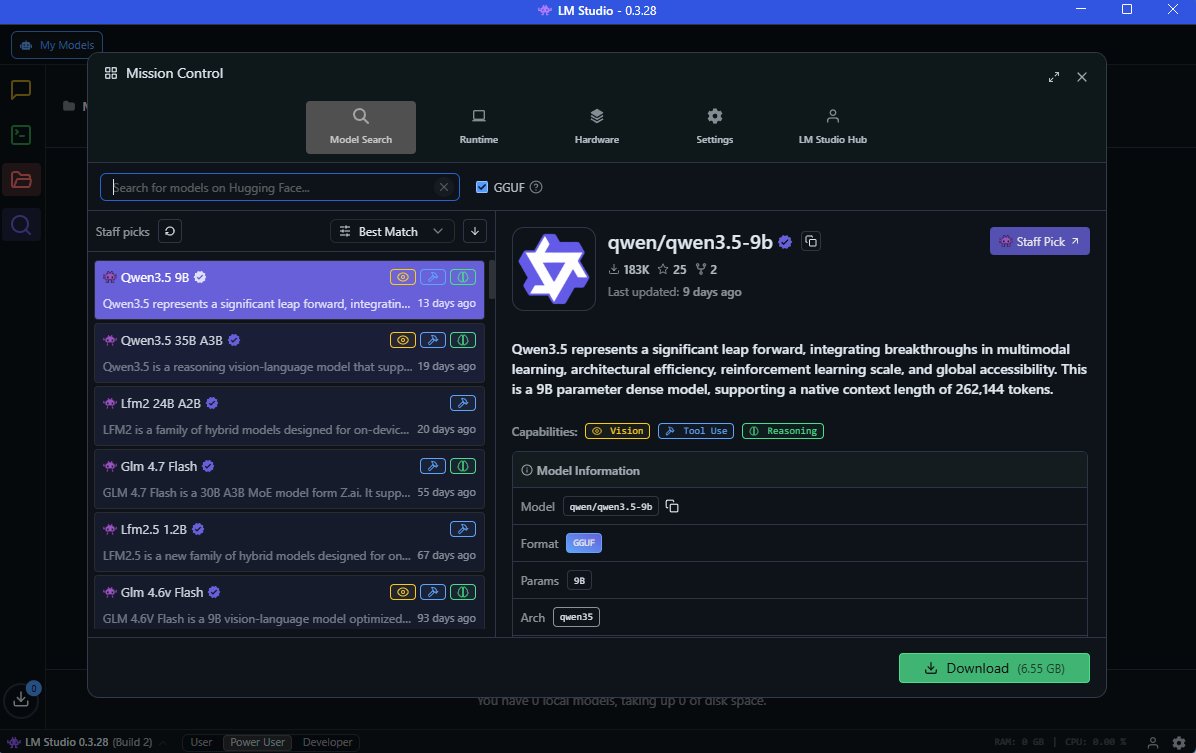
How LM Studio Works
LM Studio works by downloading AI models to your computer and running them locally.
The basic workflow looks like this:
- Install LM Studio on your computer.
- Download a compatible AI model.
- Run the model inside the application.
- Interact with the model through a chat interface or API.
The performance depends on your system’s hardware capabilities.
Common Use Cases of LM Studio
There are many practical LM Studio use cases across different fields.
Local AI Chat Assistants
Users can run AI chatbots locally for answering questions, generating ideas, or assisting with writing.
Software Development
Developers use LM Studio to test prompts and integrate AI features into applications through APIs.
Privacy-Focused AI
Running AI locally ensures that sensitive data never leaves the user’s computer.
Research and Experimentation
Researchers can experiment with different models and prompt techniques without relying on cloud platforms.
Offline AI Tools
LM Studio allows AI interaction even without an internet connection once the models are downloaded.
System Requirements for LM Studio
Running AI models locally requires sufficient hardware.
Typical requirements include:
- Windows, macOS, or Linux system
- At least 8 GB RAM (16 GB recommended)
- Modern CPU or GPU
- Enough storage space for AI models
Larger models may require more powerful hardware.
Final Thoughts
Understanding what LM Studio is and its use cases helps users explore local AI technologies without relying on cloud services. By allowing AI models to run directly on a personal computer, LM Studio provides a convenient environment for experimentation, development, and privacy-focused AI applications.
As local AI tools continue to evolve, platforms like LM Studio are becoming important for developers, researchers, and anyone interested in running artificial intelligence on their own device.
FAQs
What is LM Studio used for?
LM Studio is used to run AI language models locally on a computer.
Is LM Studio free to use?
Yes. LM Studio is generally available for free, although models may have separate licensing.
Can LM Studio run AI models offline?
Yes. Once models are downloaded, they can run without an internet connection.
Do I need a powerful computer for LM Studio?
Running larger AI models may require more RAM and processing power.


Discussion (0)
Be the first to comment.