




If you want to run AI models locally, you may want to know what Ollama is and how to use it. Ollama is a tool that allows you to run large language models (LLMs) directly on your computer instead of relying on cloud services.
It makes it easy to download, run, and interact with AI models such as Llama, Mistral, and others using simple commands. This guide explains what Ollama is and how to install and use it on Windows.
What Is Ollama?
Ollama is a platform designed to run AI language models locally on your computer. Instead of sending prompts to an online service, the models run directly on your system.
This allows users to:
- Run AI models offline
- Maintain privacy because data stays on your device
- Experiment with different AI models
- Build local AI applications
Ollama simplifies the process of downloading and running large AI models that normally require complex setup.
Features of Ollama
Ollama includes several features that make local AI easier to use.
Key features include:
- Local AI model execution
- Simple command-line interface
- Support for popular open-source models
- Easy model installation
- Offline AI interaction
Because everything runs locally, users have full control over the environment.
System Requirements for Ollama
Before installing Ollama, your computer should meet some basic requirements.
Typical requirements include:
- Windows 10 or Windows 11
- At least 8 GB RAM (16 GB recommended)
- Enough storage space for AI models
- Modern CPU or GPU for better performance
Larger models require more system resources.
How to Install Ollama on Windows
Follow these steps to install Ollama.
Step 1: Download Ollama
- Open your web browser.
- Visit the Ollama official website.
- Download the Windows installer.
Step 2: Install Ollama
- Run the downloaded installer.
- Follow the setup instructions.
- Wait for the installation to complete.
After installation, Ollama will be available on your system.
How to Run a Model Using Ollama
Once installed, you can run AI models using simple commands.
Step 1: Open Terminal or Command Prompt
Press Windows + S, search for Command Prompt, and open it.
Step 2: Run a Model
Type the following command:
ollama run llama3
Ollama will automatically download the model if it is not already installed.
Step 3: Start Chatting with the Model
After the model loads, you can type prompts and receive responses directly in the terminal.
Example:
Write a short story about space travel.
The model will generate a response locally.
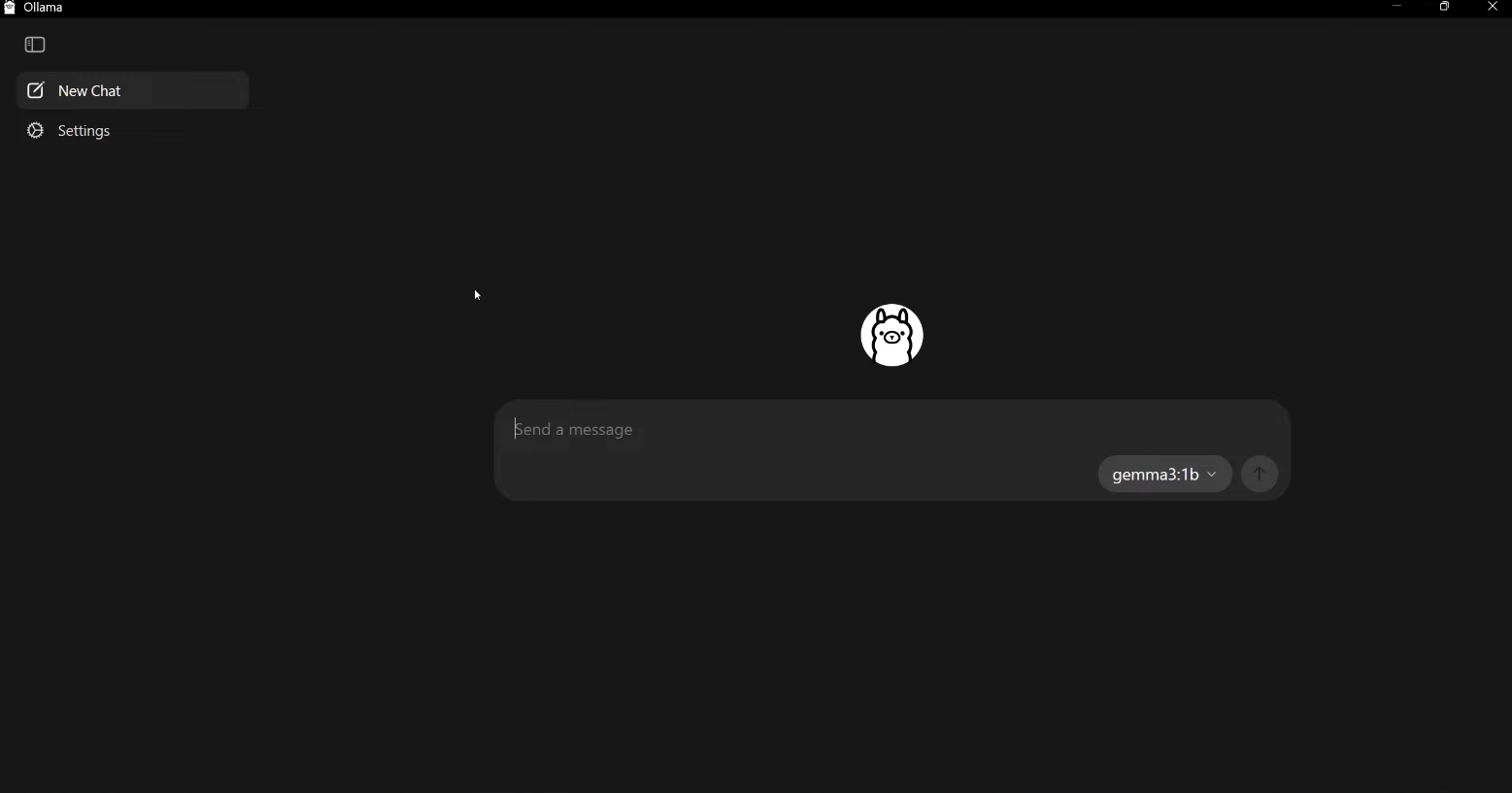
Download Other AI Models
Ollama supports several AI models.
Examples include:
- Llama models
- Mistral
- Code-focused models
- Chat models
To run a different model, use a command such as:
ollama run mistral
The system will download the model automatically.
Use Ollama with Applications
Developers can integrate Ollama into applications using APIs.
Common uses include:
- Local AI assistants
- Code generation tools
- Chatbots
- Research and experimentation
Running AI locally also helps avoid API costs.
Final Thoughts
Understanding what Ollama is and how to use it can help you run powerful AI models directly on your computer. By installing Ollama and running models through simple commands, users can interact with AI locally without relying on cloud services.
This makes Ollama a useful tool for developers, researchers, and anyone interested in experimenting with local AI systems.
FAQs
What is Ollama used for?
Ollama is used to run AI language models locally on a computer.
Is Ollama free to use?
Yes. Ollama itself is free, although some models may have their own licensing terms.
Do I need a powerful computer for Ollama?
Running larger models may require more RAM and processing power.
Can Ollama work offline?
Yes. Once models are downloaded, they can run without an internet connection.


Discussion (0)
Be the first to comment.