




Finding the best GBA emulator for Android comes down to balancing accuracy, performance, and ease of use. Some emulators focus on perfect Game Boy Advance compatibility, while others prioritize features, customization, or multi-console support. Below, you’ll find 10 real GBA emulators for Android, each explained clearly so you can pick the one that fits your device and play style.
Table of contents
1) My Boy! - GBA emulator

My Boy! consistently ranks as one of the best GBA emulators for Android because it combines speed with excellent compatibility. It runs most Game Boy Advance titles smoothly, even on older or mid-range devices, so it suits most players.
Beyond raw performance, it adds save states, fast forward, cheat support, and controller compatibility, which makes long sessions more convenient. If you want a polished daily driver, My Boy! gives you the most “install and play” experience.
2) John GBA
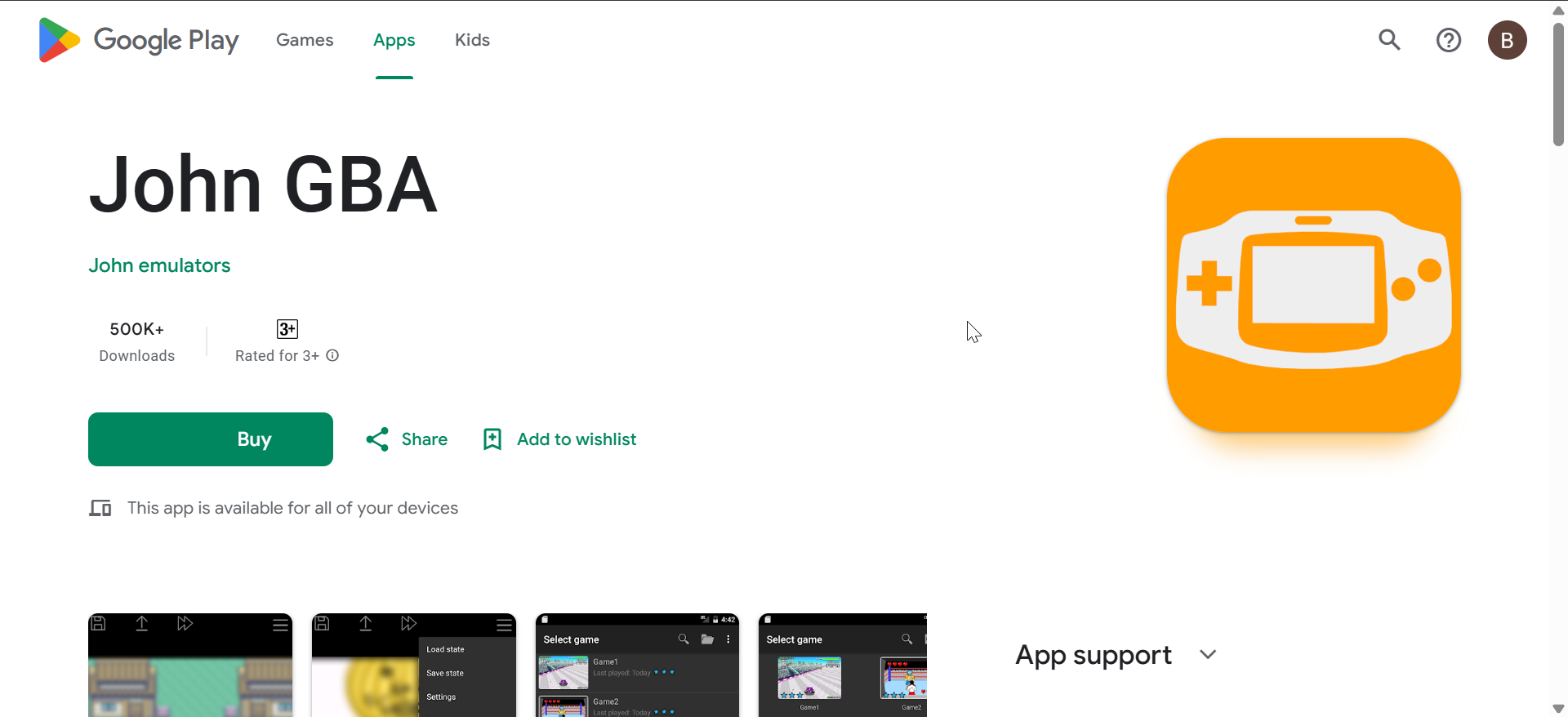
John GBA focuses on simplicity and stable performance rather than deep customization. It handles most GBA games reliably, so it works well when you want a straightforward emulator without a learning curve.
It includes save states, cheats, and fast forward, which cover the basics for most GBA libraries. While the interface looks dated, it stays functional for quick launches and longer play sessions.
3) Pizza Boy GBA
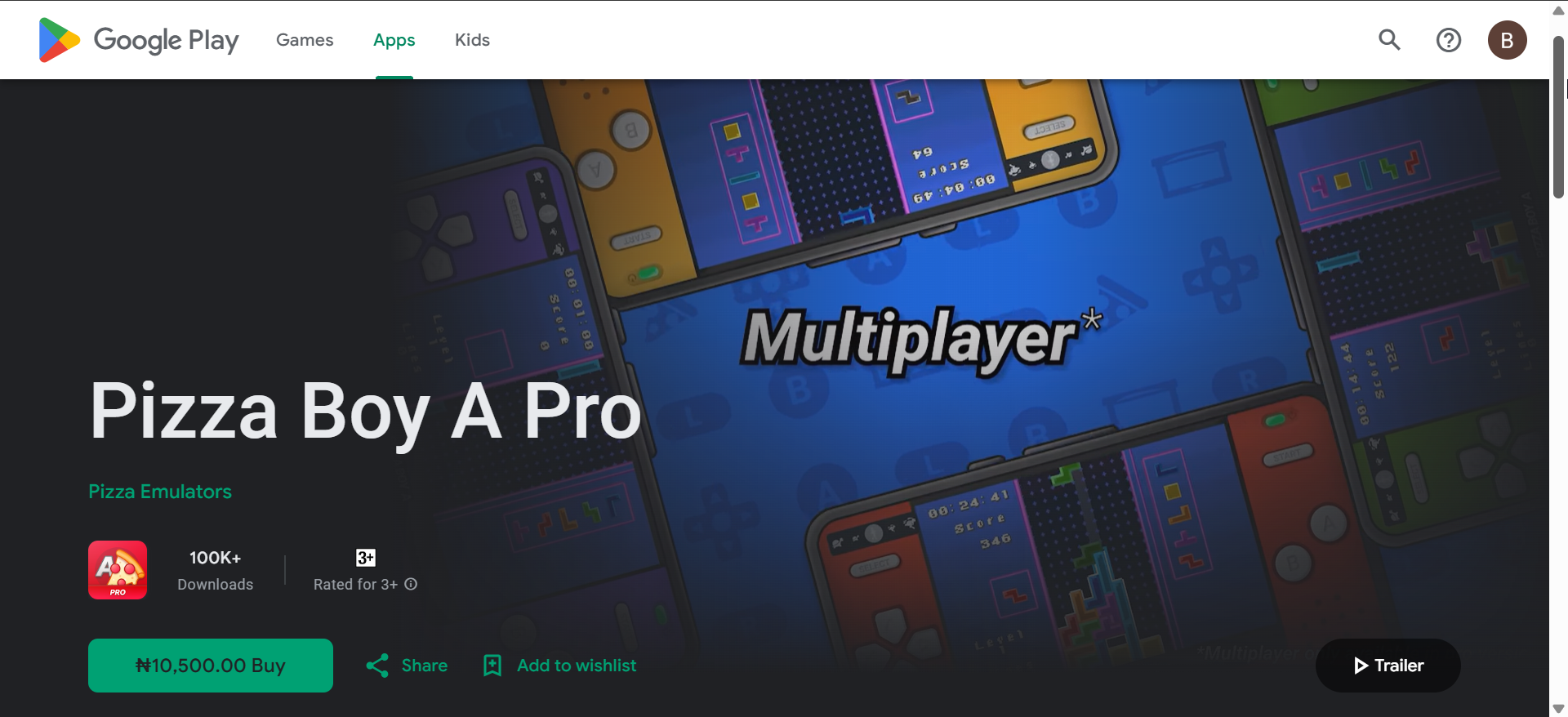
Pizza Boy GBA stands out with a modern interface and strong accuracy, which helps it feel “clean” compared to older emulator apps. It delivers smooth gameplay while keeping audio and visuals consistent across many classic titles.
It also offers skins, responsive touch controls, and advanced rendering options for users who like tweaking presentation. If you want a GBA-first emulator that feels native on newer Android phones, Pizza Boy GBA fits that role well.
4) RetroArch

RetroArch is not a single-purpose emulator, but it can deliver excellent GBA emulation on Android through dedicated cores like mGBA or VBA-M. This approach often improves compatibility and accuracy, especially for edge-case games.
RetroArch takes more setup than standalone apps, so beginners may feel friction at first. Once you configure it, you get unmatched flexibility, strong controller support, and a consistent experience across multiple consoles.
5) GBA.emu
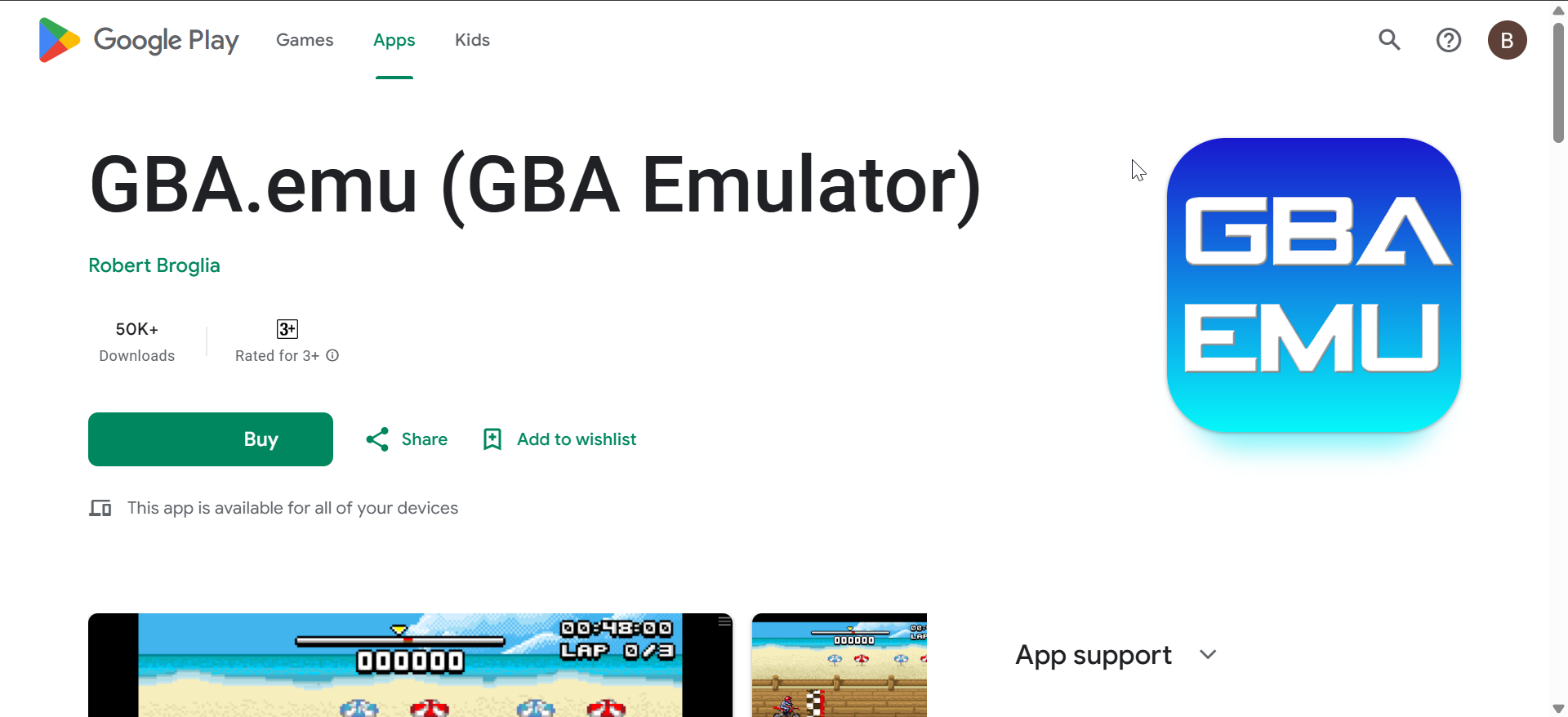
GBA.emu targets faithful Game Boy Advance emulation, which helps reduce graphical glitches and audio timing issues. It suits users who care more about accuracy than flashy extras.
It also keeps the experience clean by avoiding unnecessary clutter, so you spend less time navigating and more time playing. If you want a focused GBA emulator that stays consistent across many titles, GBA.emu fits that preference.
6) Lemuroid
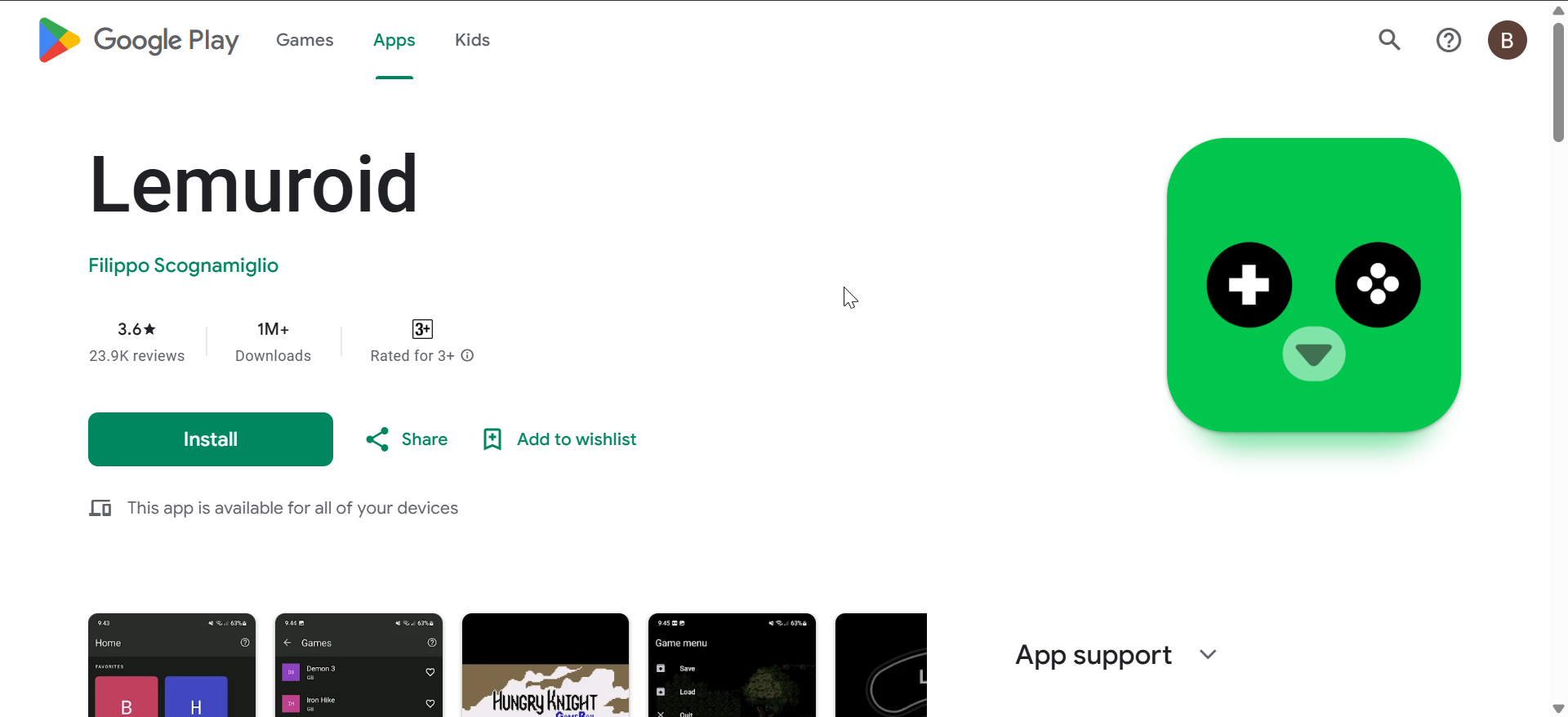
Lemuroid offers a beginner-friendly way to play GBA games on Android with minimal configuration. It auto-handles many settings, so you can start quickly without digging through menus.
Because it supports multiple systems, it works best if you plan to emulate more than just GBA over time. Still, its GBA experience stays stable enough for most casual libraries, which keeps it an easy recommendation.
7) ClassicBoy Pro

ClassicBoy Pro targets users who want one app for many retro systems, including GBA. It keeps everything under one interface, which helps if you bounce between different classic libraries.
It supports save states and controller input, and it adds extra convenience features like gesture controls on some setups. If you play mostly GBA, a dedicated emulator can feel tighter, but ClassicBoy Pro wins on variety.
8) Nostalgia.GBA
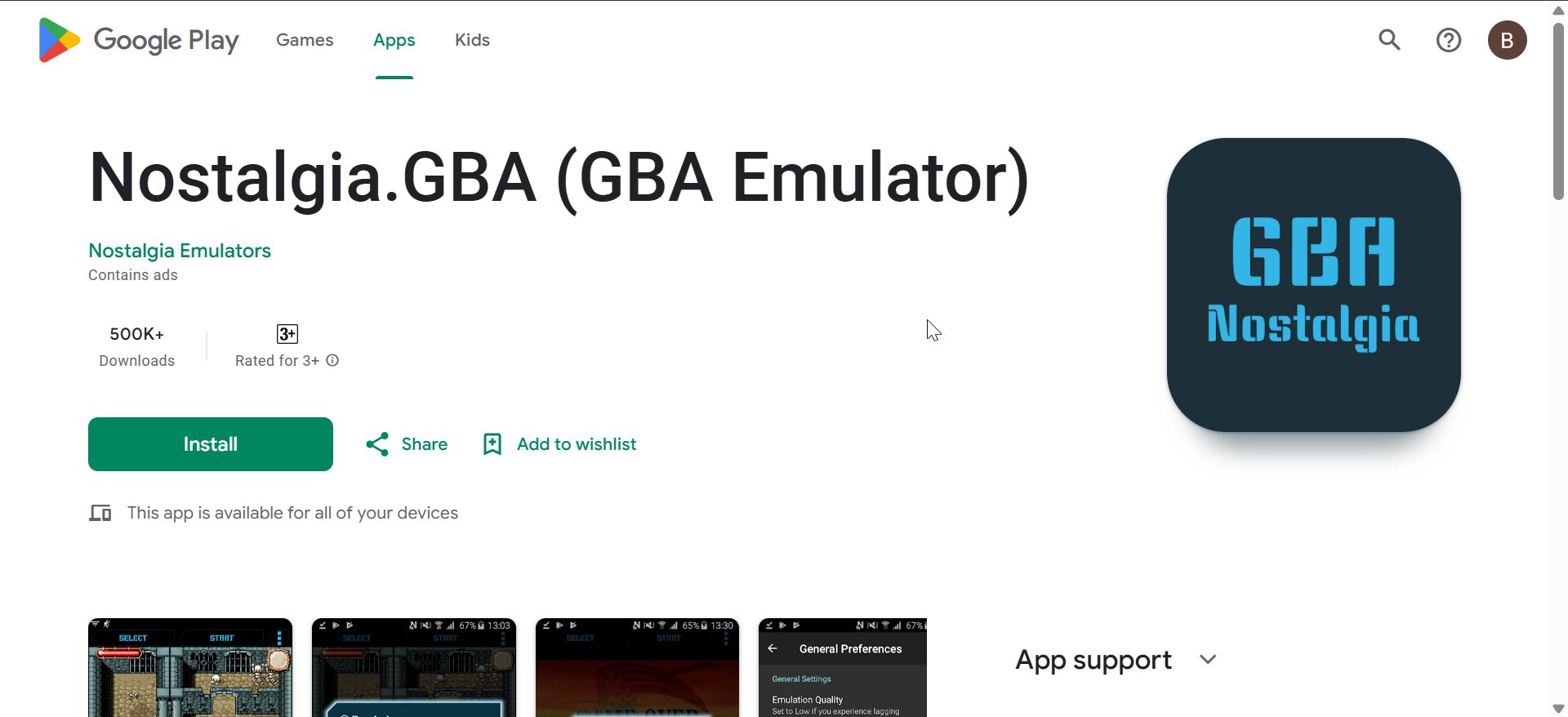
Nostalgia.GBA focuses on quick access and a simple experience, which makes it easy to jump into games without fiddling. It delivers dependable performance for many mainstream titles.
It includes practical features like save states and controller support, so you can keep sessions flexible. If you want a lightweight GBA emulator that feels straightforward, Nostalgia.GBA fits that use case.
9) EmuBox

EmuBox combines GBA emulation with support for several other classic systems, and it keeps the layout clean. Its built-in library management can feel easier than juggling multiple emulator apps.
For GBA games, EmuBox generally delivers stable frame rates and a smooth feel on many phones. If you want an all-in-one emulator without a complex setup, it can serve as a comfortable starting point.
10) VGBAnext

VGBAnext works as a flexible emulator option that supports GBA alongside other Nintendo handheld systems. It appeals to users who like adjusting performance and display settings to match their device.
It includes core features like save states, cheats, and controller support, which covers most day-to-day needs. If you do not mind spending a few minutes tuning settings, VGBAnext can deliver a stable GBA experience.
How we ranked the best GBA emulators for Android
We focused on emulation accuracy, real-world performance across different Android phones, and long-term reliability. We also considered ease of setup, features that matter for GBA games, and whether the emulator stays actively maintained.
Comparison table
This table helps you compare the most important tradeoffs fast, so you can pick a GBA emulator for Android without second-guessing. Use “Best for” to match the emulator to your phone and play style, then check tradeoffs before installing.
| Emulator | Price model | Best for | Highlights | Tradeoffs |
|---|---|---|---|---|
| My Boy! | Paid (commonly) / trial varies | Most users | Fast, compatible, feature-rich | Not the most modern UI |
| Pizza Boy GBA | Free + paid upgrade | Modern UI fans | Clean design, strong accuracy feel | Advanced options may take time |
| RetroArch | Free | Power users | Best customization via cores | Setup complexity |
| GBA.emu | Paid | Accuracy-first players | Focused, consistent experience | Fewer “comfort” extras |
| Lemuroid | Free | Beginners | Easy setup, multi-system support | Less fine-grained tuning |
| John GBA | Free + paid (varies) | Simple play | Basic features, stable sessions | Dated interface |
| ClassicBoy Pro | Paid (commonly) / tiered | Multi-console players | One hub for multiple systems | Not as “tight” as GBA-only apps |
| Nostalgia.GBA | Free + paid (varies) | Lightweight use | Quick access, simple workflow | Fewer advanced options |
| EmuBox | Free | All-in-one starter | Clean library management | Depends on device and build |
| VGBAnext | Paid (commonly) | Tweakers | Good feature coverage | May need setup time |
Tips for the best GBA emulation experience on Android
- Close background apps before launching your emulator to keep frame pacing stable.
- Pair a Bluetooth controller for better precision in fast-paced GBA games.
- Lower rendering extras first if you see stutter, then test again before changing more settings.
Summary
- Pick My Boy! or Pizza Boy GBA if you want a straightforward, high-quality GBA emulator for Android.
- Choose RetroArch if you want maximum customization and multi-console flexibility.
- Use Lemuroid if you want the easiest setup with reliable GBA results.
- Try a multi-console option only if you plan to emulate more than GBA.
Choosing the best GBA emulator for Android depends on how much control you want and how powerful your phone is. Start with a simple pick that runs your library smoothly, then move to advanced options once you know what you want to customize.
In case you are also looking for the best N64 emulators that allow you to play Nintendo 64 games anywhere, we have a guide that contains excellent picks you can download quickly.


Discussion (0)
Be the first to comment.