



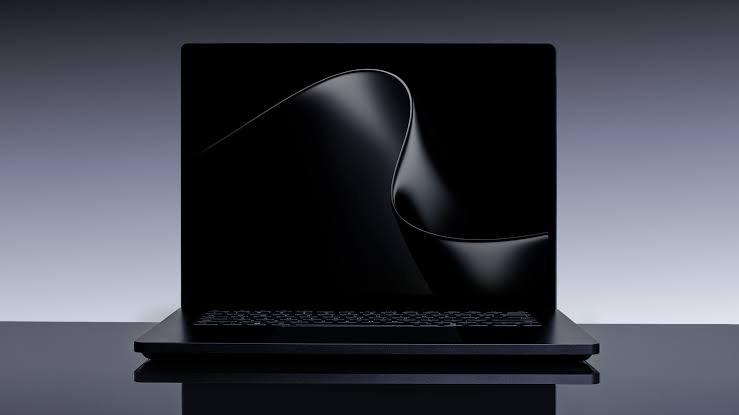
Microsoft’s Surface Laptop 8 introduces faster Snapdragon X2 processors and a new Dune colour option, but its most distinctive feature is built into the touchpad.
The laptop is currently the only portable PC that supports Windows 11’s Advanced Haptic Signals feature. The system uses subtle vibrations to confirm actions as you interact with windows, files, and compatible applications.
Haptic touchpads are not new, but Windows 11’s implementation goes beyond recreating the sensation of a physical click. The operating system can trigger different tactile responses depending on what you are doing, giving you another form of feedback alongside visual and audio cues.
For example, the touchpad can produce a small response when you move a window between positions in Snap Layouts. It may also react when you drag a file in File Explorer or hover over certain interface controls.
Advanced haptics make Windows 11 feel more responsive
The feature is designed to make common actions easier to recognise without requiring you to watch every small interface change.
A traditional touchpad provides the same click sensation regardless of the action. Advanced haptics allow Windows and supported applications to send more specific signals through the hardware.
| Advanced haptic action | Possible feedback |
|---|---|
| Moving through Snap Layouts | Subtle response when entering a new layout area |
| Dragging files | Confirmation when reaching a valid destination |
| Pressing the touchpad | Simulated click without a mechanical button |
| Hovering over supported controls | Light tactile signal |
| Using compatible creative apps | Application specific feedback |
The effect is deliberately subtle. It is not intended to distract you or make the laptop vibrate heavily. Instead, it provides a small physical confirmation that an action has been recognised.
This can make Windows 11 feel more polished, particularly when arranging windows or working with files. It may also improve accessibility for people who benefit from receiving information through more than one type of feedback.
Surface Laptop 8 is available with Snapdragon X2 Plus or X2 Elite
The consumer version of the Surface Laptop 8 recently launched with Qualcomm’s Snapdragon X2 processors.
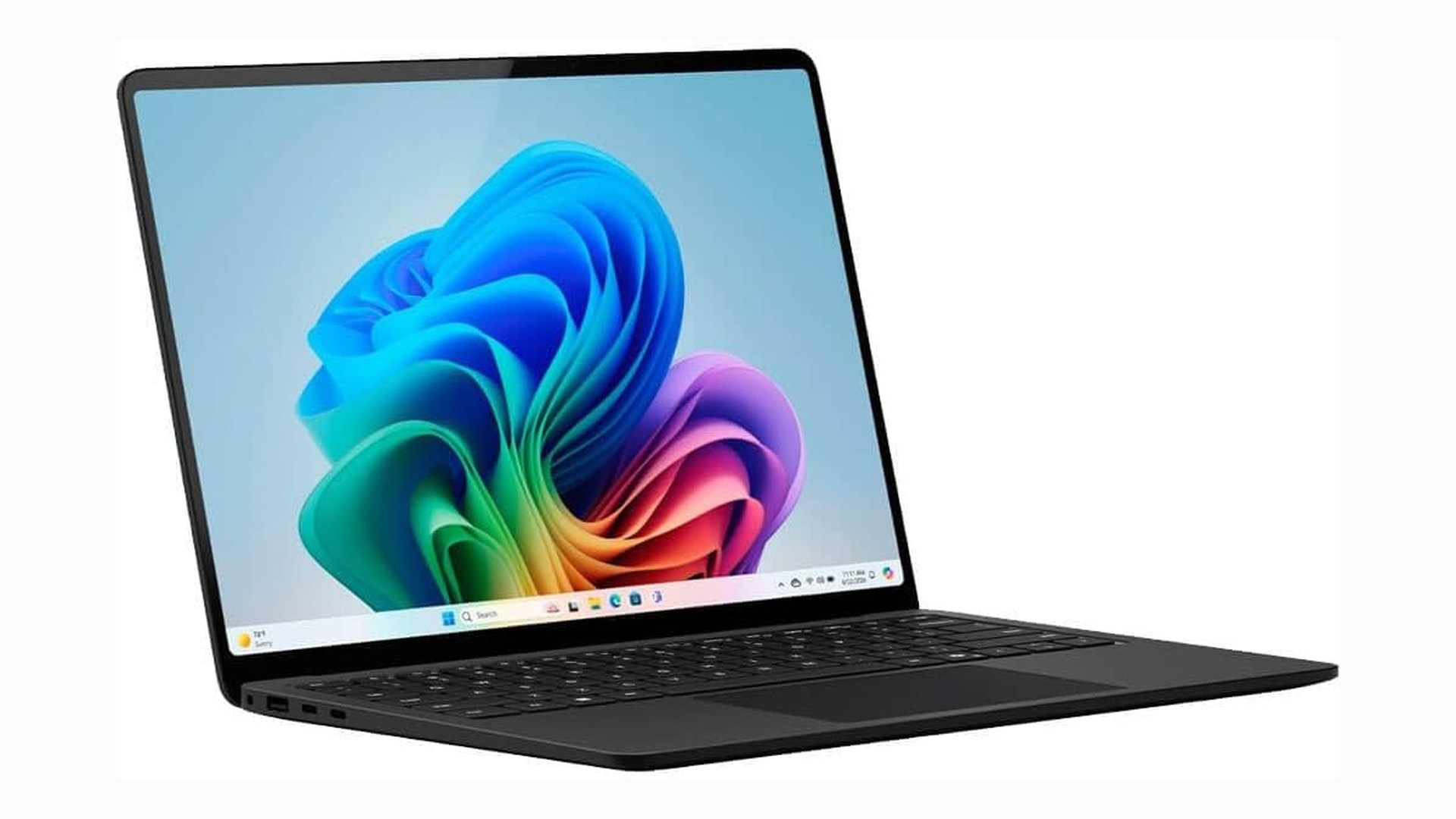
The 13.8 inch model with a Snapdragon X2 Plus, 16GB of RAM, and a 512GB SSD is listed at $1,599.99. This configuration is available in Microsoft’s new Dune finish.
A model with the more powerful Snapdragon X2 Elite, 16GB of RAM, and 512GB of storage costs $1,699.99. It is available in black.
| Surface Laptop 8 model | Processor | Memory | Storage | Listed price |
|---|---|---|---|---|
| 13.8 inch Dune | Snapdragon X2 Plus | 16GB | 512GB | $1,599.99 |
| 13.8 inch Black | Snapdragon X2 Elite | 16GB | 512GB | $1,699.99 |
The X2 Elite model should provide stronger performance for demanding applications, while the X2 Plus version offers a lower entry price. Both use Qualcomm Adreno graphics and support the advanced haptic touchpad.
Microsoft previously released a Surface Laptop 8 for Business with Intel hardware. That version also supports Advanced Haptic Signals, but it includes enterprise focused features that many general buyers may not need.
Third party applications can add their own tactile responses
Windows 11 is currently the main source of advanced haptic feedback on the Surface Laptop 8, but Microsoft has also released an application programming interface for developers.
This allows software makers to create custom tactile signals for their applications. Creative tools could provide feedback when objects align, when editing controls reach certain values, or when a user completes a specific action.
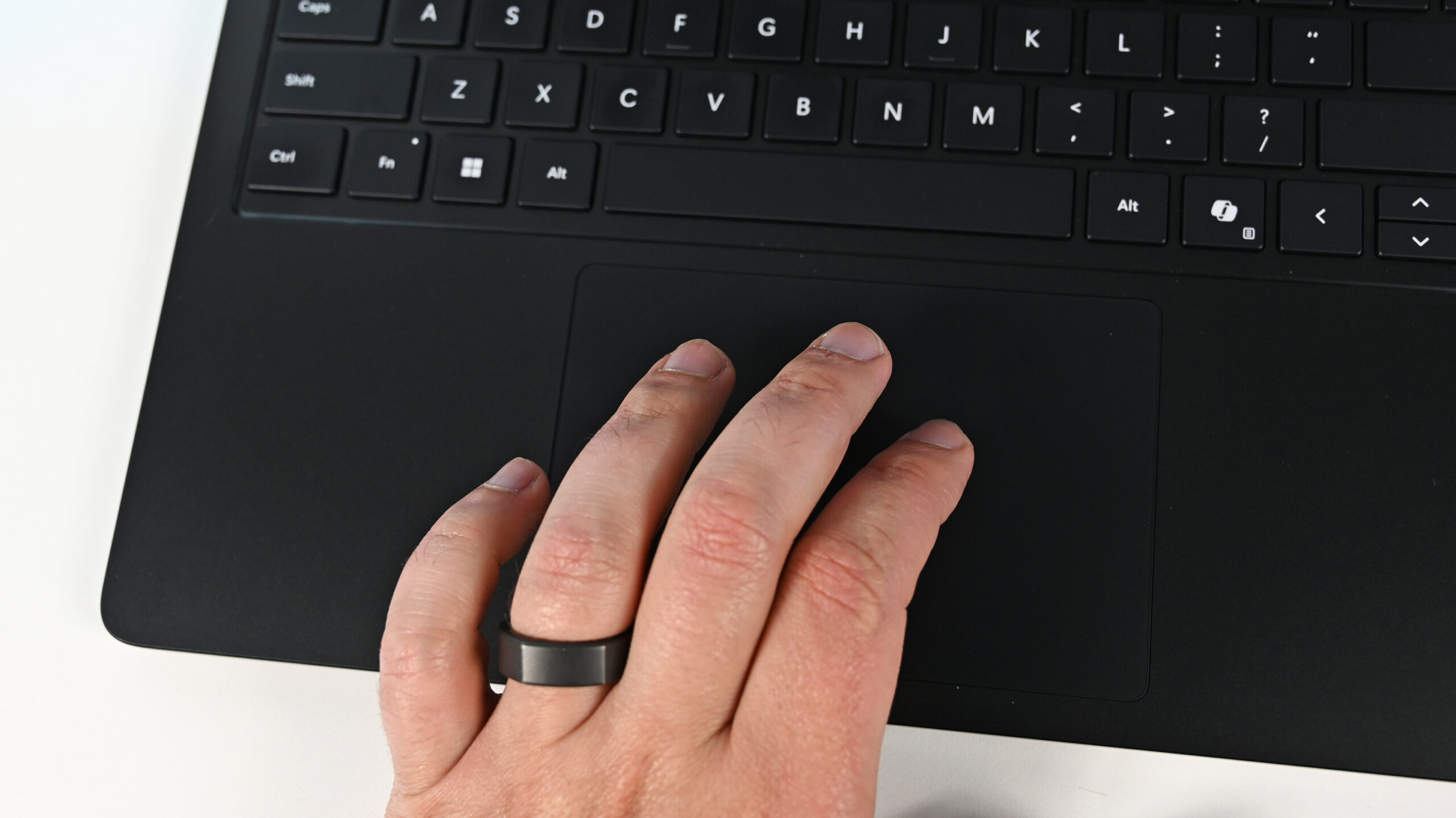
Applications such as Filmora and Affinity are expected to support the system, either now or through future updates. Broader adoption will determine whether advanced haptics become an important Windows feature or remain limited to a small number of devices and programs.
The Surface Laptop 8 is not the only way to experience the technology. Supported accessories include the Logitech MX Master 4 mouse and the Surface Slim Pen 2.
However, it is the first laptop to integrate the feature directly into its built in touchpad. That gives it an advantage over other Windows notebooks, which may have haptic touchpads but cannot yet provide the same operating system level signals.
The feature is useful but should not be the only reason to upgrade
Advanced haptics improve the hands on experience, but they do not fundamentally change what the laptop can do. Buyers should still consider processor performance, battery life, application compatibility, display quality, ports, memory, and storage before choosing a model.
The Snapdragon X2 platform may offer better battery life and graphics performance than the previous generation. However, Windows on Arm compatibility should still be checked if you rely on specialised software, older peripherals, or applications that use uncommon drivers.
At $1,599.99 or more, the Surface Laptop 8 is positioned as a premium Windows notebook. The haptic system gives it a distinctive feature, but its overall value will depend on whether the performance, battery life, and design match your needs.
Advanced Haptic Signals show how relatively small hardware and software changes can improve everyday interaction. The Surface Laptop 8 is currently the clearest demonstration of the feature, though more laptops and accessories are likely to support it over time.
Discussion (0)
Be the first to comment.