




If you are exploring cybersecurity or advanced Linux tools, you may want to understand what Kali Linux is and how to install it. Kali Linux is a specialized operating system designed for security testing, ethical hacking, and digital forensics.
Unlike regular operating systems, Kali Linux comes preloaded with tools used for penetration testing and network analysis. This guide explains what it is and how you can install it on your PC.
What Is Kali Linux?
Kali Linux is a Linux-based operating system developed specifically for cybersecurity tasks. It is widely used by security professionals, ethical hackers, and researchers.
It includes hundreds of pre-installed tools used for:
- Penetration testing
- Network analysis
- Vulnerability assessment
- Digital forensics
- Security auditing
Because of its specialized nature, it is not meant for casual everyday use.
Why People Use Kali Linux
Kali Linux is designed for advanced use cases.
Some common reasons people use it:
- Learning ethical hacking
- Testing system security
- Analyzing networks
- Practicing cybersecurity skills
- Conducting security research
It is widely used in training and professional environments.
Important Note Before Installing Kali Linux
Before installing Kali Linux, it is important to understand:
- It should be used only for legal and ethical purposes
- Unauthorized hacking or testing is illegal
- It requires some technical understanding
Always use Kali Linux responsibly.
Requirements to Install Kali Linux
Before you install Kali Linux, make sure your system meets basic requirements.
Typical requirements include:
- At least 4 GB RAM (8 GB recommended)
- Minimum 20 GB storage
- USB drive (8 GB or more)
- Internet connection
You should also back up important data before installation.
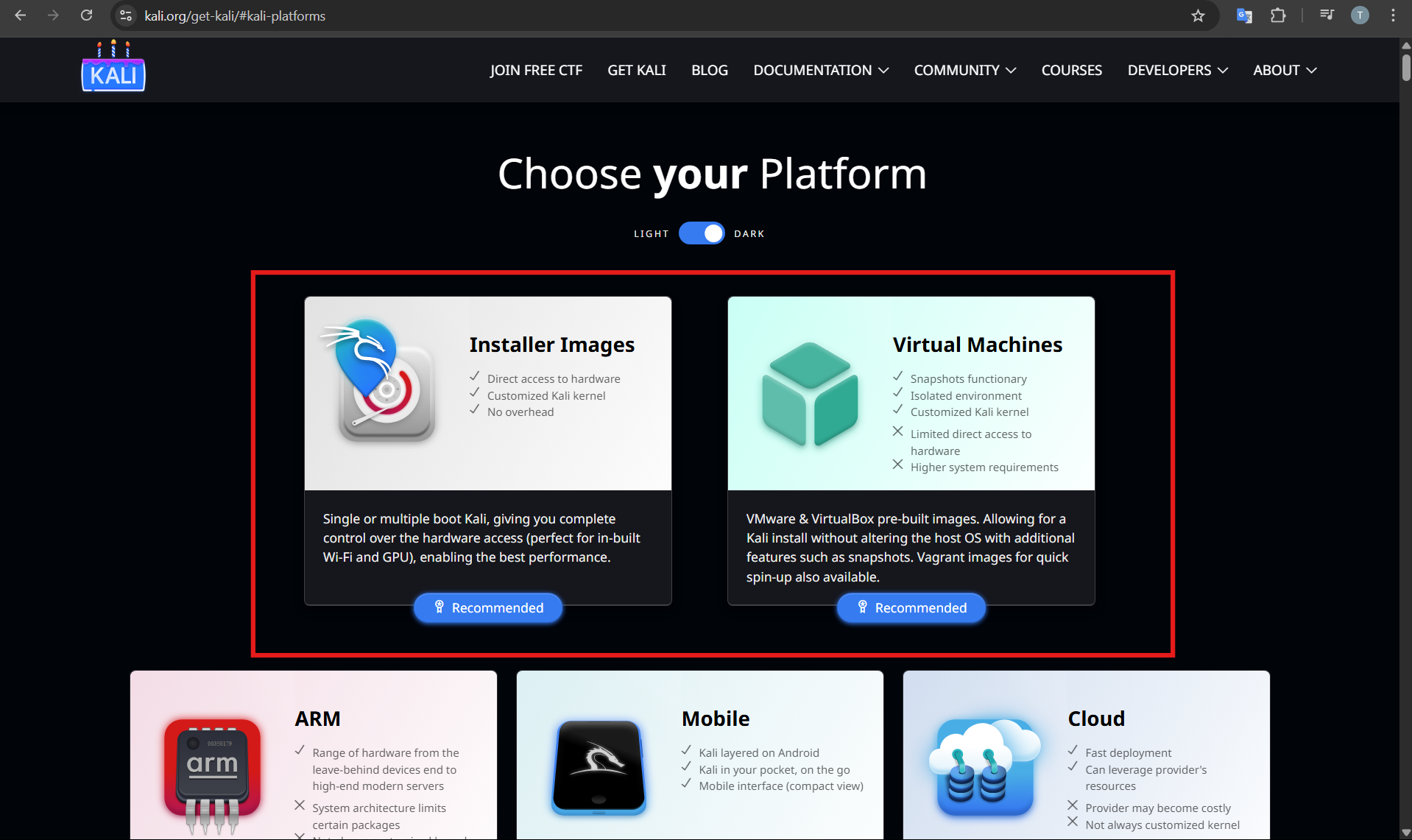
Download Kali Linux ISO File
First, download the official Kali Linux installer.
Step 1: Visit Official Website
- Open your browser
- Go to the Kali Linux official website
Step 2: Download ISO
- Select the Installer ISO
- Download the 64-bit version
This file will be used for installation.
Create Bootable USB for Kali Linux
You need a bootable USB to install Kali Linux.
Step 1: Download Rufus
Download and open Rufus on your PC.
Step 2: Create Bootable USB
- Insert your USB drive
- Select the Kali Linux ISO file
- Click Start
Wait for the process to complete.
Install Kali Linux on PC
Now you can install Kali Linux.
Step 1: Boot from USB
- Restart your PC
- Enter boot menu (F12, ESC, or Delete)
- Select the USB drive
Step 2: Start Installer
Choose Graphical Install from the menu.
Step 3: Select Settings
- Choose language
- Select location
- Configure keyboard
Step 4: Set User and Password
Enter your username and password.
Step 5: Partition Disk
You will see options like:
- Guided install (recommended)
- Manual partitioning
Choose guided install if you are new.
Step 6: Complete Installation
Follow on-screen instructions and wait for installation to finish.
After completion:
- Restart your PC
- Remove the USB drive
Kali Linux will now boot.
Tips for Beginners
If you are new to Kali Linux:
- Start with a virtual machine
- Learn basic Linux commands
- Use official tutorials
- Practice responsibly
This helps avoid mistakes and improves learning.
Final Thoughts
Understanding what Kali Linux is and how to install it is useful for anyone interested in cybersecurity. It is a powerful operating system designed for testing and research, but it should be used responsibly.
For beginners, starting with a virtual machine is usually the safest and easiest option before installing it directly on your PC.
FAQs
What is Kali Linux used for?
Kali Linux is used for penetration testing, security analysis, and ethical hacking.
Is Kali Linux legal?
Yes, but only when used for legal and ethical purposes.
Can I install Kali Linux alongside Windows?
Yes. You can set up dual boot with Windows.
Is Kali Linux beginner-friendly?
It requires some learning, but beginners can start with basic tools and tutorials.



Discussion (0)
Be the first to comment.