



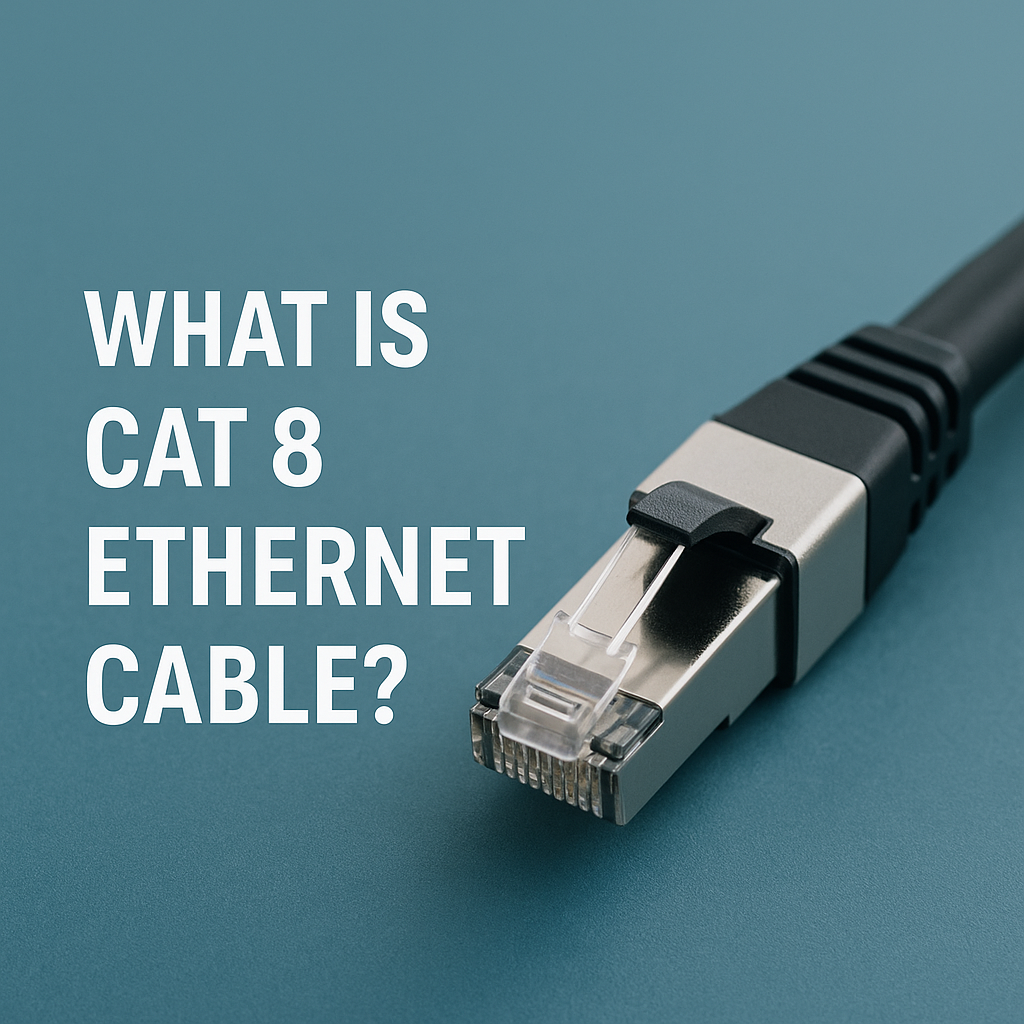
Cat 8 Ethernet cable represents the latest advancement in wired networking. If you’re asking what is cat 8 ethernet cable, it’s a next-generation cable standard built for high-speed and low-latency connections up to 40 Gbps. With 2000 MHz bandwidth and heavy S/FTP shielding, it’s designed for data centers, server rooms, and enterprise environments where interference must be minimized.
Unlike older standards such as Cat6A or Cat7, Cat 8 Ethernet provides exceptional performance over short distances; ideal for connecting switches, routers, or storage systems within the same rack or room. It’s backward compatible with Cat6 and Cat5e, so it fits standard RJ45 ports but only delivers its full speed on compatible hardware.
Cat 8 Ethernet Cable Specifications
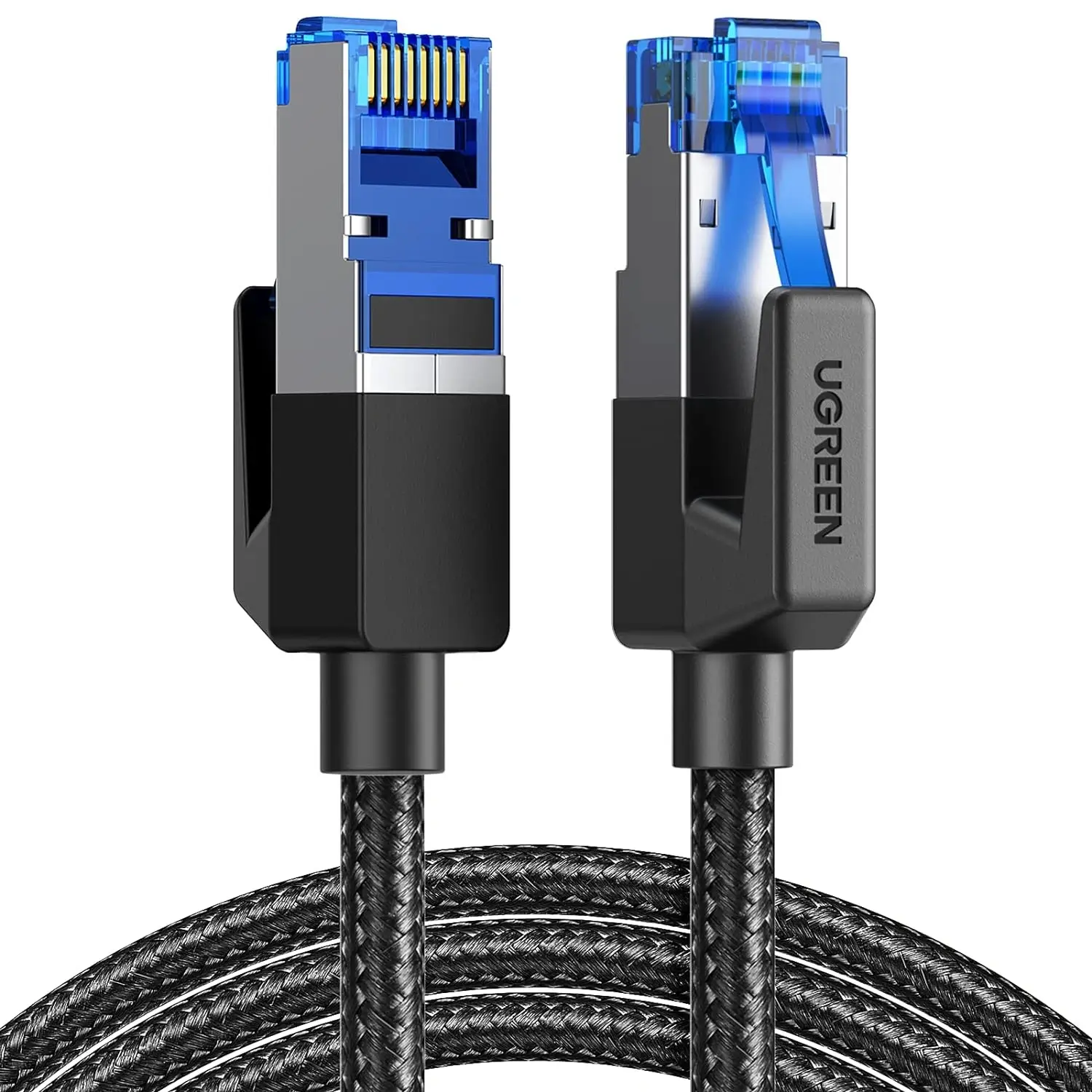
- Maximum Speed: Up to 40 Gbps (25G/40GBASE-T support)
- Bandwidth: Up to 2 GHz (2000 MHz)
- Shielding Type: S/FTP or F/FTP to minimize electromagnetic interference (EMI)
- Connector: Standard RJ45 (8P8C)
- Distance Limit: Up to 30 meters (approx. 100 feet)
- Compatibility: Fully backward compatible with Cat5e, Cat6, and Cat6A
- PoE Support: Compatible with Power over Ethernet for powered devices
How Cat 8 Differs from Cat7 and Cat6A
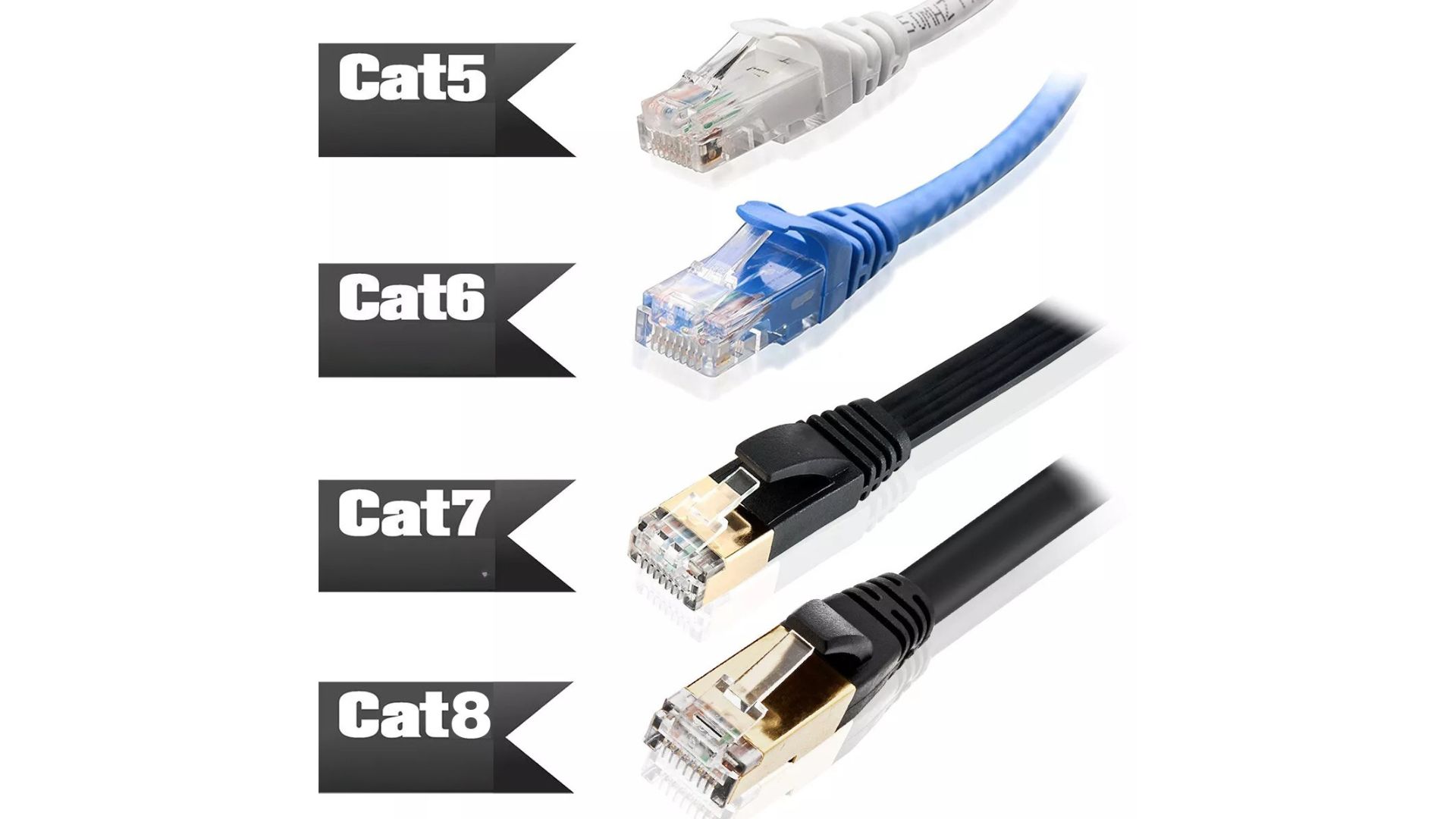
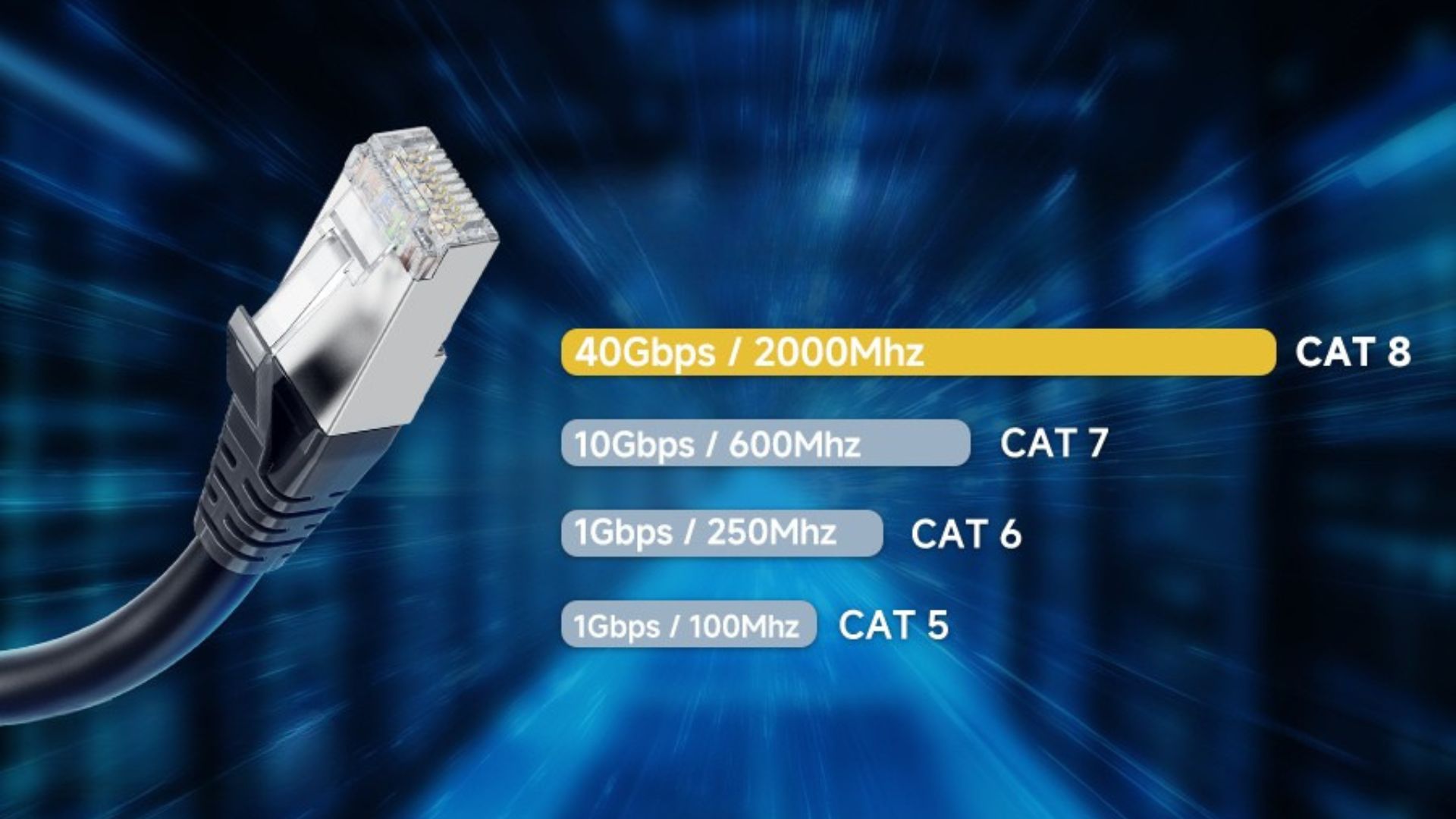
When comparing Cat8 vs Cat7 or Cat6A, the most significant differences are in speed, bandwidth, and shielding quality. Cat7 supports 10 Gbps up to 100 meters with roughly 600 MHz bandwidth, while Cat8 Ethernet reaches 40 Gbps at 2000 MHz over just 30 meters. The enhanced frequency and shielding enable faster, cleaner signal transmission ideal for short-run ethernet in demanding setups.
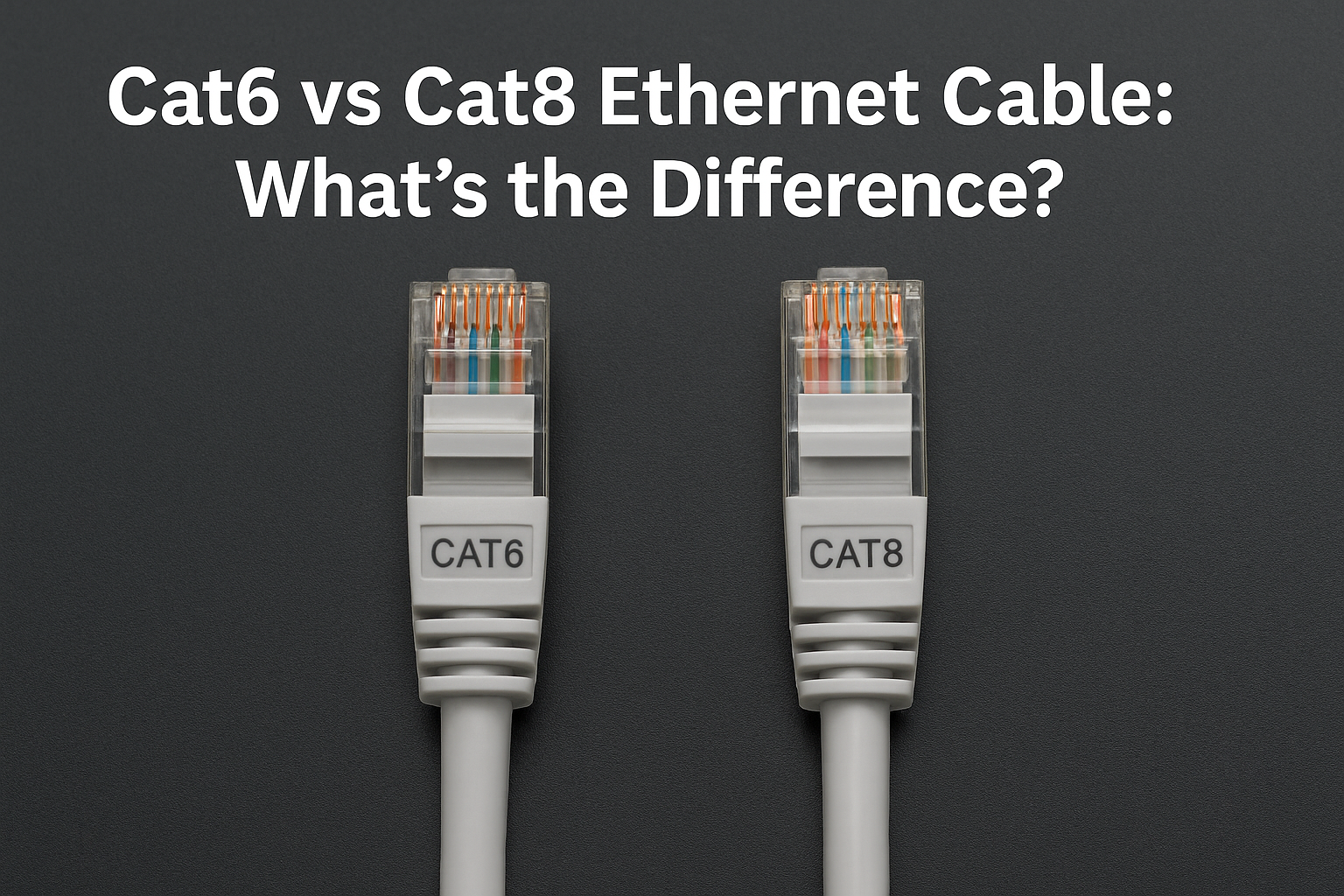
Ethernet cable categories vary by speed, bandwidth, shielding, and intended use. Cat6 cables deliver speeds between 1 and 10 Gbps with a bandwidth of 250 MHz. They work best for distances up to 55 meters and use U/UTP shielding, making them ideal for standard home and office networks.
Cat6A cables improve on this with speeds up to 10 Gbps and a higher 500 MHz bandwidth. They can maintain top performance over longer distances, up to 100 meters using U/UTP or F/UTP shielding. This makes Cat6A a solid choice for high-speed home or small business networks.
Cat7 cables continue at 10 Gbps but provide enhanced shielding (S/FTP) and bandwidth between 600 and 1000 MHz. Their robust construction minimizes signal interference, making them a preferred option for enterprise environments or installations that require stable, interference-free connections.
Cat8 Ethernet cables represent the latest and most advanced standard. They deliver incredible speeds between 25 and 40 Gbps with a bandwidth of 2000 MHz, though they perform best at short ranges of up to 30 meters. With strong S/FTP or F/FTP shielding, Cat8 cables are built for data centers, laboratories, and professional setups that demand the highest performance and minimal latency.
Note: Actual performance can vary depending on the cable quality and the installation environment.
Advantages of Cat 8 Ethernet Cable
- Unmatched speed: Up to 40 Gbps for ultra-fast transfers and low latency.
- Superior shielding: S/FTP design eliminates crosstalk and EMI, essential in dense server racks.
- High bandwidth: 2000 MHz for data-heavy applications like 4K/8K streaming and large backups.
- Backward compatibility: Works with Cat6A and older systems.
- PoE support: Powers cameras, access points, and smart devices directly.
- Future-proof: Ideal for 25G/40G networking upgrades in enterprise setups.
Where to Use Cat 8 Ethernet
Cat 8 Ethernet is built for environments that demand speed and signal integrity. Its best applications include:
- Data centers: Rack-to-rack or switch-to-switch links with heavy data loads.
- Server rooms: Connecting storage arrays and servers for ultra-fast file transfers.
- Post-production studios: Transferring large video or audio files in real time.
- Gaming setups: Short, stable connections for low latency gaming or live streaming.
- IoT networks: Smart systems that require stable, noise-resistant communication.
Limitations of Cat 8
Despite its power, Cat 8 Ethernet cable isn’t perfect. The short 30-meter limit restricts its use to small rooms or single racks. It’s also thicker and stiffer than Cat6A, making installation tricky in tight spaces. Finally, to achieve full cat8 speed, your hardware (routers, switches, and network cards) must support 25G/40GBASE-T.
Installation Tips for Cat 8 Ethernet
- Stay within distance: Keep total cable length under 30 meters for optimal performance.
- Use Cat8-rated connectors: Ensure RJ45 jacks and keystones are Cat8 certified.
- Avoid tight bends: Maintain proper bend radius to prevent signal loss.
- Test after installation: Use certified testers to confirm 40 Gbps integrity.
- Separate power lines: Keep Cat8 cables away from electrical cables to reduce interference.
FAQs About Cat 8 Ethernet
Is Cat 8 better than Cat6A?
Yes, in short runs. Cat8 supports 25/40 Gbps at 2000 MHz, while Cat6A handles 10 Gbps at 500 MHz over longer distances.
Will Cat 8 work with my router?
Yes. It’s backward compatible with standard RJ45 ports but will only perform at the router’s supported speed.
Does Cat8 support PoE?
Yes, Cat8 cables can safely carry Power over Ethernet (PoE), useful for security cameras or access points.
Is Cat 8 good for gaming?
It offers excellent latency and stability, but may be overkill unless you have multi-gig internet and compatible hardware.
Conclusion
To sum up, Cat 8 Ethernet cable delivers 40 Gbps performance with exceptional shielding and 2000 MHz bandwidth. It's a true leap for short-distance, high-speed networking. It’s best for data center ethernet, server interconnects, and professional workstations handling massive files or real-time workloads. For most homes and small offices, Cat6A remains the practical, affordable standard, but Cat8 ensures your setup is ready for the future of networking.


Discussion (0)
Be the first to comment.