



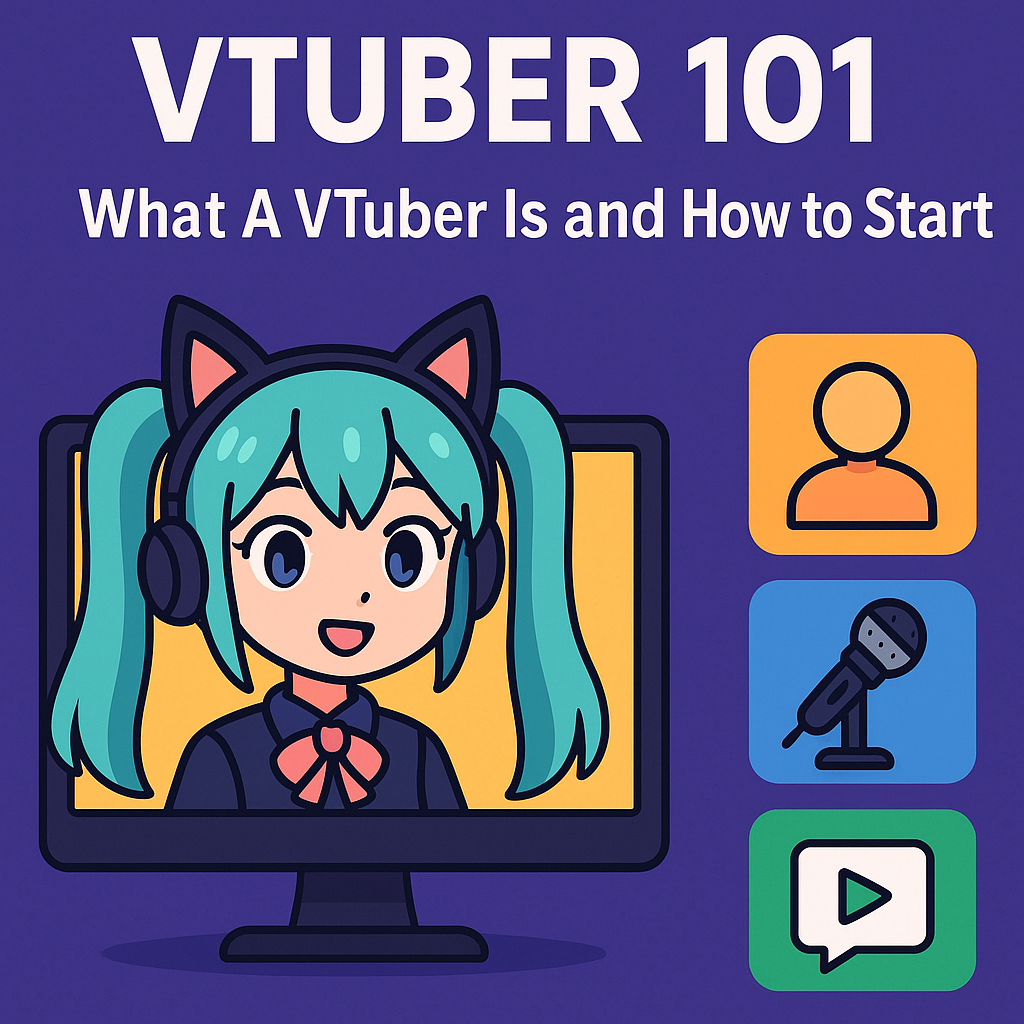
If you want to know what a VTuber is and how to become one, you should look at one of the fastest-growing corners of online streaming. VTubers use digital avatars instead of face cams, mix anime-style visuals with live interaction, and turn that mix into communities, fandoms, and sometimes full-time careers.
This guide explains the VTuber meaning in simple terms, shows how VTubing works behind the scenes, and walks you through a practical beginner setup so you can start your own virtual channel.
What A VTuber Actually Is
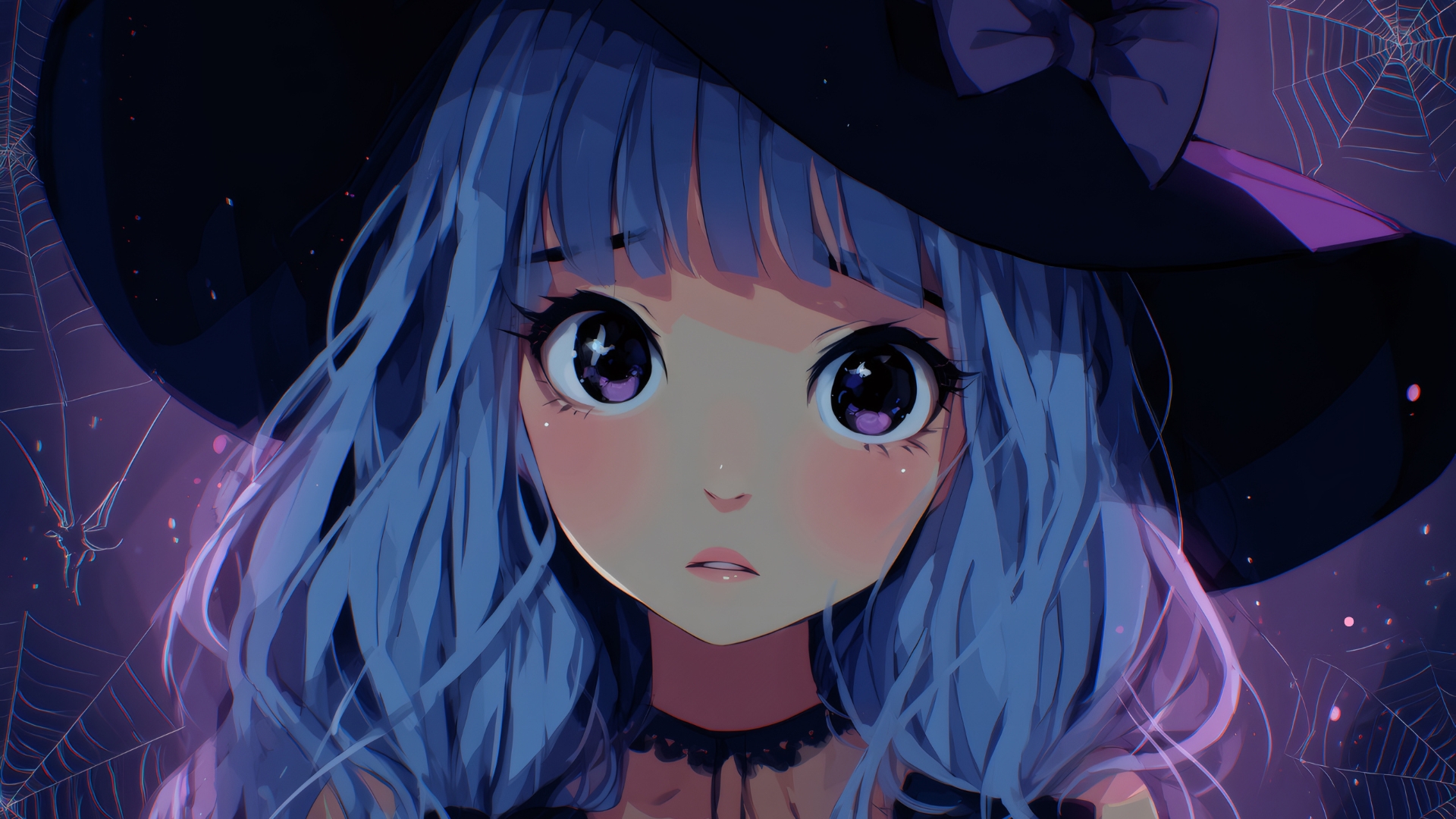
A VTuber, short for “Virtual YouTuber,” is an online creator who appears as a digital avatar while streaming or making videos. The avatar moves in real time with the person’s voice and facial expressions, so viewers watch a character instead of a real-life camera feed.
Most VTubers stream on platforms like YouTube and Twitch, but you also find them on sites such as Bilibili and Niconico, along with short-form platforms like TikTok. The VTuber community mixes gaming, chatting, music, creative art, and variety shows under one umbrella.
When you ask “what is a VTuber and how you can be one,” you basically ask how to combine streaming with a virtual character that feels alive and unique.
Why VTubers Became So Popular
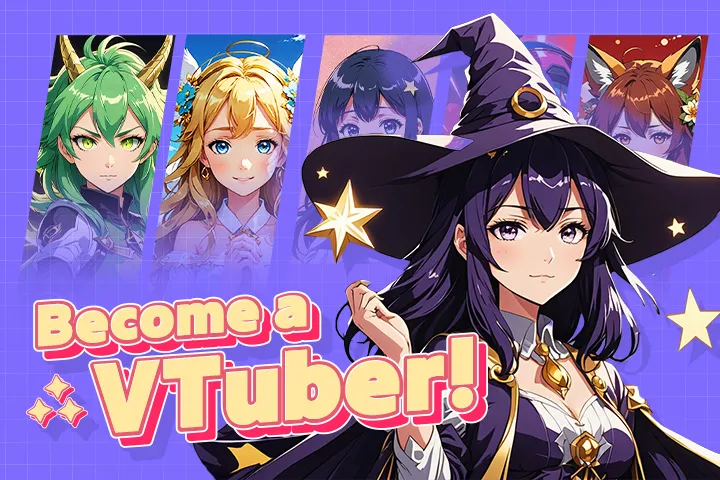
Early VTubers such as Kizuna AI helped turn the idea of a virtual YouTuber into a global trend, especially among anime and gaming fans.
Several forces pushed VTubing into the spotlight:
- Anime culture went global. Anime-inspired avatars felt familiar and attractive to fans worldwide.
- More people stayed home. Lockdowns and remote life pushed streaming and virtual entertainment to new heights.
- Privacy matters more. Many creators want to keep their real identity private while still building a brand.
- Technology caught up. Affordable webcams, better tracking, and free VTuber software removed many barriers.
Analysts now value the VTuber or virtual YouTuber market in the billions of dollars and expect strong growth over the next decade, as more brands and agencies invest in avatar-based influencers.
How VTubing Works Behind The Scenes

VTubing feels like magic on screen, but the process follows a simple chain: your movements feed into software, the software drives the avatar, and streaming tools broadcast that to your viewers.
Most VTuber setups rely on three core pieces:
- A digital avatar. You use a 2D or 3D model that represents your character.
- Tracking software. Apps map your face, head, and sometimes body movement to the avatar.
- Streaming software. Programs such as OBS Studio capture the avatar window and send it to platforms like YouTube or Twitch.
Popular tools such as VTube Studio bring Live2D models to life with camera-based face tracking, while free apps like VRoid Studio let you build 3D VTuber models without advanced 3D skills.
What You Need For A Basic VTuber Setup
You do not need studio-level gear to start VTubing. You just need a reliable PC, some VTuber software, and a simple avatar that matches your idea. You can always upgrade later.
PC And Internet Requirements
Your PC must handle your VTuber avatar, your tracking software, and your game or content at the same time, so you want a modern machine even for a budget build.
- Use a 64-bit operating system such as Windows 10 or later for smooth support with VTuber tools.
- Pick a CPU with at least four cores and 8 GB or more of RAM so your system does not struggle during streams.
- Choose a dedicated GPU when you plan to play modern games while streaming, especially with 3D avatars.
- Connect through a stable wired or strong Wi-Fi network; aim for at least 5–10 Mbps upload for HD streams.
These specs line up with common recommendations from VTuber software developers, who show that basic Live2D setups run on modest hardware while advanced rigs benefit from stronger GPUs and extra RAM.
Camera And Tracking Options
To move your VTuber avatar in real time, you need a camera or a phone that can track your face and sometimes your upper body.
- Start with a 720p or 1080p webcam that handles 30 fps or higher.
- Consider a modern smartphone as a tracking device when your software allows face tracking over the network.
- Explore more advanced options such as iPhone face tracking or full-body trackers only after you feel comfortable with the basics.
Many VTuber apps support multiple input modes, so you can mix and match webcam tracking, smartphone apps, and optional motion capture hardware.
Microphone And Audio
Your voice carries your whole VTuber persona, so clear audio matters more than expensive video gear.
- Use a USB condenser microphone or a headset with a clean mic and good noise rejection.
- Add a pop filter or foam windscreen to reduce harsh sounds.
- Use basic noise suppression and compression filters in your streaming software to keep your voice clear and consistent.
You can start VTubing with a simple entry-level mic and upgrade once you grow your channel.
VTuber Avatar And Design Choices
Your avatar answers the question “who am I on stream?” You can follow anime styles, fantasy themes, mascots, or something more realistic.
- Use free avatar makers for a quick start, especially when you want a ready-made 3D VTuber model.
- Try tools such as VRoid Studio to customize 3D characters without deep 3D modeling knowledge.
- Commission a Live2D or 3D artist when you want a unique design and higher-quality rigging.
- Plan a simple color palette, backstory, and personality traits that match your content niche.
You can refine your VTuber avatar over time, so do not wait for a “perfect” design before you start streaming.
VTuber Software Stack
VTubers combine several apps into one workflow. At a high level, you run tracking software in the background, put the avatar on screen, and then stream that view.
- Use face and motion tracking tools such as VTube Studio, VSeeFace, or similar apps to control your model.
- Use OBS Studio or Streamlabs Desktop to capture your avatar, add overlays and alerts, and push the stream to YouTube or Twitch.
- Add optional plugins for chat overlays, animated alerts, and background music to polish your VTuber stream.
Once you link everything together once, you can save scenes and reuse them every time you go live.
Step-By-Step: How You Can Become A VTuber
When you ask what is a VTuber and how you can be one, you really want a clear checklist you can follow. Use these steps as a simple roadmap.
- Define your concept and niche. Decide what kind of VTuber you want to be, such as gamer, cozy chatter, musician, or art streamer. Write a short description of your personality, style, and content so you stay consistent.
- Set up your PC and basic software. Install your VTuber tracking app, your streaming software (such as OBS Studio), and any drivers you need for your webcam and microphone. Run a few test recordings to confirm everything works.
- Create or choose your VTuber avatar. Start with a free model or a simple design in tools like VRoid Studio, then adjust the hair, clothes, and colors until you feel the character matches your concept. Save different outfits or expressions for later variety.
- Connect your camera and tune tracking. Open your tracking app, select your webcam or phone input, and calibrate face tracking. Adjust sensitivity sliders so your VTuber avatar moves smoothly without jitter.
- Build your streaming scenes. In OBS or similar software, add your avatar window, your game or app capture, and a background or layout. Include basic alerts, chat, and a “Starting Soon” screen for a more polished VTuber stream.
- Set up your channel profile. On YouTube or Twitch, write a short bio that includes VTuber and virtual YouTuber keywords, upload your banner and profile image, and add links to any social profiles you use.
- Do private test streams. Stream privately or unlisted first, watch the recordings, and check audio levels, lip sync, and image quality. Adjust settings until your VTuber setup looks and sounds stable.
- Go live and stay consistent. Pick two or three regular time slots each week, announce them on social media, and keep showing up. Treat your early streams as practice and focus on learning, not numbers.
Guides from established creators and industry sources follow the same pattern: gather gear, create an avatar, pick VTuber software, then build your brand and grow your audience step by step.
VTuber Agencies Versus Independent VTubers
Once you grow, you might wonder if you should join a VTuber agency or stay independent. Agencies such as Hololive and Nijisanji audition talent, provide art and tech support, and help with sponsorships and events.
Agency life offers structure and exposure, but it also adds contracts, rules, and revenue splits. Recent controversies around agencies that mishandled donations and payments show that you must read contracts carefully and research any company before you sign.
Independent VTubers control their branding, schedules, and income sources, but they handle everything themselves. Many creators start as independent VTubers and only look at agencies once they already understand the space.
Pros And Cons Of Being A VTuber
Advantages Of VTubing
- Privacy control. You protect your real name and face while still building a public persona.
- Creative freedom. You design a VTuber avatar that matches your ideal self, not how you look in real life.
- Huge variety of content. You can stream games, music, art, just chatting, or educational content with the same character.
- Growing global market. Brands and agencies now look for VTuber collaborations, events, and sponsored content.
- Community-driven. VTubers often build tight-knit fanbases that enjoy in-jokes, lore, and long-term story arcs.
Disadvantages And Challenges
- Technical complexity. You juggle tracking software, streaming tools, overlays, and audio settings all at once.
- Avatar costs. High-quality Live2D or 3D models from experienced artists can cost hundreds or even thousands of dollars.
- Time investment. You need consistent streams, social media, and community management to stand out.
- Drama and burnout risk. VTuber communities can feel intense; you must set boundaries and protect your mental health.
- Agency risks. Contracts, revenue splits, and management mistakes can cause serious problems when you do not understand the details.
Tips To Grow As A New VTuber
You do not need to chase giant numbers at first. Focus on steady, healthy growth that matches your life.
- Stream regularly, not endlessly. Pick a schedule you can sustain and tell viewers when you go live.
- Find a clear niche. Combine your VTuber persona with a specific theme such as comfy chatting, hardcore challenge runs, music covers, or language learning.
- Repurpose your content. Cut highlights into short clips for YouTube Shorts, TikTok, or Reels so new viewers discover you.
- Engage your community. Greet chat by name, ask questions, and run polls or community challenges.
- Collaborate with other VTubers. Join small collabs, events, or tag-based trends to cross-pollinate audiences.
- Protect yourself. Use platform tools to block harassment, avoid sharing personal details, and keep separate accounts for VTuber work.
FAQs About VTubers
Do You Need Money To Start As A VTuber?
You can start VTubing with a modest budget. Many free VTuber programs and avatar tools exist, and you can begin with a simple webcam and an affordable microphone.
Spending more on art, rigs, and better equipment helps later, but you do not need a huge budget to learn the basics and test whether VTubing suits you.
How Do VTubers Make Money?
VTubers monetize their virtual channels in several ways:
- Ad revenue from YouTube or similar platforms.
- Memberships, subscriptions, and paid chat features such as Super Chats.
- Sponsorships, affiliate links, and brand deals.
- Donations through third-party platforms.
- Merchandise, digital goods, and commissioned content.
Agency VTubers usually share income with their company, while independent VTubers keep a larger cut but handle more work themselves.
Do All VTubers Look Like Anime Characters?
Many VTubers use anime-inspired designs because the tools and community grew out of that style, but the format stays flexible. You also find mascot-style models, semi-realistic characters, and experimental art styles.
As avatar creation tools improve, more VTubers experiment with mixed-media looks, stylized 3D models, and designs that feel closer to Western cartoons.
Can You Become A VTuber Without Showing Your Face?
Yes. VTubing grew popular because people wanted to entertain audiences without showing their real face on camera. You still use a webcam or phone for tracking, but viewers only see your VTuber avatar, not your real appearance.
With a careful setup and separate accounts, you can keep your offline identity private while still building a recognizable virtual brand.
Start Your VTuber Journey
Now that you know what a VTuber is and how you can be one, you can move from idea to action. Pick a simple avatar, install your VTuber software, run a few test streams, and speak to the camera as if your character already existed.
You do not need perfect art, perfect gear, or a perfect plan to begin. You just need a clear VTuber concept, a basic setup, and the courage to go live and grow one stream at a time.

Discussion (0)
Be the first to comment.