




A blue light filter reduces the amount of high-energy blue wavelengths your screen emits. This makes long sessions more comfortable and helps your eyes stay relaxed, especially at night. The filter creates a warmer display tone that feels easier to look at for extended periods. In this guide, we will walk you through everything you need to know about blue light filter and how to best take advantage of it.
1) What a blue light filter is
A blue light filter limits short-wavelength light that causes strong glare and visual tension. Most devices include this feature as a built-in mode you can toggle at any time. You can also use physical protectors or glasses if you switch between multiple screens.
2) How blue light affects your eyes
Blue wavelengths scatter more aggressively, which increases visual effort when staring at a screen for long periods. This contributes to digital eye strain, especially when combined with dryness or poor lighting. Understanding this effect helps you choose the right filter level.
3) Core benefits of using a blue light filter
Reduced digital eye strain
A filter softens your display's brightness and contrast so your eyes work less to process text and movement. This keeps your vision more comfortable during long work hours. It also works well when your screen is the brightest object in the room.
Better nighttime screen comfort
Warm tones reduce glare when you're using a device after dark. This prevents the sharp, intense look that often causes headaches or squinting. It’s a simple fix that makes late-night reading or browsing feel much easier.
Potential sleep support
Blue light can interfere with your body's natural melatonin cycle. Reducing it before bed may help your mind wind down more naturally. This improves nighttime comfort even if you stay on your phone or laptop longer than planned.
4) Types of blue light filters
Built-in software filters
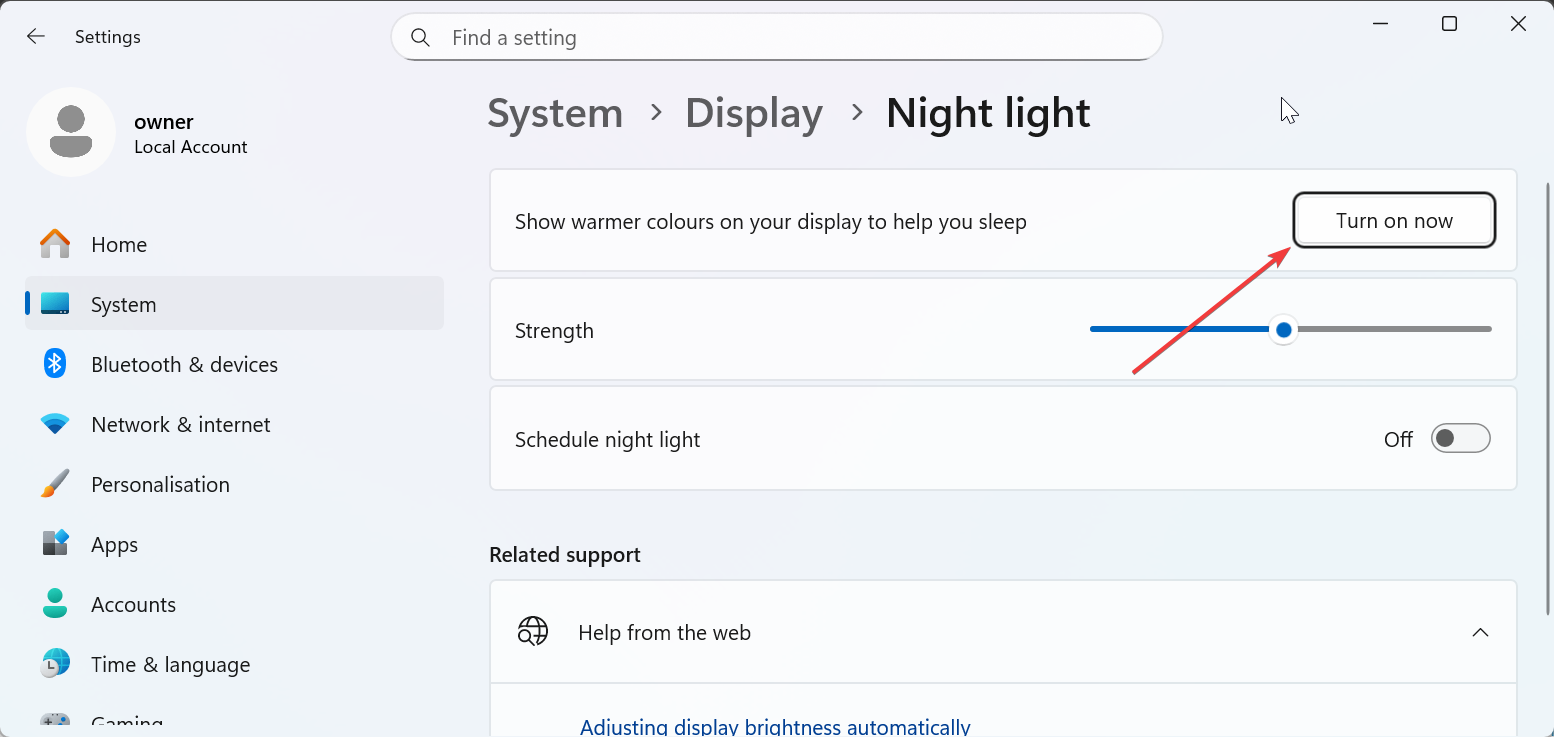
Most Windows PCs, Macs, iPhones, and Android devices offer a blue light mode you can enable instantly. These settings often include scheduling options for evening use. They’re ideal when you want comfort without buying extra accessories.
Physical screen protectors
These protectors filter blue light at the display surface. They work across all apps, brightness levels, and operating systems. They also help if you prefer consistent filtering throughout the day.
Blue-light filtering glasses
Glasses help when you switch between several screens or use devices that lack built-in filtering. They reduce glare and harsh tones by adjusting the light before it reaches your eyes. Many users prefer them because they work with both digital and indoor lighting.

5) Practical reasons to use a blue light filter
For long work or study sessions
A filter reduces glare that builds up during extended screen time. It’s useful in offices, classrooms, and home setups where lighting varies. This gives you more consistent comfort across multiple environments.
For evening or nighttime screen use
Warm light feels easier on your eyes when room lighting is low. This helps prevent the overstimulation that bright screens cause after sunset. It’s one of the simplest ways to create a more relaxing nighttime routine.
For people sensitive to light
If you experience headaches or discomfort from bright displays, a filter provides immediate relief. It softens harsh edges and reduces visual fatigue. It’s especially helpful for users with dry eyes or migraines.
6) Limitations and myths to know
A blue light filter doesn’t prevent long-term eye disease. Its benefits mainly target comfort, glare, and nighttime overstimulation. Understanding this keeps expectations realistic and helps you use other habits like breaks or hydration effectively.
7) How to choose the right filter
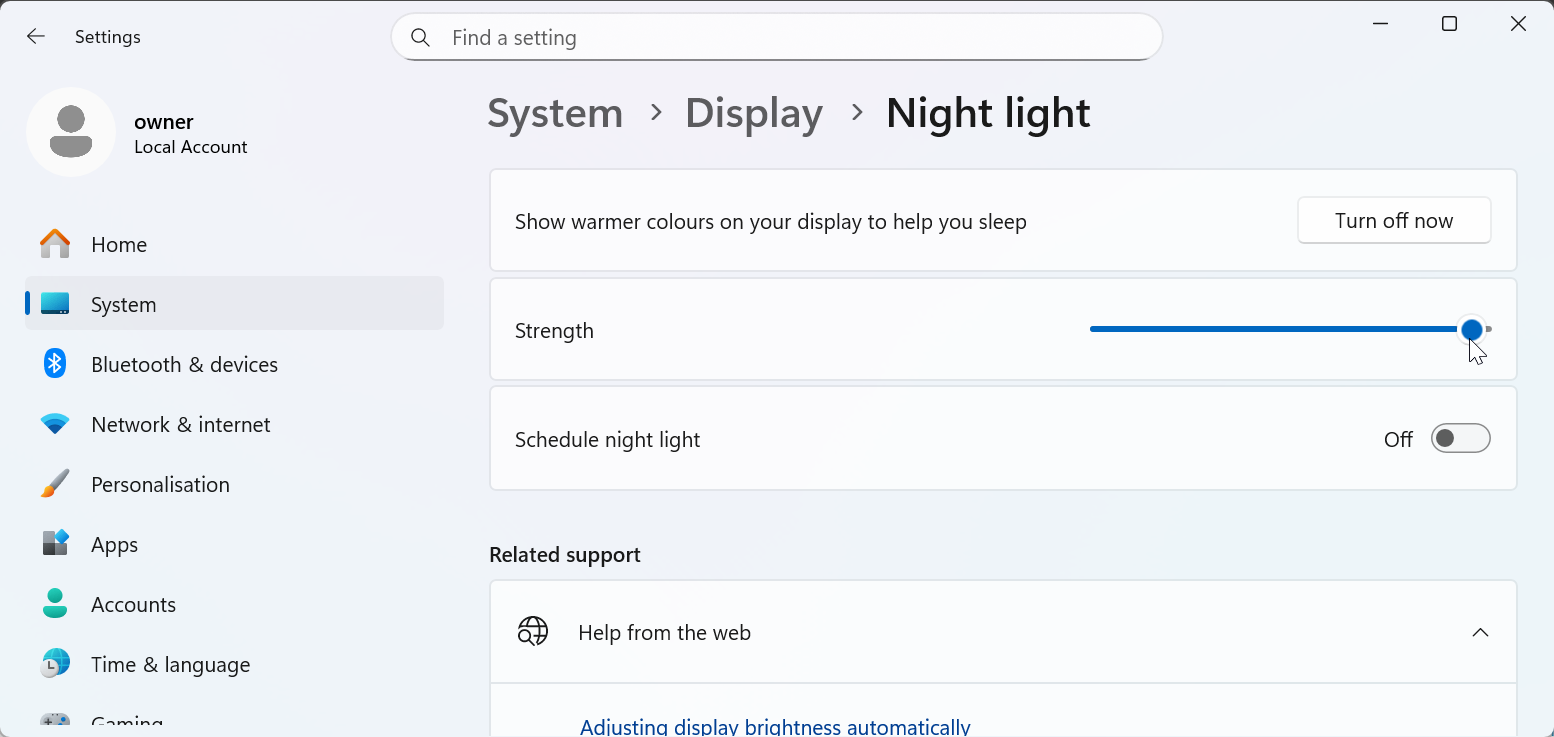
Pick a filter based on how often you use your devices and what times of day cause the most strain. Software filters help most users and are easy to automate, while you can also use the Night Light feature on Windows. Physical filters or glasses make sense if you use multiple devices throughout the day.

Tips for maximizing comfort
- Enable your filter after sunset or during long work sessions.
- Match screen brightness to your room’s lighting.
- Follow the 20-20-20 rule to reduce stress on your vision.
- Blink often to avoid dryness.
- Sit at a comfortable distance from your display.
FAQs
Why do screens feel harsher at night? Screens feel harsher at night because the surrounding environment is darker, which increases contrast and glare. Your eyes work harder to adjust between the bright display and dim room lighting.
Does a blue light filter affect color accuracy? Yes, a blue light filter can shift colors toward warmer tones. This isn’t noticeable for everyday use, but it may impact tasks that require accurate color work. You can disable or reduce the filter when working on design or photo editing.
Are blue light filters helpful for kids? Blue light filters can make screens more comfortable for kids during evening use. They help reduce glare and overstimulation before bedtime. They don’t replace healthy device habits like breaks and screen-time limits.
Summary
- A blue light filter reduces short-wavelength light that increases visual strain.
- It improves comfort during long sessions, especially in low-light environments.
- It may help support better sleep by reducing nighttime overstimulation.
- Different filter types give you flexibility depending on your device setup.
- You get the best results when you combine filtering with good screen habits.
A blue light filter offers a simple way to keep your eyes comfortable during extended screen use. It won’t solve every issue, but it makes your display feel gentler and more natural for daily work, entertainment, and nighttime browsing.
Discussion (0)
Be the first to comment.