UP

Windows

Tutorials, how-to guides, and blog posts about using Windows. How to use laptops, tablets, PCs, and other gadgets with Windows.

tutorial How to use the On-Screen Keyboard in Windows

How to use the On-Screen Keyboard in Windows

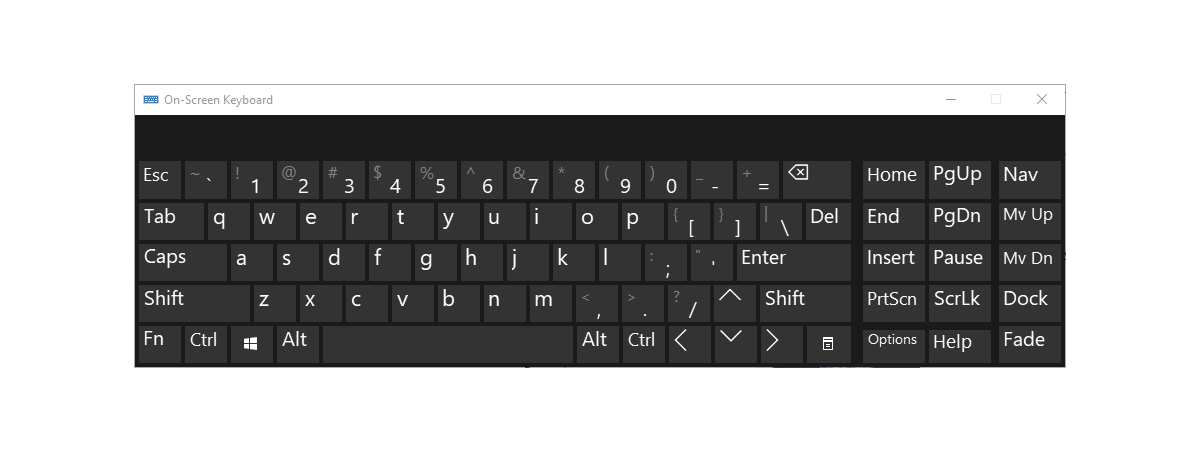
If you need to type without a keyboard, the On-Screen Keyboard in Windows might be helpful. It allows you to type by using a mouse. You can even set up and use this function without having a keyboard connected to your computer, which can be useful if your keyboard is unavailable. This article explains how to access the On-Screen Keyboard, how to operate it,
tutorial How to disable the touchpad in Windows 10

How to disable the touchpad in Windows 10

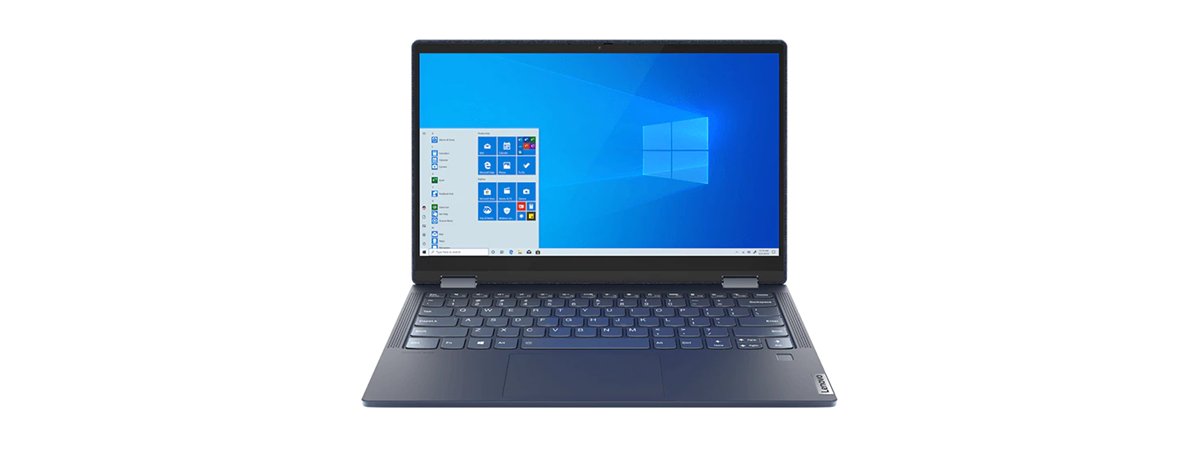
Are you wondering how to turn your touchpad off? If you’re using a Windows 10 laptop with a touchpad, you may sometimes want to disable it to prevent accidental clicks or movements. Or maybe you just want to turn off your touchpad when typing on your Windows 10 laptop? Without further ado, here’s how to disable the touchpad in Windows 10 using five different
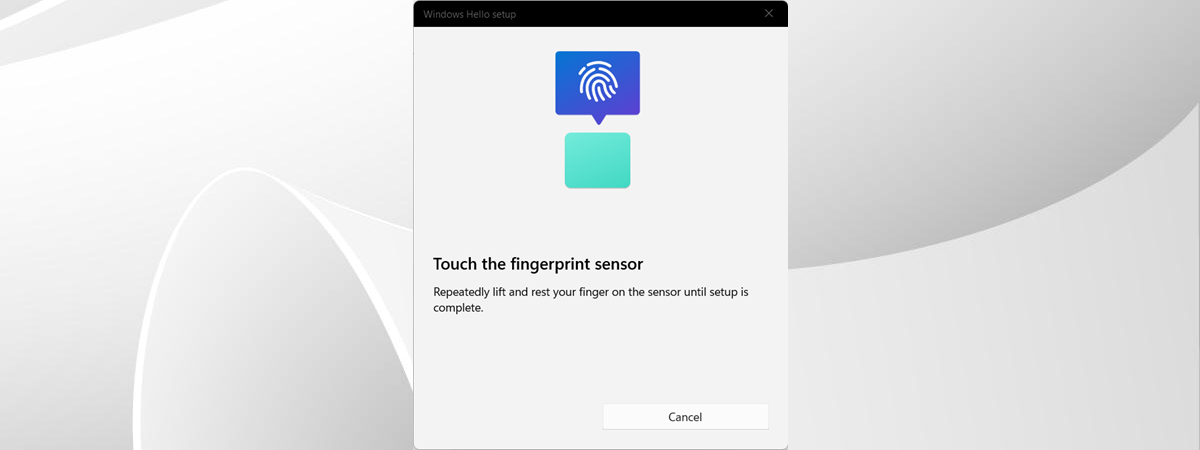
tutorial How to enable and use fingerprint authentication in Windows 11

How to enable and use fingerprint authentication in Windows 11

Some of our readers have asked us if Windows 11 supports biometrics. Yes, it does, but in order for biometric authentication to work, you also need laptops or desktop computers with hardware that’s compatible with things like fingerprint authentication or face recognition. Both types of biometric authentication allow for fast and secure logins, and I personally like using them over traditional sign-in methods. If
tutorial How to use Internet Explorer mode in Microsoft Edge

How to use Internet Explorer mode in Microsoft Edge

Do you need to access old websites or legacy web apps that were designed to work well in Internet Explorer but aren’t working as they should in Microsoft Edge? It’s a situation that’s more common than one might think, and as some of my friends say, it happens a lot to business users and some web developers working with older technologies. If you find
tutorial How to change the Microsoft Store region in Windows

How to change the Microsoft Store region in Windows

The region or country setting in Windows can have an effect on the apps and games you get access to in the Microsoft Store. If you set the wrong region, you may not be able to find or use certain apps or content that are relevant to your location. Moreover, to download apps and games from the Microsoft Store that aren’t available in your
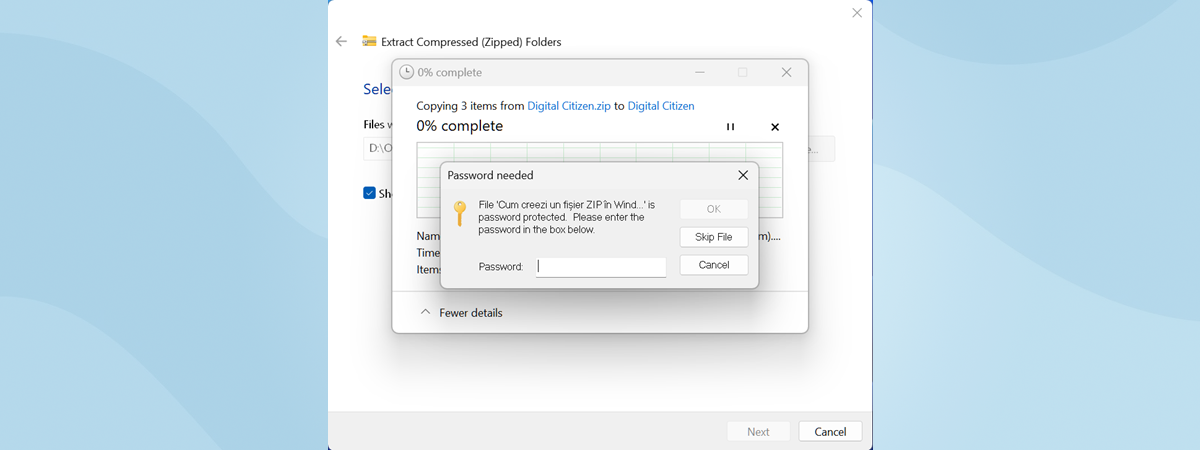
article 4 tools to lock and password-protect folders in Windows

4 tools to lock and password-protect folders in Windows

It would be great to see Microsoft release a Windows version that allows users to password-protect specific folders that contain sensitive data. However, until that happens, if you want to protect your folders, you must use software created by other companies. Although there are many such apps, they aren’t all friendly to use, and most are also dodgy. I did some research and tested
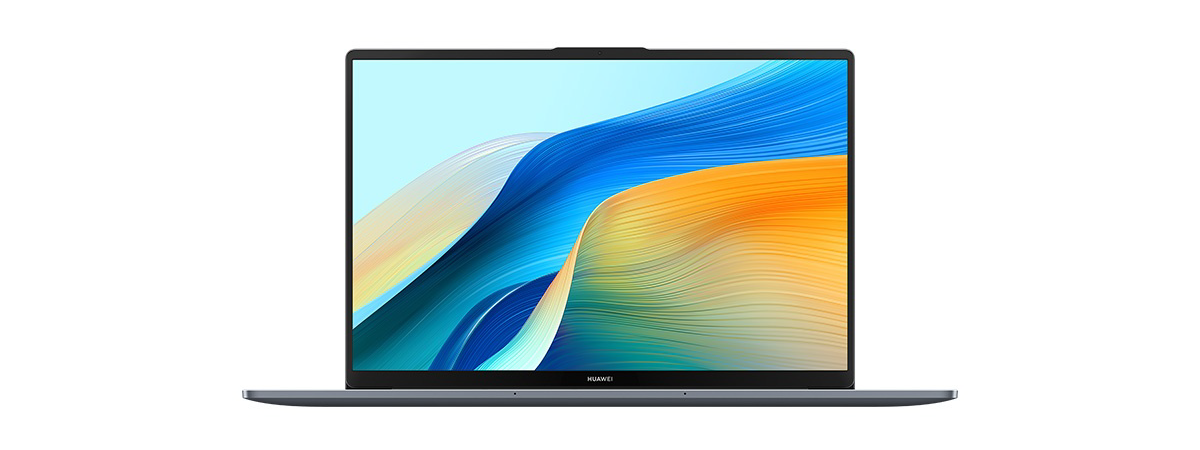
review HUAWEI MateBook D 16 2024 review: A capable mid-range laptop!

HUAWEI MateBook D 16 2024 review: A capable mid-range laptop!

While we all love high-end laptops with amazing displays and incredible performance, most people cannot afford them. Therefore, when buying a laptop, we’re looking for reasonably priced options that provide good value for money. HUAWEI MateBook D 16 2024 is a mid-range model that aims to provide people with a balanced experience at an affordable price. It looks good, has an excellent battery life,
tutorial How to change the language on Windows’ lock screen

How to change the language on Windows’ lock screen

Did you install an English version of Windows on your computer, only to change the default display language to another language afterward? Like maybe Spanish, French, German, or any other language you prefer using? If you did that, you probably found out the hard way that although the display language is the one you want, the language your computer uses on the sign-in/lock screen
tutorial What is and what you can do with Windows’ Maps app

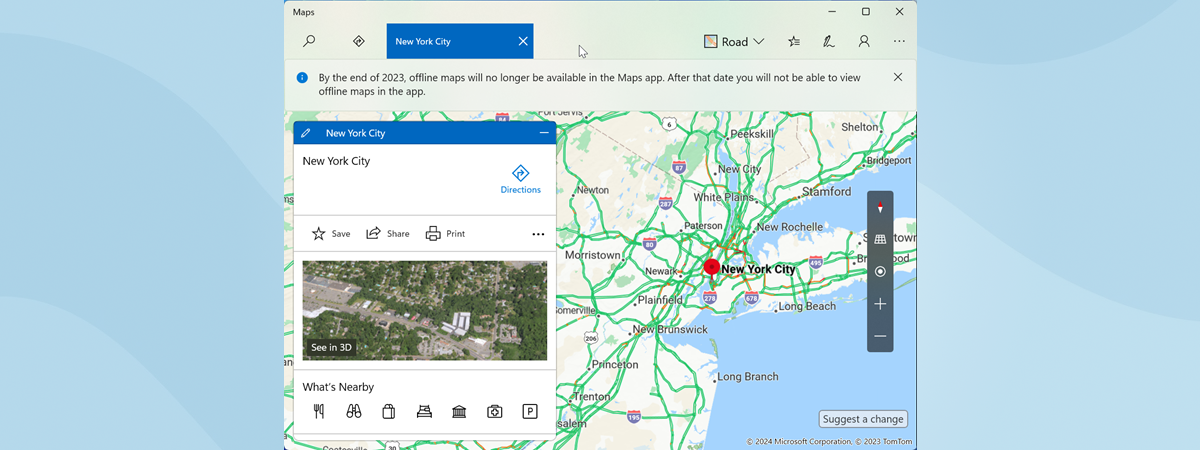
What is and what you can do with Windows’ Maps app

If you are planning a trip to some exotic location or just to another city in your country, you may need map guidance. Almost everybody owns a smartphone nowadays, or at least some other GPS-enabled device to help assure you that you’re on the right track. In some situations, however, a laptop or a tablet running Windows 11 or Windows 10 might be more
tutorial How to open Performance Monitor in Windows

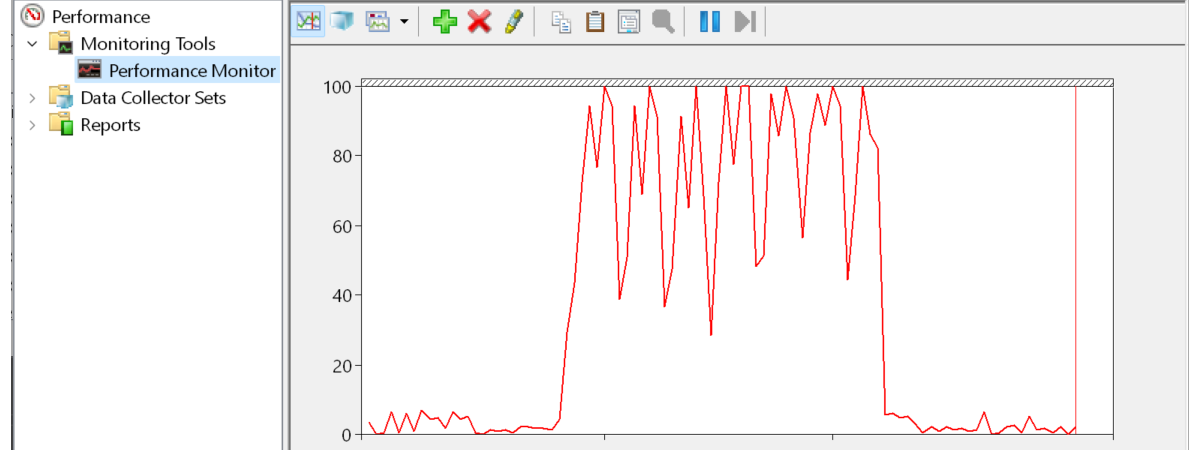
How to open Performance Monitor in Windows

If you’re having trouble with the performance of your Windows computer or laptop, one tool that can help you identify what’s wrong is the old Performance Monitor, which has been available in Windows operating systems since 1993. This tool can help you monitor how your computer’s processor, memory, or storage space are utilized and troubleshoot problems. But, before using it, you need to know
tutorial How to sign out (log off) from Windows 10

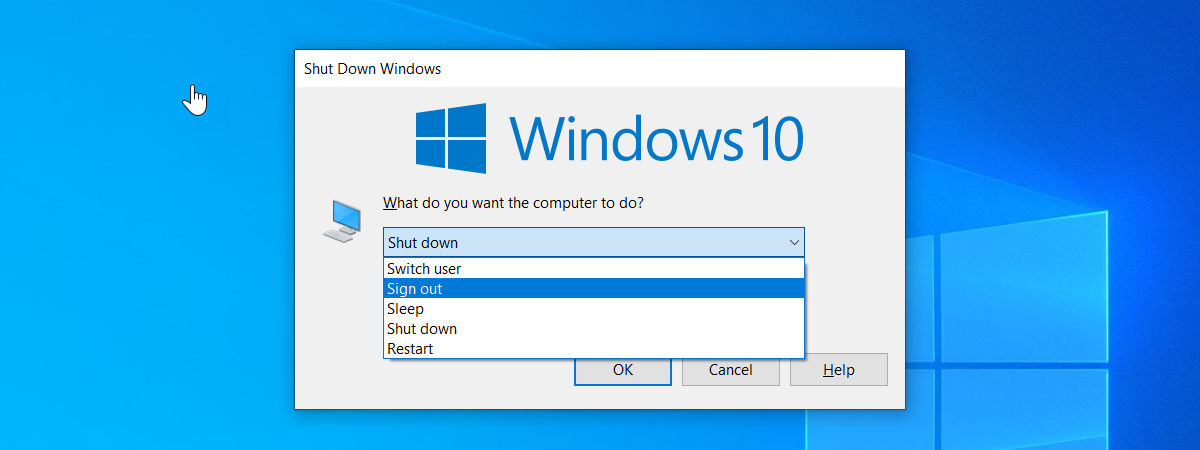
How to sign out (log off) from Windows 10

When you are no longer using your computer or Windows 10 laptop, albeit temporarily, it is a good idea not to stay logged on. Instead, you should either shut it down (to save power) or sign out (to keep your data and work private). If you prefer to sign out, your account is closed, and your current user session is ended. This means that
tutorial How to sync the Windows 10 clipboard with other PCs and Android phones

How to sync the Windows 10 clipboard with other PCs and Android phones

One of the best features of Windows 10 is the ability to store multiple items in your clipboard. But… did you know that you can also share the clipboard between computers running Windows 10 or Windows 11, as well as sync the clipboard with Android smartphones? Because yes, you can! However, for the clipboard sync to work, you must use the same Microsoft account
review ASUS ExpertCenter PN42 review: A fanless mini PC!

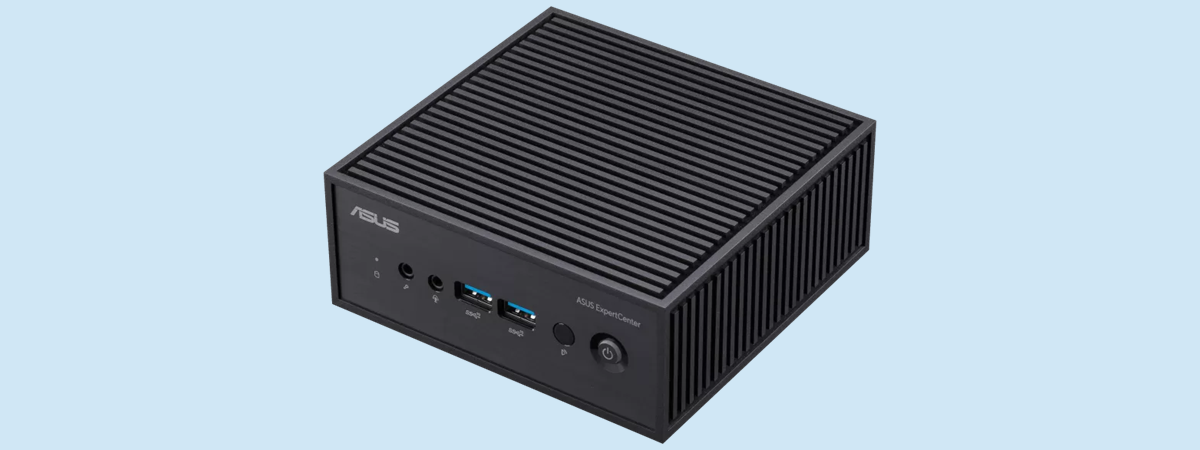
ASUS ExpertCenter PN42 review: A fanless mini PC!

In July of 2023, Intel and ASUS made the headlines: Intel with its decision to kill its NUC mini PC lineup, and ASUS stepping in to manufacture and develop future NUC systems instead. Luckily, ASUS is making good on its promise, launching many diverse mini PCs. While they’re niche products, today I’m reviewing an even more niche product: the ASUS ExpertCenter PN42. This mini
review Lexar DDR4-3200 review: The cost-effective RAM upgrade!

Lexar DDR4-3200 review: The cost-effective RAM upgrade!

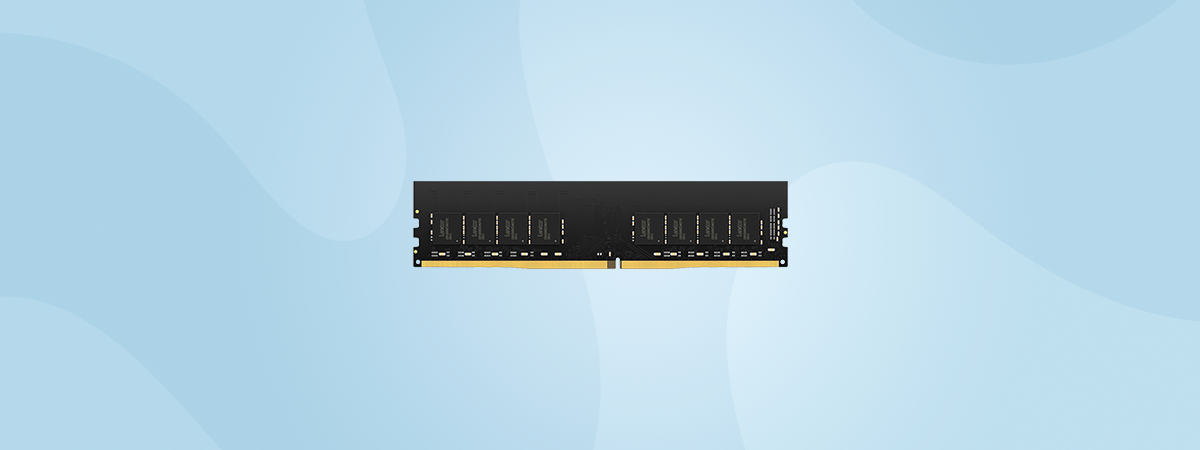
If you are looking for a reliable and affordable way to upgrade your desktop PC, you may want to check out the Lexar DDR4-3200 (LD4AU016G-B3200GSST) desktop memory. This RAM module is designed to deliver good performance and compatibility with most modern desktop systems. In this review, I’ll take a look at its features, specs, and performance. If you’d like to know whether the Lexar
tutorial How to unzip files in Windows (with built-in tools)

How to unzip files in Windows (with built-in tools)

If you work with file archives, it’s useful to know how to unzip files on Windows 10 and Windows 11. The good news is that both operating systems support ZIP files by default, so you don’t need third-party apps to extract them on your PC. Moreover, Windows 11 also has native reading support for many other archive file formats besides ZIP, including RAR and
tutorial How to make a ZIP file in Windows (with built-in tools)

How to make a ZIP file in Windows (with built-in tools)

Are you wondering how to zip a file in Windows 10 or Windows 11? While ZIP files have been around since 1989, you had to install a third-party app in Windows to work with files that have the “.zip” extension for the first ten years. However, starting in 1998, Windows included the ability to create a ZIP file as a standard feature. If you
tutorial How to change your user account name in Windows 11

How to change your user account name in Windows 11

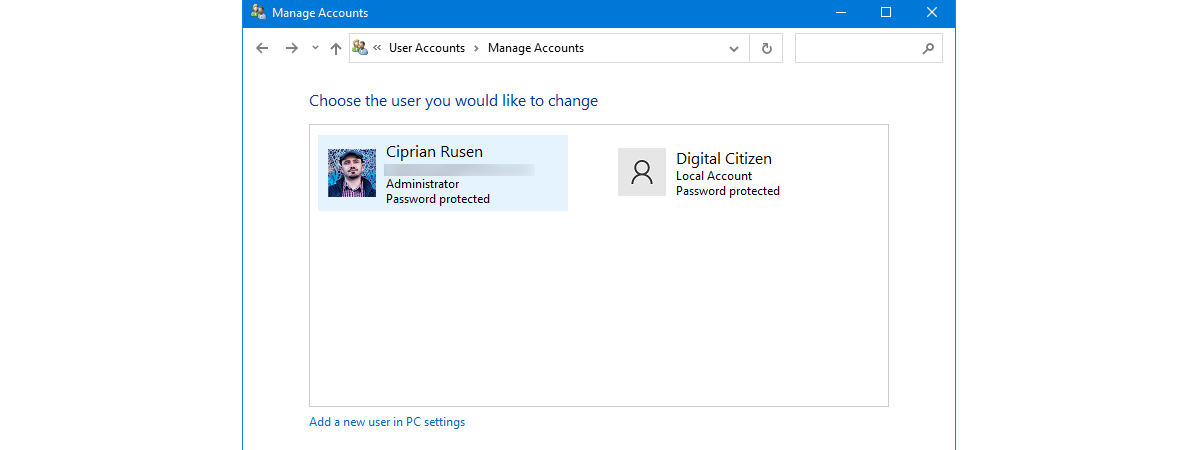
Did someone tell you that you can’t change your account name in Windows 11? If you’re here, you probably want to prove them otherwise. And you can, because yes, you can rename a user account in Windows 11, and it’s also quite easy. However, to change your user account name in Windows 11, you need to follow different steps depending on your account type