UP

Personalization

How to personalize your computers and devices, the appearance of your apps, and their behavior, as well as other aspects of their functioning. In other words, how to make your computers, devices, gadgets, and all their apps look and work the way you want to.

article Windows tiles: What are they? What do they do?

Windows tiles: What are they? What do they do?

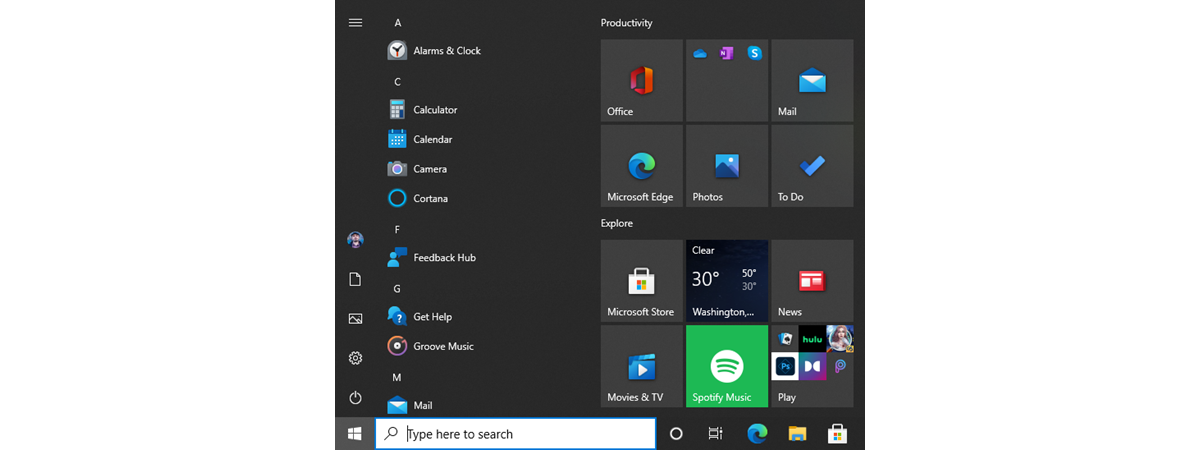
While the old and familiar desktop shortcuts continue to be reliable, the Windows 10 Start Menu includes a different way of launching and organizing things, using a concept called Windows tiles. Everyone has an opinion about Windows tiles. In spite of Windows 10 being one of the most customizable operating systems to date, the debate rages on between Team Tiles and Team Tiles Suck

5 ways to configure how the Windows 10 Search works

The Search in Windows 10 has evolved with every new version of the operating system. It is now more powerful and more complete than it has ever been. Whether you want to find documents, apps, photos, files, folders, emails, or even do web searches, the Search from Windows 10 can find almost anything. Although you can start using it as soon as you need it, it's best if you spend

How to get daily free wallpapers for Android from Google

With Google's Wallpapers app, you can get a new wallpaper for your Android device every day, for free. If you get bored easily by the images on your Home and Lock screens, but can't find the time to change them, or if you want to be surprised daily by your wallpaper app with pictures from your favorite categories, then this is the app for you. Here's how to find the
tutorial How to disable Google Assistant on Android

How to disable Google Assistant on Android

Although Google Assistant can come in handy on your Android smartphone, some of us can't disable it fast enough. Whether you don't feel like having your devices listen to your every word, or you simply had enough creepy moments when Google Assistant answered unprompted, it's useful to be able to turn it off sometimes. This tutorial shows you how to disable Google Assistant on

4 ways to change the desktop wallpaper in Windows 10

Some users might not yet have discovered that Microsoft supplies a selection of colorful wallpapers with its operating systems, and thus they never experiment with changing the standard background. We've always picked something other than the default background, so, in this article, we're going to talk about how that's done in Windows 10. If you want to learn how to change your desktop wallpaper, read on: [DC-SUMMARY-BREAK] 1. How to
tutorial How to resize the Start Menu in Windows 10 (3 methods)

How to resize the Start Menu in Windows 10 (3 methods)

After its highly controversial removal from Windows 8, the Start Menu made a comeback in Windows 10. In an effort to please its entire user base, Microsoft redesigned the Start Menu from scratch, making it highly customizable and better than ever before. One of the best Start Menu features in Windows 10 is that it can be resized. Read this guide to find out

How to remove or hide the ribbon from File Explorer in Windows 10

Did you ever think about making the File Explorer in Windows 10 look and work more like the Windows Explorer from Windows 7? If you could hide or completely remove its ribbon and get rid of all those large buttons shown on it, you might feel more at home in Windows 10 than you do now. If you want to know how to hide or disable the ribbon from File

The Windows 10 system tray - How to show or hide icons!

  Located on the right side of the taskbar, the system tray, correctly called the Notification area, has been a part of Windows for over 20 years. It kept on improving since it was first introduced with Windows 95, providing easy access to system functions, notifications, and applications. The Windows 10 system tray is more customizable than ever before, as you get to configure which system and apps icons are
tutorial The Windows 10 Night light: What it does and how to use it

The Windows 10 Night light: What it does and how to use it

Whether it is because we look at them too much or because they radiate too much blue light, screens are known to cause eye problems. It is almost impossible to avoid screens in our daily lives. There are also many night owls like ourselves, regularly watching our computers' screens during the night. The good news is that Windows 10 includes a special night mode

Desktop.ini - What is this file? Why are there two of them on my desktop?

If you've recently tinkered with File Explorer's settings in Windows, you might be surprised to discover some files called desktop.ini in all the folders on your computer or device. The two desktop.ini files present on your Desktop are the most noticeable and raise a lot of questions: What are these files and why are there two of them on your Desktop? What purpose do they serve? How do you get

Notification area cleaner: 2 ways to reset the notification area icons in Windows

Do you need to remove obsolete icons from the notification area on the Windows taskbar? Do you see icons for apps that are no longer installed, and you want to get rid of them? While you can do this with dedicated apps, a simple trick is to remove two registry values and then restart the explorer.exe process in Windows. Here are two methods for cleaning the icons shown in the

How to turn off your activity history, and the Timeline, in Windows 10

In recent versions of Windows 10, Microsoft has introduced a new feature called the Timeline. However, most users refer to it as the Task View's app history. This feature stores the history of your activities in Windows 10, on Microsoft's cloud servers (if you want to) and synchronizes it across your Windows 10 computers and devices. If you do not use this feature and you want Windows 10 to stop
tutorial How to make PowerShell and the Command Prompt transparent

How to make PowerShell and the Command Prompt transparent

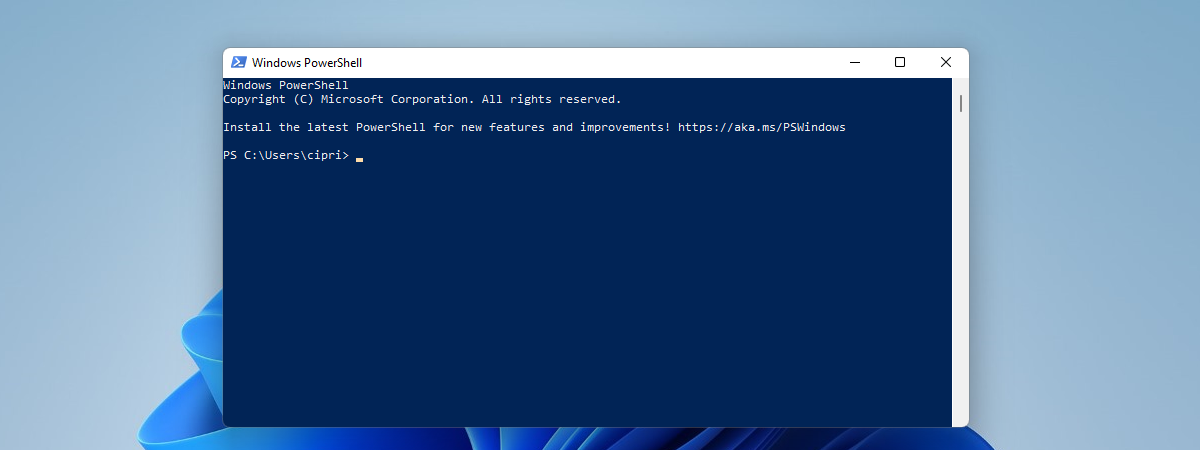
If you frequently use the Command Prompt or PowerShell, you may be tired of their opaque app windows. They are functional, useful, but also dull. Another issue is that when you work in a busy office, people can easily see what you type, due to their opacity. If you are a Windows 10 user, one neat little personalization that you can perform is to
tutorial Fix problem: Windows 10 apps are not shown in the Start Menu

Fix problem: Windows 10 apps are not shown in the Start Menu

At times, the Windows 10 Start Menu may be populated with what appears to be invalid tiles, with download icons, and which do not work. This happens after you install Windows 10, or after a major feature update such as the May 2019 Update, or when you create and log in with a new user account. Here's more information about this problem, what is

The Quick actions in Windows 10: access them, use them, customize them!

On top of constantly keeping you informed on what is happening on your device, Windows 10's Action Center includes, at the bottom of its panel, a set of buttons aptly named Quick actions. They offer you a fast and easy way to access apps and settings, without having to memorize complicated keyboard shortcuts. Here is everything you need to know about Quick actions and what they can do to make
tutorial How can I make my Skype theme dark (or light)?

How can I make my Skype theme dark (or light)?

You might be asking yourself: Is there a dark theme for Skype? Yes there is, and there's also a light theme, just like in Windows 10 May 2019 Update. Both themes are available in Skype for Windows 10, Android, and iOS. In this guide, we share how to change your Skype theme to dark or light, depending on what you want, on all platforms:
tutorial Hide or show your e-mail address on the Windows 10 sign in screen

Hide or show your e-mail address on the Windows 10 sign in screen

When Windows 10 was first launched, it displayed the email address of your Microsoft account each time you accessed the sign in screen. This was annoying for laptop users who traveled a lot because, when using their Windows 10 laptops in public areas, like airports, cafes or events, others could easily see their email address. Fortunately, Microsoft listened to feedback, and newer versions of