



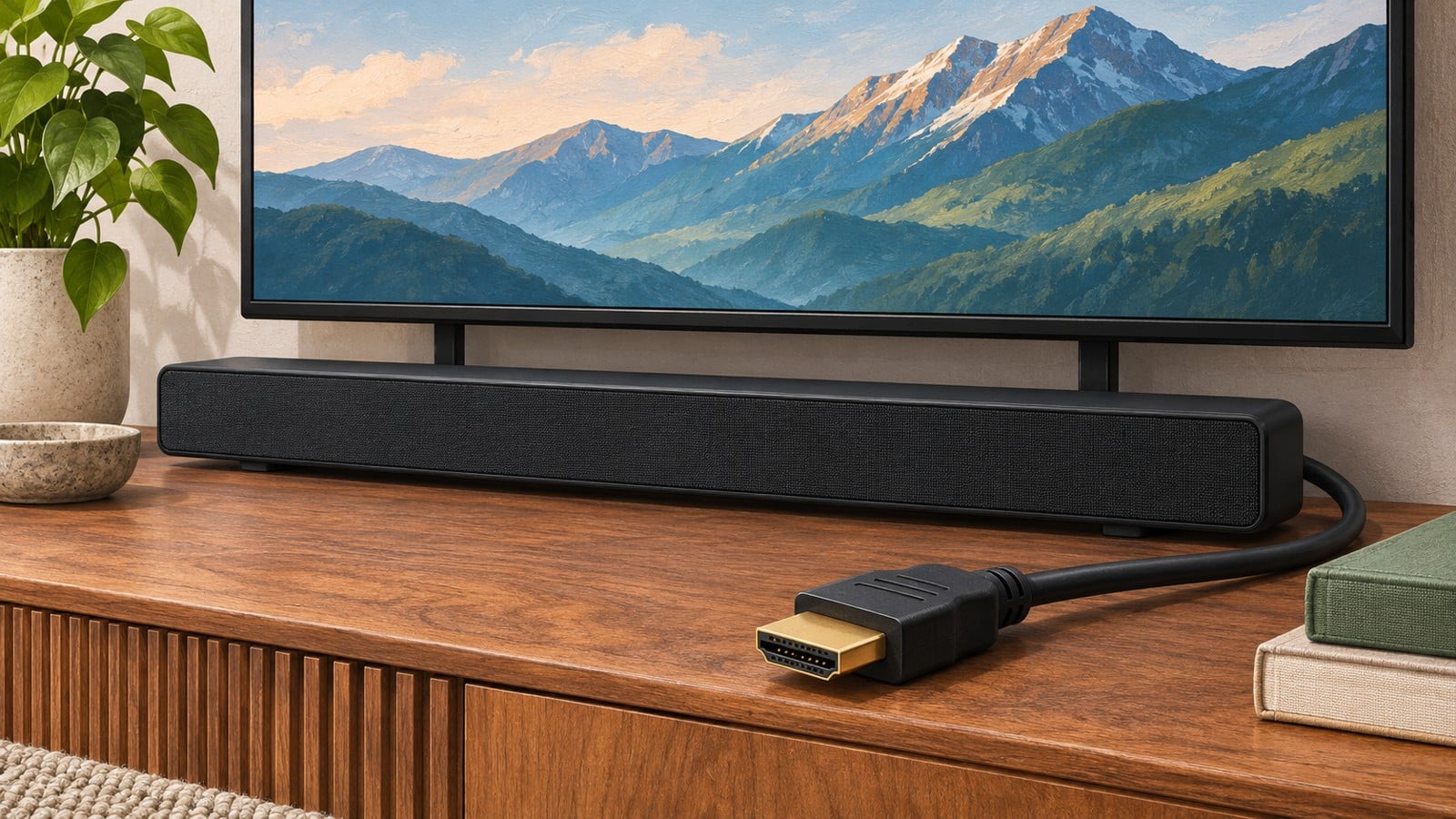
The Sonos Arc Ultra needs completed app setup before it can play TV audio. For an HDMI connection, use the TV’s HDMI ARC or eARC port. An ordinary HDMI input can look identical but does not provide the return-audio connection the soundbar needs.
If you use an optical adapter instead, follow the Sonos app’s optical setup path. The HDMI port and CEC checks below apply to an HDMI connection; optical does not provide the same Atmos and TV-control capabilities.
Establish basic TV sound first
- Follow Sonos’s Arc Ultra setup in the mobile app. For an existing system, open Settings and choose Add Speaker or Component.
- Trace the HDMI cable to the TV socket actually labeled ARC or eARC. Reseat both ends.
- Enable the TV’s HDMI-CEC support and select its external audio system output, using the TV manufacturer’s instructions. CEC may have a brand-specific name.
- Play something from a built-in TV app. If there is still no sound, test another suitable HDMI cable.
Using a built-in app initially removes a streaming box or game console from the test. If that works but an external source does not, inspect that source’s audio output and TV connection next. You have already established that the soundbar can receive TV audio.
If Sonos reports an HDMI or CEC error
Another HDMI device can interfere with CEC communication. Following Sonos’s HDMI-error troubleshooting, disconnect the other HDMI devices temporarily and repeat setup with the soundbar connected. Reconnect the other devices individually to identify which one brings the problem back.
Change CEC settings on an identified interfering device only as appropriate. Turning it off everywhere can also disable the communication you are trying to establish.
Check Atmos after audio works
An absent Dolby Atmos badge is different from silence. Check the received audio format in the Sonos app after basic playback works. The source, content, TV passthrough, and connection all affect the format. eARC is not required for every kind of TV audio, so do not treat its absence as proof that no sound is possible.
Before contacting support, record the TV model, the socket used, any app error, and whether built-in TV apps play correctly. Those details identify the failing part of the audio path.
Featured image: AI-generated illustration of representative equipment, not an exact product photograph or a hands-on test.
Discussion (0)
Comments are closed.