Razer is best known for its BlackWidow mechanical gaming keyboards, but the gaming market is huge and some people, although they love games, do not like mechanical keyboards or they can't afford them. To fill the gap, Razer started building membrane based chiclet gaming keyboards. Even more, the company manufactures an entire lineup of such keyboards and called it DeathStalker, after a real life scorpion. For a week, we had the chance to use, test and play with the lesser son of this family - the DeathStalker Essential - the most affordable DeathStalker keyboard you can find with the Razer logo on it. Is the DeathStalker a good gaming keyboard? Is it also good for typing? Is it worth its money? Find the answers to these questions, in this review:
Unboxing the Razer DeathStalker Essential
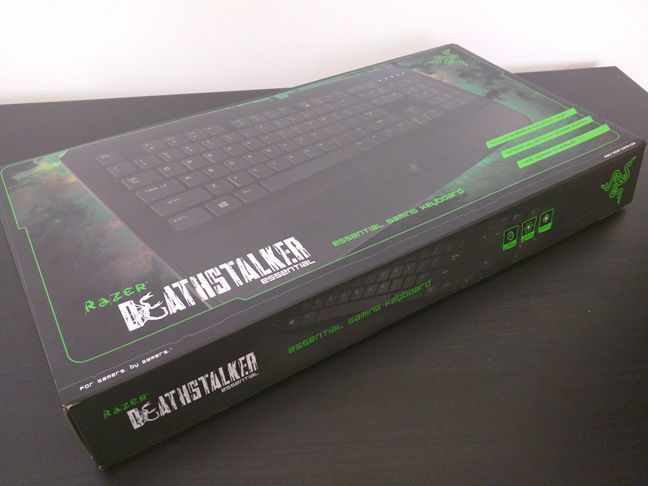
Razer packaged the DeathStalker Essential gaming keyboard in a box made from a cardboard that's all painted glossy black, with lots of pictures and information printed on it. If you look at the top side of the box, you will see a large picture of the keyboard and a few of its main features.
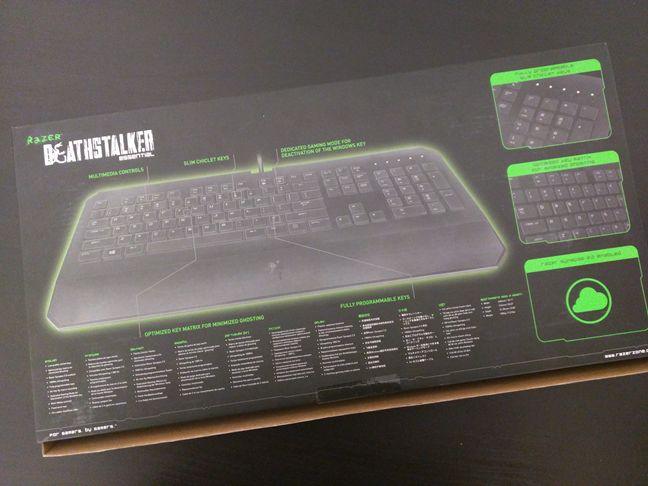
The back of the box showcases all the features that the DeathStalker Essential has to offer. There are details about the hardware used by the keyboard, as well as the software features it offers.
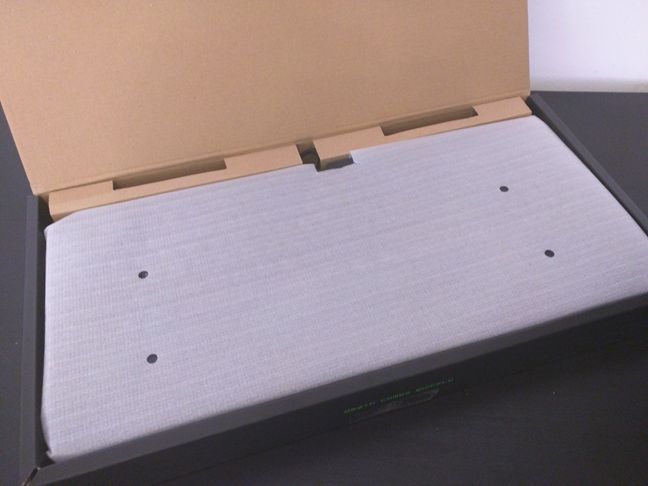
When you open the box, you can see the first sign that the DeathStalker Essential is an affordable keyboard. On the inside, Razer no longer uses any pain t to cover the common cardboard, and the keyboard itself is simply tucked inside a polyethylene foam wrapping held together with transparent scotch tape.
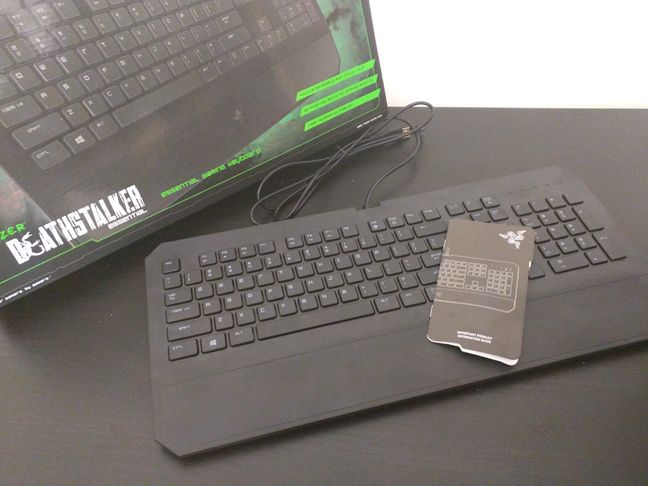
As you've seen, Razer doesn't bundle anything with the DeathStalker Essential gaming keyboard, as they do with the more expensive devices they manufacture. This is no surprise if you take into consideration its low price when compared to other Razer keyboards.
Hardware specifications
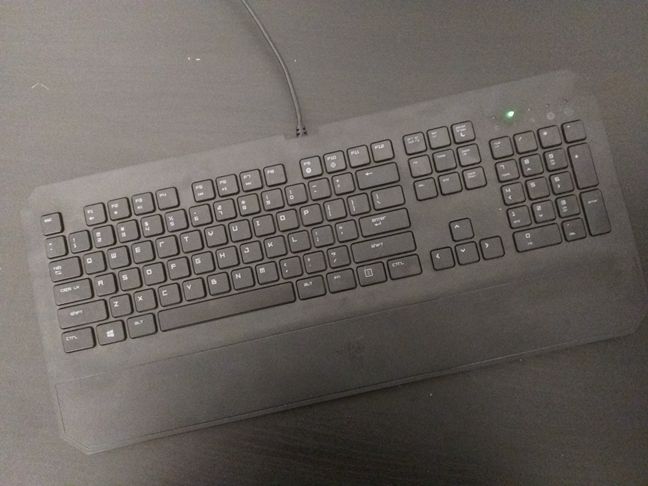
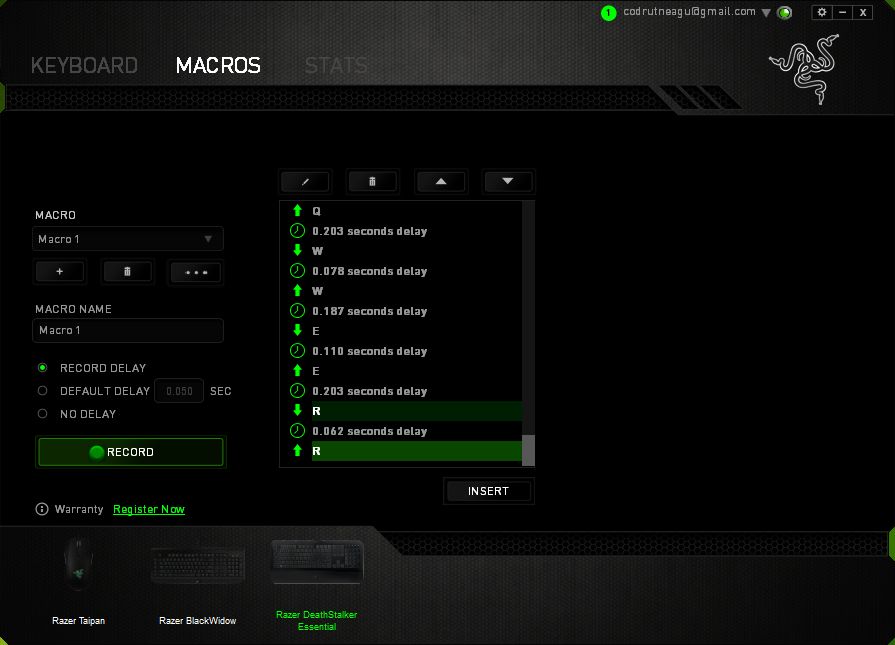
Although Razer is best known for its mechanical keyboards, they also manufacture and sell chiclet keyboards, and the DeathStalker keyboards belong to this family. The DeathStalker Essential uses low-profile chiclet keys and can brag with good anti-ghosting capability for up to 10 simultaneous key presses. Razer also says about their DeathStalker Essential gaming keyboard that all its keys are fully programmable and that the keyboard supports on the fly macro recording with the help of the Synapse software.
Although it's the most affordable keyboard of the family, the DeathStalker Essential supports a 1000Hz polling rate. This is a technology that heightens the frequency of the keyboard reporting actuation information back to the computer, similar to that used by gaming mouses.
The DeathStalker Essential wouldn't be called a gaming keyboard if it didn't also have a gaming mode. It does have a Gaming Mode which, when you turn it on, disables the Windows key. 🙂
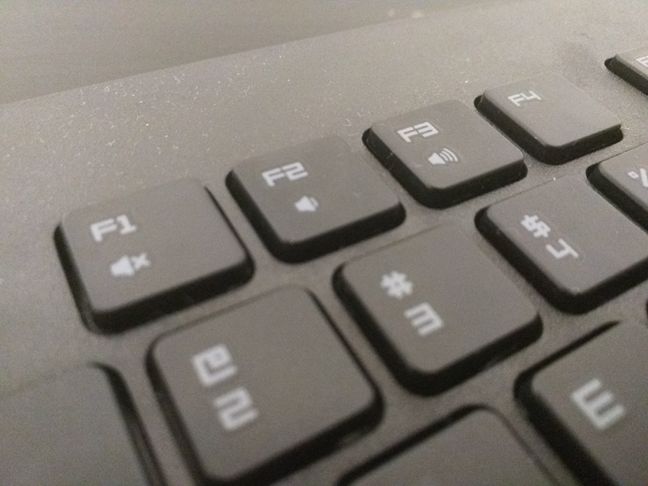
And, still speaking about key functions, you should know that this keyboard also includes multimedia controls, which can be activated with the help of the Fn key.
Unlike Razer's more expensive gaming keyboards, the DeathStalker Essential doesn't have a braided USB cable. Instead, it offers a cheaper, rubber sheathed cable. A good thing though, is that it's 78 inches (2 meters) long.
Razer's DeathStalker Essential gaming keyboard is 18.5 inches or 460 mm long, 8.43 inches or 214 mm wide and 0.84 inches or 21.39 mm thick. The keyboard weighs only 2.21 pounds, which is 1006 grams.
This keyboard officially supports Windows 8, Windows 7 and Mac OS X (v10.8 - 10.11). H owever, we used it on computers with Windows 10 and it worked great.
If you want to see more details about the features and specifications of the Razer DeathStalker Essential, you can find them on its official website: Razer DeathStalker Essential.
If you want to learn about the real user experience offered by Razer DeathStalker Essential, read the next page in this review.
Typing and gaming on the Razer DeathStalker Essential
Razer is usually known for its premium devices, and the company usually does well in that area. But this gaming keyboard - the DeathStalker Essential - is the most affordable they've got and we're sorry to say it from the start, but it's not a good keyboard and it probably doesn't deserve its gaming classification and price.
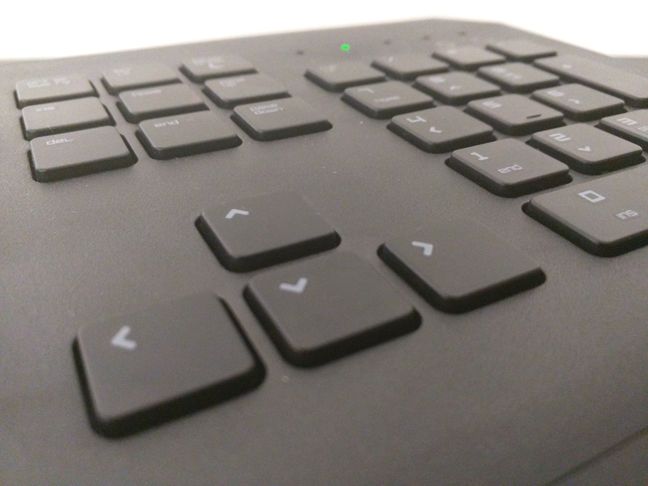
Razer used the cheapest materials it could find for building this keyboard. For starters, you should know that it's made from a black matte plastic that feels like it's about to break. The only thing good about this material is that it doesn't gather fingerprints.
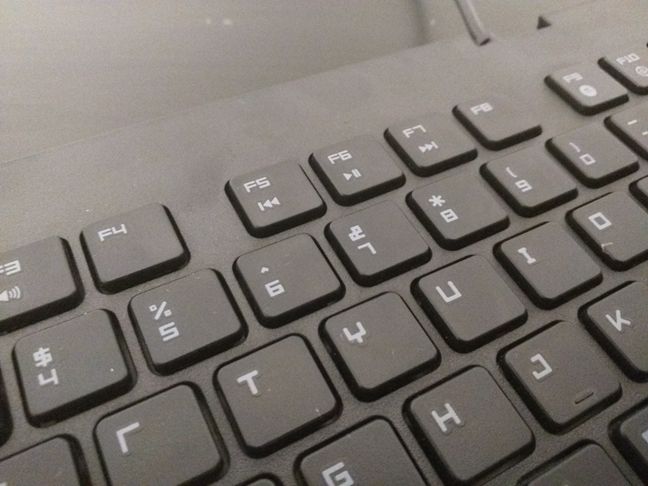
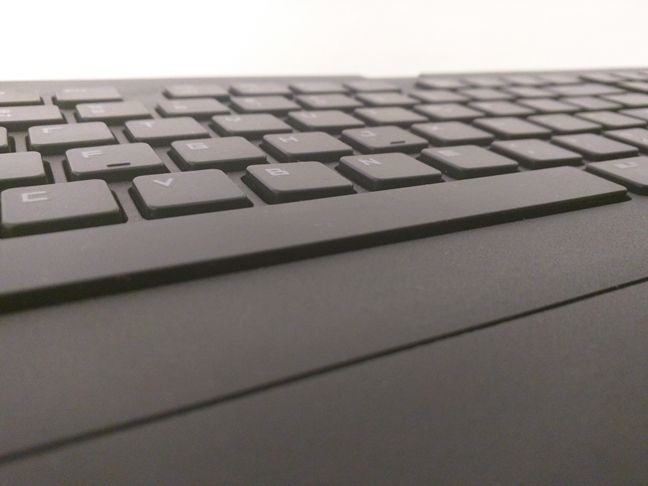
Then, its keys have a very low profile. Razer uses chiclet keys with scissor switches and their low profile is similar to the keys you'd normally see on laptop keyboards or on portable keyboards designed to work with mobile devices. Whether that's a good thing or a bad thing, we'll leave to you to decide. Some people might like this type of keys, some will not. They actuate very fast, they are very silent and they have almost no tactile feedback. Again, these are things that you might like, or things that you might not enjoy.
Razer's DeathStalker Essential is a keyboard on which you can do light typing, but it's definitely not a buy we would recommend, if you want a keyboard on which to write a lot, not only play games. "Why is that?" you may ask. The answer is that the DeathStalker Essential is a chiclet keyboard, and although you can type comfortably and even fast type on such a keyboard, the lifespan of the scissor switches in its keys is pretty low. The scissor switches found on affordable chiclet keyboards have a minimum lifespan of about 5 or 6 thousand presses, which is a lot less than on mechanical keyboards. Although the DeathStalker is not the cheapest chiclet keyboard on the market (it has the Razer brand after all), before you decide to buy it, make sure that you also take into account the fact that it has a warranty of just 1 year.
Now you know that if you want a keyboard for writing a lot, the DeathStalker Essential is definitely not built for you. However, this keyboard doesn't target people who write a lot, but people who game a lot. If you want a gaming keyboard and you don't like mechanical keyboards then the DeathStalker Essential might fit your needs. The small distance that its keys have to travel means that they actuate fast and that can be essential in games that involve fast reflexes, for instance.
Unfortunately, the function keys row is not separated from the other keys, specifically the number keys row. Some games use the F keys for various actions and going forth and back to the WASD keys is quite a pain if you don't actually look at the keyboard. This can result in unwanted "deaths" when you play fast paced games.
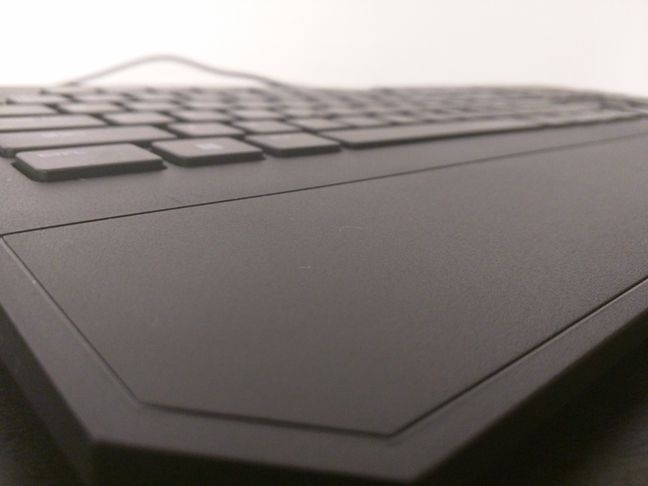
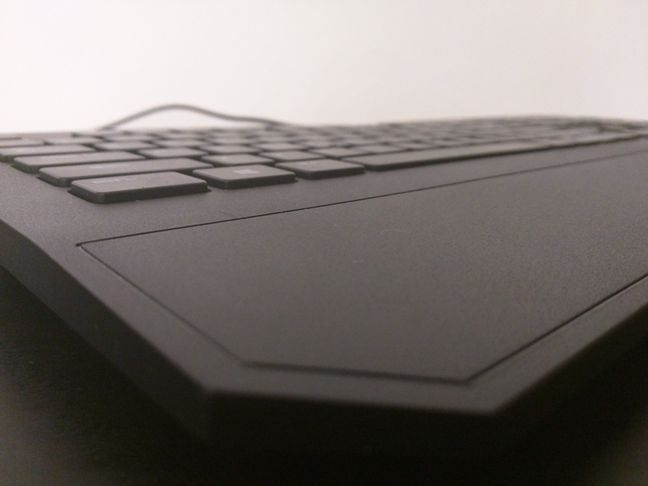
Finally, let's talk about the wrist rest. Generally, it helps you feel more comfortable, especially when you use your keyboard for long periods of time, like when you really want to get to the final boss in a game and kill it. The Razer DeathStalker Essential has a wrist rest, but it has two major problems: it's fixed and it's made from the same cheap plastic that the rest of the keyboard is built from. The consequences are that you're stuck with the wrist rest whether you like it or not and that you'll have to get used to the feeling of your sweaty palms resting on cheap plastic.
Sorry Razer, but the DeathStalker Essential gaming keyboard is nothing more than a not so cheap disappointment. For us, at least.
Drivers and software
Just like most of Razer's peripherals, the DeathStalker Essential gaming keyboard also works best if you install the Synapse software, which you can download it from here: Razer Synapse.
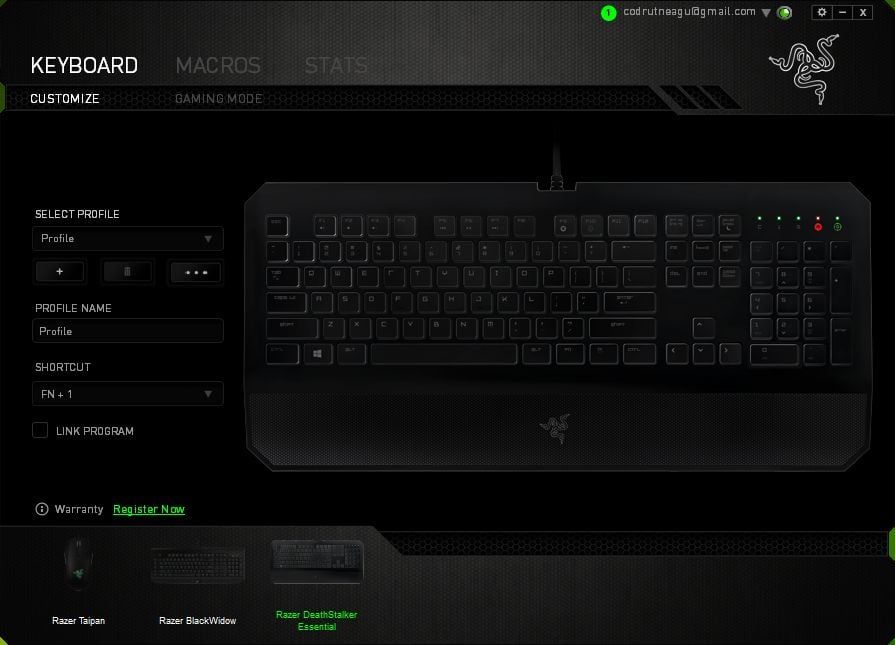
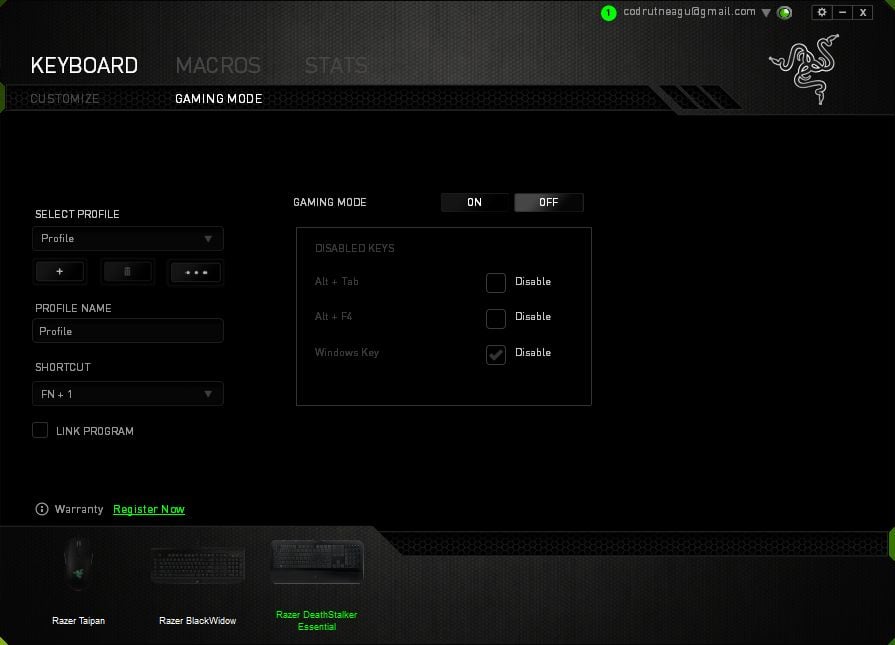
The first thing you'll see in the Synapse software is a section called Keyboard which has two tabs: Customize and Gaming Mode.
In the Customize tab, you can program what each key from the keyboard does, and you can create and remove settings profiles, as well as assign keyboard shortcuts for each profile.
The second tab from Synapse's Keyboard section is called Gaming Mode and it's the place where you can select what keys or key combinations are disabled while you play games. You can choose to disable the Windows key and/or the Alt + Tab and Alt + F4 keyboard shortcuts.
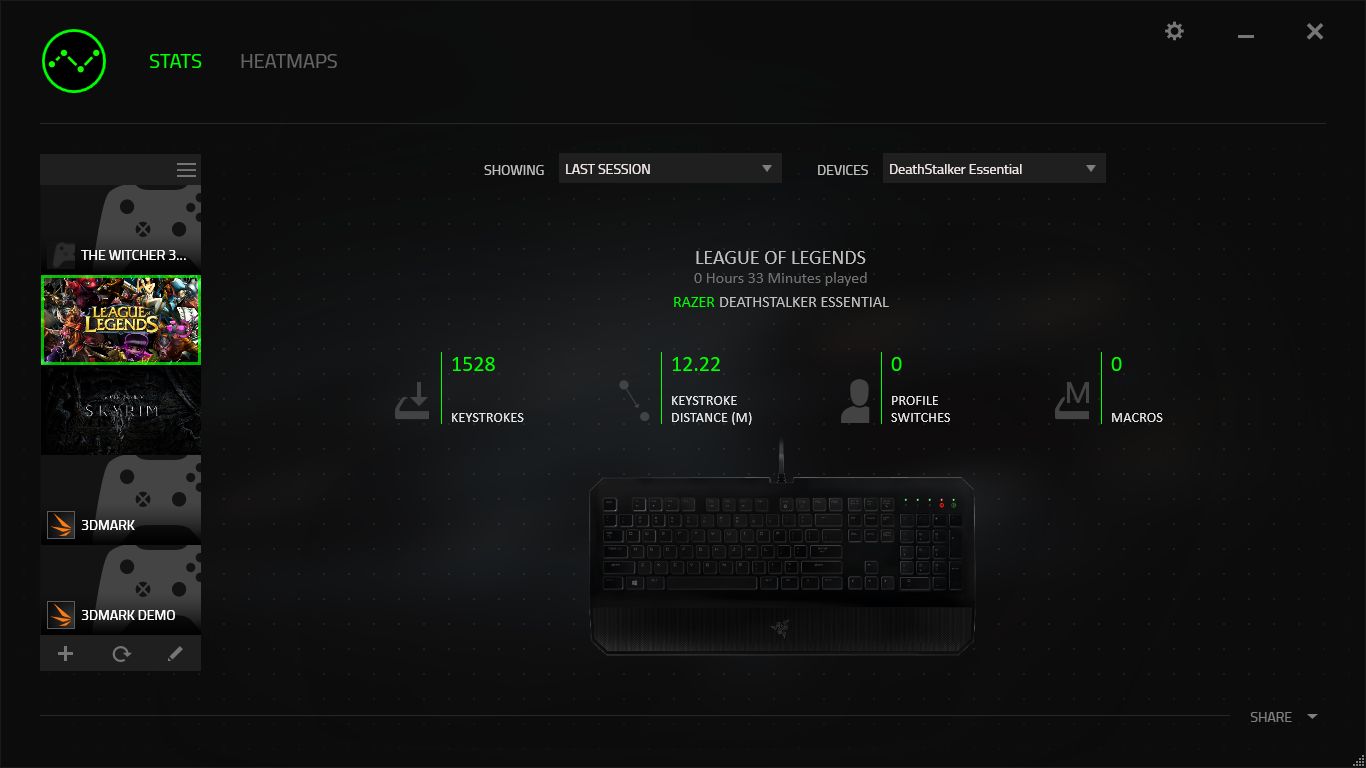
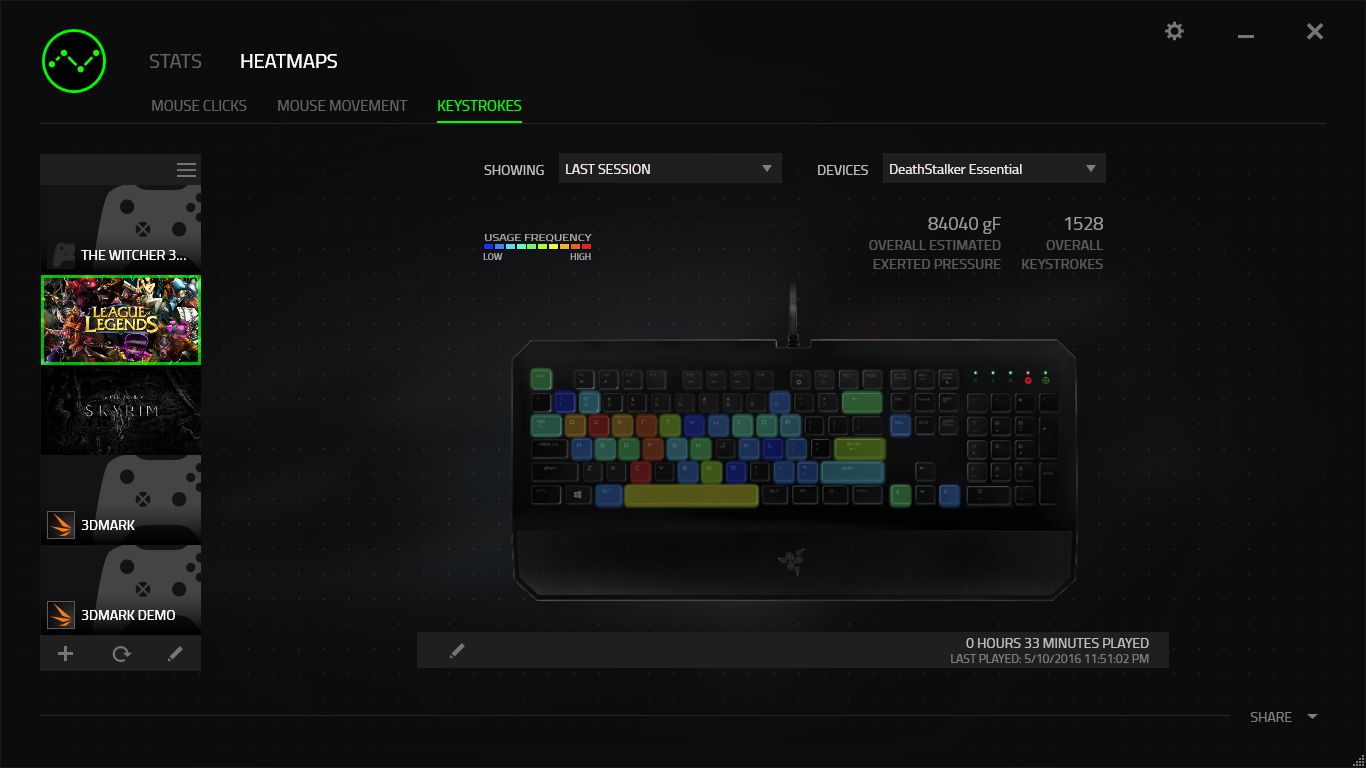
And then there's the Stats section of the Synapse software, in which you can access the raw numbers or see a visualization of the usage data that Synapse collected. We're talking about things like the number of times you pressed each key from the keyboard, how many times you switched profiles or how many macros you've used. This data can be restricted to individual games you've played, or it can be displayed collectively for all the games you've played. Of course, you can choose to be even more selective with the data you see, by displaying statistics gathered only for the current day or various past times.
There's one other thing that's worth mentioning about the Razer Synapse software. It uses your Razer account to store all of your settings and customizations in the cloud. Whenever you log in with your Razer account in Synapse, the settings are synced and applied across all the computers and devices you use. This means that you can take your Razer DeathStalker Essential with you, plug it into another computer and have your settings automatically applied once you log into Synapse.
Product rating2/5
Verdict
The Razer DeathStalker Essential is a chiclet gaming keyboard that does what it promises to do: it offers programmable low-keycap chiclet keys, it offers anti-ghosting capabilities and it's supported by Razer's Synapse software. If these are the things you're looking for in your next keyboard, the Razer DeathStalker Essential might be a good fit.
However, it's obvious that Razer used the cheapest materials possible for manufacturing the DeathStalker Essential gaming keyboard. The cheap plastic, the chiclet keys, the fixed plastic wrist rest, all stacked up, result in a keyboard with a very low build quality. This is not something you'd expect from a gaming device, and especially not from one that's built and sold by a big brand like Razer. For the same price, you will find better keyboards, which don't have the Razer brand but offer a better experience.







Discussion (0)
Comments are closed.