


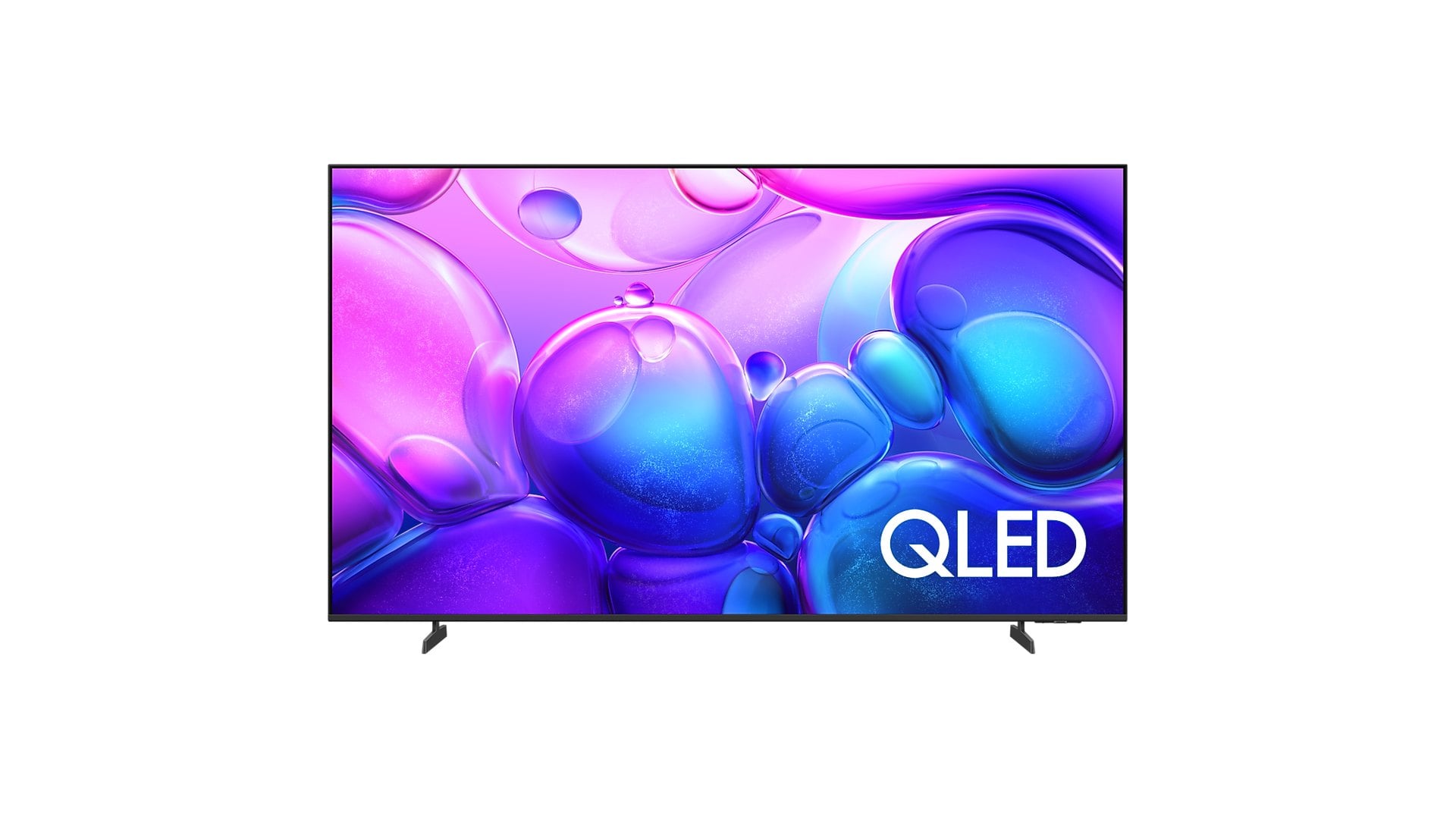
Flip through any Black Friday TV ad and the same three labels repeat down the page: QLED at the cheap end, mini-LED in the middle and OLED at the top. They read like rungs on one ladder, as if each step simply buys a better version of the last.
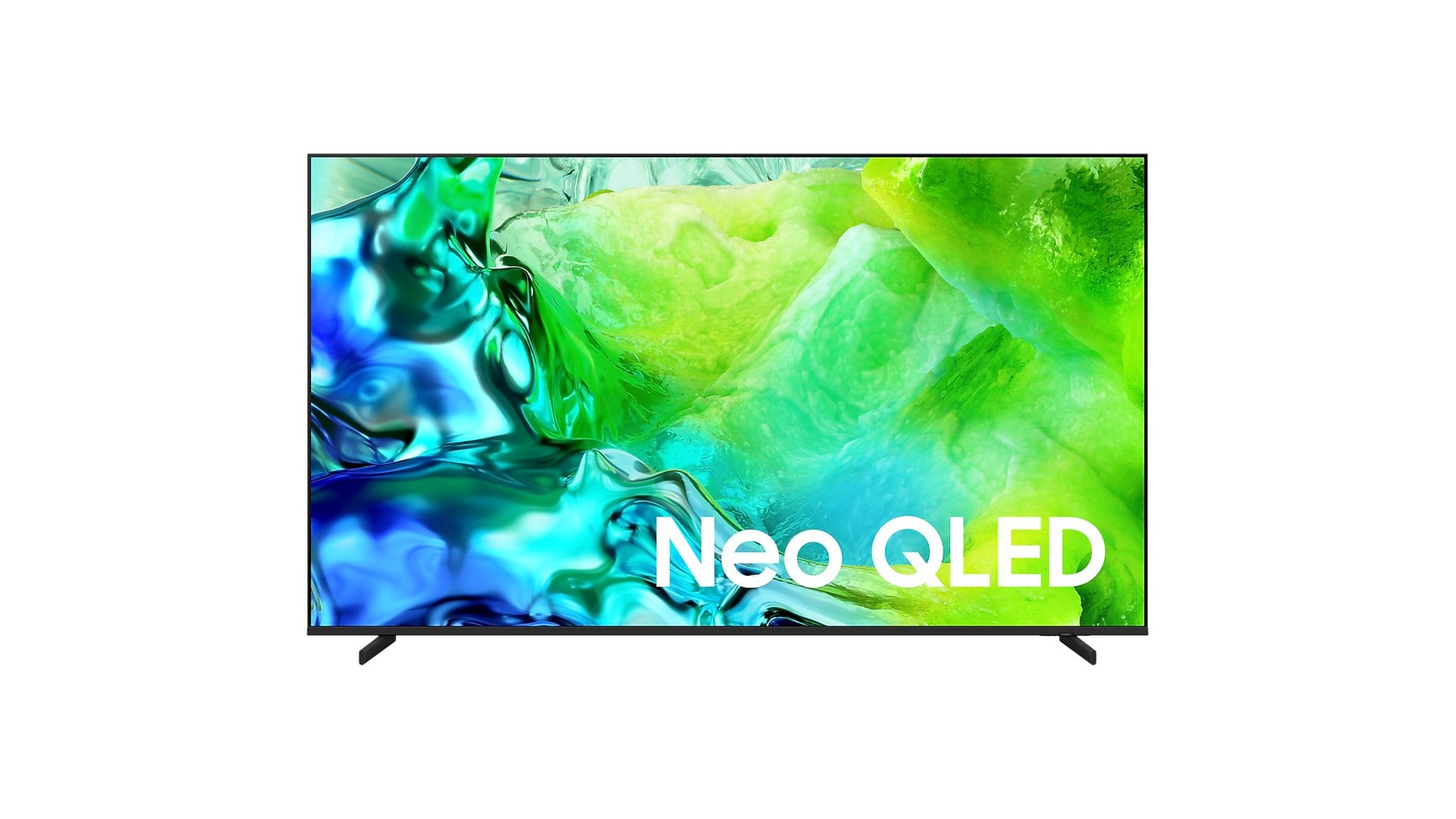
They are not. QLED describes a colour layer, mini-LED describes a backlight and OLED describes a screen with no backlight at all. Worse, the cheapest QLED and a far pricier mini-LED set can carry the same word on the box.
So the useful question before November 27 is not which acronym sounds best. It is which one suits your room, what you watch after dark, and whether a console or gaming PC will be plugged in.
What QLED, mini-LED and OLED actually mean on a TV box
Start with QLED. It is an ordinary LCD TV with a film of quantum dots that makes colours richer, which is why even Samsung's entry-level Q6F promises 100% Color Volume with Quantum Dot.
What the label leaves out is the light behind the picture. The Q6F pairs its quantum dots with "UHD Dimming" and a 60Hz Motion Xcelerator. TCL's F7D QLED lists a plain LED backlight and a 60Hz panel, with no local dimming row at all.
Mini-LED is about that light. Thousands of tiny LEDs sit behind the panel in zones that brighten and dim with the picture. At the top of the range the figures get large, with TCL's QM8L rated at up to 6,000 nits across up to 4,000 dimming zones.
OLED drops the backlight entirely. Every pixel makes its own light and switches off completely for black, and a 65-inch LG C6 has over 8.3 million of them.
Why so many mini-LED TVs are also sold as QLED TVs
This is where Black Friday shopping gets confusing. Most mini-LED TVs also use quantum dots, so makers stack the labels rather than choose one.
Samsung's mini-LED sets go by Neo QLED, and the QN80H pairs "Quantum Mini LED Full Array" with the same quantum dot claim as the basic Q6F. The TCL QM6K is sold as a "QD-Mini LED QLED", and the Hisense U88QG as a "Mini-LED QLED".
Sony's names blur too. Its 2024 BRAVIA 7 is a "Mini LED QLED" set, while the lower-numbered 2026 BRAVIA 6 is an OLED, so the model number no longer tells you the panel.
LG went the other way for 2026 and moved its whole QNED evo range onto mini-LED, down to the entry QNED70, according to LG's April launch announcement. QNED and QLED now sound alike while describing quite different things.
The practical rule is simple. If a TV is sold only as QLED, with no mention of mini-LED or local dimming anywhere on its spec page, assume a basic backlight and judge its price on that basis.
Best TV type for a bright living room with lots of daylight
Picture a living room with a big window facing the screen and a match on at noon. What wins there is brightness, plus a screen that keeps reflections down.
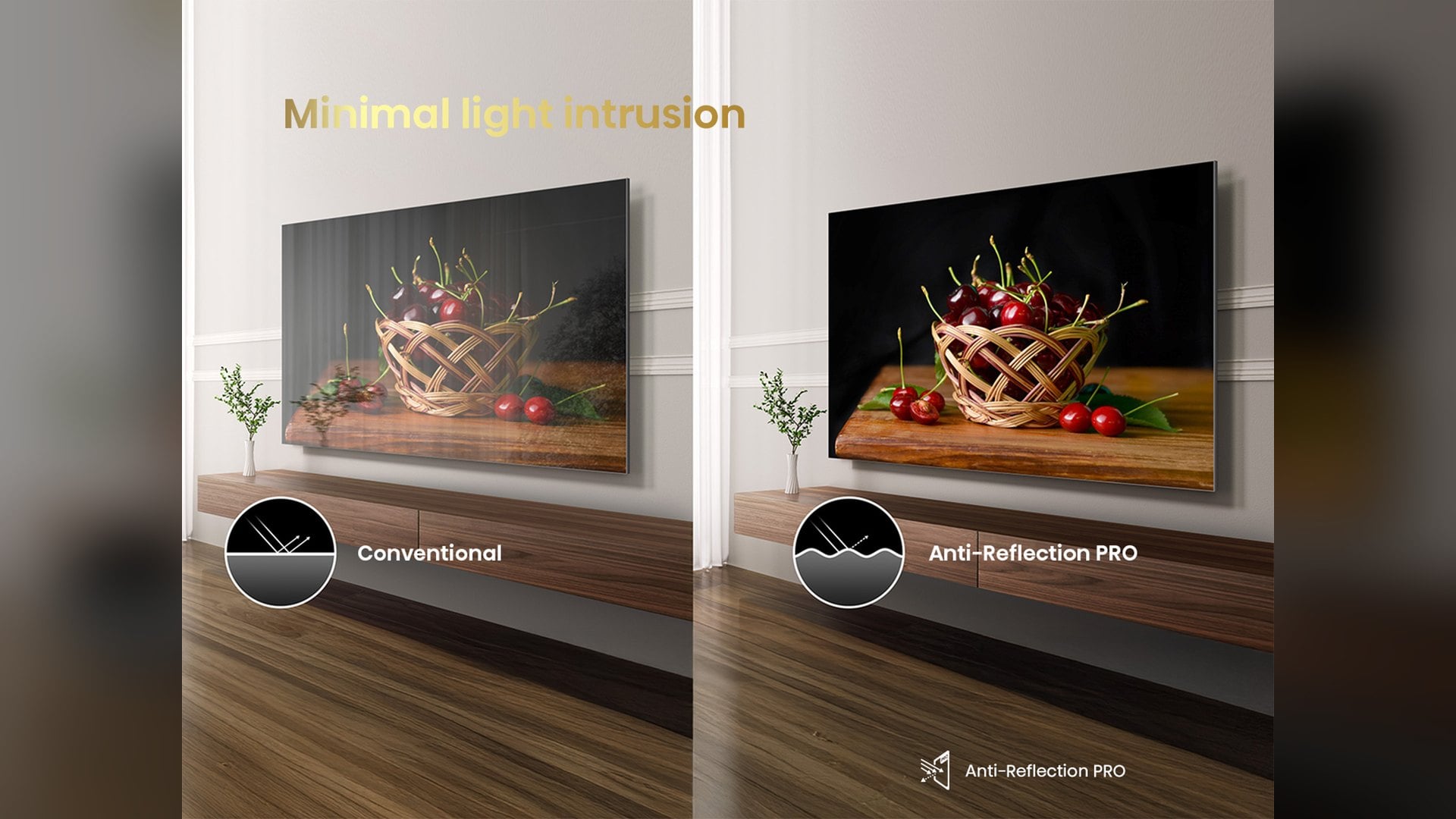
That is mini-LED's home ground. The 65-inch Hisense U88QG is rated at up to 5,000 nits with 2,048 dimming zones and an Anti-Reflection PRO screen, a combination aimed squarely at afternoon viewing with the curtains open.
OLED is less at ease in that light, because it holds back brightness on large bright scenes. Samsung's answer on the S90H is a screen sold as Glare Free, which fights reflections rather than adding raw brightness.
A plain QLED copes with daytime news and cartoons, and it is the cheapest route to a big screen. Without local dimming, though, it cannot light a bright highlight while keeping the rest of the frame dark, so HDR looks flatter.
Best TV type for a dark movie room: why OLED still wins at night
Now turn the lights off for a film. In a dark room contrast matters more than peak brightness, and switched-off OLED pixels give a black that no backlight fully matches.
The best mini-LED sets get close, but white subtitles or a star field can leave a faint glow, called blooming, around bright objects. Blooming, burn-in risk and screen size for the money are the trade-offs that decide mini-LED versus OLED for most movie fans.
Plain QLED is the weakest of the three here. With no local dimming, the backlight stays on behind black areas, so the bars above and below a widescreen film glow grey in a dark room.
Best TV for PS5, Xbox and PC gaming: check the refresh rate first
For gaming, the panel type matters less than one number: the refresh rate. Current consoles and gaming PCs can send 120 frames per second in many games, and a 60Hz TV cannot display them.
That rules out entry QLEDs such as the F7D and the Q6F for anyone buying mainly to play. It also catches some mini-LED sets, since the Samsung M70H reaches 120Hz only through a DLG mode that Samsung says "will reduce image sharpness".
Further up, the numbers climb quickly. The QM6K and QN80H run at 144Hz, and the U88QG has a native 165Hz panel with variable refresh from 48Hz to 165Hz.
OLEDs add near-instant pixel response, rated at less than 0.1ms on the LG C6. Both the C6 and the Samsung S90H advertise 165Hz, but both reserve it for a PC with a capable graphics card. That is why the biggest Hz figure on the box deserves a second look.
Ports matter as much as panels. Sony's spec sheet limits variable refresh on the QD-OLED BRAVIA 8 II to HDMI 3 and 4, while the cheaper BRAVIA 6 OLED supports 4K at 120Hz and VRR on all four ports.
If a console, a gaming PC and a soundbar all need a socket, check which HDMI ports run the fast modes before you buy.
QLED, mini-LED or OLED: which TV to buy for your room
Buy a QLED if the TV is for a bright kitchen, a kids' room or a second screen, it will mostly show streaming and daytime sport, and the budget is tight. Skip it if a console is the main reason you are shopping.
Buy a mini-LED TV if your main room is bright, you want 75 inches or more, or you game in the afternoon as often as at night. Look for a published dimming zone count and a native refresh rate of at least 120Hz.
Buy an OLED if you watch films with the lights off, seat people across a wide sofa, or want the fastest response for gaming. If one news channel or game will sit on screen for hours every day, check the burn-in terms of the warranty first.
Whichever way you lean, open the maker's spec page for the exact size you want and read two rows: the backlight or dimming type, and the native refresh rate. Those two lines say more about a Black Friday TV than the acronym on the box.

Discussion (0)
Be the first to comment.