




The Apple Pencil works great for notes and drawing, but it also unlocks a different style of iPad gaming. Games that rely on precise taps, quick swipes, and drawing paths often feel smoother and more accurate with an Apple Pencil than with a finger.
Not every title markets itself as “Apple Pencil compatible,” but most games that use drawing mechanics, trace gestures, or fine controls play especially well with a stylus. At the time of writing, the picks below still appear available on the App Store, and they focus on puzzle games, drawing games, and precision-friendly gameplay.
Best iPad Games For Apple Pencil
Brain Dots
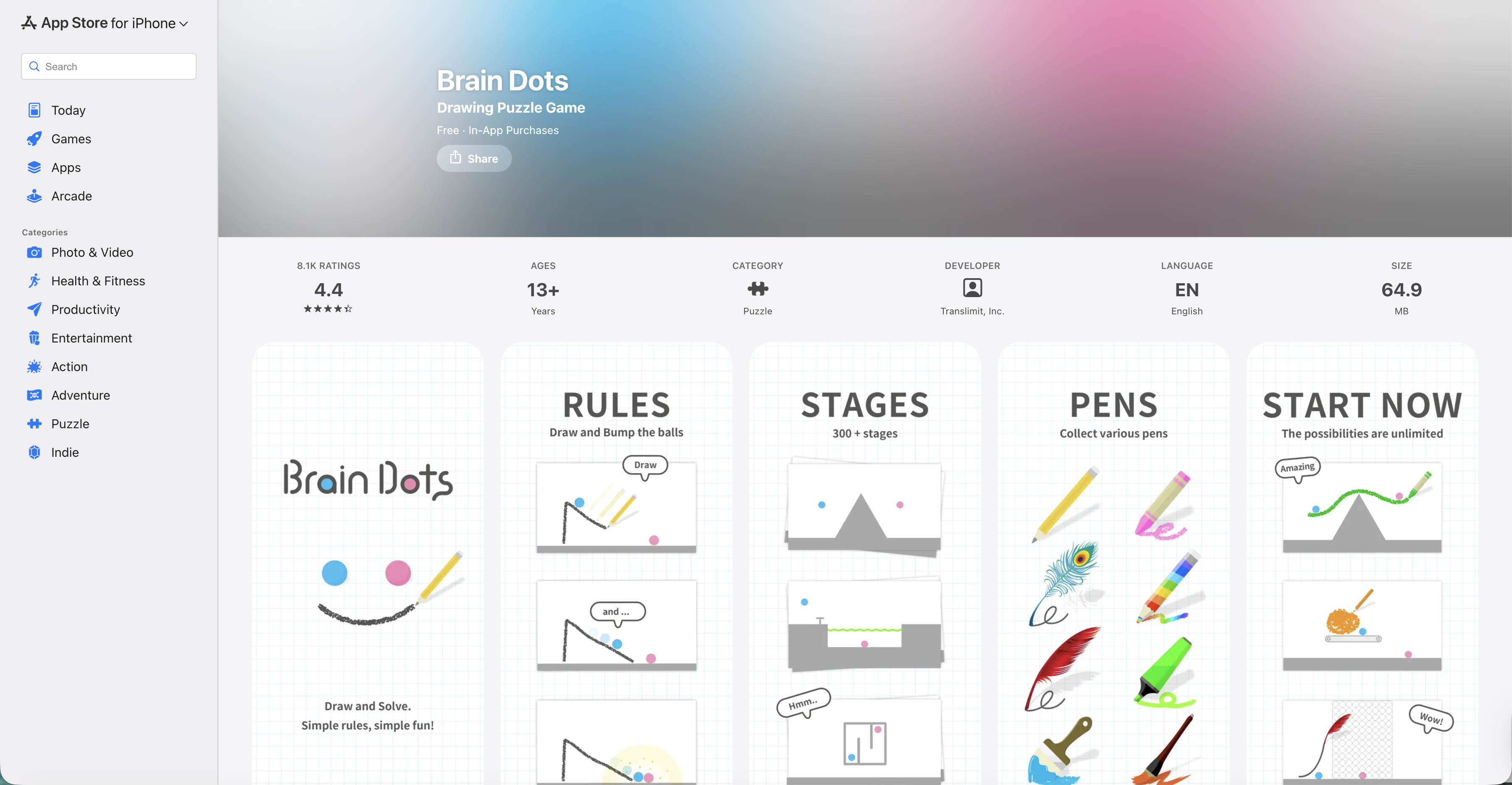
This drawing puzzle game asks you to sketch lines and shapes to make two balls collide. The Apple Pencil makes delicate placements easier, especially in later levels.
Magic Touch: Wizard For Hire
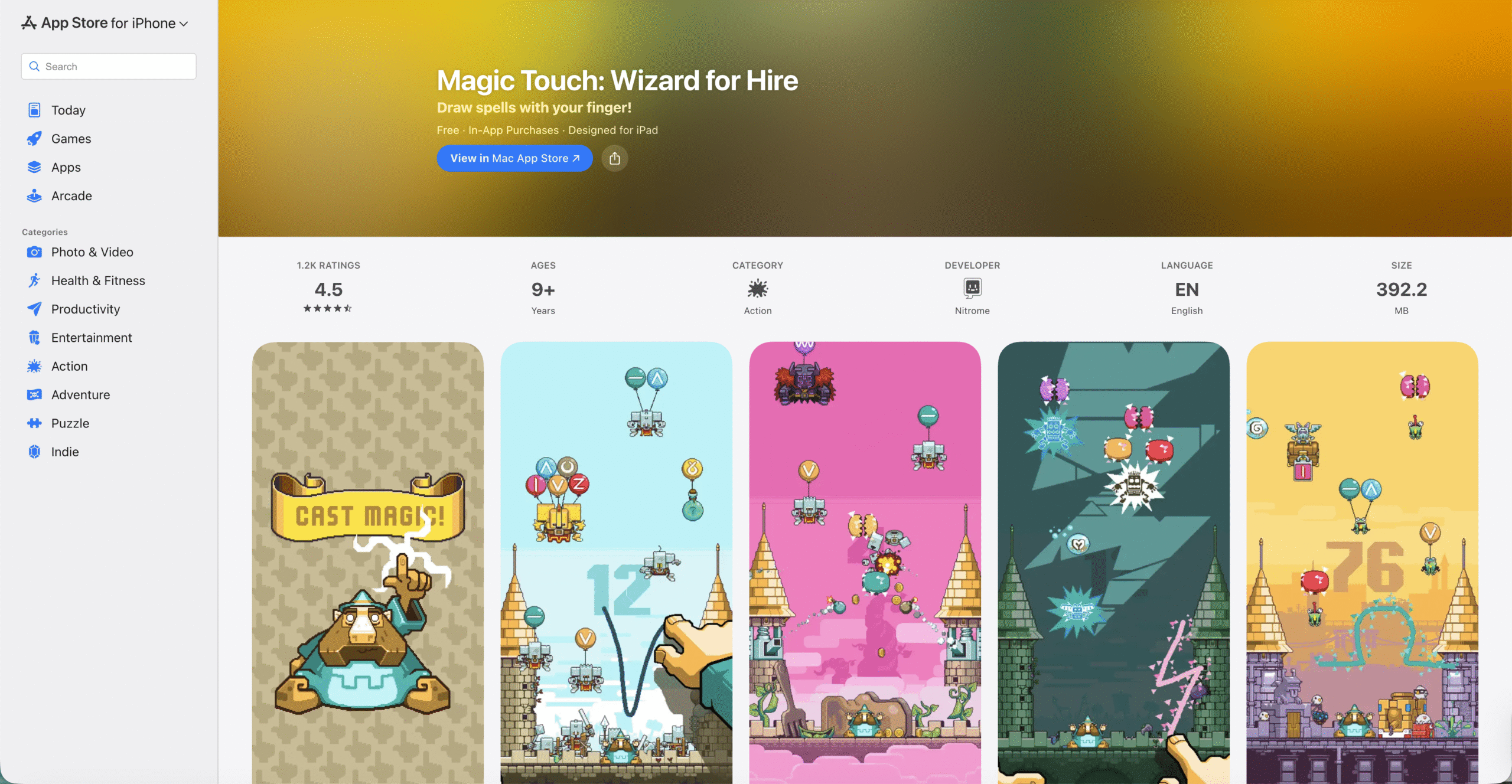
You draw simple spell shapes to pop enemy balloons before they reach your castle. Fast, clean strokes feel more consistent with an Apple Pencil during hectic waves.
Planes Control!

This air traffic control game lets you draw flight paths and land planes while avoiding chaos. The Apple Pencil helps when you need tight turns and quick reroutes under pressure.
Mini Metro
You design subway lines for a growing city and redraw routes as problems pile up. An Apple Pencil makes line placement feel more natural, like sketching a real transit map.
FROST
FROST leans into tactile, path-drawing gameplay where you guide drifting lifeforms through abstract space. It rewards careful, slow drawing, which suits Apple Pencil control.
If Found…
This interactive visual novel uses a distinctive “erase to reveal” interaction that feels right at home with Apple Pencil gestures. It plays like a story you physically uncover on the screen.
Layton: Curious Village In HD
If you like brain teasers, this classic puzzle-adventure fits well with Apple Pencil taps for clues, prompts, and puzzle interactions. It suits players who want a slower, thoughtful pace.
Draw It
This quick sketch-and-guess game pushes you to draw recognizable shapes fast. The Apple Pencil helps with cleaner outlines when the timer starts squeezing you.
Fruit Ninja 2
Fruit Ninja still feels built for swipes, and Apple Pencil slicing can feel more precise than finger swipes. It also helps if you want consistent angles during faster rounds.
Doodle Dunk
You draw the path of a basketball to land trick shots through obstacles. The Apple Pencil makes it easier to place arcs exactly where you want them.
Brain It On!
This physics puzzle game asks you to draw shapes that solve each challenge. Apple Pencil control helps when you need small supports, ramps, or carefully balanced structures.
Happy Glass
You draw lines to guide water into a glass while working around obstacles. Apple Pencil input helps with thin, controlled strokes that reduce wasted ink and messy lines.
Pencil Games
This collection mimics pencil-and-paper classics like Sudoku, word searches, and Tic Tac Toe. It feels more natural with an Apple Pencil than with fingertip taps.
Donut County
It plays as a story-based physics puzzle where you move a hole to swallow objects and grow larger. Apple Pencil control can feel smoother for fine repositioning during tighter puzzles.
Monument Valley
This puzzle game focuses on optical illusions and precise interactions with impossible architecture. Apple Pencil taps help when you want careful, deliberate movements.
Pen Run
You steer a pen through obstacle courses and try to finish first. The Apple Pencil feels fitting here because the game rewards quick micro-corrections.
Draw Bridge: Puzzle Game
These “draw one line” bridge games reward smart shapes and clean placement so the vehicle survives. Apple Pencil control helps you avoid wobbly lines that ruin a run.
Jigsaw Puzzles
Jigsaw apps feel noticeably better with an Apple Pencil because you can place pieces with more accuracy. This works well if you like relaxing, no-rush puzzle sessions.
Connect Dots Puzzle Games
Dot-link puzzle games rely on tracing clean paths without crossing lines. The Apple Pencil makes it easier to drag lines exactly where you intend.
Coloring Games For Kids And Adults
Color-by-number and simple coloring apps feel more like real coloring with an Apple Pencil. This fits anyone who wants a low-stress, creative game break.
Troubleshooting Common Problems
- If a game ignores Apple Pencil input, open Settings and confirm Bluetooth stays on for your Apple Pencil model.
- If strokes lag or skip, close other heavy apps, then restart the game to free memory.
- If the Apple Pencil feels less accurate, replace the tip if it looks worn or feels loose.
- If a game only responds to touch, check the game’s in-app settings for a stylus option or an “Apple Pencil” toggle.
Tips
- Start with drawing puzzle games if you want the biggest Apple Pencil advantage.
- Use a matte screen protector if you want more “paper-like” friction for sketch-heavy games.
- Turn on Do Not Disturb before fast-paced games to avoid mis-swipes from notifications.
- Try portrait and landscape modes if a game feels cramped with your usual grip.
- Keep a spare Apple Pencil tip if you play drawing-based games often.
FAQ
Do I Need A Specific Apple Pencil Generation For These Games?
No. These games rely on standard touch and stylus input, so any Apple Pencil that works with your iPad should work for gameplay.
Can I Play These Games Without The Apple Pencil?
Yes. Most of these titles also support finger input, but Apple Pencil often feels more accurate for drawing and tracing.
What Genres Work Best With Apple Pencil On iPad?
Drawing puzzle games, physics puzzles, coloring games, and precision tap puzzles usually benefit the most from Apple Pencil control.
Do Apple Pencil Settings Change Gameplay?
Some games offer their own stylus settings, but most will work fine with default Apple Pencil behavior.
Summary
- Apple Pencil gaming feels best in drawing games and puzzle games that reward precision.
- Try a mix of fast sketch titles and slow, tactile puzzle experiences.
- If input feels off, restart the app and check Apple Pencil connection basics.
- Pick games that use lines, paths, and careful taps for the biggest upgrade.
Conclusion
If you already own an Apple Pencil, you can get more value from it by choosing iPad games that favor clean lines and precise control. Start with a drawing puzzle or a physics puzzle, then branch into story-driven and relaxation-friendly picks once you find your style.



Discussion (0)
Be the first to comment.