




Prime Gaming gives you a rotating set of free PC games each month with your Amazon Prime membership. You claim each game first, then you download it through the Amazon Games app or a linked launcher like Epic or GOG.
This guide walks you through the exact steps for every supported device. You also learn how to fix common Prime Gaming download issues quickly.
1) Claim Prime Games on the website
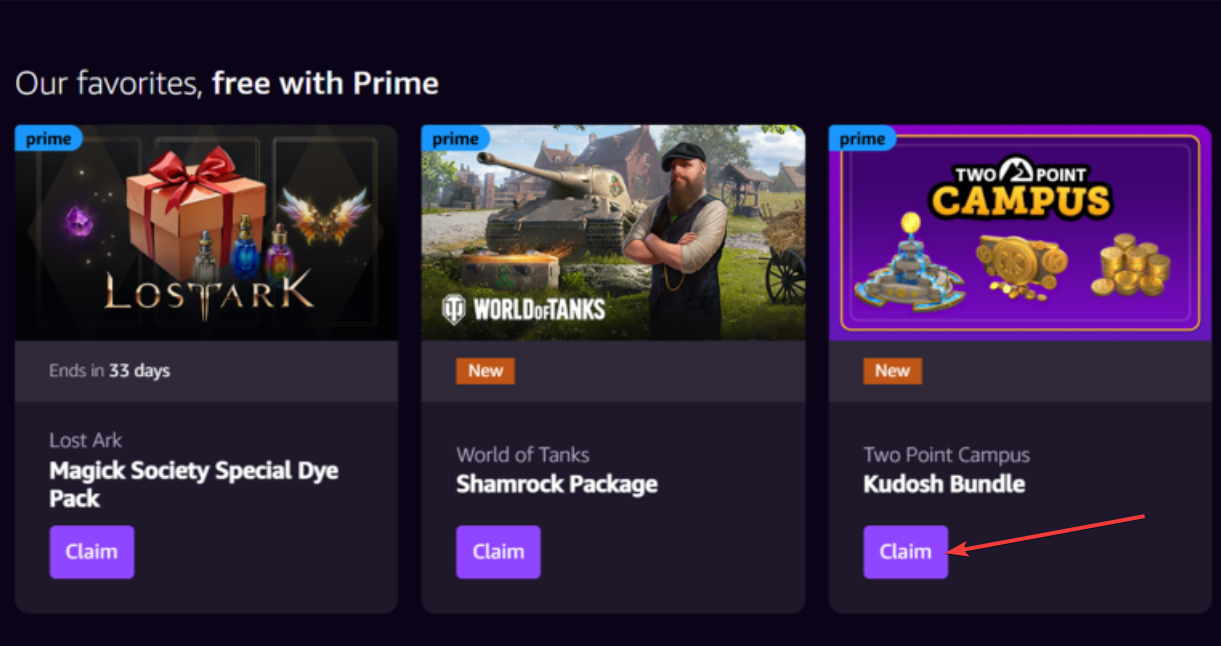
Sign in on the Prime Gaming website and open the Games tab. Pick a title you want and click Claim to add it to your library. Once you claim it, the game stays in your account forever.
Some Prime titles require Epic Games, GOG Galaxy, Riot, or Ubisoft Connect. For these types of games, open the offer page for the game and click the Link Account prompt. Next, sign in to the required launcher and approve the connection.
You download those titles through the linked launcher instead of Amazon Games.
2) Download Prime Games on Windows
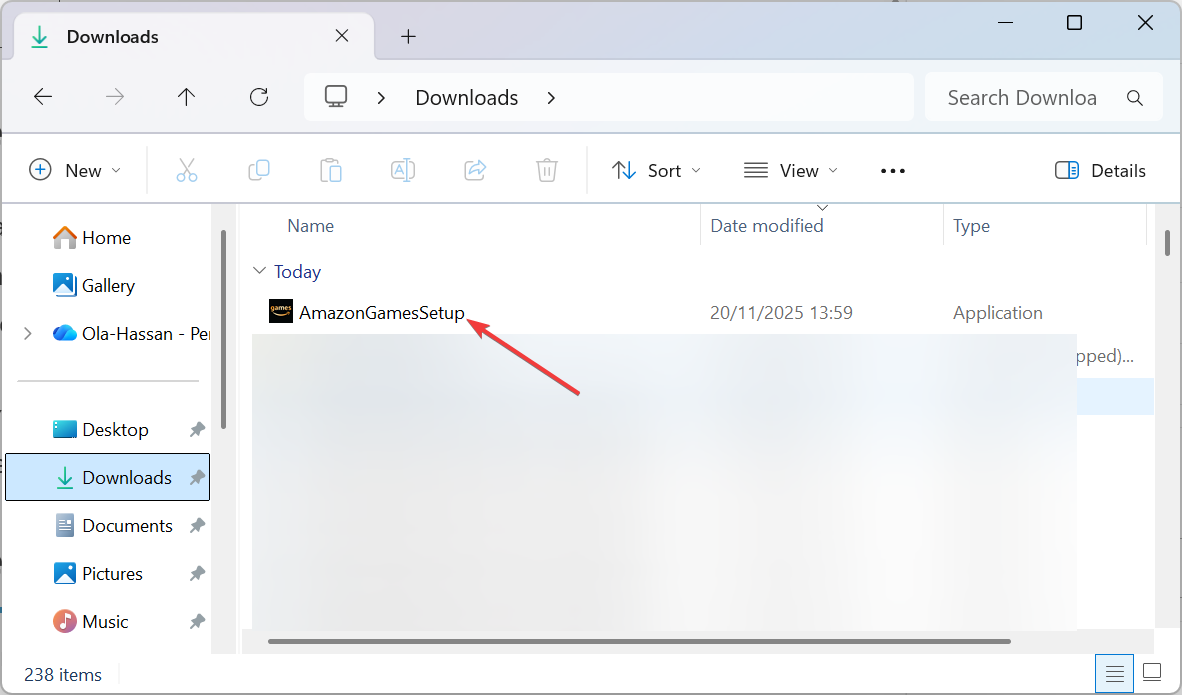
Most Prime titles work best with the Amazon Games app on Windows. First, you need to download the Amazon Games app from the Prime Gaming website. Next, double-click the installer, follow the onscreen prompts to complete the installation process, and sign in with your Amazon account.
In the Amazon Games app, select Library on the left side and choose the game you claimed. Click Download and select an installation folder, and confirm.
3) Download Prime Games on Mac (if supported)
The Amazon Games app only runs on Windows. Mac users download Prime titles through linked launchers.
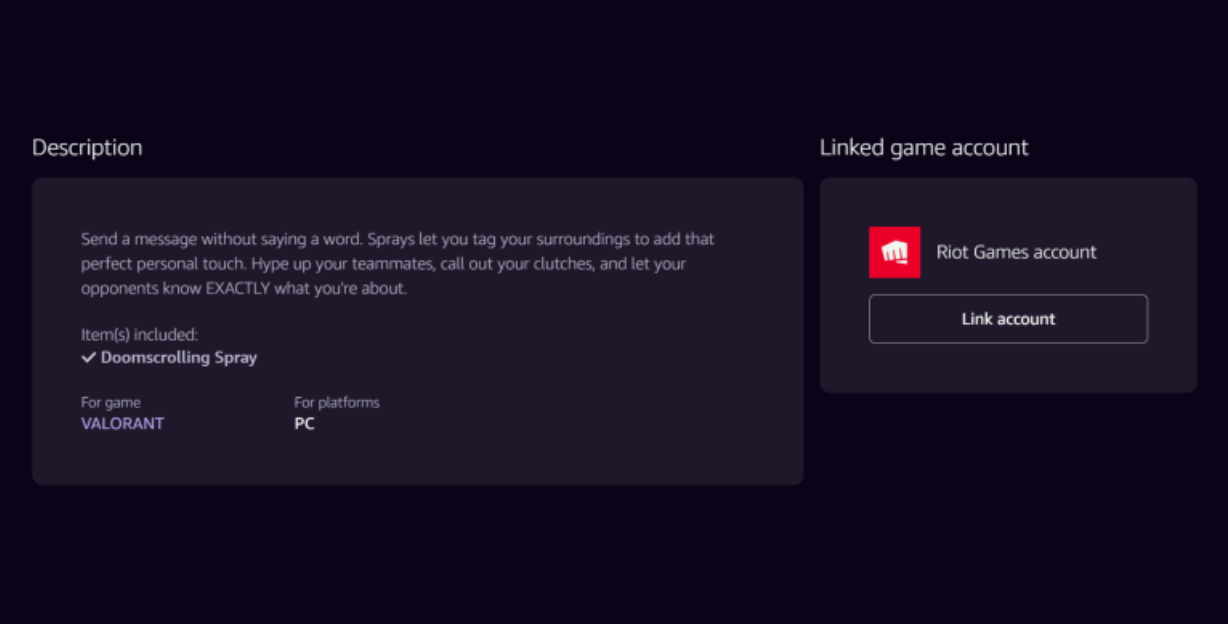
To do this, claim the title on the Prime Gaming website and link the launcher required for that game. Now, open Epic, GOG, Riot, or Ubisoft on your Mac, and find the claimed game in your library.
Finally, click Download, and the game should be available for you to play.
Tip: Make sure the game supports macOS and your specific hardware (Intel or Apple Silicon). Some titles offer Windows-only builds.
4) Download Prime Games through third-party launchers
Epic Games
After you link your Epic account, open the Epic Games Launcher, check your Library, and download the claimed game.
GOG Galaxy
Open GOG Galaxy, redeem any key shown in your Prime Gaming offer, and install the game from your Library.
Ubisoft Connect / Riot
Open the respective launcher and find the newly unlocked title. Click Download to begin.
5) Download Prime Games for Amazon Luna (Cloud)
Open Luna on your browser, Fire TV, or mobile device. Pick a Prime title, select Get game, and click Play to start cloud streaming.
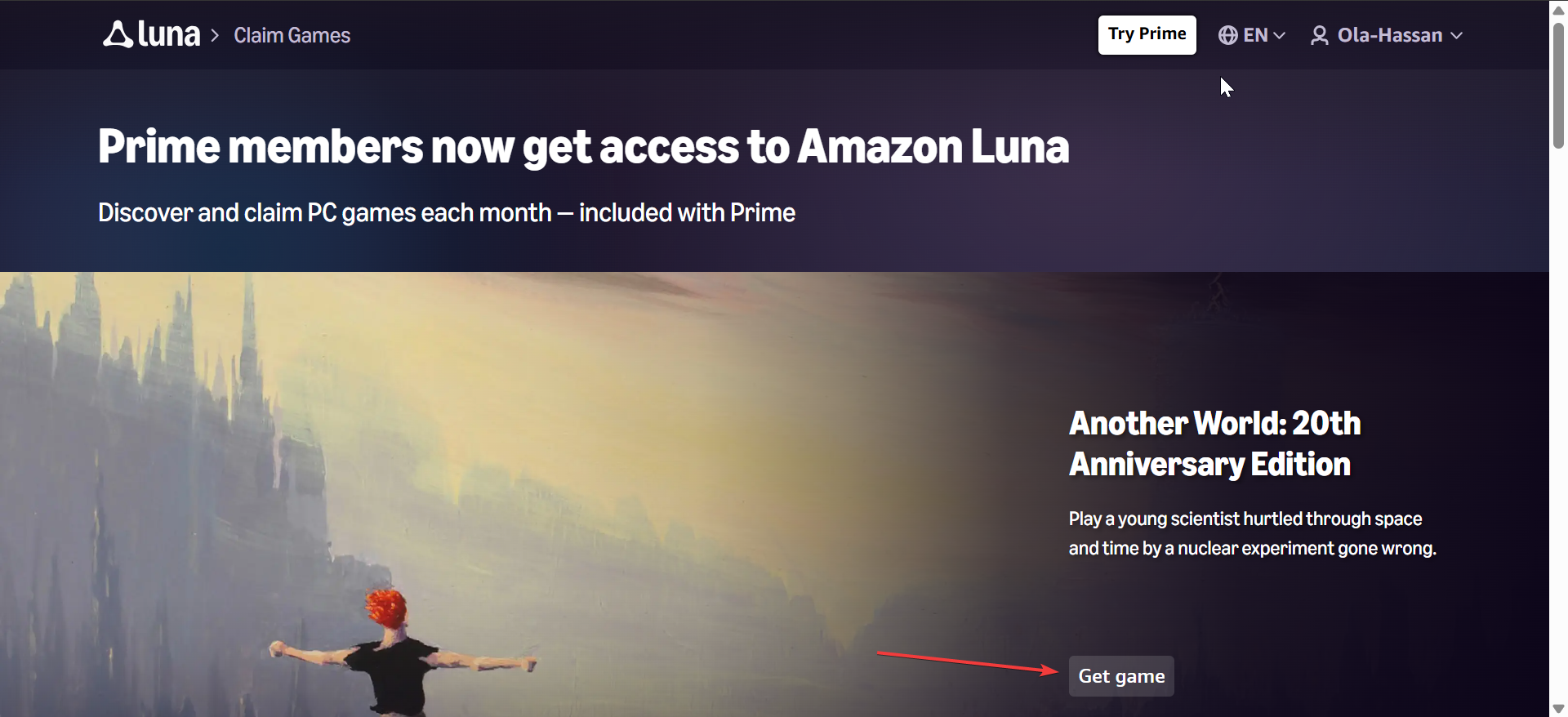
Note that Luna availability varies by region, so confirm that Luna supports your location.
6) Troubleshooting download problems
- Game not claiming: Confirm that the offer has not expired. Check for region limits. Sign out and back in if the Claim button fails.
- Missing Download button: Open the Amazon Games app again. Refresh the Library. Sign out and sign in. Reinstall the app if the library does not update.
- Slow downloads or failed installs: Restart the Amazon Games app. Change the install folder. Restart your router. Add the launcher to your firewall allowlist.
Tips for managing Prime Games
- Track monthly game rotation: Prime Gaming rotates its free games every month. Check the Last Chance section so you never miss expiring titles.
- Enable notifications: Turn on email or app alerts for new Prime Gaming offers to claim titles faster.
FAQs
Do Prime games expire? No. Once you claim a game, you keep it permanently.
Do I need Prime to play already downloaded games? No. You only need Prime to claim them. You keep already-claimed games.
Why do some games need linked accounts? Some games activate through Epic, GOG, Riot, or Ubisoft. Linking allows those platforms to unlock your purchase.
Can I download games on multiple devices? Yes. You can install a claimed game on any supported computer you own.
Summary
- Sign in to Prime Gaming.
- Claim the game you want.
- Link any required launcher.
- Install Amazon Games (Windows only).
- Download the game in the correct launcher.
- Start playing once installation completes.
Conclusion
Prime Gaming gives you a steady stream of free PC games every month. You claim each title on the website and download it through Amazon Games or a linked launcher. Once you follow the steps in this guide, you can claim, download, and play new Prime titles without issues.


Discussion (0)
Be the first to comment.