




Amazon Coins once offered a simple way to save on apps, games, and in-app purchases within the Amazon Appstore. They worked as a digital currency that rewarded users for staying inside Amazon’s ecosystem. Although the program has been discontinued, it remains an interesting example of how tech giants experimented with virtual payments.
1) What are Amazon Coins
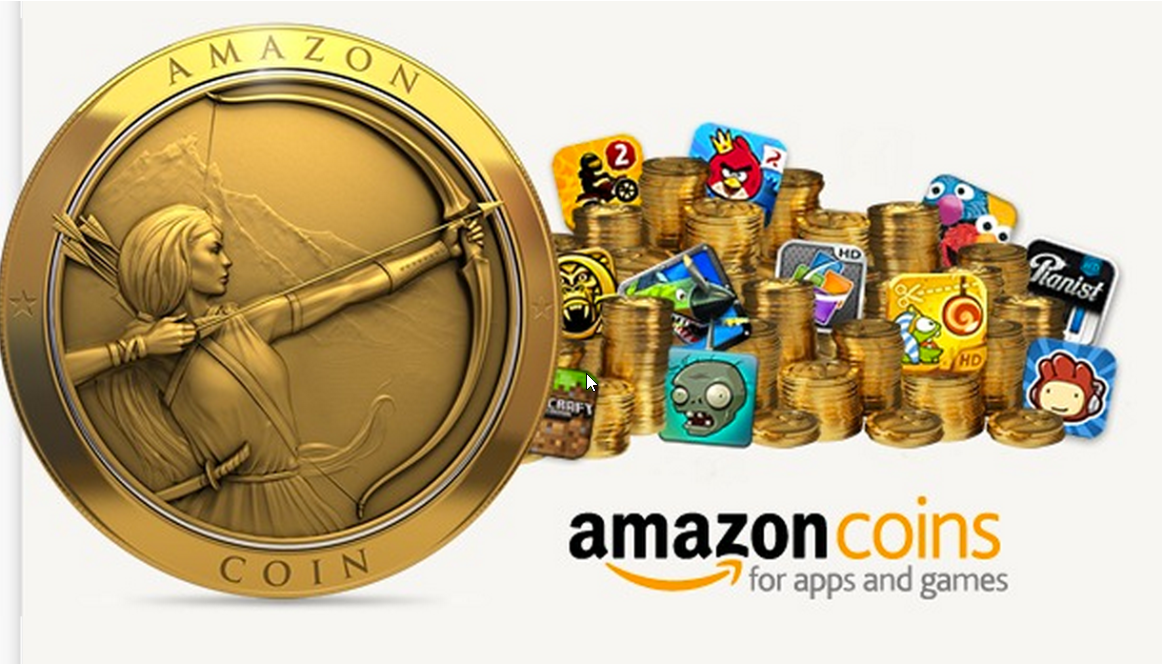
Amazon Coins were virtual tokens that customers could use to pay for apps, games, or in-app content on Fire tablets and Android devices using the Amazon Appstore. Each Coin equaled one cent in US dollars, meaning 100 Coins were worth $1.
The system aimed to simplify digital purchases and occasionally offered bulk discounts for buying large amounts of Coins. It gave users more control over spending, especially for frequent gamers.
2) How Amazon Coins work
Amazon Coins functioned like prepaid credit. You purchased a bundle and used it to buy apps or in-app items in supported games. When you made a purchase, Amazon automatically deducted the right number of Coins from your account balance.
Buying Amazon Coins
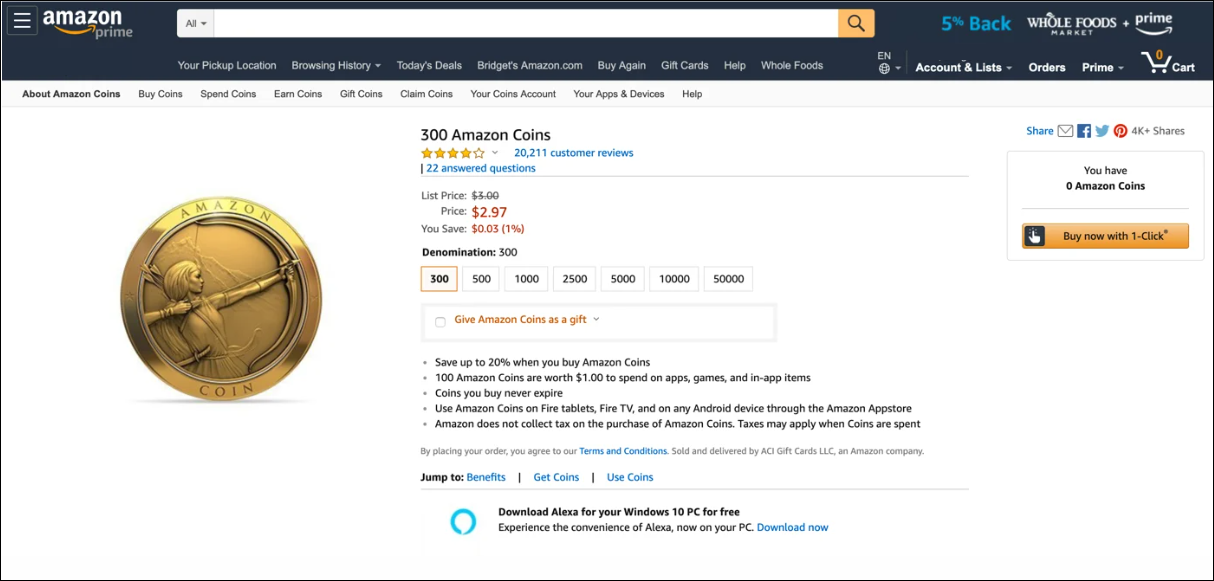
To buy Coins, users visited the Amazon Appstore or the Amazon Coins purchase page on desktop or mobile. Bundles started at 300 Coins and went up to 50,000 Coins, with discounts increasing at higher tiers. For example, a 10% discount is applied when buying 10,000 Coins compared to the base value.
Spending Amazon Coins
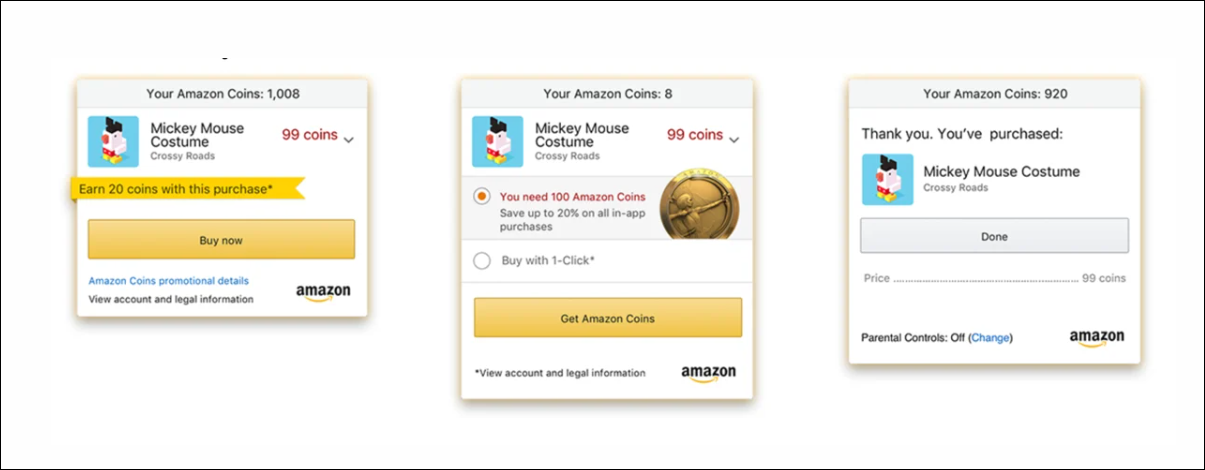
After purchasing, Coins automatically appeared in your Amazon account. When buying apps or making in-app purchases, the system defaulted to Coins as the payment method. They worked on Fire tablets, Android phones running the Appstore, and even Windows PCs through Amazon’s Appstore integration.
Checking your coin balance
Users could check their balance by opening the Appstore app, selecting Account, then View Coins Balance. On the desktop, the same information appeared under Your Account in the Digital Content section. This made it easy to track how much virtual currency remained before spending or refund deadlines.
3) Availability and regional limits
Amazon Coins were available only in select countries such as the United States, the United Kingdom, Germany, France, Italy, Spain, and Japan. Purchases made in one country couldn’t be transferred or spent in another region due to licensing and currency rules.
Cross-border purchases were not supported, and Coins could only be redeemed in the same regional Appstore where they were bought. This limitation often caused confusion for travelers and users with multiple Amazon accounts.
4) Benefits and drawbacks
The main advantage of Amazon Coins was the built-in discount on bulk purchases. Users could save up to 20% on app spending while keeping transactions inside Amazon’s ecosystem. It also provided a safe way for parents to give kids a spending limit on Fire devices.
However, the currency had clear drawbacks. Coins couldn’t be transferred, refunded easily, or used outside the Appstore. Their narrow scope made them less versatile than regular gift cards or credit payments.
Why gamers loved Amazon Coins
Mobile gamers benefited the most. Games like Summoners War, Clash of Clans, and Coin Master often provided exclusive bundles or in-game bonuses for players using Amazon Coins. Combined with bulk purchase discounts, this could lead to major savings over time.
Common user complaints
Many users disliked the lack of flexibility. Coins couldn’t be refunded in cash, transferred between accounts, or used for anything beyond Appstore content. Some found the system confusing, especially when switching devices or regions.
5) Amazon Coins program changes and shutdown timeline
Amazon began phasing out the Coins program in 2024, officially ending new purchases in early 2025. Users were given a set period to spend remaining balances on eligible content before their Coins expired.
Amazon’s help pages advised users to check their balances and redeem Coins quickly. Refunds for unused balances could be requested through customer support, depending on the region and purchase date.
6) Best alternatives to Amazon Coins
With the program discontinued, users can turn to other options. Amazon gift cards remain a flexible way to fund app and digital purchases. Cashback credit cards and periodic Appstore promotions also provide similar savings without the restrictions of Coins.
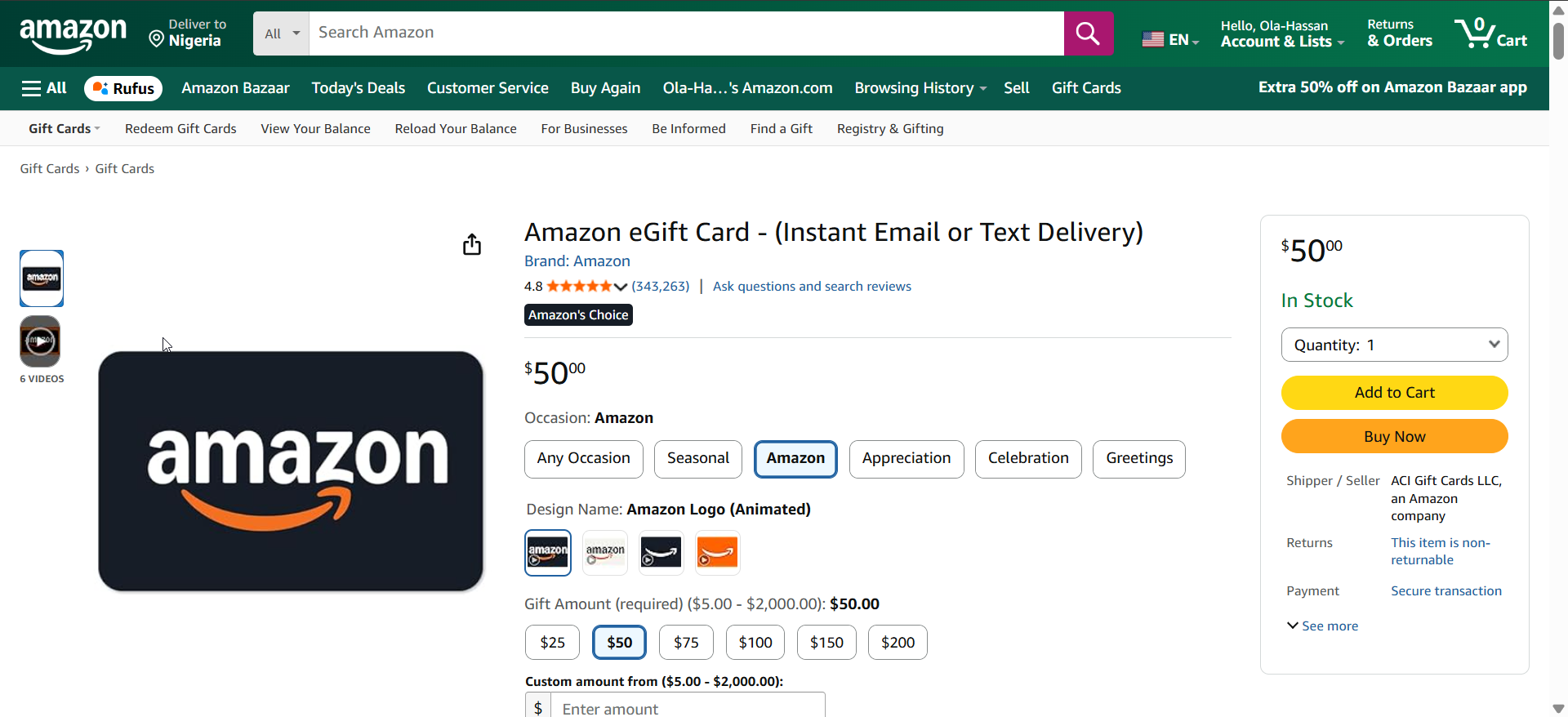
For frequent mobile gamers, alternative currencies like Google Play Points or Apple Gift Cards offer a smoother experience with broader compatibility.
Tips for maximizing remaining coins
- Spend your remaining Coins before their expiration date.
- Redeem only within supported regional stores.
- Check your balance regularly from your Amazon account dashboard.
- Contact Amazon support if you still hold unused Coins after the final redemption window.
FAQs
Can you still buy Amazon Coins in 2025? No, the program has ended in August 2025 and new purchases are disabled.
Do Amazon Coins expire? Yes. Once the program ended, users had a limited window to redeem existing Coins before expiration.
Can you transfer Coins to another account? No. Coins were locked to the original Amazon account used to buy them.
How can you get a refund for unused Coins? Some users may qualify for refunds by contacting Amazon’s customer service within the valid timeframe.
What replaces Amazon Coins for app discounts? Amazon gift cards, store credits, and promotional discounts now serve the same purpose.
Summary
- Amazon Coins were a virtual currency for the Amazon Appstore.
- Users bought Coins at discounted rates to save on apps and games.
- They worked on Fire tablets, Android phones, and PCs.
- The program was phased out in 2024–2025 with limited refunds.
- Amazon gift cards and store credits now replace Coins for digital purchases.
Conclusion
Amazon Coins simplified app purchases and rewarded loyal customers with discounts. While the system is now retired, understanding how it worked helps explain Amazon’s early experiments with digital currencies. Users should spend or recover remaining balances and switch to gift cards or cashback offers for future savings on apps and games.


Discussion (0)
Be the first to comment.