



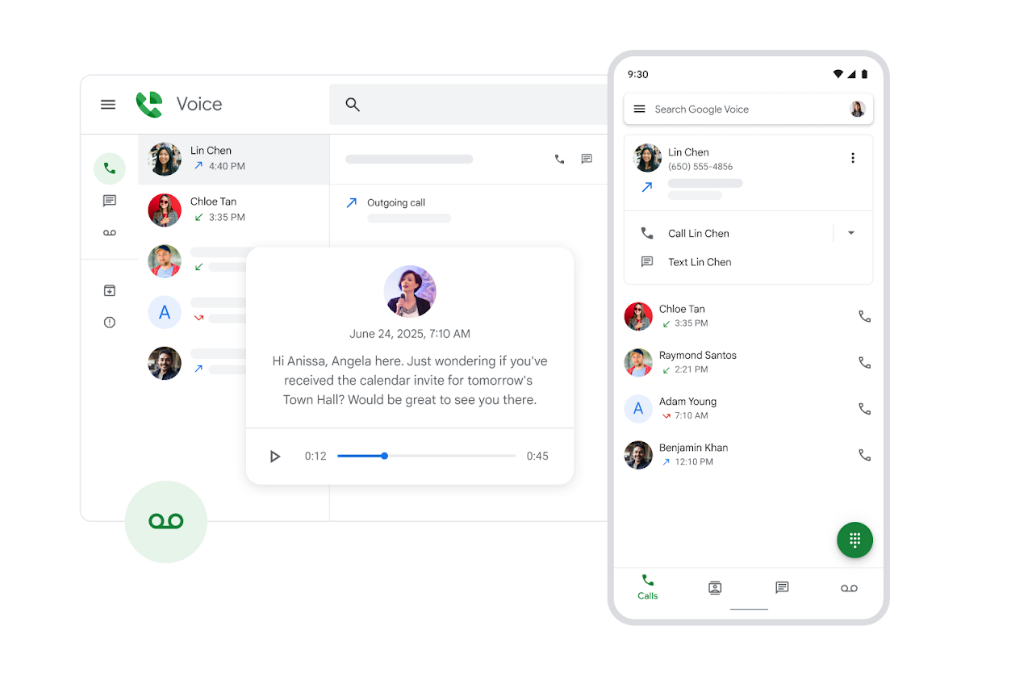
If you want to sign up for Google Voice for free, you can create an account using your Google account and select a free phone number through the Google Voice website. Google Voice provides a virtual phone number that allows you to make calls, send text messages, and manage voicemail using the internet.
The service works across multiple devices, including smartphones, tablets, and computers. This guide explains how to create a free Google Voice account and start using the service.
What Is Google Voice?
Google Voice is a communication service provided by Google that gives users a virtual phone number for calling, texting, and voicemail.
Key features of Google Voice include:
- Free phone number in supported regions
- Voicemail transcription
- Call forwarding to multiple devices
- Sending and receiving text messages
- Access from computers and mobile devices
Google Voice is commonly used for personal and business communication.
Requirements to Sign Up for Google Voice
Before creating a Google Voice account, ensure you have the following:
- A Google account
- A phone number for verification
- Internet connection
- Access to the Google Voice website or app
Google Voice is primarily available in the United States and a few other supported regions.
How to Sign Up for Google Voice for Free
Follow these steps to create your Google Voice account.
Step 1: Visit the Google Voice Website
- Open your web browser.
- Go to the Google Voice website.
Step 2: Sign In to Your Google Account
- Click Sign in.
- Enter your Google account credentials.
Once signed in, you can start setting up Google Voice.
Step 3: Choose a Google Voice Number
- Click Search to find available numbers.
- Enter a city or area code.
- Select a phone number from the list.
Choose the number you want to use.
Step 4: Verify Your Phone Number
- Enter your existing phone number.
- Click Send code.
- Enter the verification code received on your phone.
This step links your Google Voice account to your phone.
Step 5: Complete the Setup
After verification, your Google Voice number will be activated.
You can now make calls, send texts, and manage voicemail through the Google Voice interface.
Use Google Voice on Your Phone
Google Voice can also be used through a mobile app.
Steps:
- Download the Google Voice app from the app store.
- Sign in using your Google account.
- Start making calls and sending messages.
Your Google Voice number will sync with the app.
Use Google Voice on Your Computer
You can also access Google Voice through a web browser.
Steps:
- Open the Google Voice website.
- Sign in to your account.
- Use the interface to send messages or make calls.
Calls can be made using your computer’s microphone and speakers.
Final Thoughts
Learning how to sign up for Google Voice for free allows you to create a virtual phone number for calls, texts, and voicemail management. By linking your Google account and verifying your phone number, you can start using Google Voice on both mobile devices and computers.
The service provides a convenient way to manage communication across multiple devices using a single number.
FAQs
Is Google Voice free?
Yes. Google Voice offers free phone numbers and basic calling features in supported regions.
Do I need a Google account to use Google Voice?
Yes. A Google account is required to sign up for the service.
Can I use Google Voice on multiple devices?
Yes. Google Voice works on smartphones, tablets, and computers.
Is Google Voice available worldwide?
Google Voice is mainly available in the United States and limited regions.

Discussion (0)
Be the first to comment.