



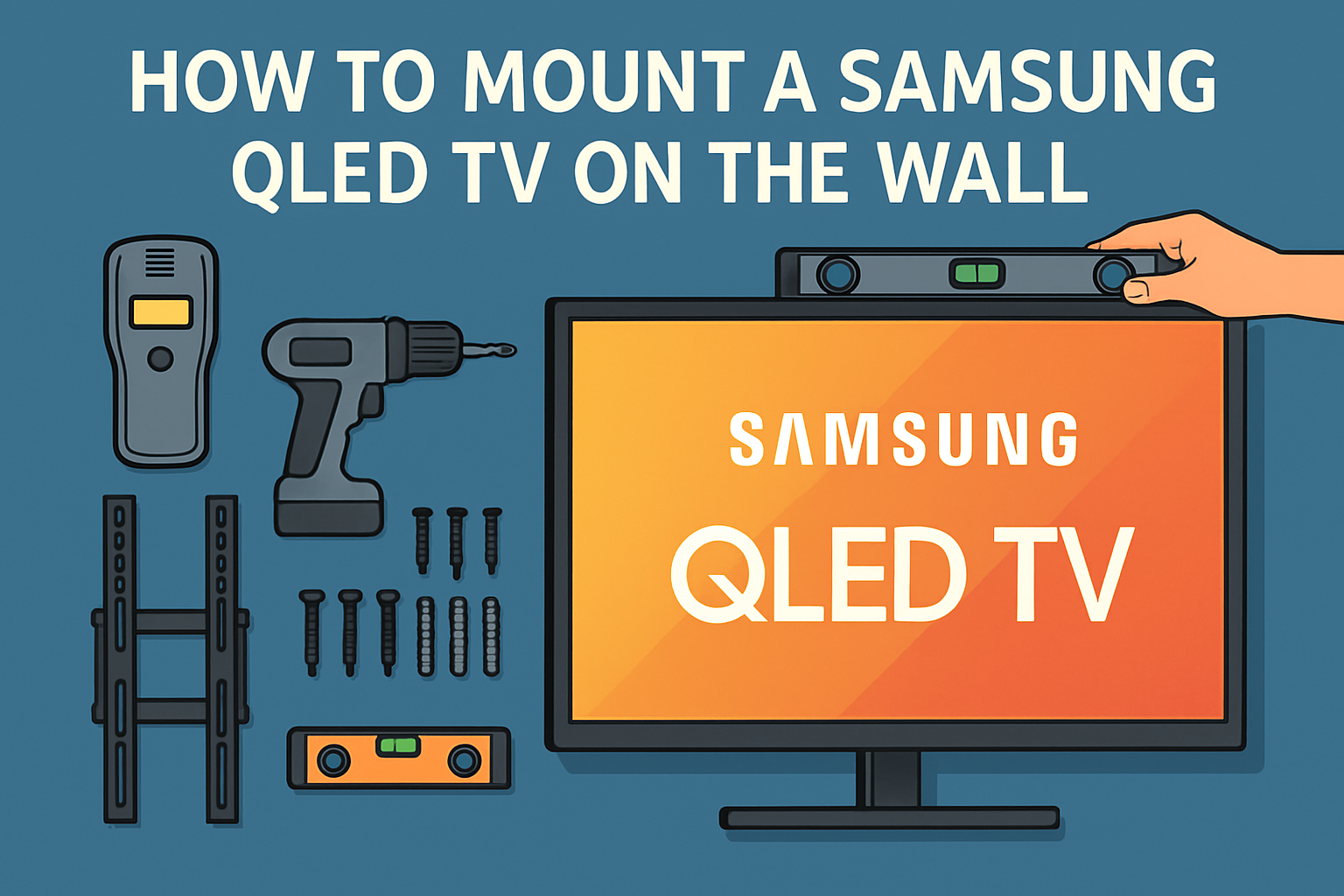
Mounting your Samsung QLED TV on the wall improves your setup, reduces clutter, and positions the screen at a comfortable viewing height. This guide walks you through choosing the right mount, preparing your tools, installing the brackets, and securing the TV safely.
Step 1: Check your Samsung QLED model and VESA pattern
Samsung QLED TVs use specific VESA patterns that determine mount compatibility. Matching your model to the correct pattern prevents sagging and alignment issues during installation.
Find your VESA size in settings or the manual
You can check your VESA measurement in your user manual or on the back of the TV. This ensures the mount lines up with the mounting holes.
Match VESA size to a compatible mount
Fixed, tilting, and full-motion mounts offer different benefits depending on your room layout. Choose a style that matches your space and viewing angle needs.
Step 2: Gather the required tools and mounting hardware
Organizing tools before starting helps avoid mistakes once the TV is lifted. You need standard tools such as a drill, level, screwdriver, and stud finder.

Verify included hardware for Samsung Slim Fit or No-Gap mounts
Samsung mounts come with specialized brackets and screws designed for QLED models. Check that all parts are included before drilling.
Step 3: Decide the ideal height and viewing position
Proper height placement improves comfort and picture clarity. Position the TV so the center sits at eye level while seated.
Use a height calculator for seating distance
Distance from the screen helps determine the correct mounting height. Larger TVs usually sit slightly higher to keep the picture centered.
Confirm center alignment relative to furniture
Align the TV with your sofa or media unit for a balanced look. Center placement prevents the screen from feeling offset within the room.
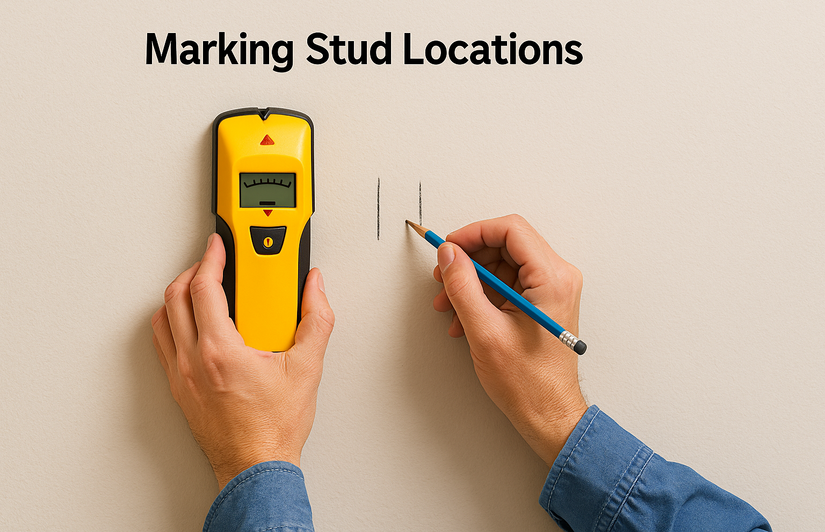
Step 4: Mark stud locations or confirm alternative wall types
Mounting into studs provides the strongest support for your QLED TV. If you have masonry or drywall, alternative anchors may be required.
How to locate studs accurately
Use a stud finder and confirm with a small pilot hole if needed. This prevents drilling mistakes and ensures stability.
Options for masonry or concrete walls
Concrete or brick walls require specialized anchors. Using the right hardware ensures the mount stays secure over time.
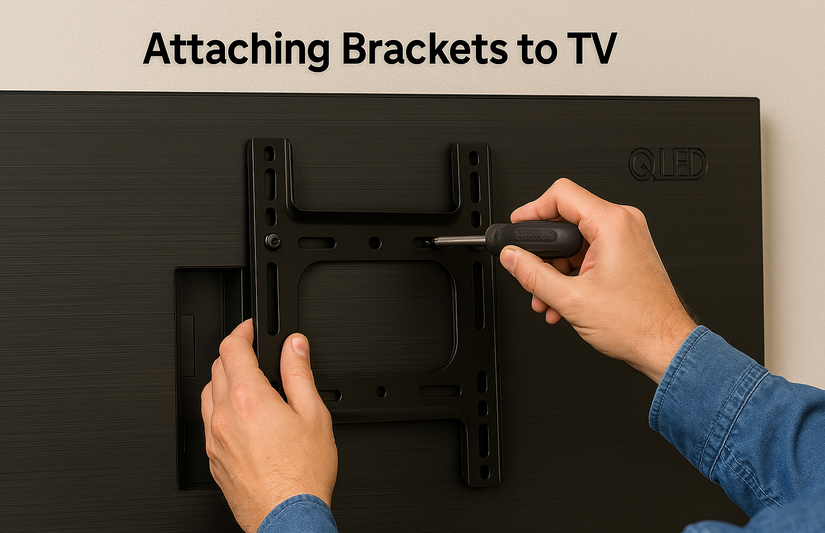
Step 5: Attach the brackets to your Samsung QLED TV
Attaching the TV brackets correctly ensures the screen hangs safely on the wall plate. Follow each bracket’s orientation carefully.
Install brackets for the Slim Fit or No-Gap mount
These mounts rely on precise engagement points. Align the brackets correctly to ensure they latch smoothly to the wall plate.
Secure screws without overtightening
Tighten screws firmly but avoid excess pressure. Over-tightening can damage the mounting points inside the TV.
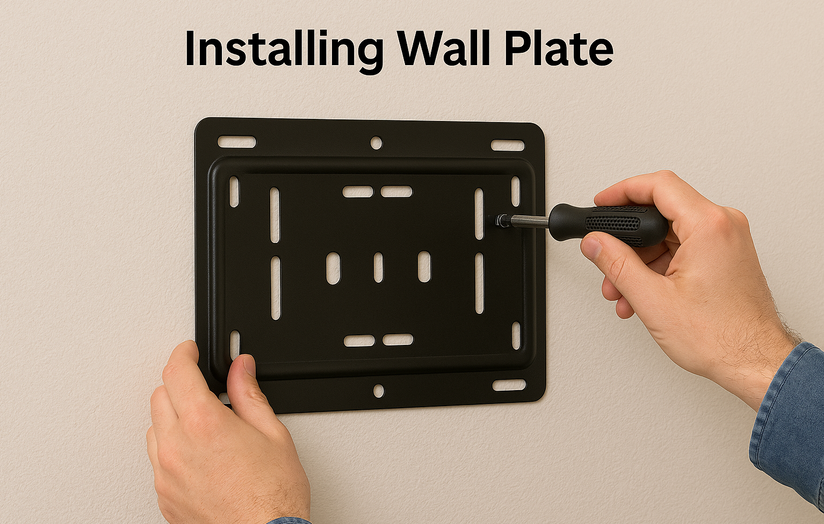
Step 6: Install the wall plate securely
The wall plate supports the full weight of the TV. Keeping it level prevents future alignment issues.
Drill pilot holes and secure lag bolts
Pilot holes help guide lag bolts into studs cleanly. This reduces the chance of wood splitting or bolt misalignment.
Confirm level and final tightness
Check the wall plate with a level before tightening all bolts. A final check ensures accuracy once the TV is mounted.
Step 7: Route cables and position the One Connect box
Samsung QLED TVs often use a One Connect box for cable and power management. Planning cable routes before mounting saves time.
Plan the cable path before lifting the TV
Pre-routing cables keeps the setup clean and avoids the need to remove the TV later. This is especially helpful with recessed outlets.
Place the One Connect box in a ventilated location
The One Connect box generates heat during use. Keeping it well-ventilated helps maintain performance.
Step 8: Hang the TV on the mount
Lift the TV with a second person for safety and accuracy. This prevents drops and alignment issues.
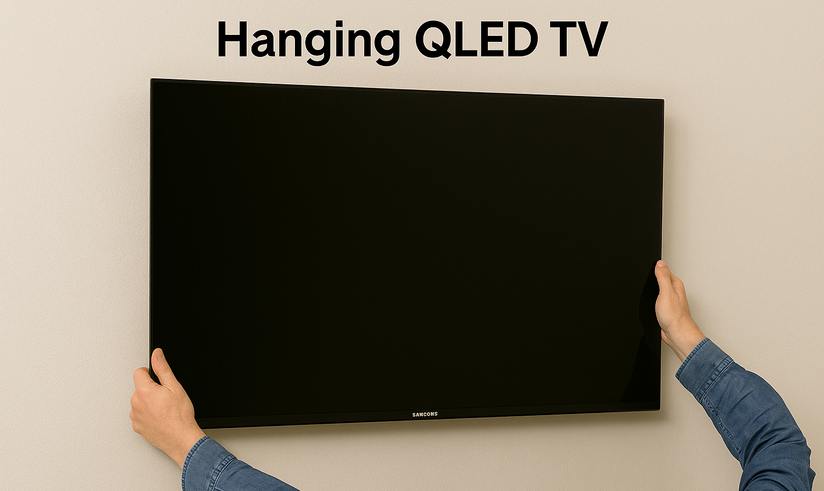
Engage the locking mechanism
Ensure the mounting arms fully latch onto the wall plate. A secure click indicates that the TV is locked in place.
Adjust tilt or swivel if applicable
Fine-tune the angle to reduce glare and improve comfort. Adjustable mounts help match various seating positions.
Step 9: Perform final safety checks
Safety checks confirm that the mount is secure and cables sit correctly. This prevents long-term issues.
Test all latches and bolts
Testing each connection ensures lasting stability. Tighten any loose hardware before ending the installation.
Power on and check for cable strain
Turn on your TV and check that no cable bends or stretches. Proper routing prevents connection damage. You can also connect an antenna to your Samsung QLED TV to see if it fits perfectly.
Troubleshooting common mounting issues
- TV not sitting flush: Misaligned brackets or missing spacers can cause gaps. Realign the brackets or adjust the wall plate if needed.
- Mount will not latch: Incorrect bracket orientation often prevents latching. Recheck alignment and ensure the bracket hooks meet the plate.
- Unable to reach studs: A wider wall mount or mounting rail can help span stud gaps. This keeps the installation secure without compromising position.
Tips
- Use a high-quality stud finder for accurate readings.
- Lay a blanket under the TV to protect the screen during setup.
- Consider in-wall cable channels for a clean finish.
- Keep all screws and spacers organized to avoid delays.
FAQs
What is the best mount type for a Samsung QLED TV? Most users prefer full-motion or Slim Fit mounts for flexible viewing and a low-profile look.
Do Samsung QLED TVs require a special mount? Any VESA-compatible mount works, but Slim Fit and No-Gap mounts provide the closest fit.
Can you mount a QLED TV on drywall without studs? You can use heavy-duty anchors, but studs provide the safest support.
How long does installation take? Most installations take one to two hours, depending on wall type and cable routing.
Summary
- Check your Samsung model and confirm the VESA pattern.
- Gather all tools and prepare hardware before starting.
- Mark studs, install the wall plate, and attach brackets to the TV.
- Route cables, position the One Connect box, and hang the TV.
- Run safety checks and fix any alignment or latching issues.
Mounting your Samsung QLED TV on the wall creates a cleaner and more comfortable viewing setup. If you follow each step carefully and double-check alignment, your installation will remain secure and stable. At this point, you can enjoy your mounted TV without further adjustments.


Discussion (0)
Be the first to comment.