




Alexa smart speakers have revolutionized how we interact with technology, offering an easy, intuitive interface for controlling smart devices, playing music, setting reminders, and more. In this guide, we’ll walk you through the steps to log in to your Alexa smart speaker account, so you can fully access your device's features and functionality. If you’re new to Alexa, setting up and logging into your account is the first step toward enhancing your smart home experience.
Setting Up Your Alexa Smart Speaker
Before you log into your Alexa account, ensure your Alexa smart speaker is correctly set up. This includes connecting the device to Wi-Fi and ensuring the Alexa app is installed on your smartphone. Here's how you can get started
- Connect to Wi-Fi: Ensure your Alexa device is plugged in and ready for setup. The light ring will turn orange to indicate that it’s in setup mode. Open the Alexa app and follow the on-screen prompts to connect the device to your Wi-Fi network.
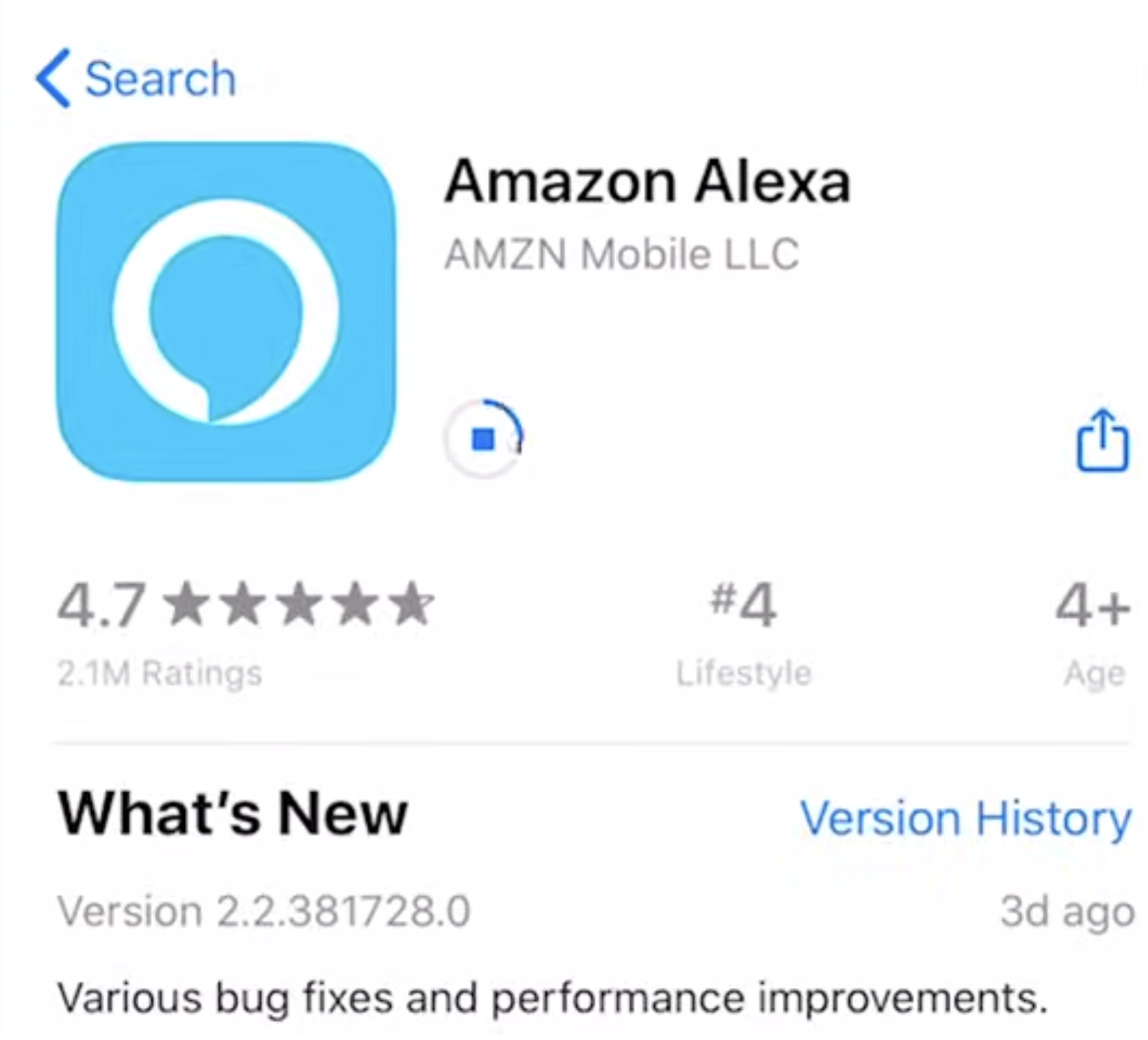
- Download the Alexa App: The Alexa app is available on both iOS and Android devices. Download the app from the App Store or Google Play Store and install it on your smartphone.
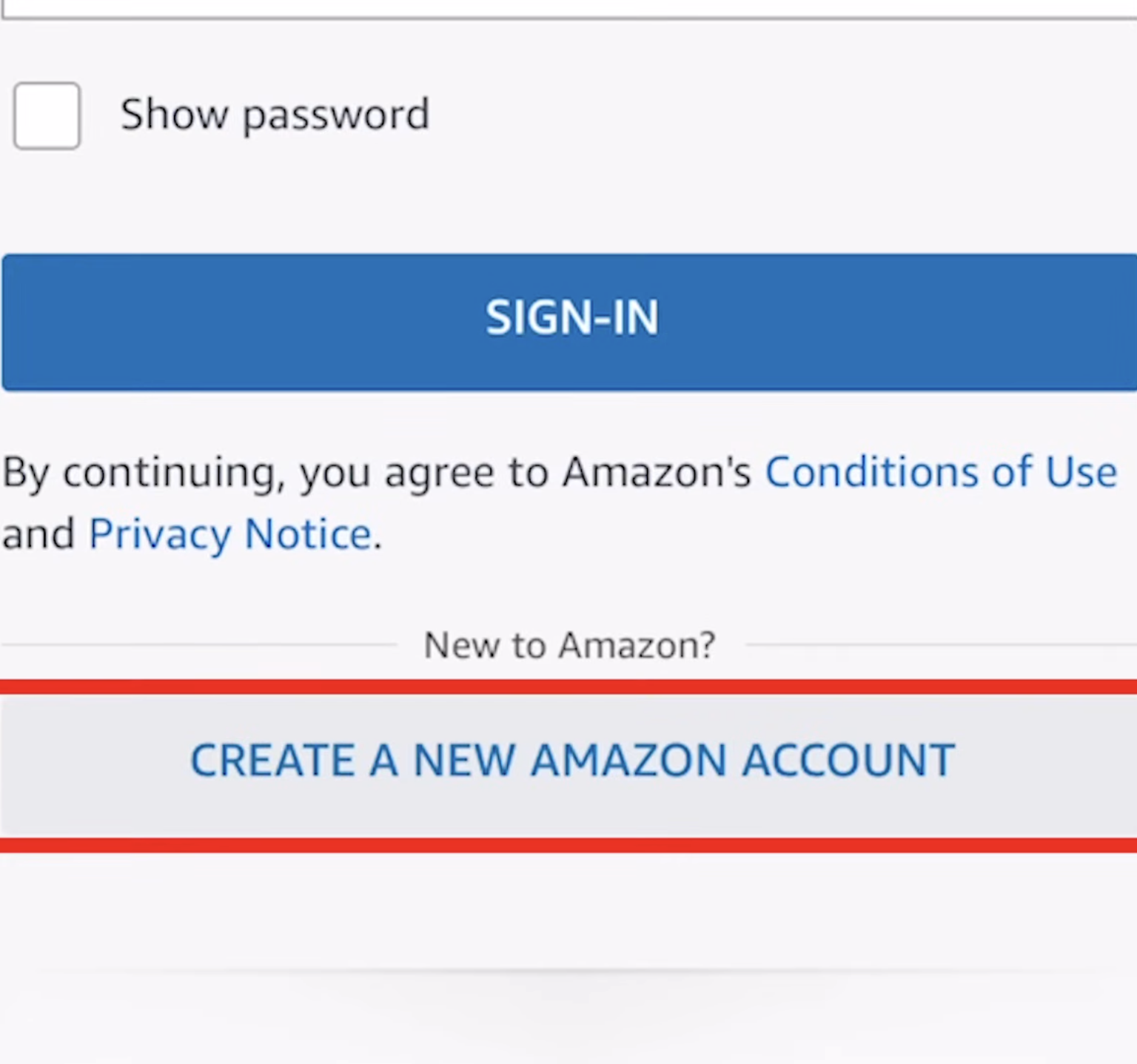
- Create an Amazon Account: If you don’t already have one, create an Amazon account in the Alexa app by providing your email and password.
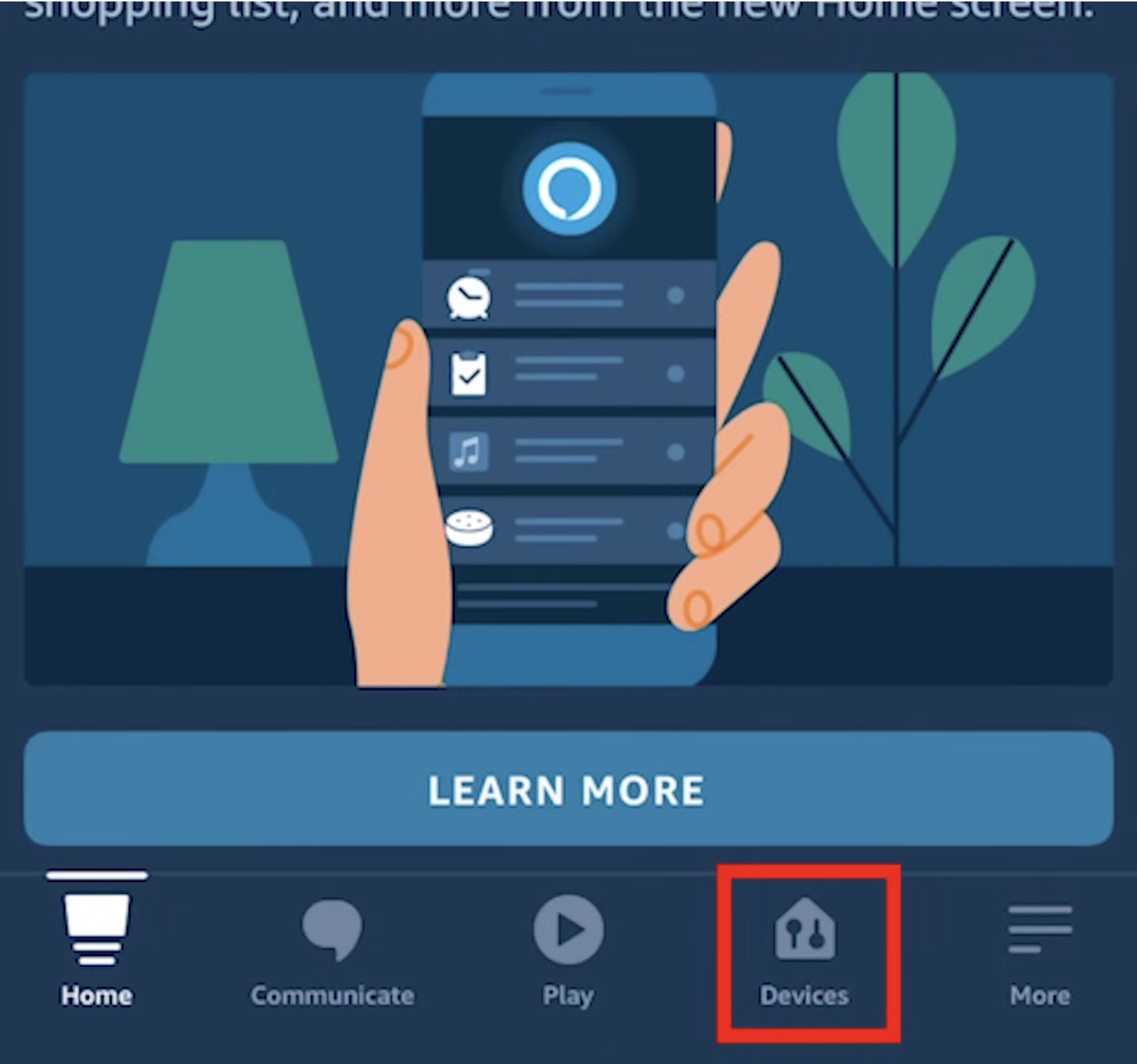
- Link Your Device: In the Alexa app, tap on “Devices” and select “+” to add a new device. Follow the prompts to pair your Alexa device to your Amazon account.
With these steps complete, your Alexa smart speaker is ready to use. Now, let’s dive into how to log into your Alexa account to start using its features.
How to Log into Your Alexa Smart Speaker Account
Once your device is set up, logging in to your Alexa account will unlock a range of features that personalize your experience. Here’s how you can log in:
Open the Alexa App: Launch the Alexa app on your smartphone or tablet. If you haven’t logged in yet, you will be prompted to enter your credentials.
Sign In with Your Amazon Account: Tap on the “Sign In” option. Enter the email address or phone number associated with your Amazon account, followed by your password. Tap “Continue” to proceed.
Verify Your Identity: If two-factor authentication is enabled on
- your Amazon account, you will need to enter a verification code sent to your phone or email.
- Access Your Alexa Features: Once logged in, you’ll have full access to Alexa's capabilities, including voice commands, smart home integrations, and content streaming.
Troubleshooting Alexa Login Issues
If you’re having trouble logging into your Alexa smart speaker account, here are some common issues and solutions:
- Forgotten Password: If you can’t remember your password, tap on the “Forgot Password” link on the login page to reset it via email.
- Two-Factor Authentication Issues: If you’re having trouble with the verification code, ensure that your phone number and email are correctly linked to your Amazon account. Try resending the code.
- Device Not Responding: If your Alexa smart speaker isn’t responding after logging in, try restarting the device by unplugging it for 30 seconds and plugging it back in.
- Wi-Fi Connection Problems: Ensure that both your Alexa device and smartphone are connected to the same Wi-Fi network. If necessary, reset your Wi-Fi network or reconnect your Alexa device.
If the above troubleshooting steps don’t resolve your issue, you can visit the official Amazon support site for additional troubleshooting guides and resources. You may also find helpful information by contacting Amazon customer support directly.
Conclusion
Congratulations! You have successfully learned how to log into your Alexa smart speaker account. By following the step-by-step instructions outlined in this article, you’ve gained the knowledge to connect your Alexa speaker to Wi-Fi, download the Alexa app, create an Amazon account, and link your speaker to your account.
Once logged in, you’ll be able to enjoy the convenience of controlling your smart home devices, accessing personalized settings, playing music, setting reminders, and more—all with just your voice. Alexa is ready to assist you and make your everyday tasks easier and more enjoyable.
If you run into any issues along the way, refer back to the troubleshooting section for solutions to common problems. Remember to keep your Alexa app and device up to date with the latest software updates to benefit from improvements and bug fixes.
Now that you’re equipped with the necessary knowledge and troubleshooting tips, go ahead and explore the full potential of your Alexa smart speaker. Discover new skills, create personalized routines, and make the most of this technology to enhance your daily life.
Have fun exploring and discovering new ways to make your life more innovative and more efficient with Alexa!
Discussion (0)
Be the first to comment.