




YouTube thumbnails play a major role in attracting viewers. They work as mini-previews of a video, and downloading one can help with design, research, or content planning. If you want to save a YouTube thumbnail in high resolution, you can use several safe and effective methods that still work at the time of writing. This guide walks you through the best ways to download a YouTube thumbnail without falling into outdated techniques.
This step-by-step guide uses the main keyword naturally, helping users who search for how to download a YouTube thumbnail find accurate and updated methods. All techniques work on desktop and mobile devices.
Why Download A YouTube Thumbnail?
Downloading a YouTube image can help with design inspiration, content planning, social media graphics, offline reference, competitive research, or creating mood boards. Many creators save YouTube thumbnails to analyze color schemes, text layout, and visual style.
Method 1: Use A Thumbnail Downloader Website
Trusted thumbnail downloader sites extract HD and max-resolution YouTube images instantly. They work well when the manual URL method only provides lower-quality versions.
Here’s how to use them:
- Open your browser and search for a reputable YouTube thumbnail downloader.
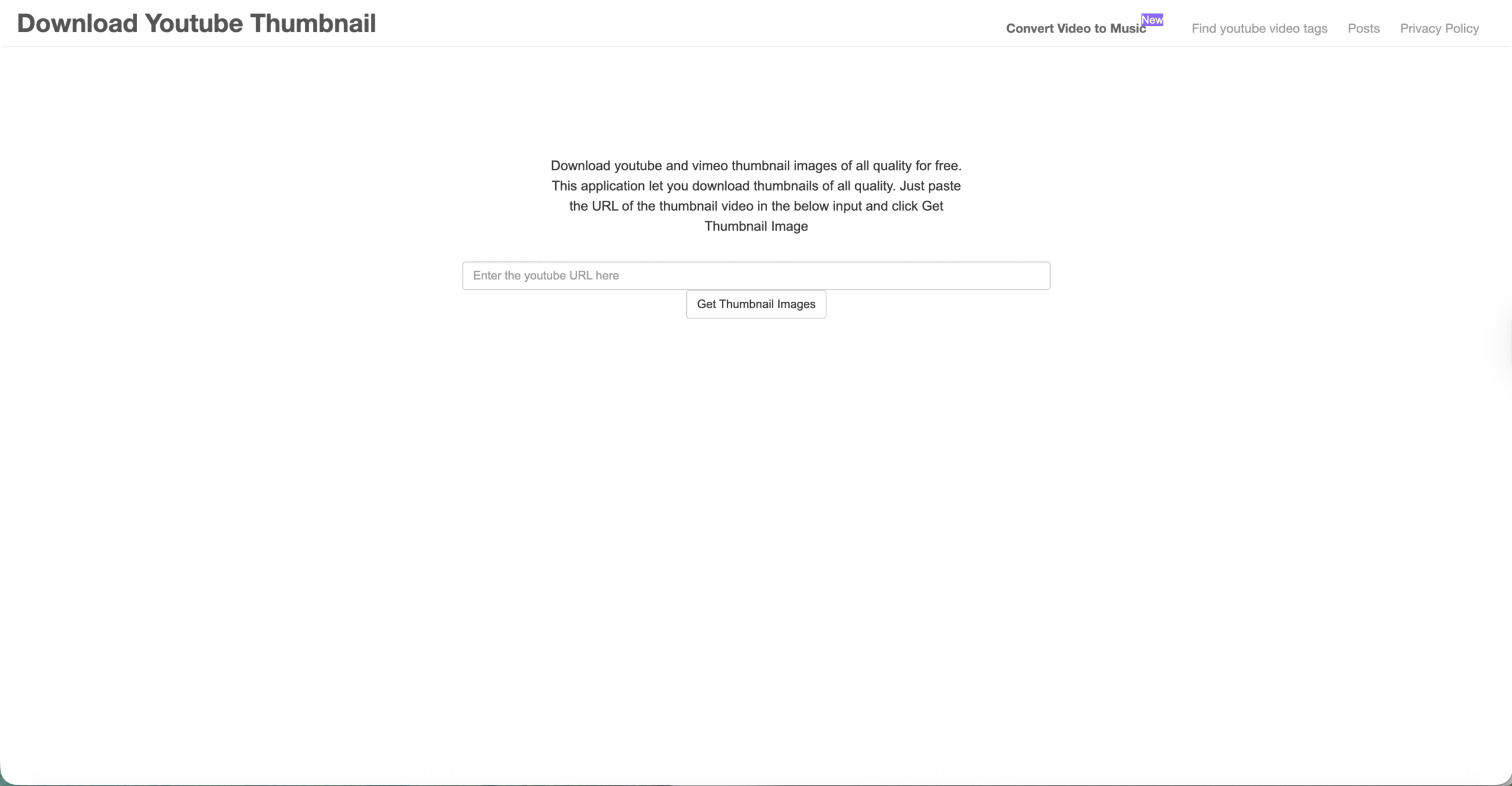
- Copy the full YouTube video URL.

- Paste it into the site’s input field and click Get Thumbnail Images
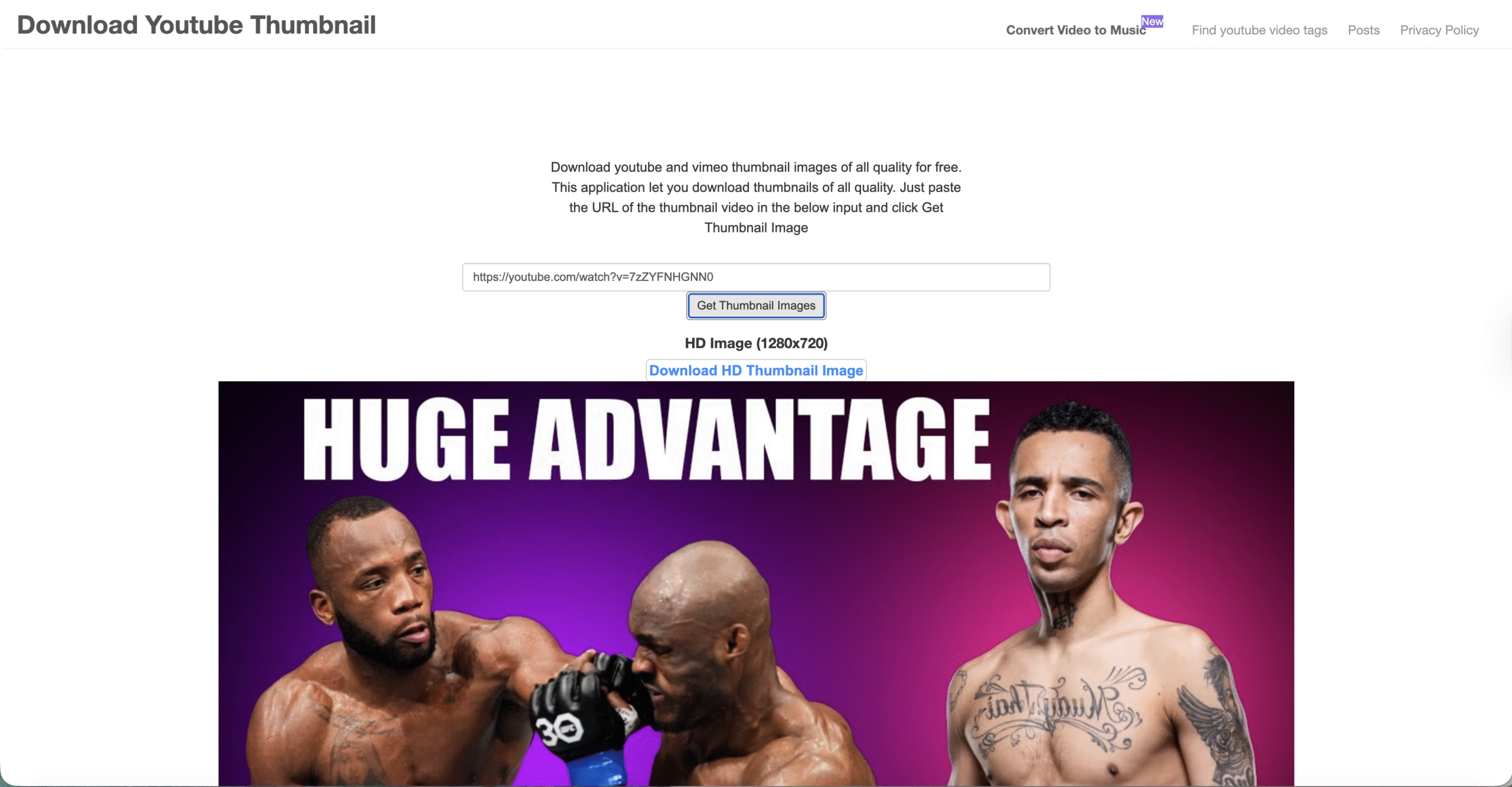
- Select the resolution you want (HD, HQ, or maxresdefault).
- Download the thumbnail to your device.
These tools are convenient when you need multiple versions of the same thumbnail.
Method 2: Use A Browser Extension
Browser extensions help you save a YouTube thumbnail with one click. They integrate directly into Chrome, Firefox, or Edge.
To download using an extension:
- Search your browser’s extension store for a YouTube thumbnail downloader.
- Install a trusted extension with positive reviews.
- Open any YouTube video.
- Click the extension icon to view available thumbnail sizes.
- Choose the one you want and download it.
Extensions are ideal for users who frequently download thumbnails.
Method 3: Download From The Page Source
This advanced method gives you full control and works when other methods fail or when you need an exact file served by YouTube.
Use these steps:
- Open the YouTube video page.
- Right-click and choose Inspect or View Page Source.
- Search for
og:imageorthumbnail. - Find the direct URL to the image file.
- Open the link and save the thumbnail.
This method works on all browsers and doesn’t require any external tools.
Tips For Choosing The Right Thumbnail Resolution
- Use maxresdefault.jpg for the highest quality when available.
- Choose high-resolution thumbnails for editing and graphic design.
- For mobile posting, HQ or medium resolution may be enough.
- Always preview the file before using it in a project.
Conclusion
Learning how to download a YouTube thumbnail gives you more creative control over your visuals. Whether you prefer the YouTube URL trick, a thumbnail downloader site, a browser extension, or the page-source method, each option still works reliably at the time of writing. Choose the method that best fits your workflow, and always use thumbnails responsibly for personal or authorized projects.



Discussion (0)
Be the first to comment.