



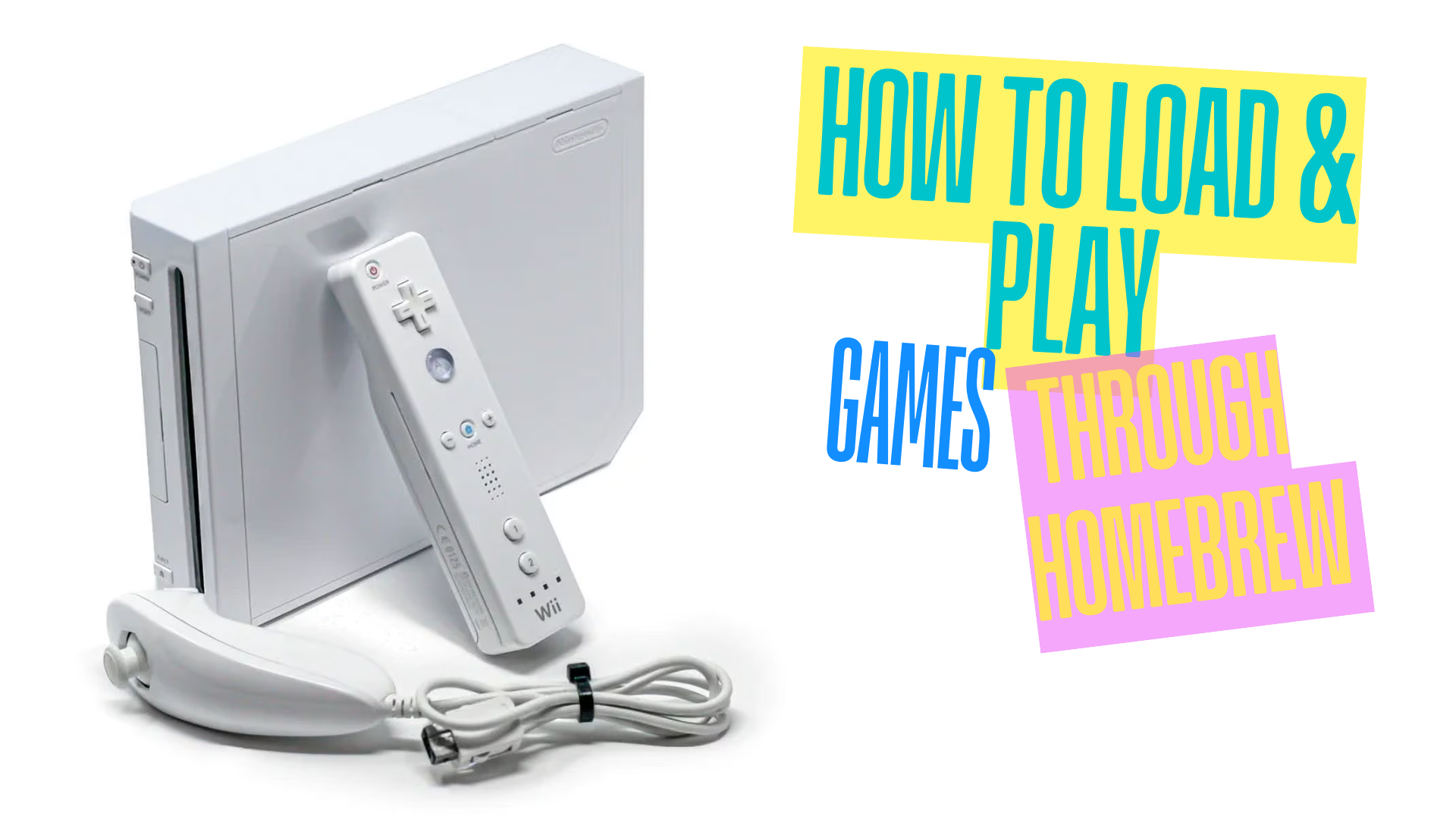
If you want to download Wii games on Homebrew, the setup requires the right tools and a safe process that keeps your console stable. At the time of writing, the Homebrew Channel still works on original Wii systems and lets you load legal game files, homebrew apps, and fan-made titles. Once your SD card is ready and Homebrew runs correctly, you can move game files to your console and launch them through supported loaders.
Prepare Your Wii For Homebrew
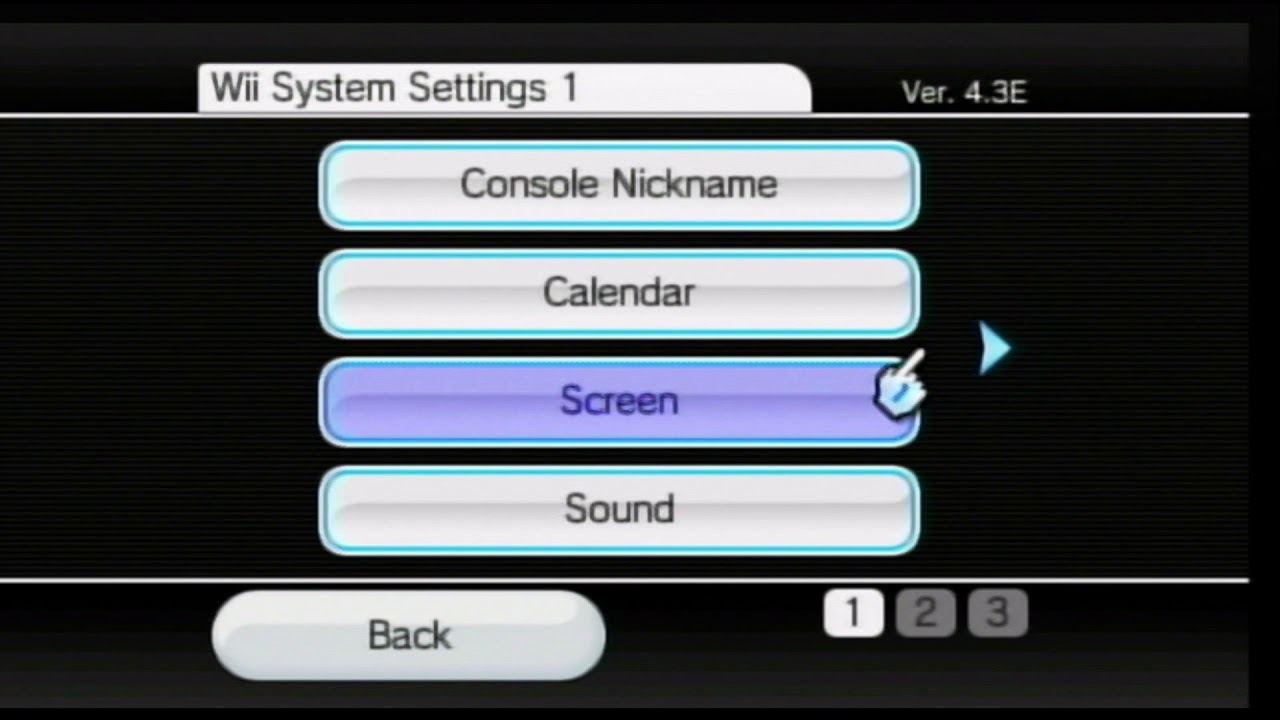
Before you download Wii games on Homebrew, make sure the console runs version 4.3 or lower and that the Homebrew Channel installs correctly. After setup, your SD card becomes the storage location for files, apps, and games you load later.
- Check your Wii software version in System Settings to confirm support for Homebrew.
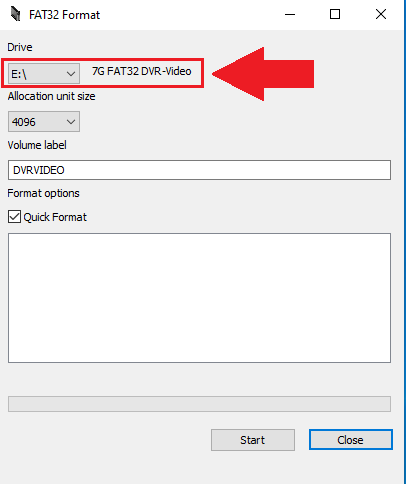
- Format an SD card to FAT32 so it can store game files without errors.
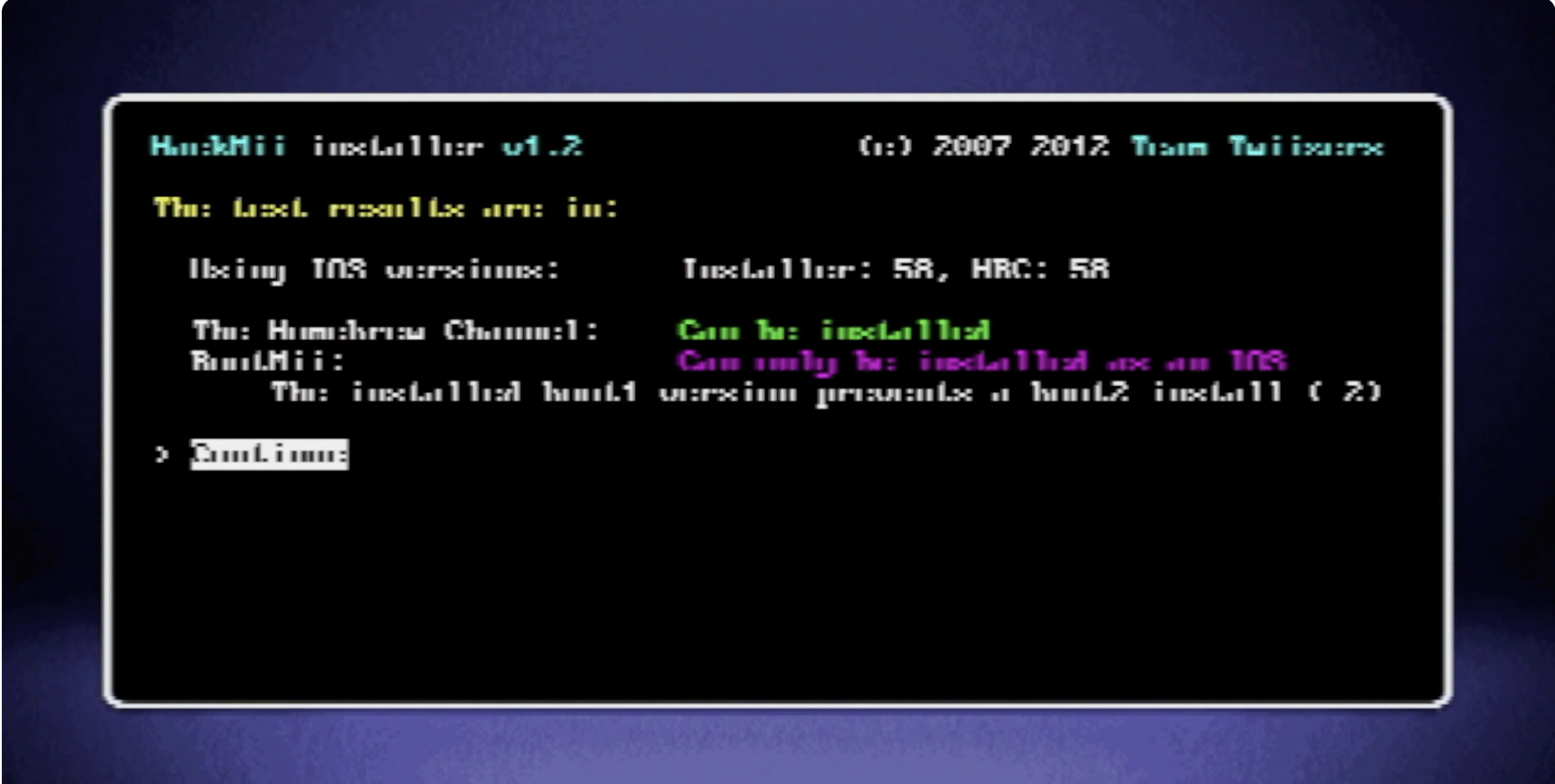
- Download the files required to install the Homebrew Channel using the appropriate method for your region.
- Copy installation files to the SD card’s root directory and insert it into your Wii.
- Install the Homebrew Channel from the Wii Message Board and confirm it appears on the main menu.
Download Wii Games Safely
Homebrew supports legal homebrew titles, public-domain games, and fan-made projects. You should only download Wii games you have the legal right to use. Avoid unsafe websites and verify every file before moving it to your SD card.
- Download only homebrew games or legally obtained Wii backups you own.
- Scan every file with antivirus software before extracting it.
- Unzip the game folder and confirm it contains the expected file structure.
- Place the game files inside a folder your loader recognizes, such as a wbfs folder.
Transfer Wii Games To Your Console
Homebrew loaders read game files directly from an SD card or USB device. Once the files are organized correctly, you can load them through your preferred Homebrew app.
- Insert the SD card or USB drive containing your Wii game files.
- Create a games or wbfs folder if the loader requires it.
- Move each game into its own folder so the loader detects it properly.
- Safely eject the SD card or USB drive and connect it to your Wii.
- Launch the Homebrew Channel and open your chosen game loader.
- Select the game from the menu and start playing.
Troubleshooting Common Problems
- If the Homebrew Channel does not open, reinstall it using a fresh SD setup.
- If a game does not appear in your loader, confirm the folder names and file extensions.
- If a USB drive fails, reformat it to FAT32 and retry the transfer.
- If a game crashes, redownload the file because corruption is common with older mirrors.
- If your Wii freezes, power cycle the console and reconnect the SD card.
Tips
- Use a high-quality SD card to avoid file corruption.
- Keep your Homebrew apps updated to improve compatibility.
- Store only the games you actively play to reduce loading errors.
- Back up your SD card frequently so you do not lose game files.
- Use a dedicated USB drive for better transfer speeds.
FAQ
Can You Download Any Wii Game On Homebrew? You can only download legal backups you own or free homebrew games. Unauthorized downloads break copyright rules.
Do You Need A USB Drive For Wii Game Files? Most loaders support SD cards, but USB drives offer more space and faster loading.
Does Homebrew Still Work On The Wii? Yes, Homebrew continues to work on original Wii consoles at the time of writing.
Will Homebrew Damage My Wii? Homebrew is safe when installed correctly, but modifying system files or using unsupported apps can cause errors.
Summary
- You need the Homebrew Channel installed before you can download Wii games.
- Use an SD card formatted to FAT32 to store and transfer files.
- Only download legal homebrew titles or backups you own.
- Load the games through a Homebrew loader and verify each file structure.
Conclusion
With your Wii prepared for Homebrew and your SD card organized correctly, you can load compatible games and explore a wider library of titles without changing the system’s core software.


Discussion (0)
Be the first to comment.