




If you want to know how to download Monkey App, the process is quick and straightforward on both iOS and Android devices. At the time of writing, the app remains a popular way to meet new people, join live chats, and connect with others through short video interactions. This guide shows you how to download Monkey App safely, install it correctly, and start using its features right away.
Check Device Compatibility
Before you download Monkey App on iPhone or Android, make sure your device runs a supported version of iOS or Android and has enough storage for the installation. Most modern phones will work without issues.
- Ensure your internet connection is stable before downloading.
- Confirm that your device has available storage space.
- Make sure parental controls or restrictions are not blocking app downloads.
Open The App Store Or Google Play Store
To download Monkey App, you first need to open the correct app marketplace for your device. Both iOS and Android users can find the app in their official stores at the time of writing.
- iPhone or iPad users should open the Apple App Store.
- Android users should open the Google Play Store.
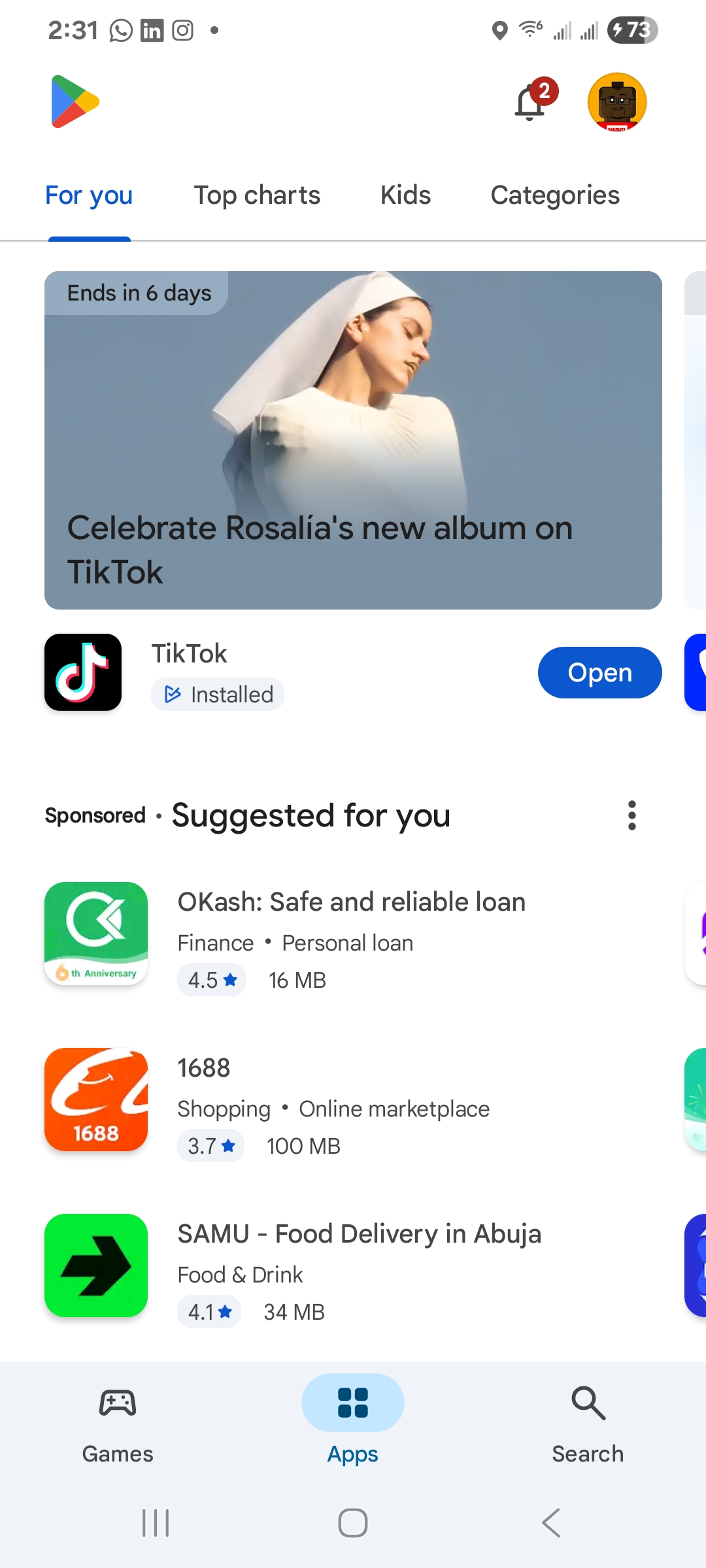
- Tap the store icon from your home screen or app drawer.
Search For Monkey App
Once your app store is open, use the search option to locate the correct Monkey App listing. This step helps avoid downloading unofficial or unsafe versions.
- Type Monkey App into the search bar.
- Look for the official icon and verified developer name. Tap it.

- Check ratings and reviews to confirm authenticity.
Download And Install Monkey App
The installation process takes only a few seconds depending on your connection. Follow the steps below to complete your Monkey App download safely.
- Tap the Get or Install button on the Monkey App page.

- Authenticate with Face ID, Touch ID, or your password if prompted.
- Allow the app to install and wait until the icon appears on your home screen.
- Grant necessary permissions when your device asks for them.
Open Monkey App And Create Your Account
After you download Monkey App, you can open it and create an account. This unlocks chat features, video interactions, and personalized recommendations.
- Tap the Monkey App icon to launch it.
- Select the option to sign up if you're a new user.
- Enter your email, username, and password.
- Verify your email if the app prompts you to complete verification.
Customize Your Monkey App Profile
Setting up your profile increases your chances of connecting with users who share similar interests. Profile customization also helps keep your account secure and authentic.
- Upload a clear profile picture or avatar.
- Add a short bio that highlights your interests.
- Adjust privacy settings to control who can contact you.
- Connect social accounts if you prefer easier login access.
Start Exploring And Chatting
Once setup is complete, you can start using Monkey App to meet new people. Features may vary, but most options remain available across devices.
- Swipe through profiles to find new users to chat with.
- Join live video chats or group rooms depending on availability.
- Use filters or categories to find people with shared interests.
- Send direct messages to continue conversations.
Frequently Asked Questions
Is Monkey App Free To Download
Yes. Monkey App is free to download on both iOS and Android, and most features remain free to use.
Why Can't I Find Monkey App In My App Store
Some regions may have restrictions or temporary availability changes. You can try updating your device software or restarting your phone to refresh the app listings.
Is Monkey App Safe
Monkey App includes safety tools, moderation, and content guidelines. Users should still follow best practices and avoid sharing personal information.
Summary
- Open your device's app store to begin the Monkey App download.
- Search for the verified Monkey App listing.
- Install the app and create your user account.
- Customize your profile and start chatting with new people.
Conclusion
Learning how to download Monkey App is simple whether you're using an iPhone or Android device. With a quick installation, an easy signup process, and built-in customization tools, you can start meeting new people in minutes. As long as you follow safe online practices and use the app responsibly, Monkey App offers a fun and engaging way to connect with others around the world.



Discussion (0)
Be the first to comment.