



You can download free music on iPhone and iPod touch legally, but iOS limits how files move and play offline. The safest options include Apple Music trials, free MP3 sources, and file transfers from a computer, depending on how you want to listen.
This guide explains what “free music” means on iOS, which methods still work, and how to keep songs available offline.
Table of contents
- Things to know before downloading free music
- Best legal ways to download free music on iPhone and iPod touch
- How to download free music without Apple Music
- iPhone vs iPod touch differences that matter
- Methods you should avoid
- Troubleshooting common download issues
- Tips for keeping free music available offline
- FAQs
- Summary
Things to know before downloading free music
Apple blocks direct file downloads into the Music app from Safari or Chrome. Most free music methods rely on apps, cloud storage, or syncing from a computer. App availability changes often, so always confirm that a method still works on your current iOS version.
Best legal ways to download free music on iPhone and iPod touch
Download free music using Apple Music trials
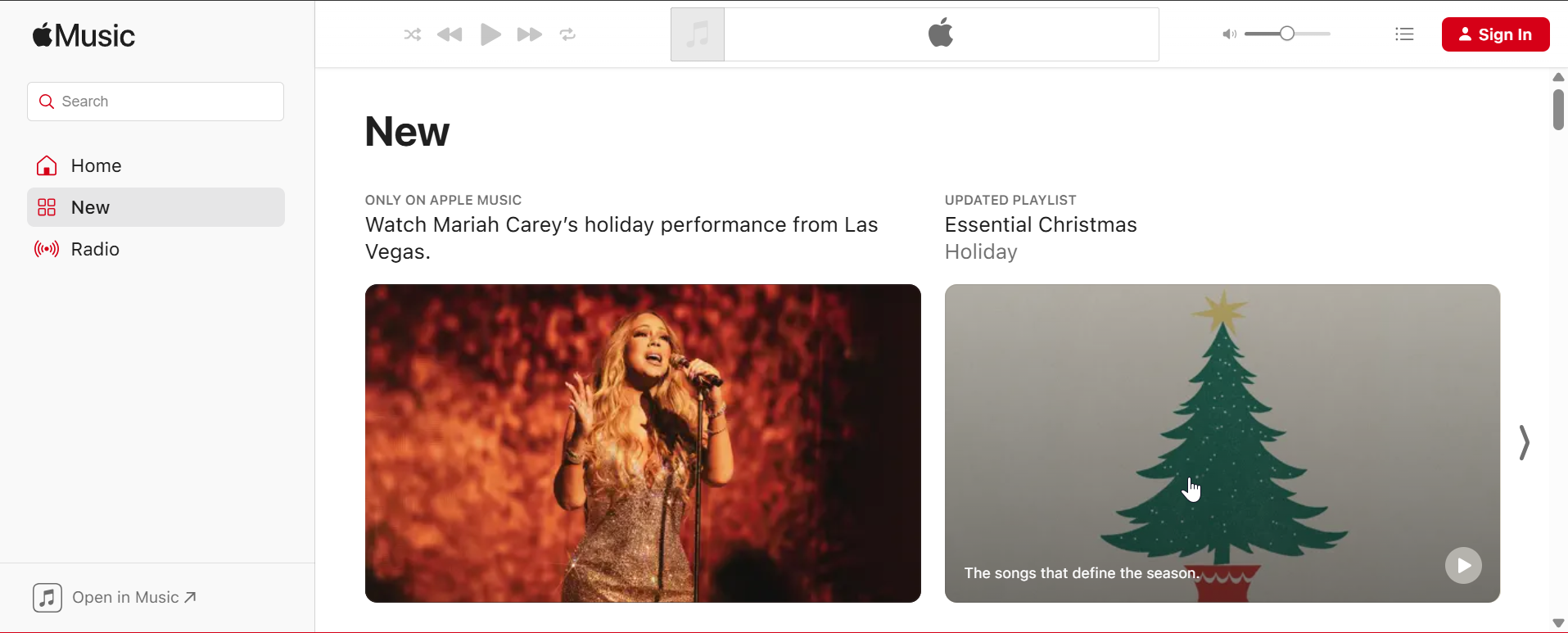
Apple Music offers a free trial that allows offline downloads inside the app. You can save albums and playlists during the trial, but access ends when the trial expires unless you subscribe.
This method works well for discovering new music, but it does not grant permanent ownership of files.
Download free music from artist and public-domain sources
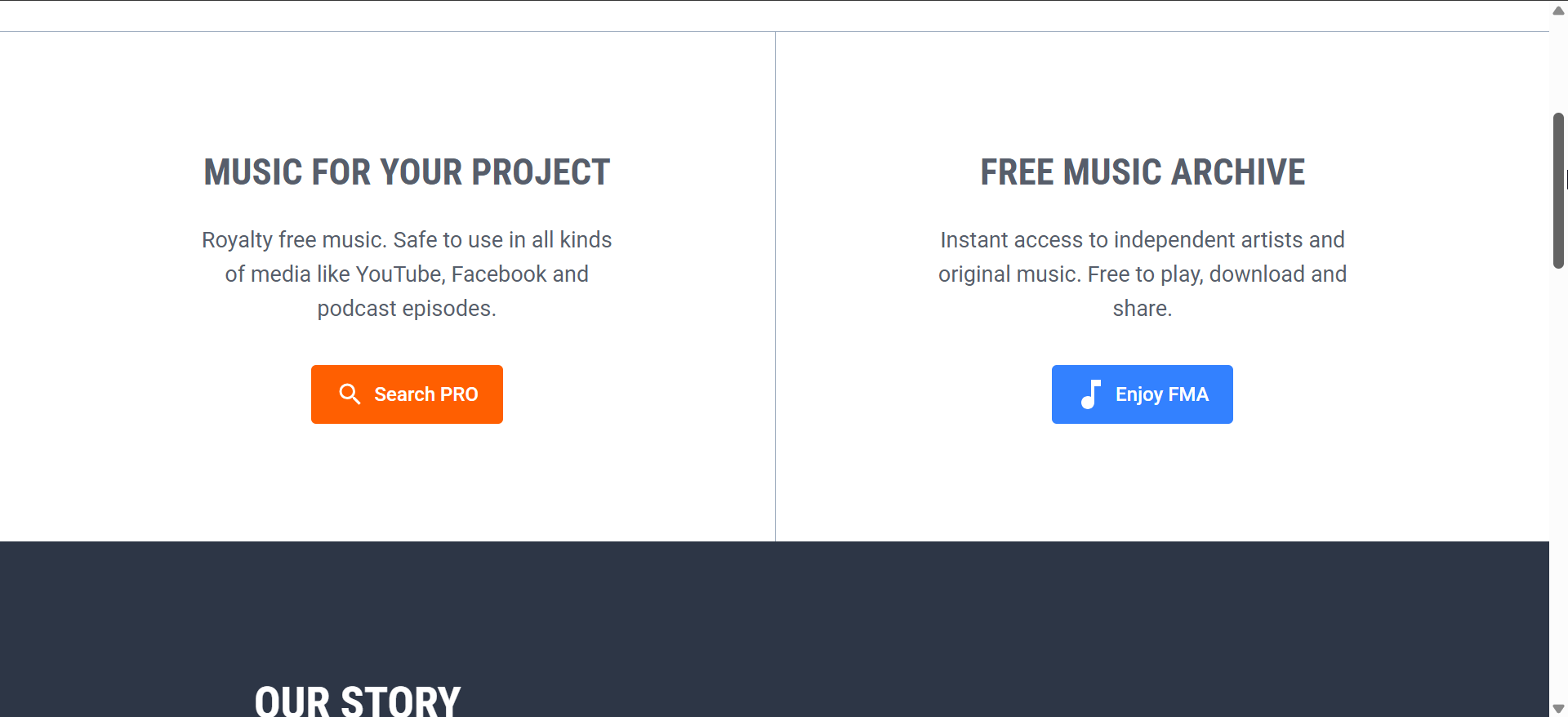
Some artists and public-domain platforms offer MP3 downloads at no cost. These files belong to you and play offline without restrictions once imported.
This option suits users who want permanent access and no subscription limits.
Download free music with cloud storage apps
Cloud storage apps let you upload MP3 files from a computer and download them for offline playback on iOS. You can organize folders and stream or play files locally.
This method works on both iPhone and iPod touch and avoids Apple Music entirely.
How to download free music without Apple Music
Transfer free music from a computer using Finder or iTunes
You can sync MP3 files from a Mac or Windows PC directly to your device. Connect your iPhone or iPod touch, open Finder or iTunes, and add the files to the Music section.
This approach provides the most control and guarantees offline playback.
Use third-party music apps that support offline downloads

Some music apps allow offline downloads from free libraries or uploaded files. Focus on apps that clearly state offline support and file ownership.
Avoid apps that rely only on streaming or aggressive ads, as they often remove downloads later.
iPhone vs iPod touch differences that matter
iPhones usually handle background downloads better and offer more storage options. iPod touch models may limit background activity and support fewer newer apps.
Always check iOS compatibility before choosing an app-based method.
Methods you should avoid
Avoid websites that promise one-tap downloads directly into the Music app. These services often break after updates or violate App Store rules.
Steer clear of profile-based hacks or certificate installs, as they can cause security and account issues.
Troubleshooting common download issues
- Music won’t play offline: Confirm that the app actually supports offline playback. Check storage settings and verify that the file downloaded fully.
- Download button missing or disabled: Some apps restrict downloads by region or account status. Update the app and sign in again to refresh permissions.
- Files won’t import or sync: Make sure files use supported formats like MP3 or AAC. Reconnect the device and retry syncing from the computer.
Tips for keeping free music available offline
- Back up MP3 files to cloud storage or an external drive
- Disable app offloading for music apps you use often
- Keep at least 1–2 GB of free storage for stable playback
- Recheck offline access after major iOS updates
FAQs
Can I download free music without a computer?
Yes, but options usually rely on cloud apps or limited in-app libraries.
Does free music stay forever on iPhone?
Only files you own, such as MP3 downloads, stay permanently.
Is Apple Music free music permanent?
No, downloads stop working when the trial or subscription ends.
Summary
- Free music on iOS comes from trials, owned files, or transfers.
- Apple Music trials allow temporary offline access.
- MP3 downloads and syncing provide permanent playback.
- iPod touch users face stricter app and storage limits.
Downloading free music allows you to play MP3 music on your iPhone and iPod touch without downloading. These musics works best when you choose legal sources and verified apps. Pick the method that fits your device and offline needs, then back up your files to avoid losing access.


Discussion (0)
Be the first to comment.