



At the time of writing, downloading the Despecialized Edition of Star Wars is the perfect way to experience the iconic films as they were originally presented in theaters. The Despecialized Edition, a fan-made restoration, restores the original Star Wars trilogy by removing the digital changes made for the 1997 Special Edition and later re-releases. In this guide, we’ll take you through the essential steps to download the Despecialized Edition and enjoy the films in their original, unaltered glory.
Step 1: Choose the Despecialized Edition You Want to Download
Before downloading the Despecialized Edition, you’ll need to decide which version of the trilogy you want to obtain. The two most popular versions are:
- Harmy’s Despecialized Edition: Created by Petr “Harmy” Harmáček, this edition is one of the most popular and comprehensive restorations, offering restored visuals, audio, and color grading.
- Team Negative 1 (TN1) Grindhouse Edition: Known for its raw, vintage feel, this edition mimics the grainy appearance of old grindhouse screenings.
Once you’ve selected the edition, make sure you have sufficient storage space on your device, as the files can be quite large.
Step 2: Downloading the Necessary Software
To download and enjoy the Despecialized Edition, you'll need a few essential tools:
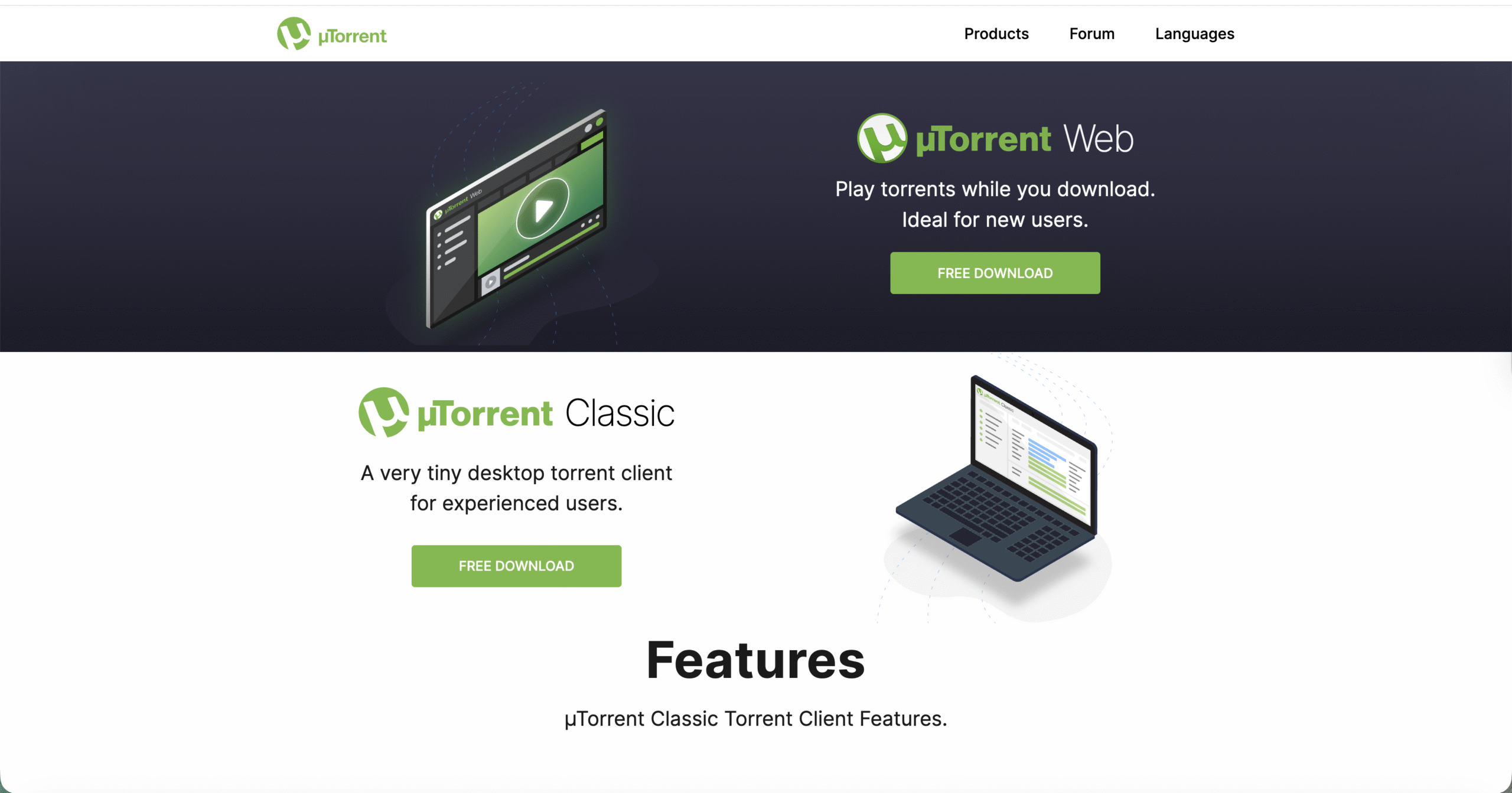
- BitTorrent Client: Since the Despecialized Edition is typically distributed via torrents, you’ll need a BitTorrent client like uTorrent or qBittorrent.
- Disk Image Mounting Software: The Despecialized Edition files usually come in ISO format. Software like Daemon Tools or Virtual CloneDrive can mount these ISO files as virtual drives.
- Video Playback Software: A media player such as VLC Media Player or MPC-HC is necessary to play the video files once they are extracted from the ISO.
Download and install these programs before proceeding with the next step.
Step 3: Find the Despecialized Edition Files
The Despecialized Edition isn’t available through official platforms. Instead, it’s shared on various fan communities and private torrent trackers. Here’s how to find it:
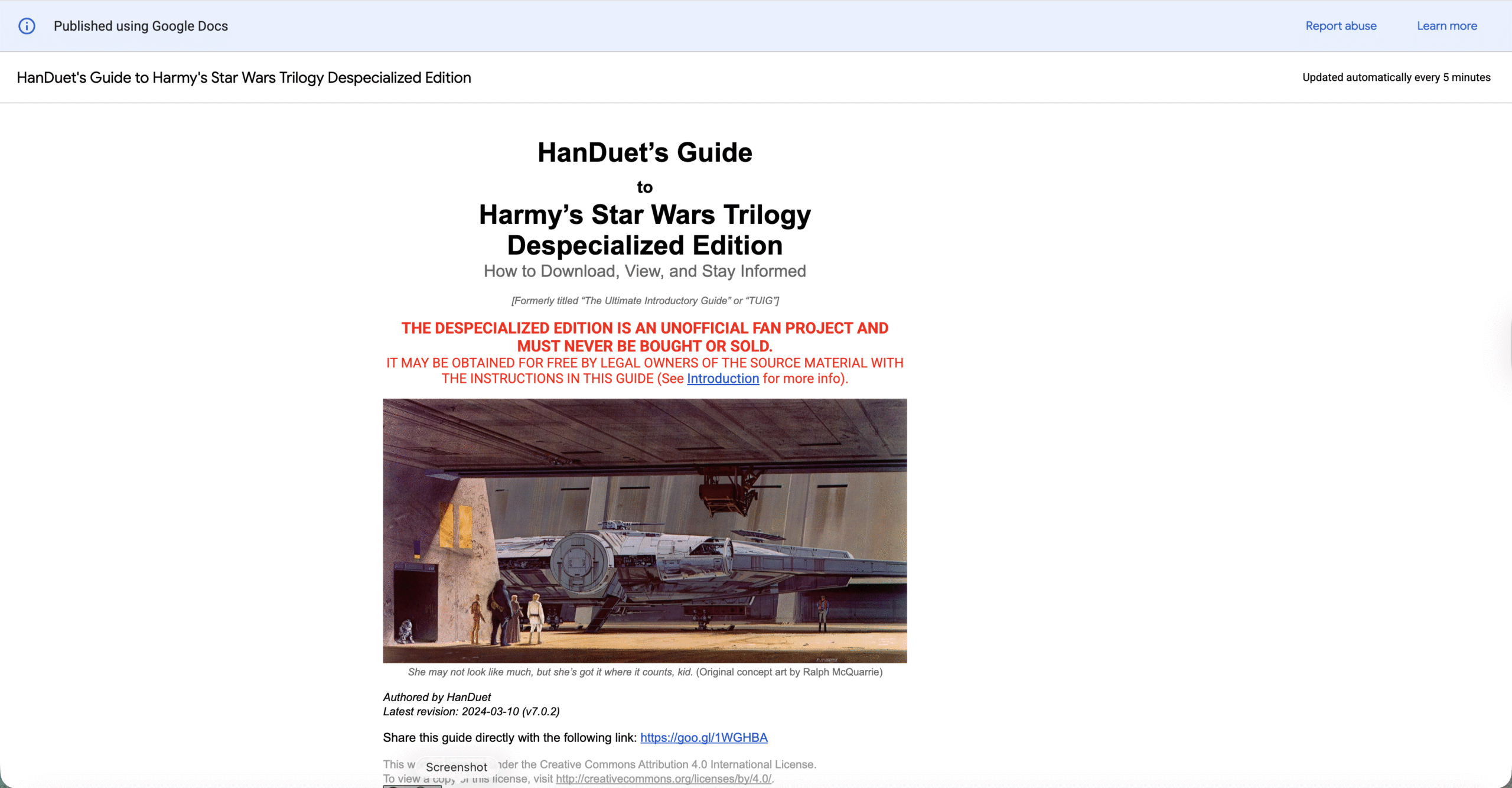
- Star Wars Despecialized Edition Forum: This forum offers updates and links to download Harmy’s Despecialized Edition.
- Private Torrent Trackers: These trackers often host the Despecialized Edition, but they may require an invitation to join.
- Unofficial Fan Sites: Some Star Wars fan sites may share links to download the Despecialized Edition.
Make sure to participate in the community, follow their guidelines, and verify the safety of the sources before downloading.
Step 4: Downloading the Despecialized Edition Files
Once you have found a reliable source, it’s time to start the download:
- Open your BitTorrent client and click the download link, which will typically be a torrent file or magnet link.
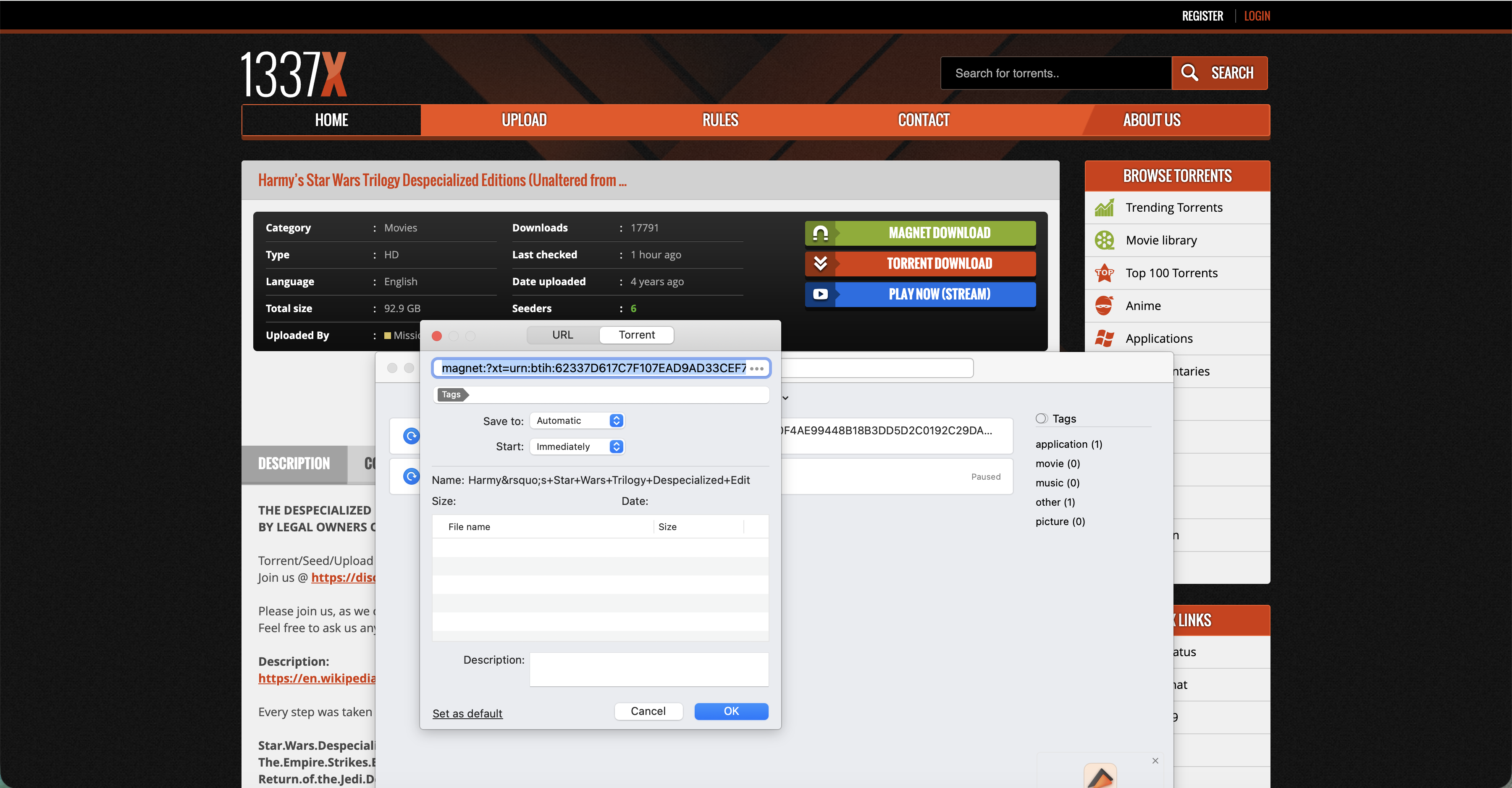
- Select a destination folder on your device to store the Despecialized Edition files.
- Monitor the download progress. The time it takes will depend on the file size and the number of seeders.
Be patient, as the Despecialized Edition files can be several gigabytes in size, and slower internet connections may take longer.
Step 5: Extracting the Files
After the download is complete, you need to extract the contents from the ISO file:
- Locate the downloaded ISO file and double-click it to open it with your disk image mounting software.
- Mount the ISO file as a virtual drive and navigate to the new drive on your computer.
- Copy the contents from the virtual drive to a desired location on your computer.
Once extracted, you can safely unmount the ISO and proceed to watch the Despecialized Edition.
Step 6: Choosing Your Playback Method
There are several ways to watch the Despecialized Edition:
- Direct Playback: Use VLC or MPC-HC to open the extracted video files directly.
- Media Server: Add the Despecialized Edition files to a media server (e.g., Plex) and stream to other devices on your network.
- Video File Conversion: If necessary, use video conversion tools like HandBrake to convert the files to a compatible format for your device.
- Burn to Disc: For a traditional viewing experience, burn the files to a DVD or Blu-ray using disc burning software.
Step 7: Enjoy the Despecialized Edition
Now that you’ve successfully downloaded, extracted, and chosen your playback method, it’s time to enjoy the Despecialized Edition:
- Set the mood by adjusting the lighting and audio settings to enhance the viewing experience.
- Explore the language and subtitle options available for an even better experience.
- Appreciate the fan-made restoration and the attention to detail that went into creating the Despecialized Edition.
Troubleshooting Common Problems
- If the torrent isn’t downloading, check your internet connection or try a different torrent client.
- If the playback is choppy, ensure your computer meets the minimum system requirements for video playback.
- If the ISO file won’t mount, try using a different disk image mounting software.
Tips
- Verify the file integrity after downloading to ensure it hasn’t been corrupted during the process.
- If you encounter playback issues, try updating your media player or codecs.
- Consider streaming the Despecialized Edition on a bigger screen for the full cinematic experience.
FAQ
Is the Despecialized Edition legal to download?
While the Despecialized Edition is not officially endorsed by Lucasfilm, it is a fan-made restoration project and is freely available for personal use.
Can I watch the Despecialized Edition on my smart TV?
Yes, you can stream the Despecialized Edition on a smart TV if you use a media server or connect your computer via HDMI.
How large is the Despecialized Edition file?
The file size varies by edition, but it typically ranges from several gigabytes to tens of gigabytes.
Summary
- Choose the Despecialized Edition you want based on your preferences for restoration quality.
- Install the necessary software, including a BitTorrent client and disk image mounting tool.
- Locate a reliable source for downloading the Despecialized Edition files.
- Choose your playback method based on your device and preferences.
Conclusion
Downloading the Despecialized Edition allows you to experience the original Star Wars trilogy as it was first seen in theaters. By following the steps outlined in this guide, you can restore the original films to their former glory and enjoy them on your own terms. Always remember to support the official Star Wars releases to help ensure the franchise's future.


Discussion (0)
Be the first to comment.