




Tubi is one of the most popular free streaming services in the U.S., offering thousands of movies and TV shows. But unlike paid platforms, it doesn’t include an official download option. This guide explains what you can and can’t do, plus safe ways to watch Tubi content offline without breaking any rules.
1) Why Tubi doesn’t offer offline downloads
Unlike Netflix or Hulu, Tubi’s licensing agreements don’t include offline rights for most titles. Every video streams directly from the cloud, and ads must run in real time.
Adding offline viewing would require rewriting those contracts, so it’s unlikely to happen soon. That’s why you’ll see the Playback Error or Network Required message whenever you try to play Tubi without Wi-Fi or mobile data.
2) Safe & legal alternatives for offline viewing
While you can’t directly download videos from Tubi, there are legal ways to record and watch them later. These methods don’t bypass DRM and keep your usage within fair-use limits.
1. Use PlayOn Cloud to record Tubi content
PlayOn Cloud is a mobile app that records your favorite streaming titles, including Tubi, and stores them as MP4 files. It works by playing the content in real time on a remote server, then sending you the recording.
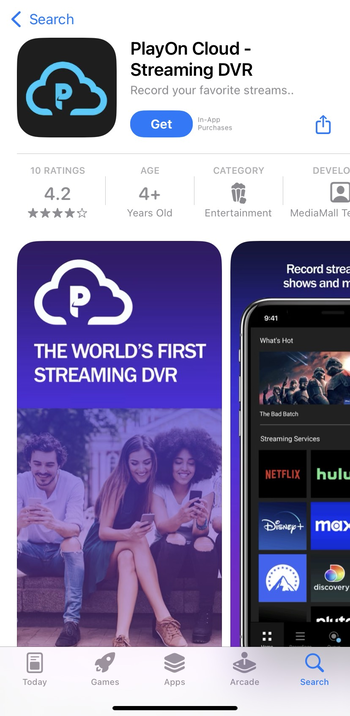
Install the app, log in with your PlayOn account, and choose Tubi from the list of supported services. Select the movie or episode, tap Record, and wait for the recording to finish. You can then download it to your device for offline playback.
2. Record Tubi using a screen capture tool
If you prefer using a PC or Mac, you can record what’s playing on your screen. Software such as the Windows built-in Game Bar or any reputable screen recorder can capture Tubi streams in full resolution.
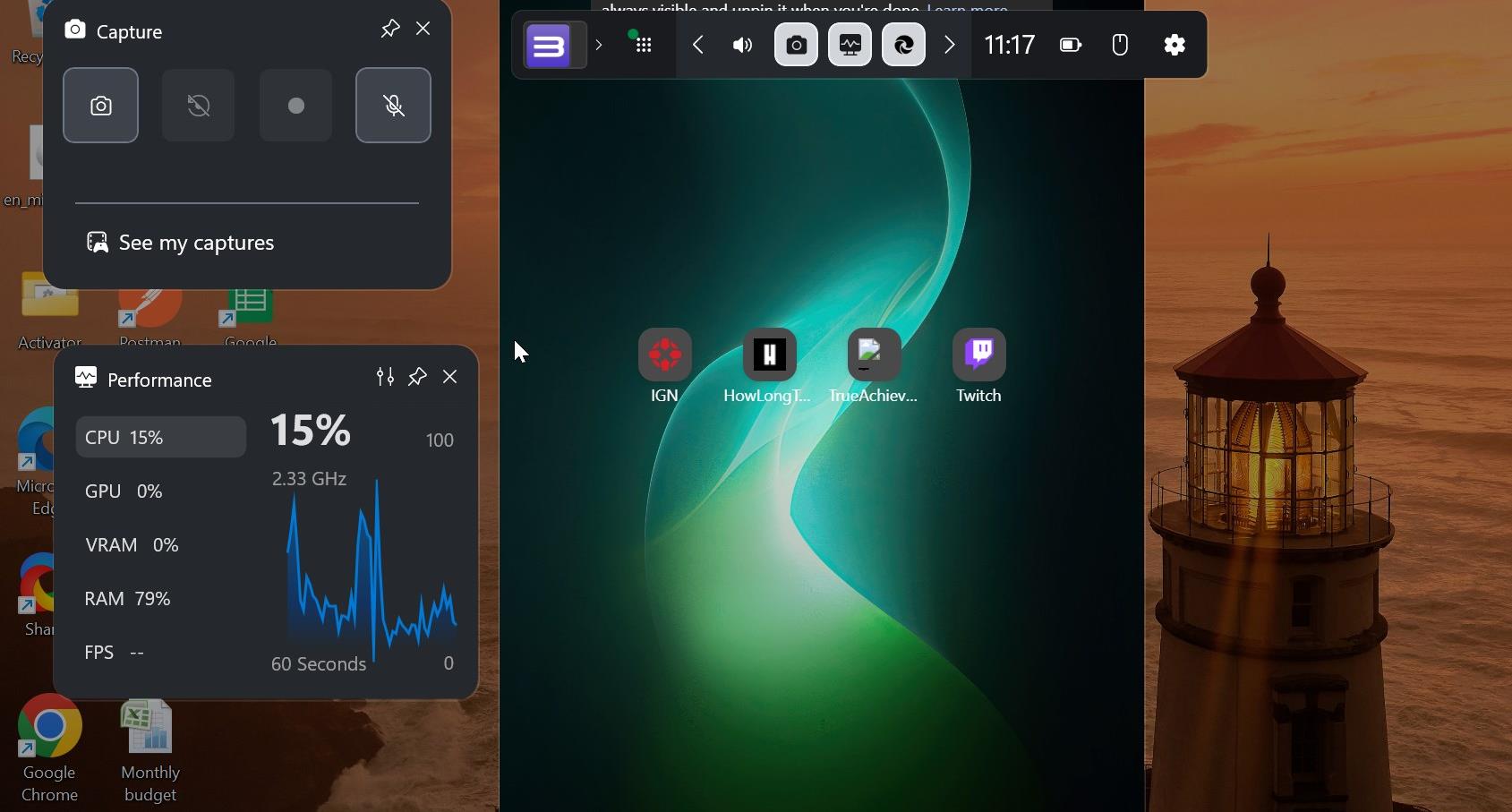
To keep quality stable, enable system audio recording and avoid minimizing the player. Store recordings in MP4 format to save space. Remember - these recordings are for personal use only and shouldn’t be shared online.
3) Legal and ethical considerations
Downloading or redistributing Tubi videos without authorization can breach copyright laws. Always use methods that keep your viewing private and personal. Ad-supported services depend on active ad playback, which disappears once content is recorded.
If you want true offline playback, consider switching to a premium streaming platform that officially supports downloads.
4) Best Tubi download tools
If you decide to explore software options, focus on recorders rather than downloaders. Recorders capture what’s displayed on your screen in real time, avoiding DRM violations.
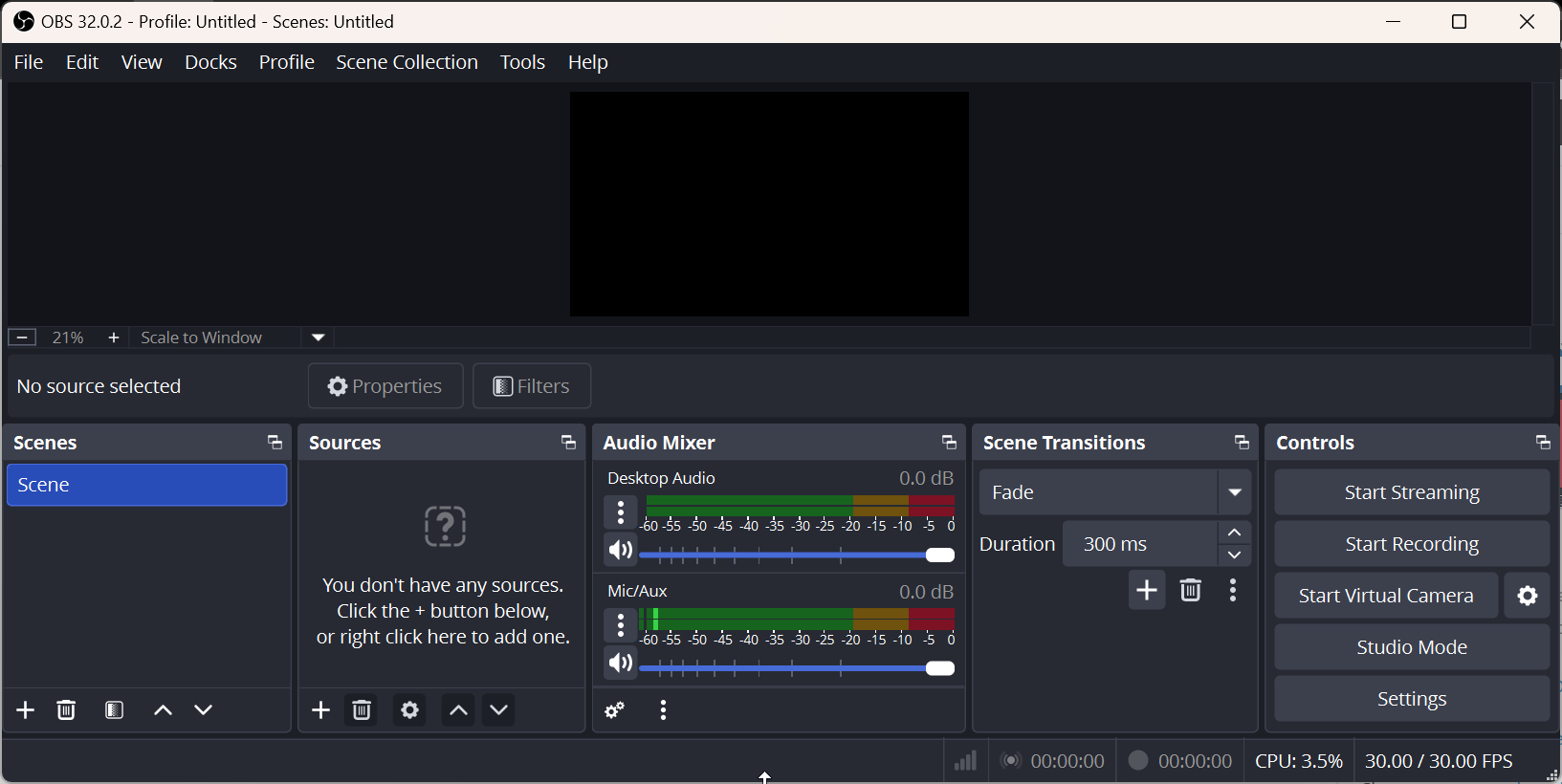
Reliable tools include PlayOn Cloud, OBS Studio, and screen recorders built into Windows or macOS. Each balances speed, quality, and legality differently.
5) Common issues when recording Tubi
- Recording shows a black screen: DRM protection or hardware acceleration may be blocking capture. Disable Use hardware acceleration in your browser settings before recording.
- Audio sync problems: This usually occur when the CPU is overloaded. Close other programs and ensure your device has enough storage space for long recordings.
FAQs about downloading from Tubi TV
Can I download movies directly from Tubi? No. Tubi only supports streaming, and its apps don’t have a download button or offline mode.
Is it legal to record from Tubi? Yes, if it’s for private use and you don’t share or sell the recordings.
Why does my screen recording show a blank video? Tubi uses DRM and hardware overlays that may block capture. Turning off acceleration usually fixes it.
Does Tubi have offline mode on mobile? Not currently. The feature may come later, but for now, apps like PlayOn Cloud are the only safe workaround.
Summary: What you can (and can’t) do
- Tubi doesn’t offer direct downloads or offline playback.
- You can record shows for personal use using PlayOn Cloud or a desktop recorder.
- Always stay within fair-use rules to avoid copyright issues.
- Mobile and smart TV apps are streaming-only, with no storage option.
- For official offline viewing, choose platforms that support downloads by design.
Conclusion
While Tubi TV doesn't officially offer offline downloads, there are safe, legal alternatives to enjoy your favorite content without a continuous internet connection. By using tools like PlayOn Cloud or screen recording software, you can capture and save Tubi videos for personal use.
However, it’s essential to understand the platform's limitations and the legal boundaries around recording and sharing content. For those who need offline access, exploring premium streaming services with built-in download options might be worth considering.


Discussion (0)
Be the first to comment.