




First-time logo creators don’t fail because they lack creativity. They stall because they can’t “see” the result early, they fear ruining a decent design, and they don’t know what choices matter most. A beginner-friendly logo maker should shorten the distance between idea → usable logo, while keeping the process forgiving.
Design.com and Hatchful both target beginners, but they solve beginner anxiety in two different ways: one focuses on instant variety and controlled editing, the other focuses on guided choices and a simplified finish. This comparison covers logo creation only.
The beginner journey: “show me options” vs “walk me through it”
Design.com: starts with outcomes, not questions
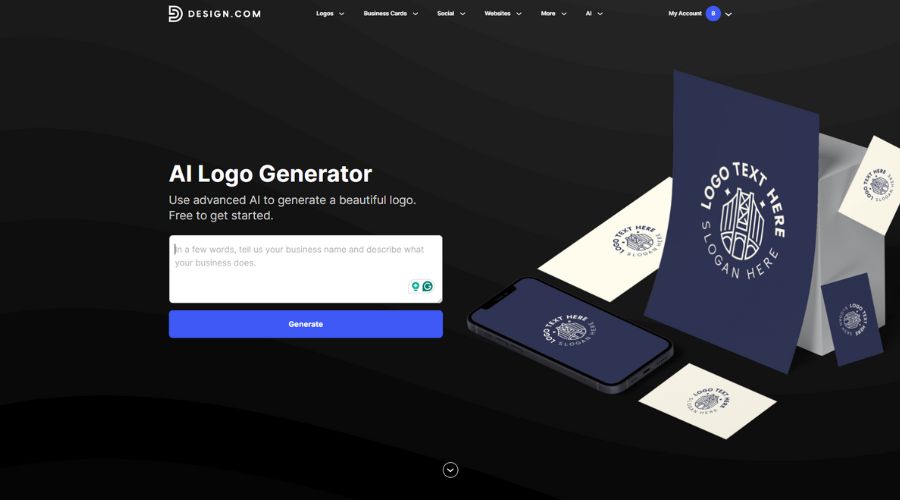
Design.com opens with the most beginner-friendly prompt possible: the brand name. From there, the platform uses AI to infer an industry direction and related keywords automatically, so users can start judging real logos right away.
The experience emphasizes momentum:
- Enter name
- Scroll real logo directions
- Save favorites
- Refine one that feels close
Beginners don’t need to describe design preferences up front. They can “vote with their eyes” instead.
Hatchful: starts with direction, then reveals designs
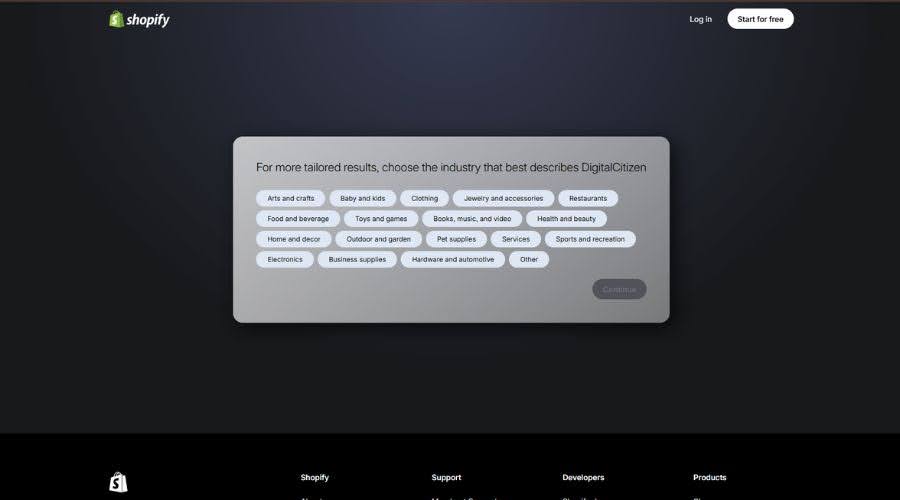
Hatchful uses a wizard-like setup to help users define the brand before generating anything.It first asks for the brand name and then you also have to select a suitable industry. That flow helps beginners who want structure, but it delays the moment when users finally react to actual logo options. The industry list is also pretty short and you cannot add your own custom answer.
In practice, Hatchful suits people who think:
- “I need help defining what I want”
while Design.com suits people who think: - “Show me choices and I’ll figure it out.”
Variety and discovery: how quickly beginners find a “yes”
Design.com: lots of distinct starting points

Design.com’s strength for beginners comes from breadth and layout diversity. Within one session, users typically see logos that differ in structure, not just in color:
- icon + name combinations
- wordmarks
- emblem-style layouts
- stacked vs horizontal arrangements
Because Design.com draws from 360,000+ logo templates, users can compare multiple real directions without regenerating repeatedly.
Beginner impact: users often reach a short list fast because the platform puts many “different answers” on the table immediately.
Hatchful: fewer options, more consistency
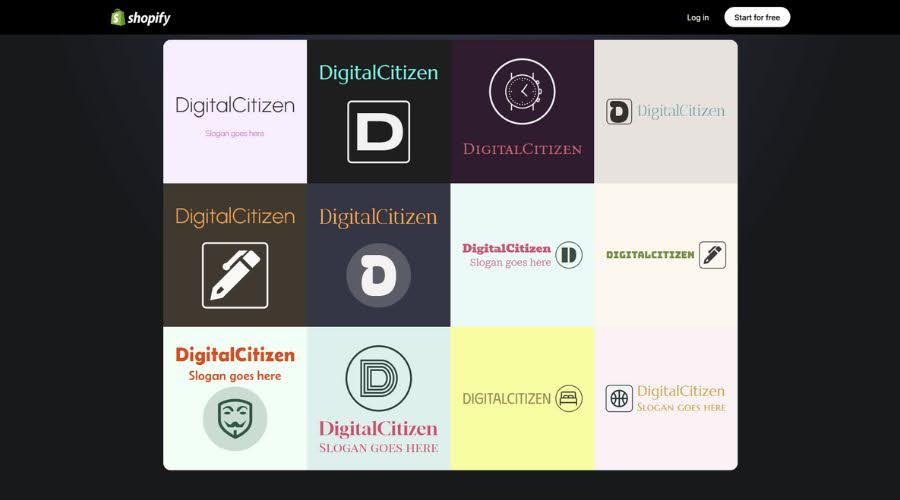
Hatchful usually generates a smaller set of designs that align tightly with the chosen category and style. That consistency can feel reassuring, but it often means many results resemble each other in composition. Users may need to restart the wizard to see a noticeably different direction.
Beginner impact: Hatchful reduces choice overload, but it can also reduce the chance of finding a standout concept on the first try.
Editing confidence: what happens after a beginner picks a logo
Design.com: deeper edits without design penalties

Design.com makes editing feel safe because changes don’t “break” alignment easily. Beginners can:
- swap typography across 750+ fonts (including 525 exclusive fonts)
- adjust colors across the design
- edit text and layout orientation
- fine-tune spacing and proportions in the advanced editor
This setup encourages exploration. Beginners can test options and still keep the logo looking balanced.
Hatchful: light edits that prevents messing up hierarchy
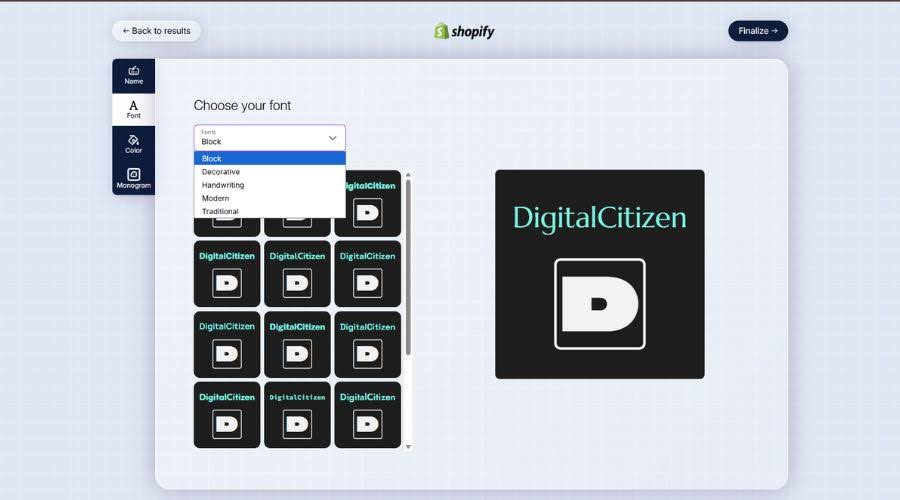
Hatchful gives beginners only the most essential levers, like colors and font styles from a curated set. Users won’t get deep controls for spacing or detailed layout tweaks.
That limitation helps beginners avoid messy logos. It also blocks them from polishing a logo when it feels “almost right.”
Downloads and real usability: can beginners actually use the logo?
Design.com: full export flexibility, including free logo downloads
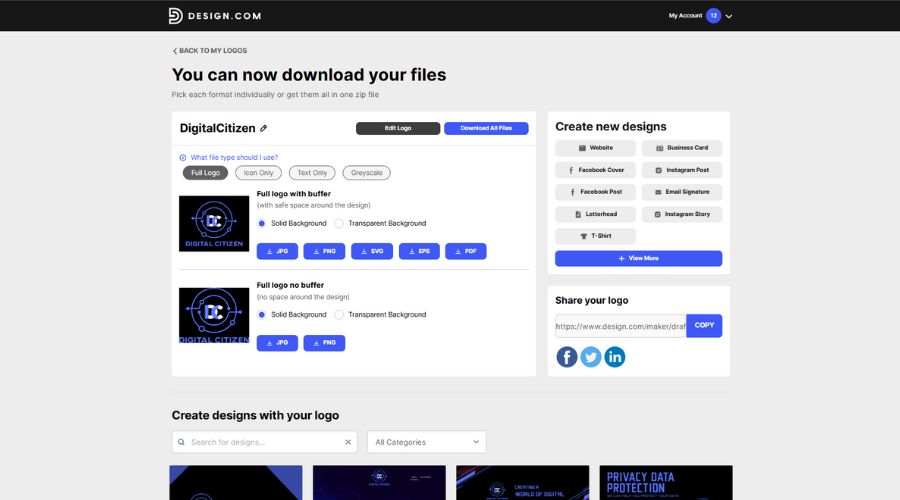
Design.com supports multiple formats, including:
- vectors: SVG, EPS, PDF
- raster: PNG, JPG
- animation: GIF, MP4
Most importantly for beginners: the free plan lets users download the same high-resolution raster and vector logo files as paid plans. Users can also access a free website builder, a free link-in-bio creator, and a free digital business card maker. They can create and save unlimited other designs, but they need a paid plan to download those extra design files.
Hatchful: free and straightforward logo package

Hatchful offers a free kit designed around practical usage. It typically includes high-resolution files for common placements like social profiles and icons, plus transparent options and a vector file. You get a horizontal, vertical, transparent background and sample for Instagram stories.
For many first-time creators, Hatchful’s biggest win comes from clarity: make a logo → download a usable bundle → move on.
Which tool feels easier depends on the type of beginner
Design.com feels easier for beginners who:
- want to browse many directions quickly
- prefer choosing by comparison instead of answering branding questions
- want room to refine without needing design knowledge
- plan to grow beyond a single logo later
Hatchful feels easier for beginners who:
- want a guided path with fewer decisions
- need a logo fast and don’t plan to iterate much
- prefer simplicity over customization
Quick comparison for first-time creators
| Beginner need | Design.com | Hatchful |
| Fast start | Very fast | Guided setup first |
| Variety in one run | Very high | Moderate |
| Customization depth | High, beginner-safe | Low, very simple |
| Risk of “messing it up” | Low, due to guardrails | Very low |
| Download usability | High (many formats) | High (simple bundles) |
| Best fit | Explorers and improvers | “Just get it done” users |
Verdict
Both tools remove many of the barriers that stop first-time users from creating a logo, but they do so in very different ways.
Hatchful works best as a fast, guided shortcut. It helps users reach a usable logo with minimal effort, but it also limits how far that logo can be refined. Once the initial result feels “good enough,” there is little room to improve it further without starting over.
Design.com, on the other hand, supports beginners throughout the entire journey, not just the first five minutes. Its logo generator shows a wider range of distinct logo directions up front, allows meaningful customization without risking visual imbalance, and makes it easy to iterate until the logo actually feels right. The ability to download high-resolution and vector logo files even on the free plan also removes friction at the final step, when beginners often get stuck.
For first-time logo creators who want confidence, flexibility, and a result that can grow with their project, Design.com is the easier tool in the long run—not because it does less, but because it helps beginners do more without feeling overwhelmed.


Discussion (0)
Be the first to comment.