



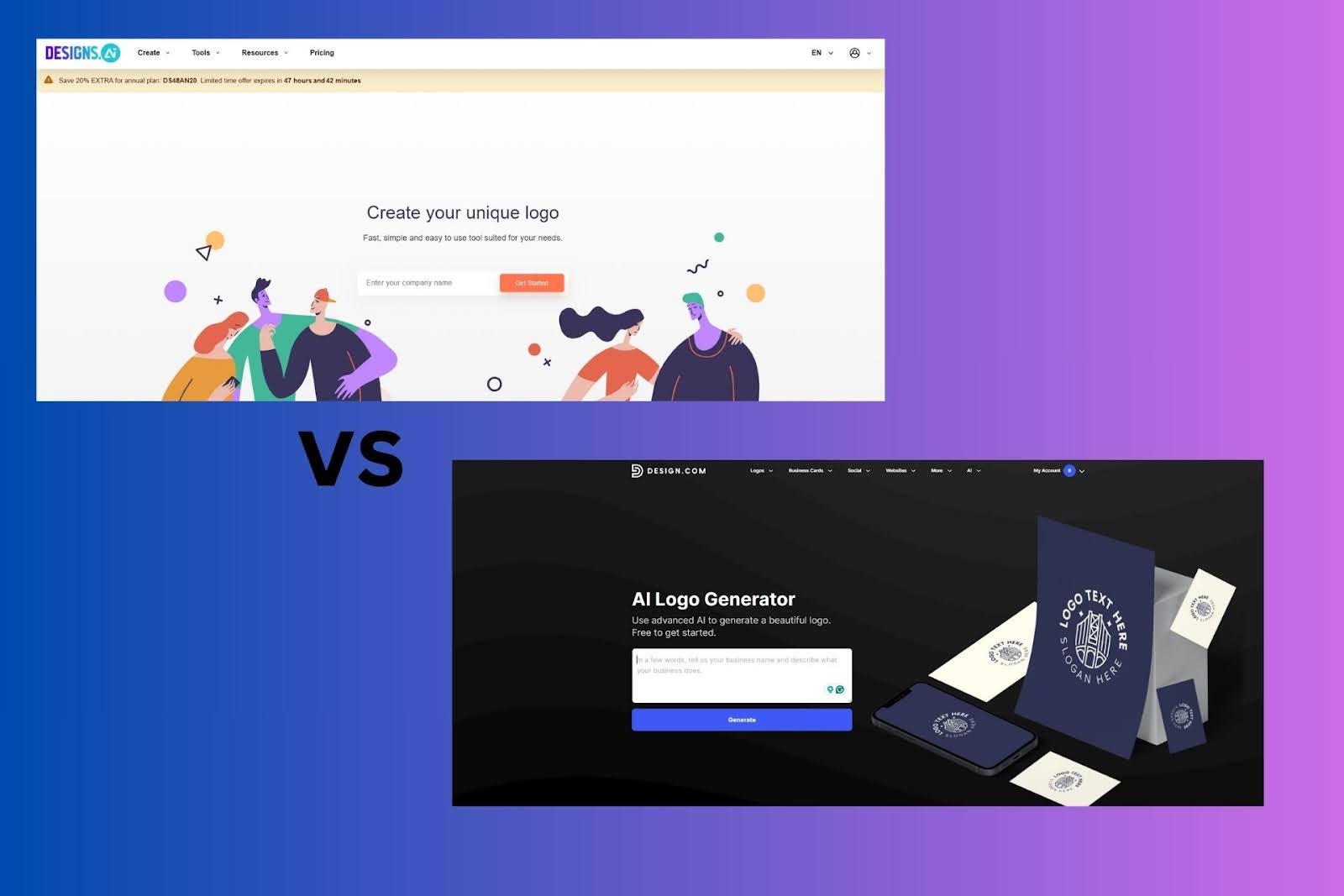
For beginners, an AI logo generator must do more than generate visuals quickly. It must reduce uncertainty at every stage: the first set of logo options should look credible, customization should feel safe even without design knowledge, and exported files should work immediately in real business contexts.
Design.com and Designs.ai both use AI to generate logos, but the way each platform structures the process leads to very different beginner outcomes.
This comparison evaluates logo creation only, excluding websites, videos, text generation, or other auxiliary tools.
Logo creation approach and scale
Design.com: logo-first system built on volume and structure
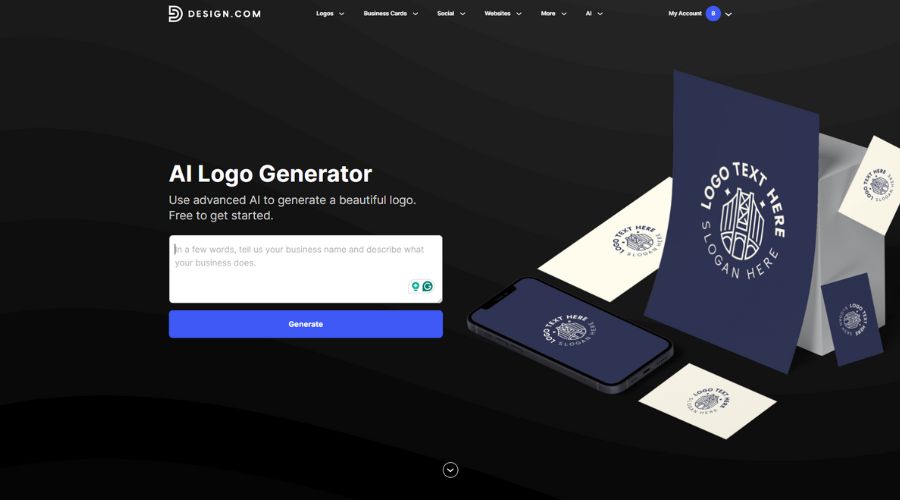
Design.com approaches logo creation as its core product. Logos are generated from a library of 360,000+ professionally designed logo templates, supported by over 1 million total design templates across industries. The AI infers industry relevance and related keywords directly from the business name, meaning users do not need to manually select industries or describe styles before seeing results.
In practice, this results in hundreds to thousands of logo options appearing almost immediately after entering a business name. More importantly, these options are not simple variations. They represent different structural concepts, giving beginners meaningful choices early.
This scale significantly lowers the chance of “empty” sessions where no logo feels usable.
Designs.ai: logo maker embedded in a broader AI suite
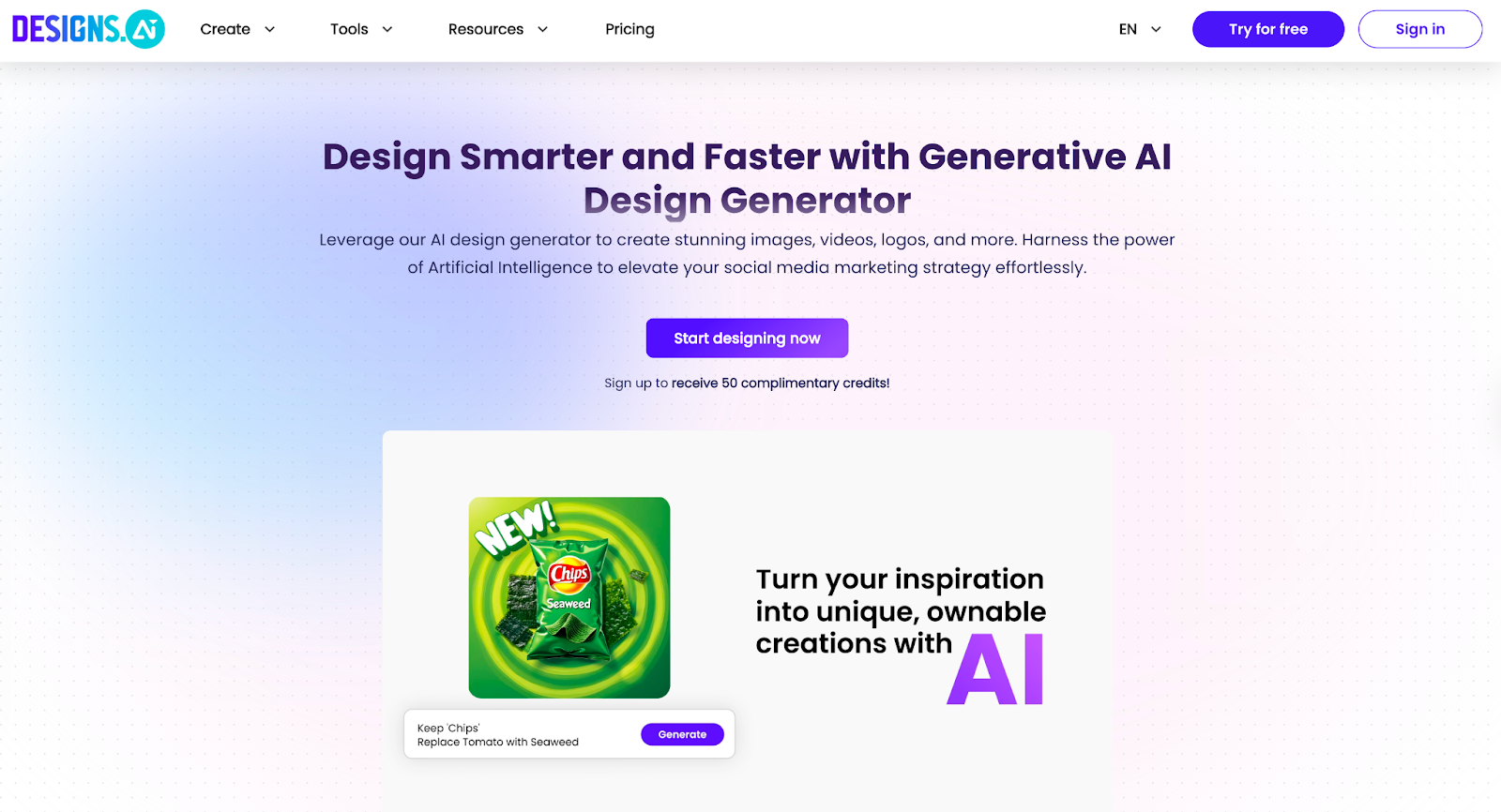
Designs.ai includes its Logomaker as one component of a wider AI platform. Logo generation follows a guided flow: users enter a business name, select an industry, choose a logo type (icon, name, or initials), and then refine the generated output.
While this flow is easy to follow, it inherently narrows the range of results. Because the AI relies heavily on predefined categories and icon sets, many generated logos share similar layouts and visual patterns.
As a result, beginners often see dozens of options per session, but far fewer that feel genuinely distinct.
Logo generation quality and directional variety
Design.com: multiple viable directions in a single session
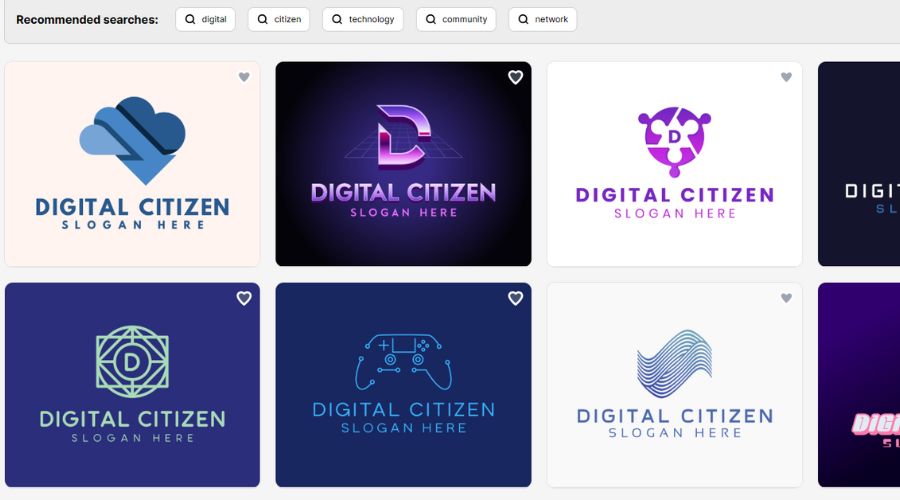
In one generation session, Design.com typically surfaces logos across 4–6 structurally different categories, such as:
- Icon-forward marks
- Clean wordmarks
- Emblem-style logos
- Horizontal and stacked layouts
Each category uses different typography hierarchies, spacing systems, and icon-to-text ratios. This allows beginners to compare branding directions instead of fine-tuning surface details.
Practical effect:
Most users can reduce hundreds of options down to 3–5 strong candidates without needing to regenerate.
Designs.ai: needs more input, output with lower differentiation
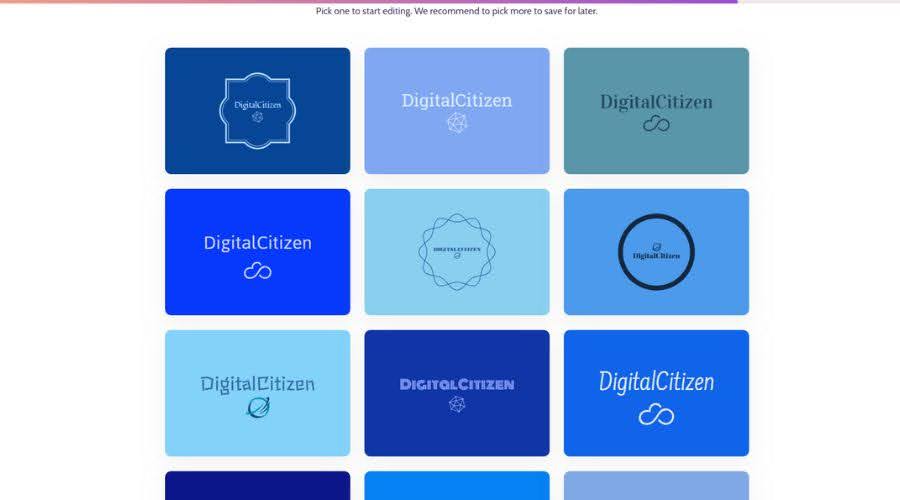
Designs.ai produces logo results fairly quickly, but it requires more manual input, such as industry information, color preference, and logo type (icon, wordmark, etc.) Structural variation is noticeably lower. Many logos differ only by color palette, font weight, or minor icon adjustments rather than by composition.
Practical effect:
Beginners often need 2–3 regeneration cycles to reach the same level of directional contrast that Design.com provides in a single run.
Customization depth and editing safety
Design.com: editing protected by design guardrails
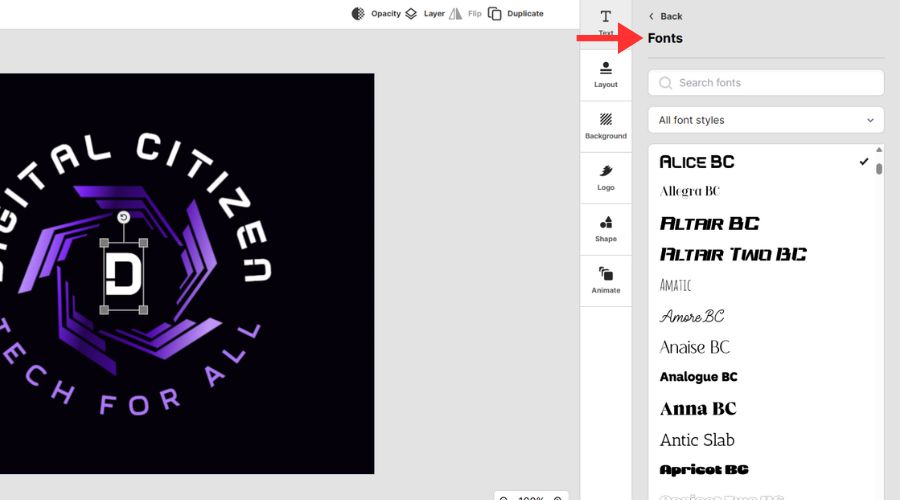
Design.com provides a customization environment designed to prevent accidental visual degradation. Users can edit:
- Typography using 750+ fonts, including 525 exclusive fonts
- Colors applied globally for consistency
- Text content and layout orientation
- Spacing and proportions through advanced controls
Edits behave predictably. Changing fonts or colors does not collapse spacing, misalign elements, or distort hierarchy.
Why this matters:
Beginners can make dozens of edits without needing to understand design rules or manually fix layout issues.
Designs.ai: functional editing with higher sensitivity
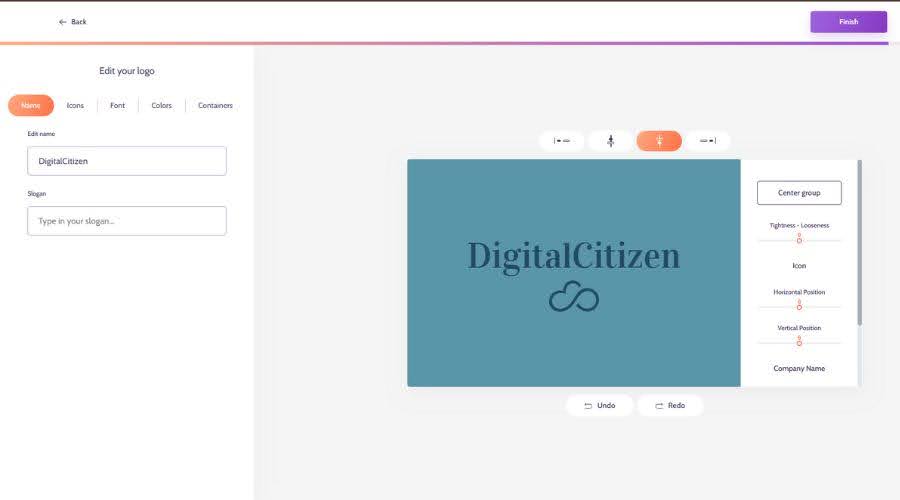
Designs.ai offers standard editing features, but changes affect layout more directly. Font substitutions and icon swaps can alter spacing or balance in ways that require manual correction.
Why this matters:
Beginners may need to intervene after 1–2 significant edits to restore visual balance, increasing friction and slowing progress.
Export formats and real-world usability
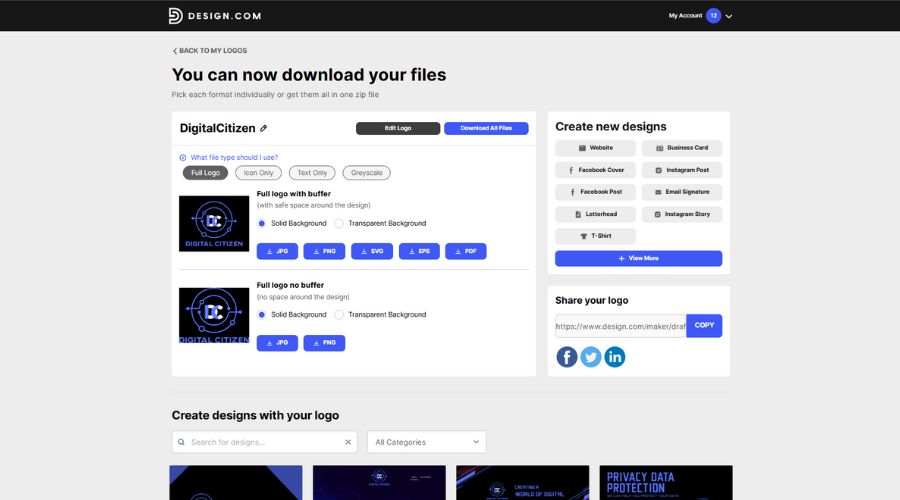
Design.com: full logo usability, even on the free plan
Design.com allows logo downloads in:
- Vector formats: SVG, EPS, PDF
- Raster formats: PNG, JPG
- Animated formats: GIF, MP4
Critically, the free plan includes access to the same high-resolution raster and vector logo files as paid plans. This means beginners can:
- Test logos on websites
- Share files with printers or developers
- Validate designs in real environments before making any purchase decision.
Key takeaway:
Beginners retain 100% access to logo files during the evaluation phase.
Designs.ai: polished presentation with restricted access
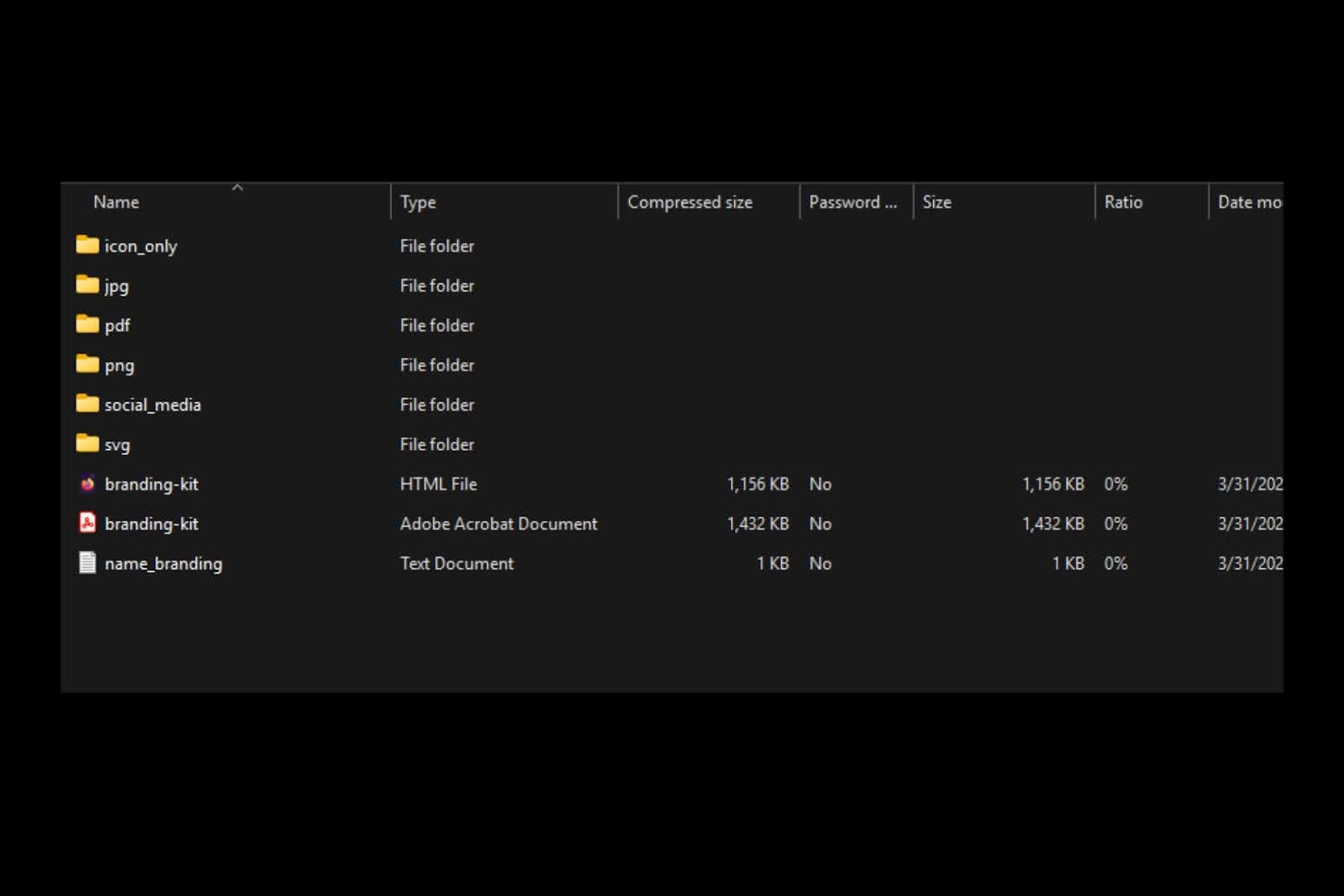
Designs.ai packages logos alongside visual mockups and a branding-style presentation, which helps users imagine how the logo might look on business cards or signage.
You can download in SVG, PNG, JPG, and PDF.
However, downloading logo files requires upgrading to a paid plan or converting a trial.
Key limitation:
Without upgrading, users can preview but cannot practically deploy the logo.
Pricing structure and beginner risk
Design.com: exploration-first pricing model
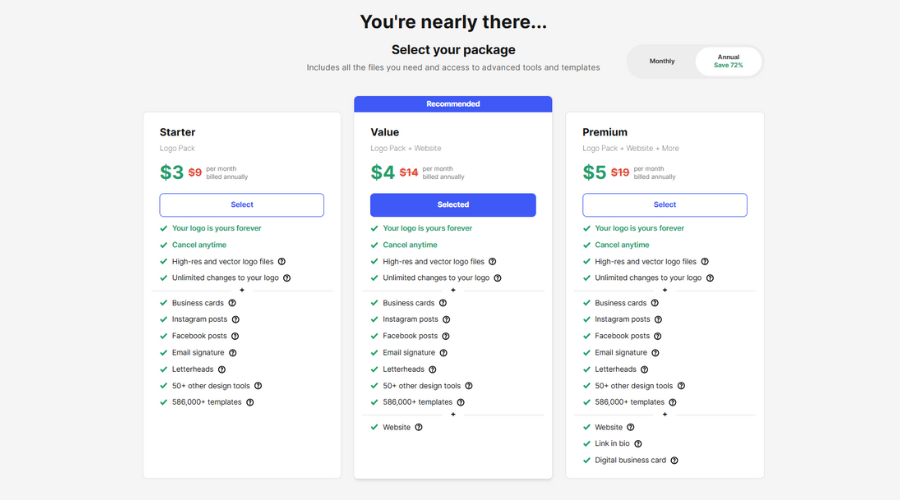
- Free plan includes full logo downloads
- Paid plans expand usage across 50+ branding tools
- Monthly and annual billing available
- Annual billing offers a substantial discount compared to monthly pricing
- No per-logo fees
This allows beginners to complete the logo process before committing financially.
Designs.ai: earlier commitment required
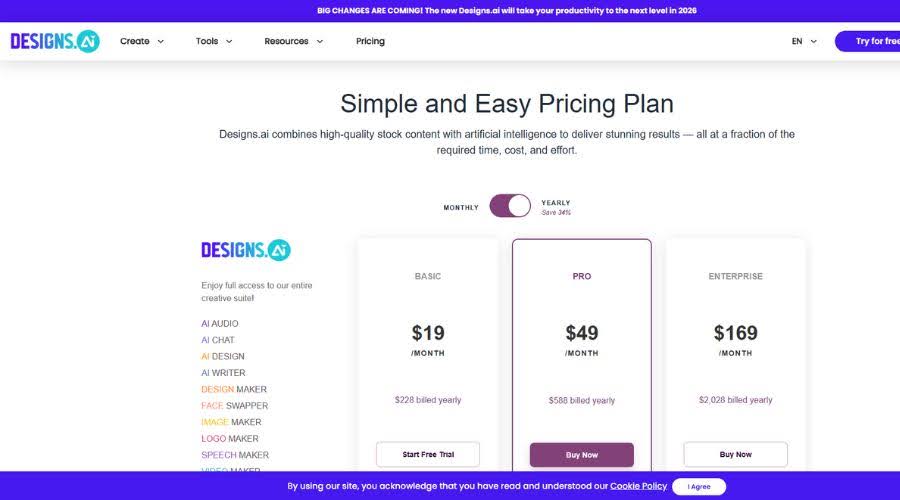
Designs.ai Logomaker offers free logo generation and design exploration. Users can create logos without immediate payment and experiment with different options before upgrading.
Downloading and exporting final logo files in usable formats still requires a paid plan. The free mode supports exploration and iteration without cost, but actual file downloads are gated behind subscription or trial conversion.
Designs.ai pricing starts at:
- $19/month (Basic)
- $49/month (Pro)
- $169/month (Enterprise)
Plans are tied to AI credit usage, and trials require payment details.
Beginner implication:
Users must commit financially before confirming that the logo meets real-world needs.
Beginner-focused outcome comparison
| Beginner concern | Design.com | Designs.ai |
| Logo options per session | Hundreds to thousands | Dozens |
| Distinct layout directions | 4–6 | 1–2 |
| Fonts available | 750+ | Fewer |
| Free vector downloads | Yes | No |
| Regeneration frequency | Low | Moderate |
| Logo-first focus | Core product | Secondary feature |
Final assessment
For beginners, better AI logos come from better starting conditions, not more experimentation. Design.com’s scale, 360,000+ logo templates, 750+ fonts, and free access to all logo file formats create a faster, safer path to a professional result.
Designs.ai remains useful as part of a broader AI content platform, but its logo maker requires more iteration, more manual correction, and earlier financial commitment.
Bottom line
For users creating their first logo and prioritizing confidence, speed, and real-world usability, Design.com delivers stronger and more consistent outcomes.


Discussion (0)
Be the first to comment.