UP

Uncategorized

article Ultimate Vimm’s Lair Download Guide for Windows 11 Users

Ultimate Vimm’s Lair Download Guide for Windows 11 Users

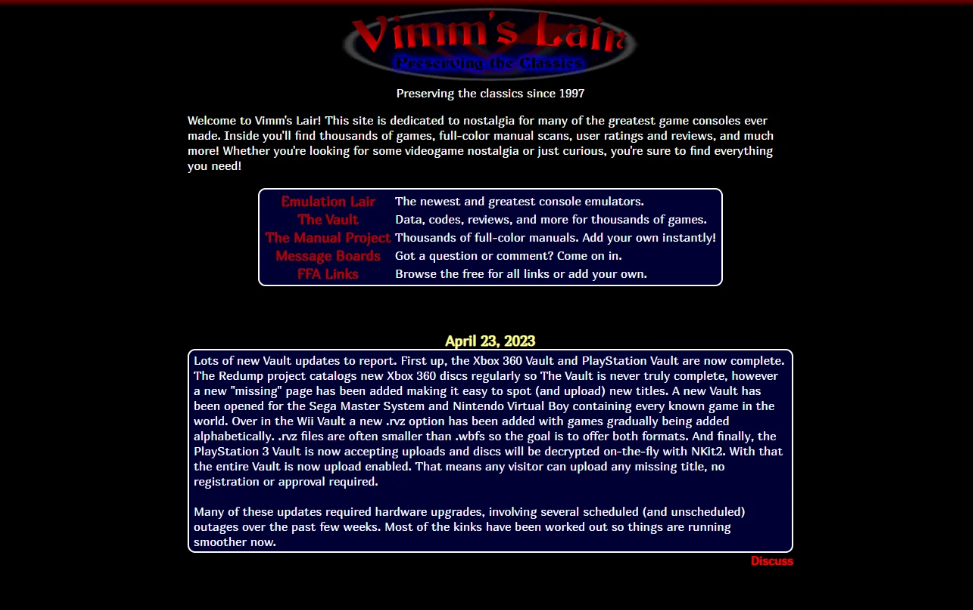
If you are looking for an ultimate Vimm’s Lair download guide, it is important to understand what the platform offers and the legal considerations involved. Vimm’s Lair is a website known for hosting retro game-related content, often discussed in emulation communities. Before downloading anything on Windows 11, you should be aware of copyright laws, security risks, and safe alternatives. This guide explains what Vimm’s
article How to Customize and Change Chrome Color and Theme in Windows 11

How to Customize and Change Chrome Color and Theme in Windows 11

If you want to customize and change Chrome color and theme in Windows 11, you can do it directly from Google Chrome settings. Chrome allows you to switch themes, adjust accent colors, and even match the browser with your Windows 11 system theme. Customizing Chrome not only improves appearance but also makes browsing more comfortable. This guide explains why themes matter and how to
article What Is SLAT (Second Level Address Translation) in Windows 11?

What Is SLAT (Second Level Address Translation) in Windows 11?

SLAT (Second Level Address Translation) is a processor feature that improves virtualization performance in Windows 11. It allows virtual machines to run more efficiently by reducing the overhead involved in memory management. If you use Hyper-V, Windows Subsystem for Android, or other virtualization tools in Windows 11, SLAT plays an important role. This guide explains what SLAT is, why it matters, and how to
article How to Remap Keyboard Keys in Windows 11 Using SharpKeys

How to Remap Keyboard Keys in Windows 11 Using SharpKeys

If you want to remap keyboard keys in Windows 11 using SharpKeys, you can easily change how specific keys behave without installing complex software. SharpKeys lets you reassign one key to function as another by modifying the Windows Registry. Windows 11 does not include a built-in key remapping tool for advanced changes. That is why many users rely on SharpKeys for simple and permanent
article How to Make Text Bigger on Windows 11

How to Make Text Bigger on Windows 11

If you want to make text bigger on Windows 11, you can adjust the built-in accessibility settings in just a few clicks. Windows 11 allows you to increase text size without changing screen resolution or scaling the entire display. This feature is helpful if text appears too small, especially on high-resolution monitors or laptops. In this guide, you will learn why increasing text size
article What Is XResolver and How Does It Work?

What Is XResolver and How Does It Work?

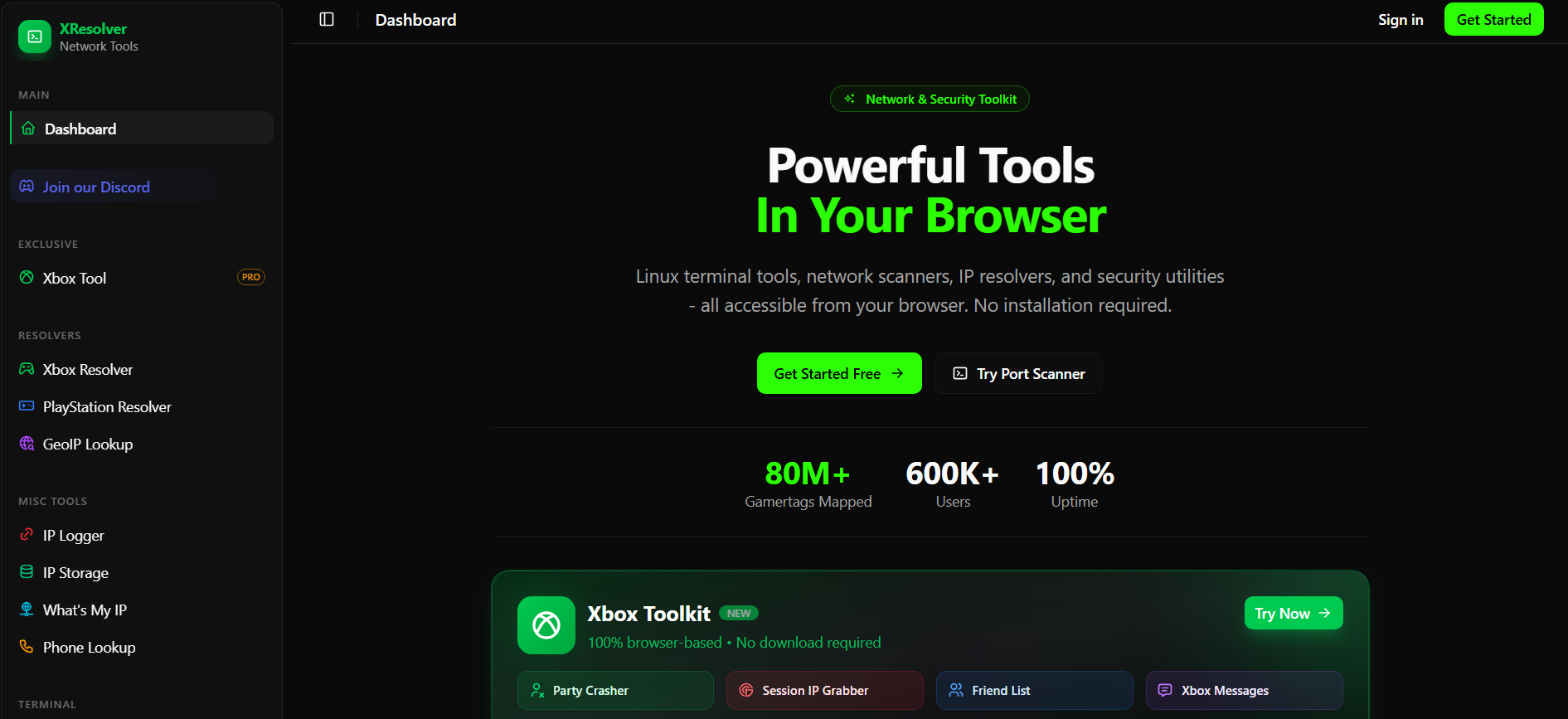
XResolver is a website that claims to link gaming usernames to IP addresses. It is often mentioned in online gaming communities, especially during disputes or discussions about player tracking. If you are searching for details about XResolver, it is important to understand what it does, how it reportedly works, and whether it is safe. This guide explains the topic clearly and focuses on privacy
article How to Fix Windows 11 Black Screen Problems

How to Fix Windows 11 Black Screen Problems

Windows 11 black screen problems can occur during startup, after login, or while using your PC. Instead of the desktop, you may see a completely black display with or without a cursor. This issue is usually caused by display driver errors, Windows updates, hardware problems, or system file corruption. The good news is that most black screen issues in Windows 11 can be fixed
article Twitter Sign In or Log In Help on Windows 11

Twitter Sign In or Log In Help on Windows 11

If you need Twitter sign in or log in help on Windows 11, there are several ways to fix common access problems. Whether you forgot your password, cannot receive a verification code, or see an error message, most issues can be resolved from the sign-in page itself. Twitter, now officially known as X, can be accessed through any web browser on Windows 11, including
article Ultimate Windows Tweaker 5 for Windows 11: Features and How to Use It

Ultimate Windows Tweaker 5 for Windows 11: Features and How to Use It

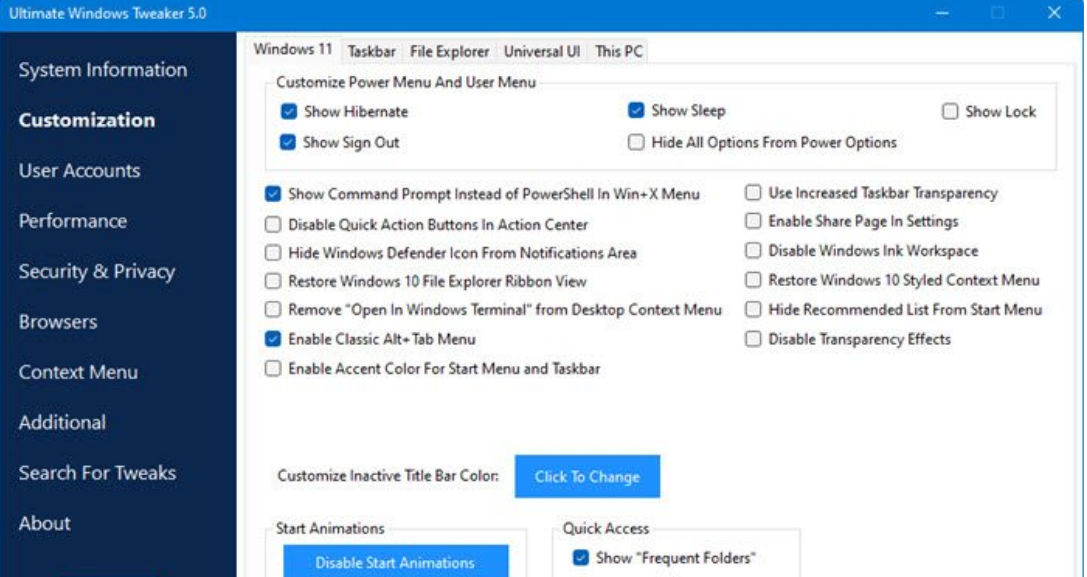
Ultimate Windows Tweaker 5 for Windows 11 is a free customization tool that lets you tweak system settings, improve privacy, and adjust performance options from a single interface. It is designed specifically for Windows 11 and works without requiring complex commands or scripts. If you want more control over Windows 11 beyond what the Settings app offers, Ultimate Windows Tweaker 5 can help. This
article How to Open a CRDOWNLOAD File in Windows 11

How to Open a CRDOWNLOAD File in Windows 11

If you are trying to open a CRDOWNLOAD file in Windows 11, you should know that it is not a regular file. A CRDOWNLOAD file is a temporary file created by Google Chrome while a download is still in progress. You cannot open a CRDOWNLOAD file directly unless the download has finished or you manually rename it in certain cases. This guide explains what
article What Is Microsoft Update Catalog and How to Use It in Windows 11

What Is Microsoft Update Catalog and How to Use It in Windows 11

Microsoft Update Catalog is an official online repository where you can manually download Windows updates, drivers, and security patches. It is especially useful when Windows Update fails or when you need a specific update file for offline installation. In Windows 11, most updates install automatically through Windows Update. However, advanced users and IT administrators often rely on Microsoft Update Catalog to download standalone update
article How to Change Taskbar Size on Windows 11

How to Change Taskbar Size on Windows 11

If you want to change Taskbar size on Windows 11, you should know that Microsoft does not provide a built-in setting to resize it. However, you can still adjust the taskbar size using the Windows Registry. Windows 11 introduced a redesigned taskbar with fewer customization options compared to Windows 10. While the interface looks cleaner, some users prefer smaller or larger taskbar icons. This
article How to Fix Kernel Security Check Failure in Windows 11

How to Fix Kernel Security Check Failure in Windows 11

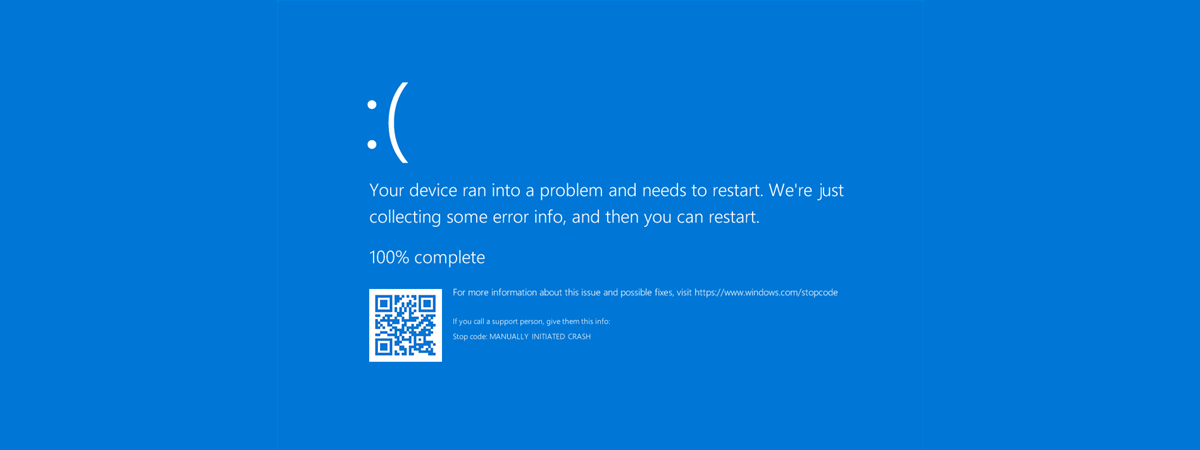
The Kernel Security Check Failure in Windows 11 is a Blue Screen error that usually appears due to driver issues, corrupted system files, or memory problems. When this error occurs, your PC crashes and restarts to prevent further damage. If you are seeing this error repeatedly, do not worry. In most cases, it can be fixed using built-in Windows 11 tools. This guide explains
article How to Find and View BSOD Log Files in Windows 11 Using Event Viewer

How to Find and View BSOD Log Files in Windows 11 Using Event Viewer

If your PC crashes with a blue screen, you can find and view BSOD log files in Windows 11 using Event Viewer. These logs record system errors and help you understand what caused the crash. Windows 11 automatically saves crash details in system logs and memory dump files. In this guide, you’ll learn where those logs are stored, how to access them, and how
article What Is Windows 11 LTSC (Long-Term Servicing Channel)?

What Is Windows 11 LTSC (Long-Term Servicing Channel)?

Windows 11 LTSC (Long-Term Servicing Channel) is a special enterprise edition of Windows 11 built for long-term stability. Unlike the regular versions of Windows 11, it does not receive frequent feature updates and focuses mainly on security and reliability. This edition is designed for organizations that need predictable performance over many years. In this article, you’ll learn what Windows 11 LTSC is, how it
article How to Reduce Distractions in Windows 10 Using Free Tools

How to Reduce Distractions in Windows 10 Using Free Tools

If you want to reduce distractions in Windows 10, there are several built-in features and free tools that can help you stay focused. Windows 10 includes options like Focus Assist, notification controls, and taskbar customization that make it easier to work without interruptions. In this guide, you’ll learn why distractions happen on Windows 10 and how to minimize them using simple, safe, and free
article How to Open System Properties in Windows 10 (Also Works on Windows 11)

How to Open System Properties in Windows 10 (Also Works on Windows 11)

System Properties in Windows lets you view important information about your PC, including system type, processor, RAM, computer name, domain settings, and advanced system settings. Although Windows 11 has moved some options into the Settings app, you can still access System Properties in both Windows 10 and Windows 11 using multiple methods. Here’s how to open System Properties step by step. Method 1: Use